
AI LinkedIn Headshot Generator
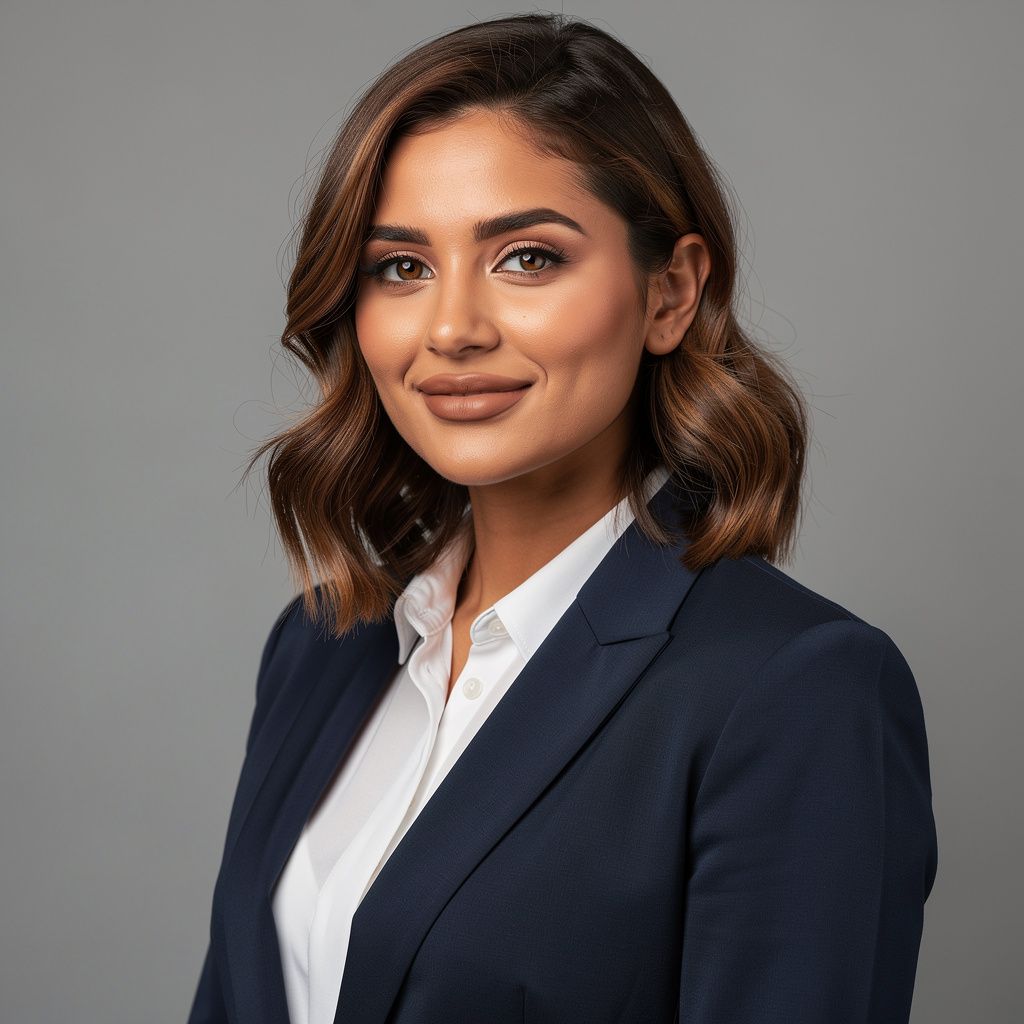
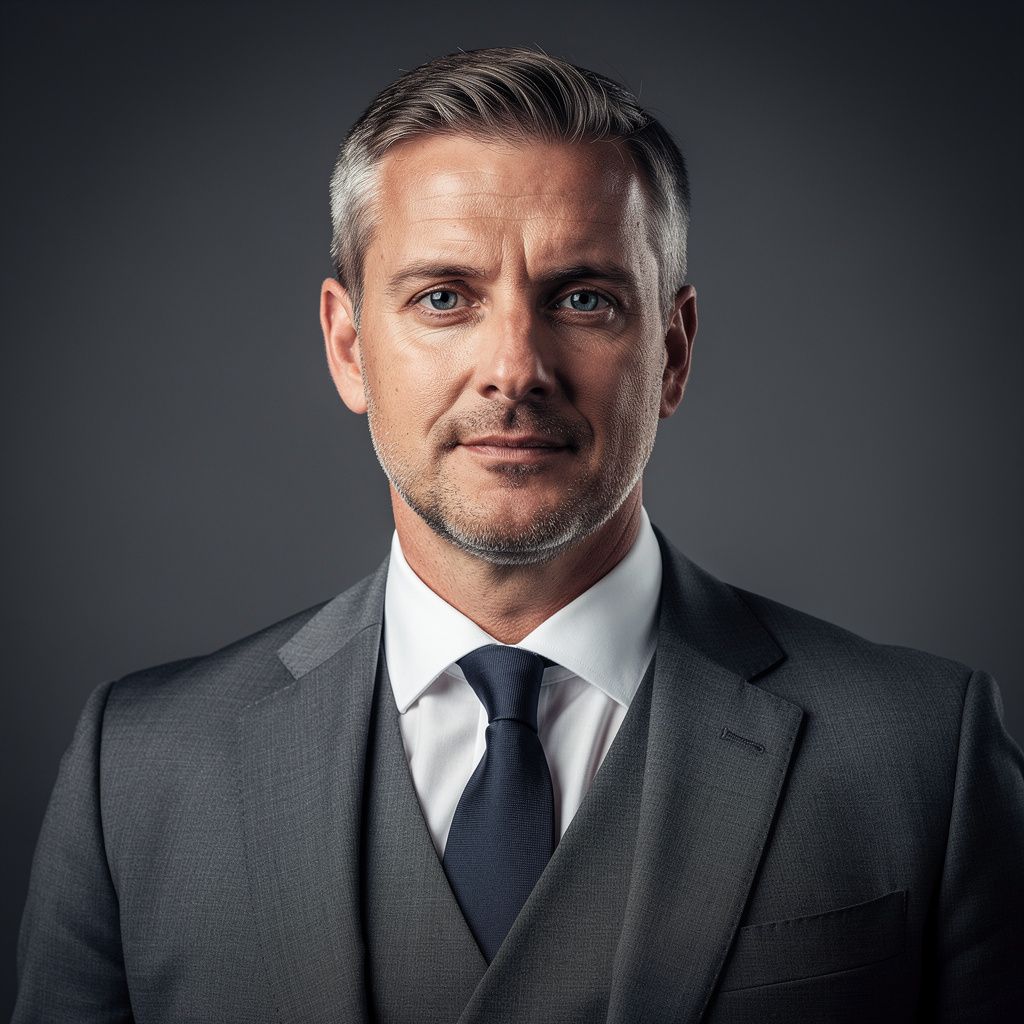
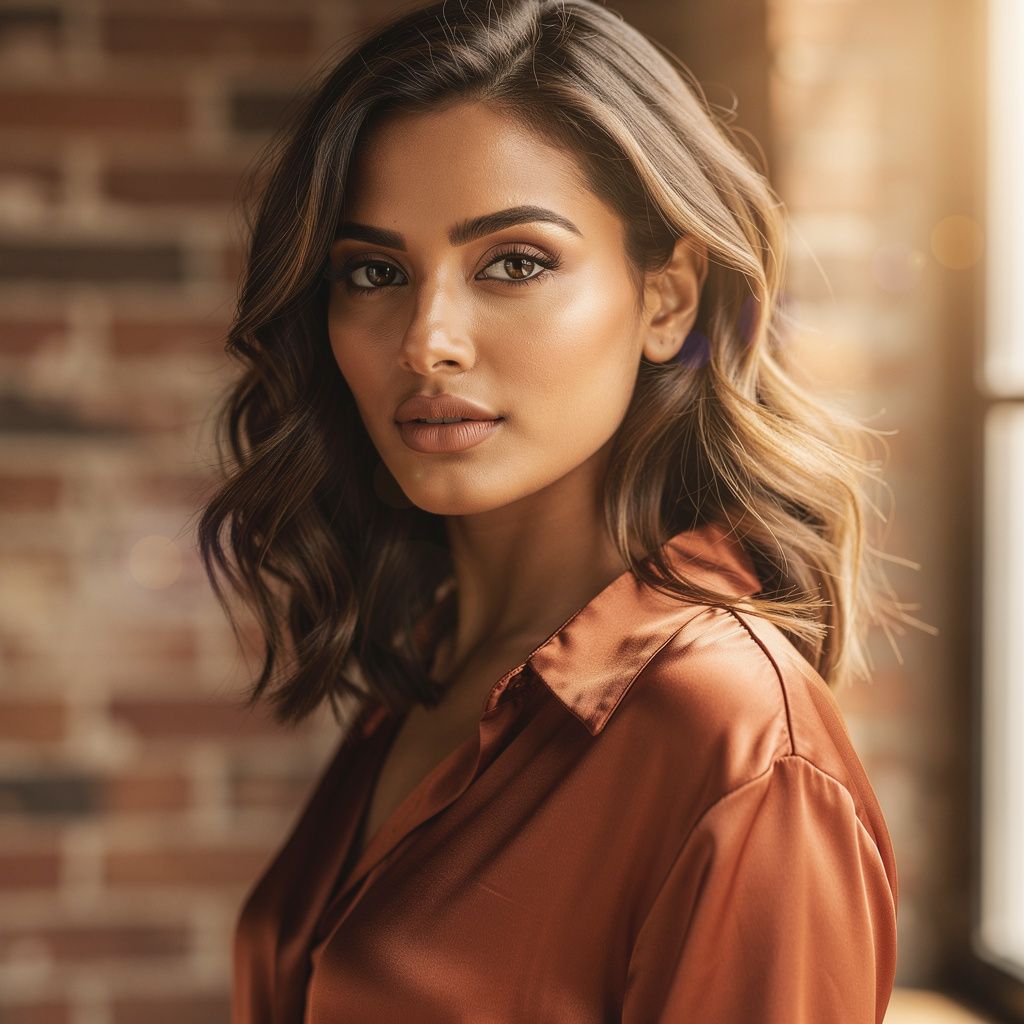
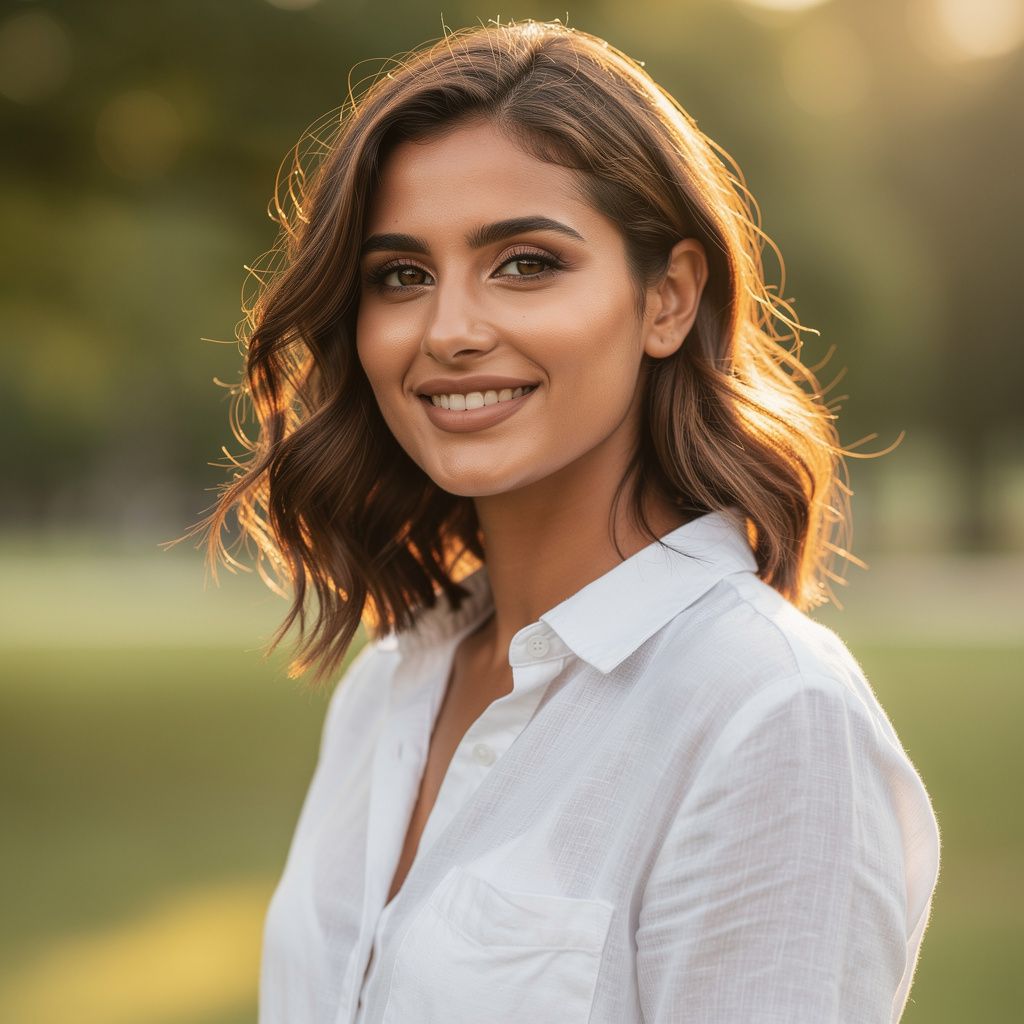
AI LinkedIn headshot generator built around a single principle: you should not need to book a photographer or wrangle a prompt textarea to get a profile photo that looks like you put effort in. PicCanvas takes a single photo you already have, runs it through one of four tuned variants — Professional, Executive, Creative, or Casual — and returns a clean, profile-ready headshot with consistent lighting, a clean backdrop, and a believable wardrobe.
The four variants are not vague. Professional is the clean studio default for most people. Executive turns up the polish for boardroom contexts. Creative is the approachable studio look for designers, founders, and makers. Casual is the friendly business-casual portrait with natural light. Pick the one closest to your role and your industry; you can always come back for another variant.
How it works
- Upload your photo— A clear, well-lit photo of you facing the camera. A casual selfie works fine — what matters is that your face is unobstructed and the lighting is reasonable. Files stay private and auto-delete after 24 hours.
- Pick a variant— Four tiles, four looks. Each one shows a real example output for the variant. Pick the one that matches the role you are signaling — Executive for senior leadership, Creative for design and product roles, Casual for early-stage founders, Professional for everything in between.
- Iterate to refine— First preview drops in seconds. Hit Try again to compare a different angle on the same variant. Iteration is free — one generation covers up to four passes including the final HD render.
- Download HD— When the preview looks like the photo you would want on your LinkedIn, click Looks good. We render the final at full profile-friendly resolution and return a signed download link.
Use cases
Refresh a stale LinkedIn profile photo
If your current photo is more than three years old or pre-pandemic-haircut, the AI LinkedIn headshot generator gets you a current-looking replacement without booking a session.
Job-search-ready headshot in an afternoon
Update your headshot before applying — recruiter scroll-time on LinkedIn rewards a clean profile photo. The Professional variant is the default safe pick.
Founder or executive announcement photo
Funding announcements, leadership changes, and press releases all need a sharp headshot. Executive variant is tuned for that context.
Speaker bio and conference page photo
Conference websites need a clean, consistent headshot. Professional variant works for most contexts; Executive when the audience expects a senior-leadership tone.
Consistent team page across the company
Pick one variant for the whole team and have everyone run their photo through it. The result is a coherent team page without scheduling a group shoot.
Frequently asked questions
- When does the AI LinkedIn headshot generator go live?
- The lane is in early access right now. Drop your email on this page to reserve your spot — early-access users get launch pricing at $1 for the first pack, and go to the front of the line when generation opens.
- What is the launch pricing?
- Early-access launch pricing is $1 for the first pack of three headshots. Standard pricing after launch matches the rest of PicCanvas — $3 for 4 images on Starter, $5 for 10 on Popular, or $10 for 25 on Bulk. Reserve your spot now to lock in the launch price.
- How is this different from booking a real photographer?
- A photographer takes half a day and costs in the hundreds. The AI LinkedIn headshot generator takes a few minutes and costs a dollar in early access. The photographer's output is still better for senior executive contexts; for everyone else, the AI version is more than enough.
- Will the headshot look like me?
- Yes. The model preserves your face, hair, glasses, and expression. What changes is the wardrobe consistency, the lighting, and the backdrop — the elements that make the difference between a casual selfie and a profile-ready photo.
- Which variant should I pick?
- Professional is the default safe pick. Executive for senior leadership and board contexts. Creative for design, product, and founder profiles. Casual for early-stage and startup roles. You can pick a different variant on each pack.
- Does the early-access photo upload stay private?
- Yes. Originals land in a private bucket with a 24-hour automatic delete. Generated outputs live behind a CDN until you stop visiting your session. Nothing is held longer than necessary.
- Why be first in line?
- Two reasons. The launch pricing of $1 only applies to the first pack for early-access users; afterwards standard packs apply (from $3). And early-access feedback drives which variant tunings ship as defaults — your input shapes the lane.