
Cartoonify a Photo with AI — six distinct styles
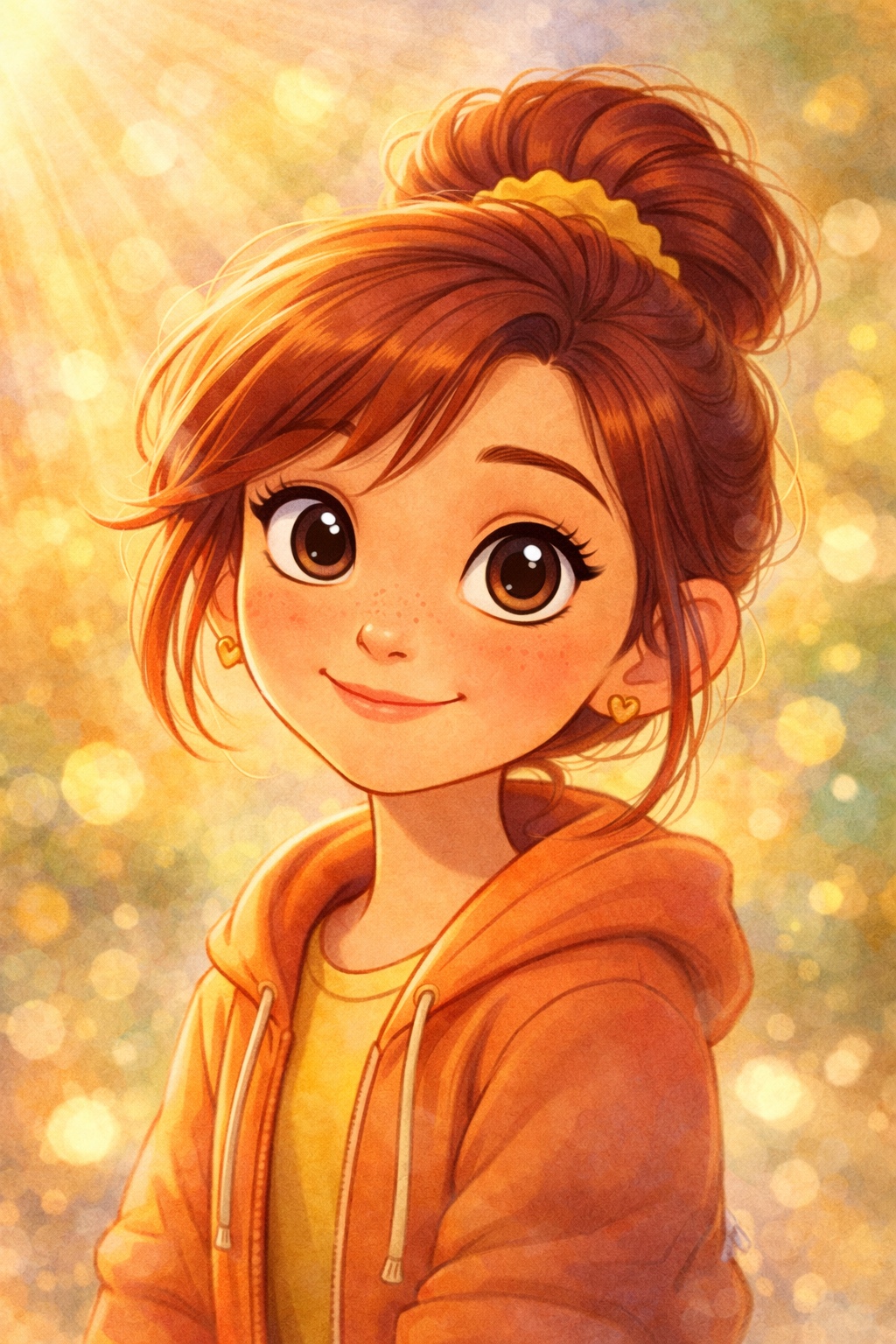
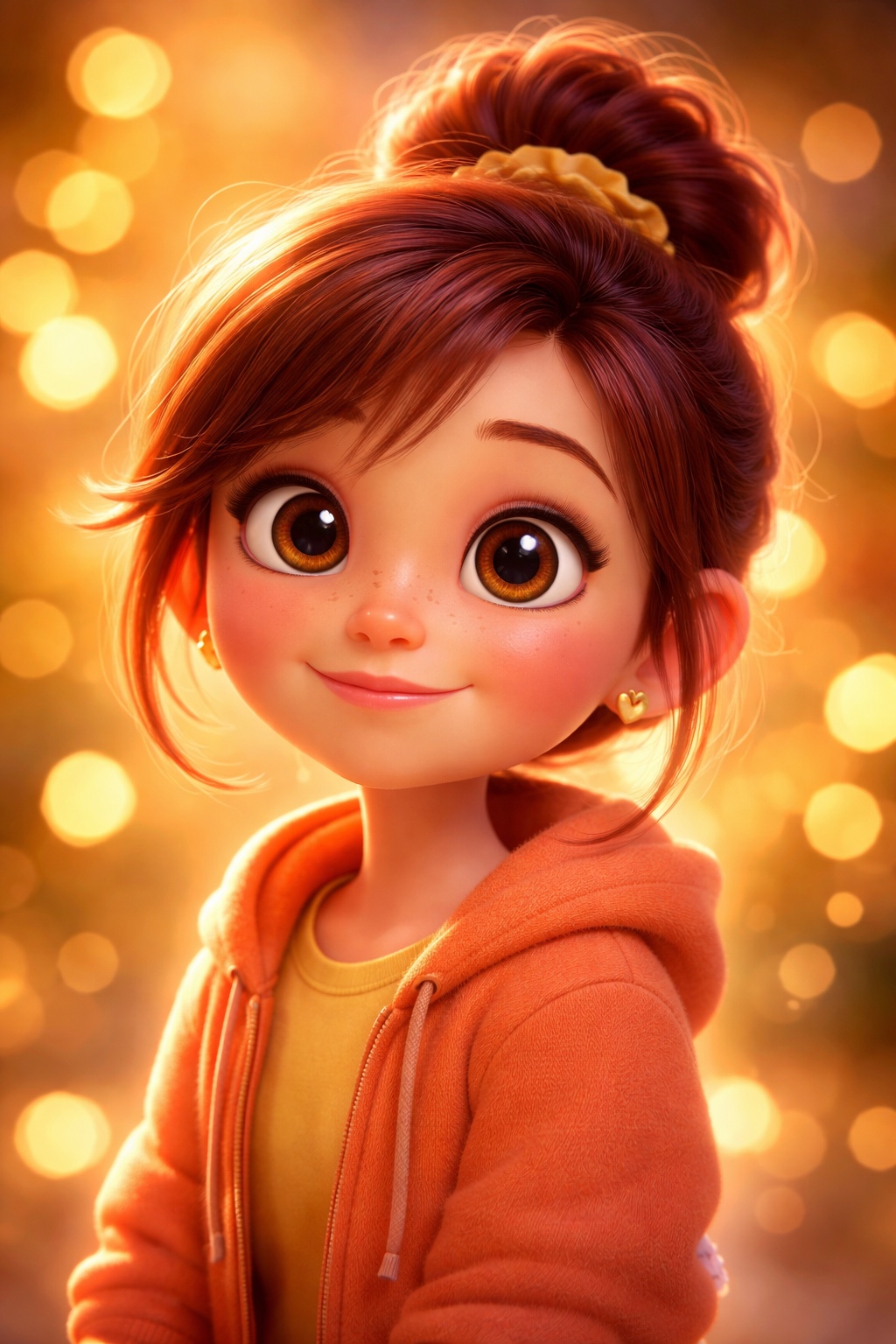
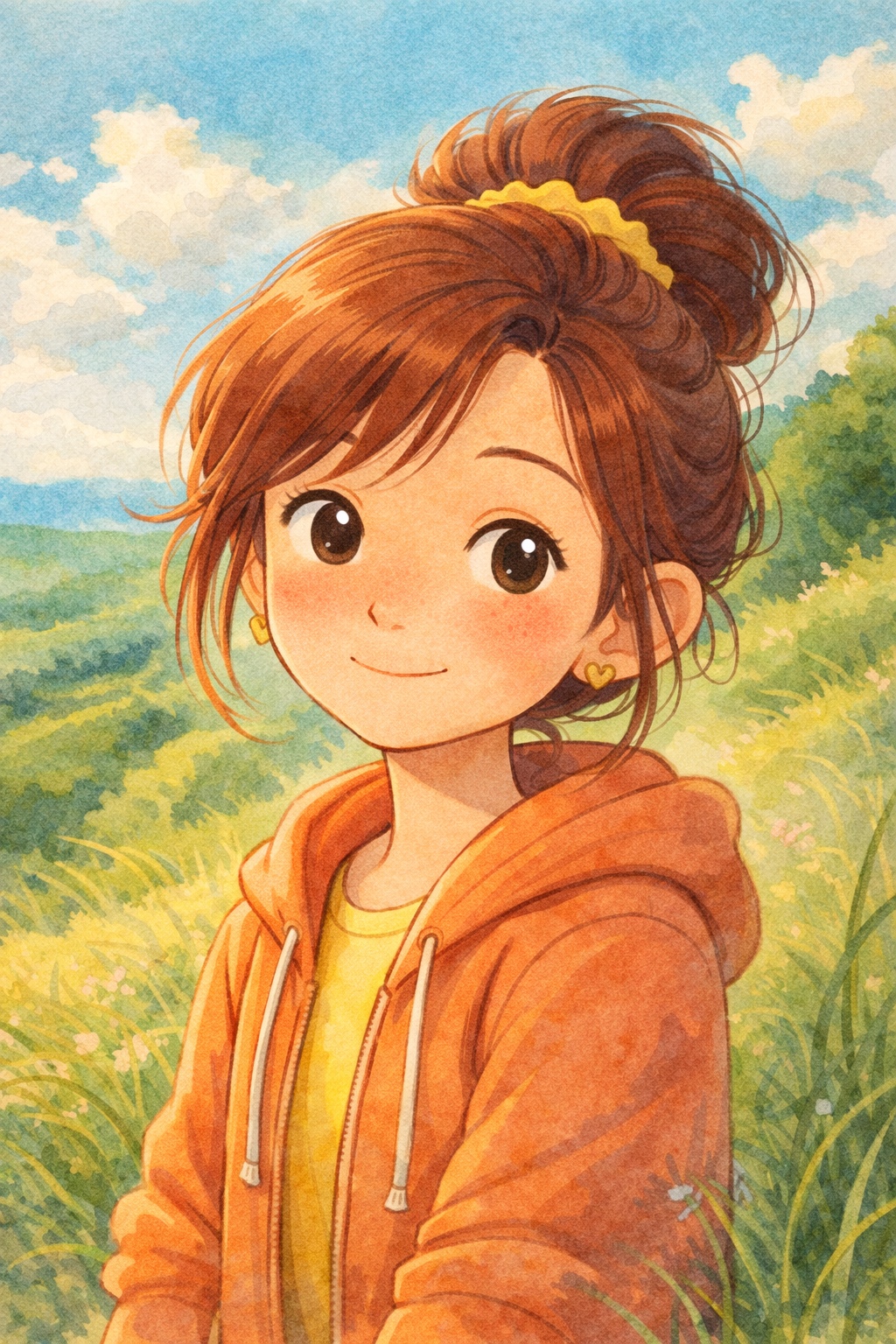
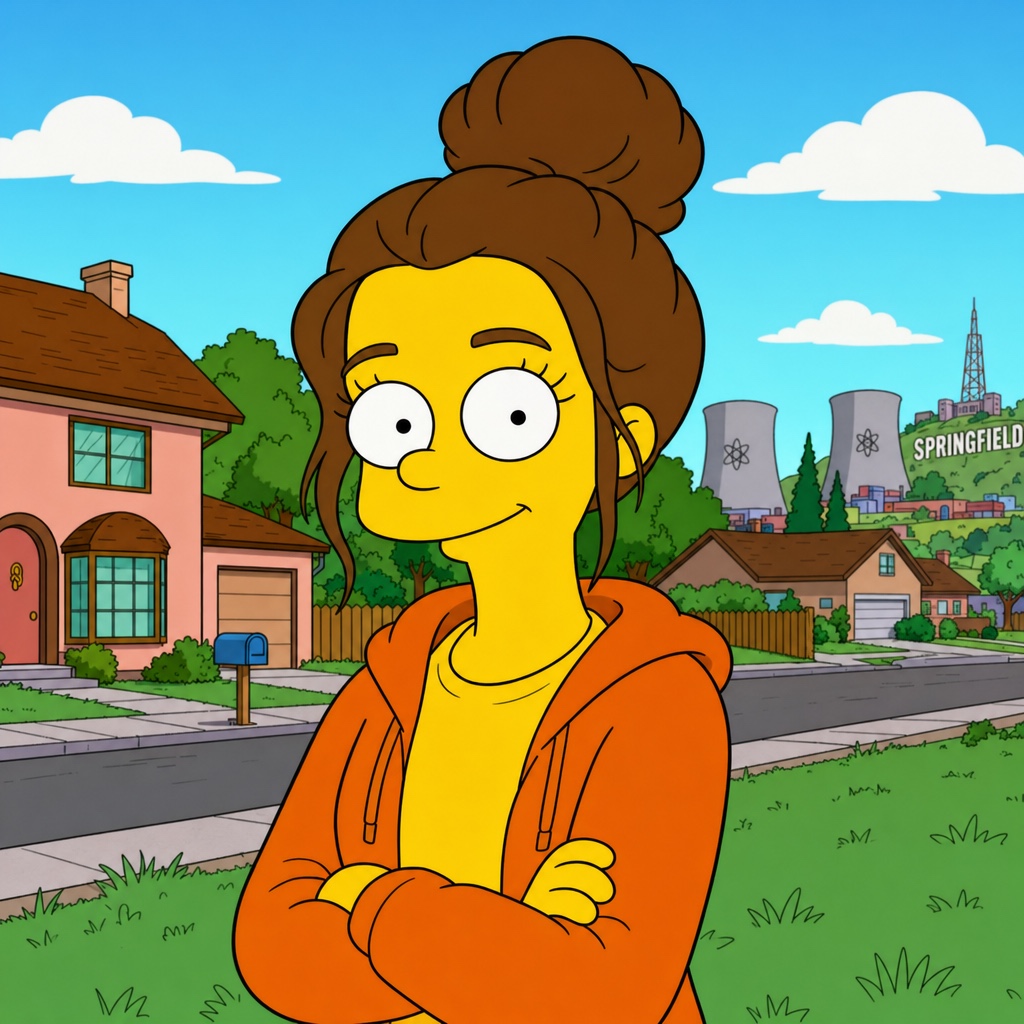
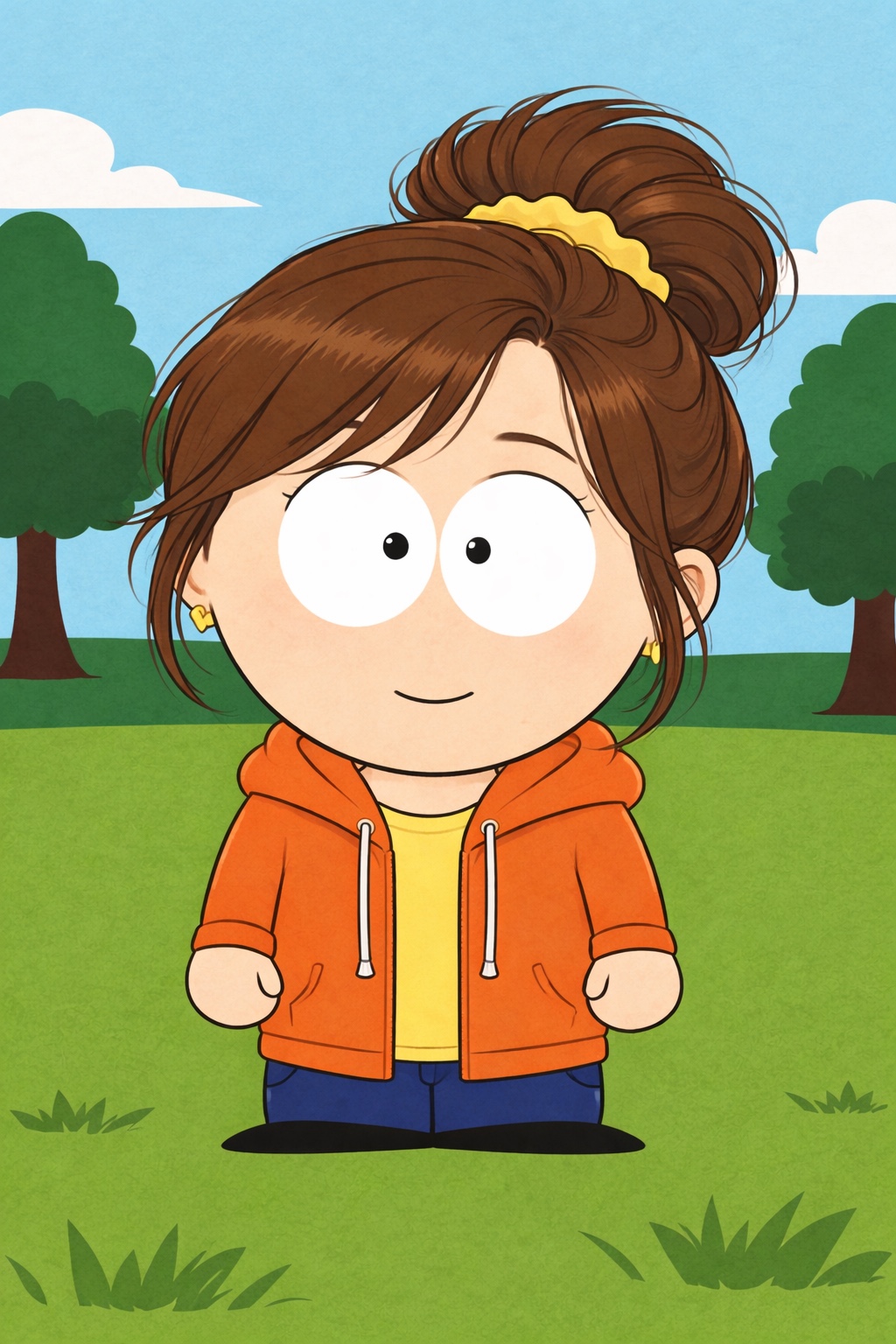
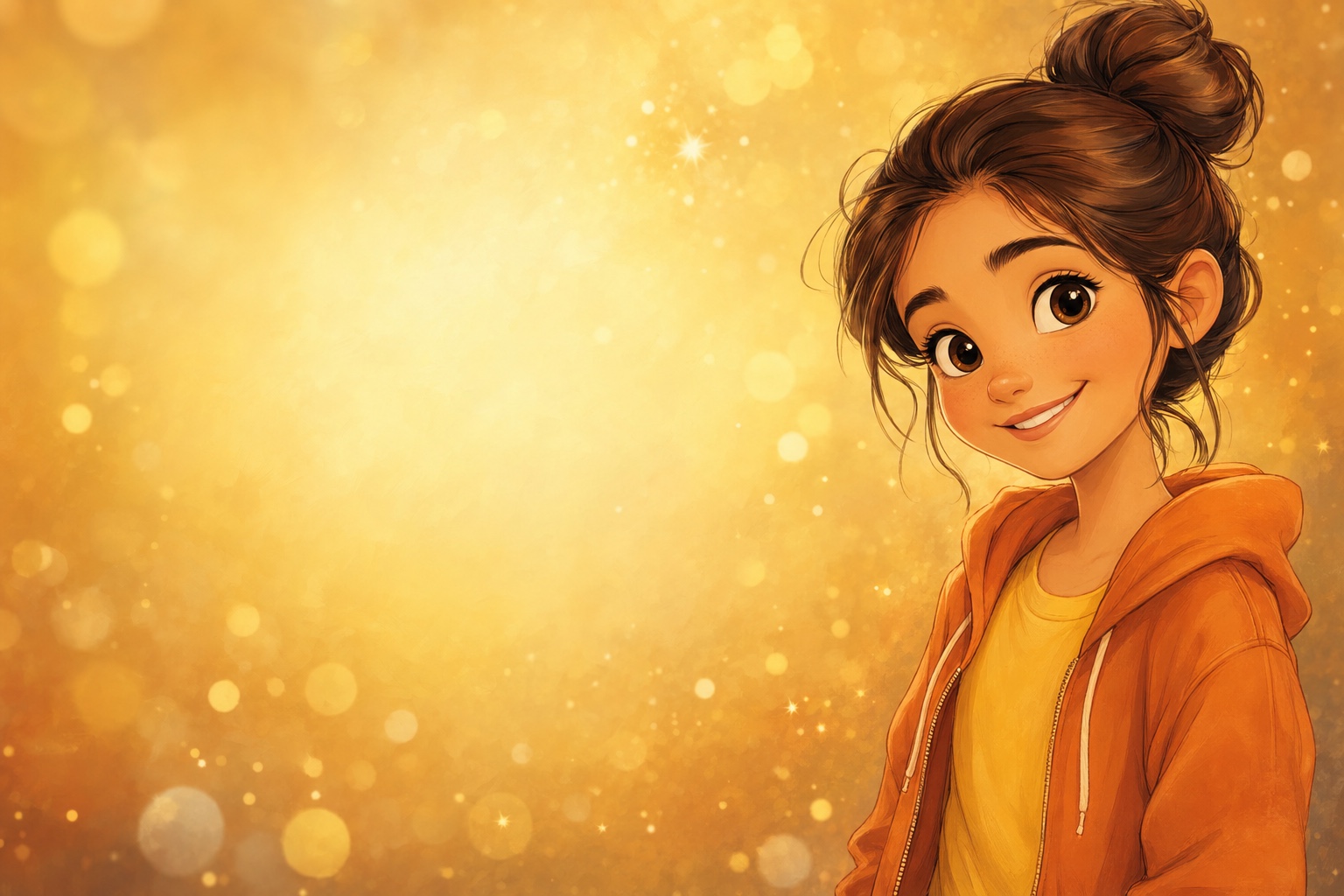
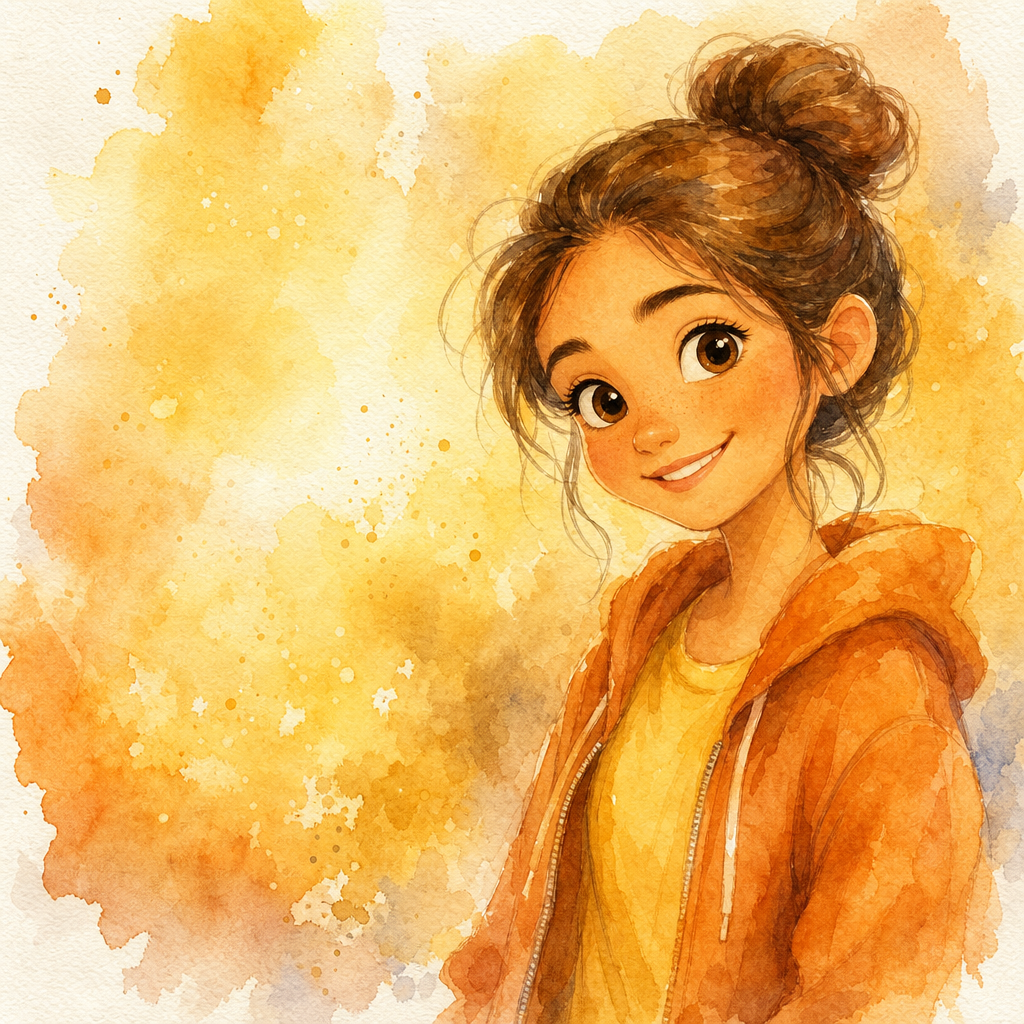
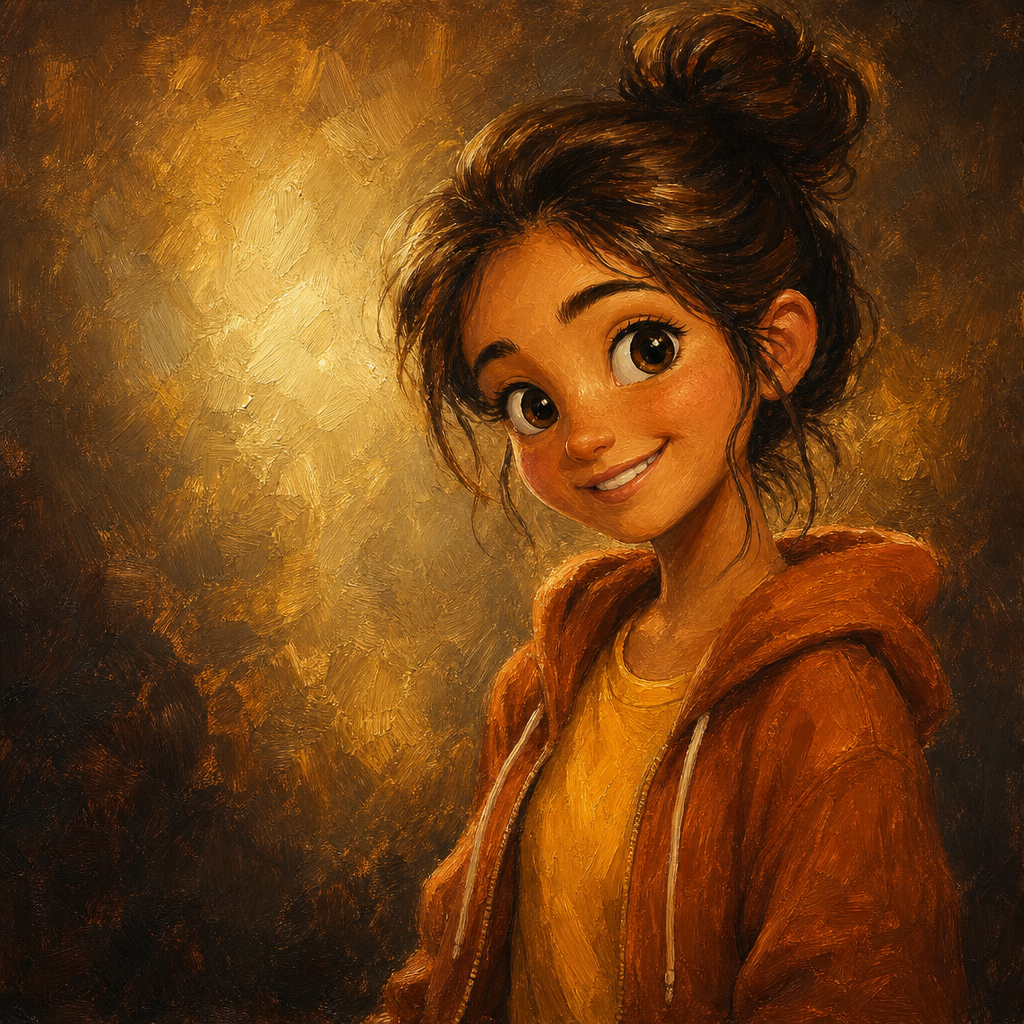
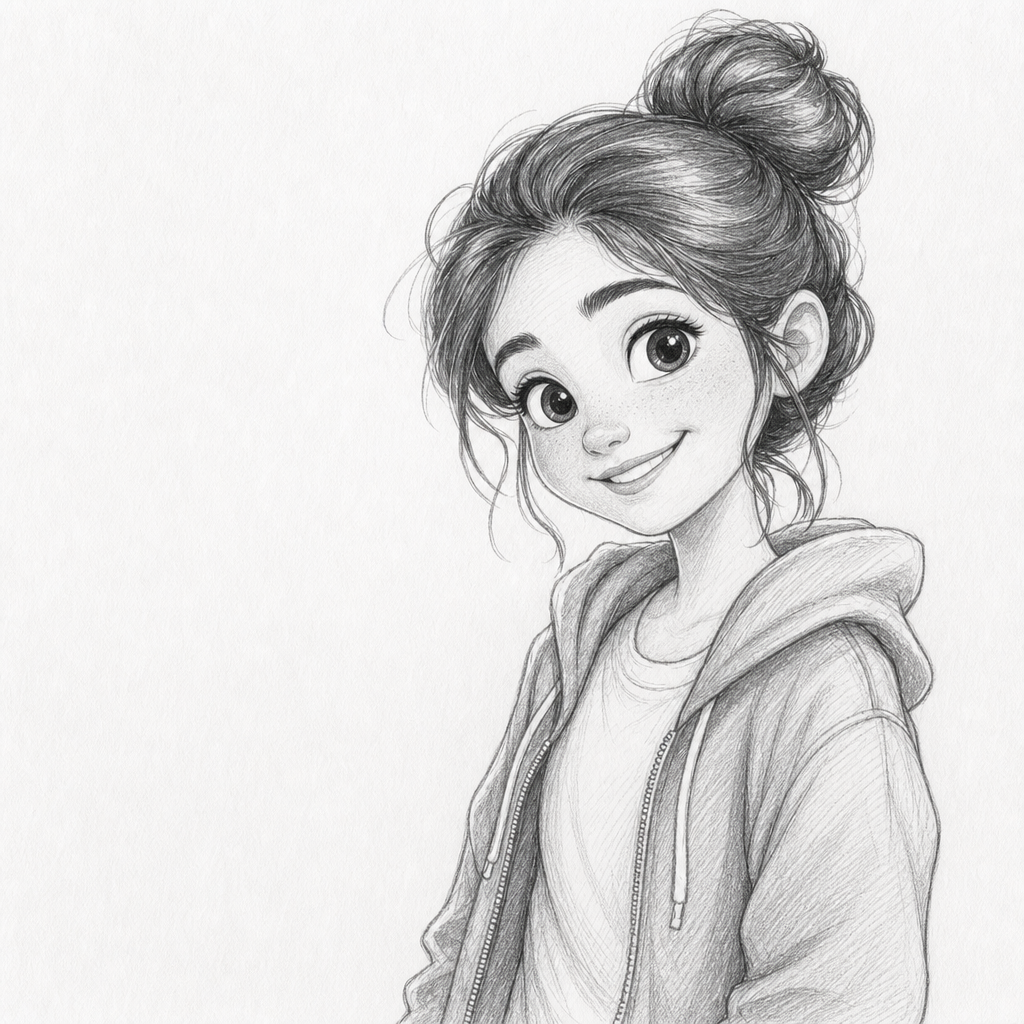
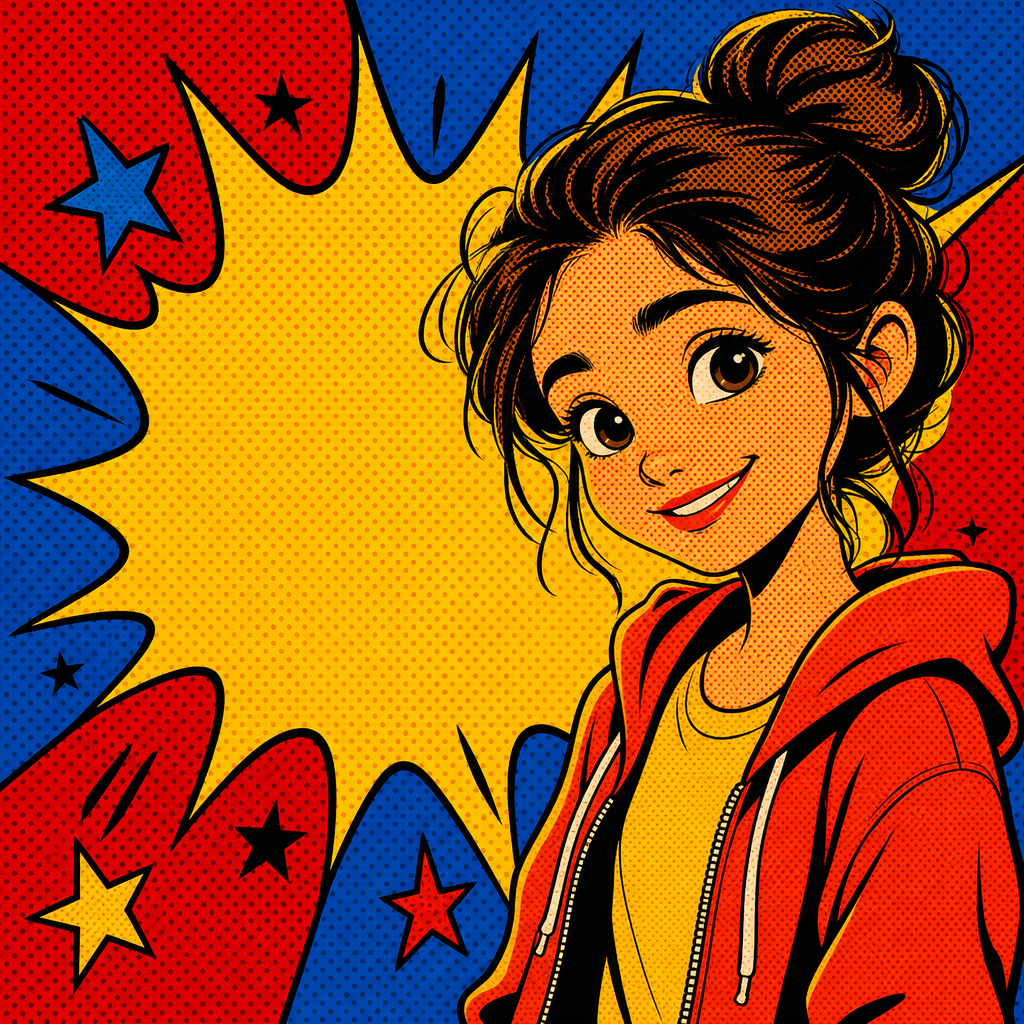
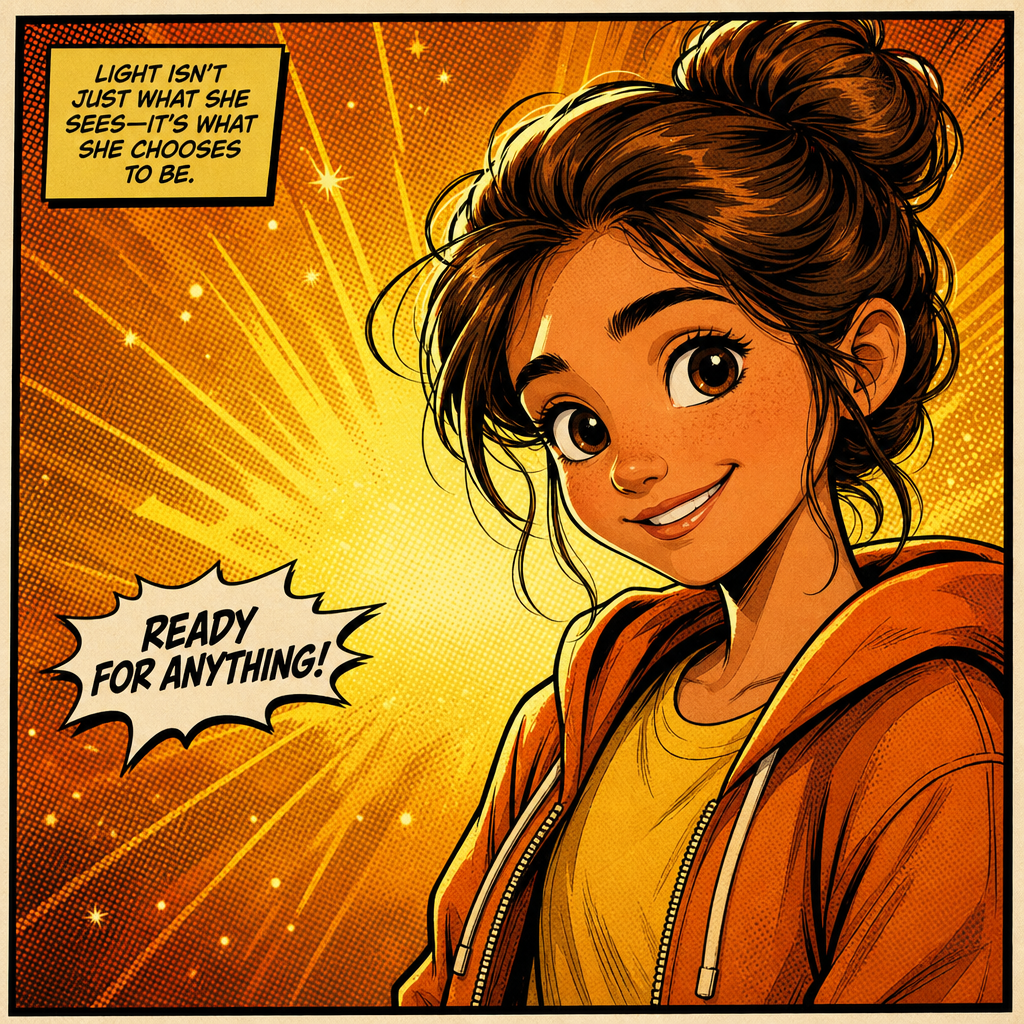
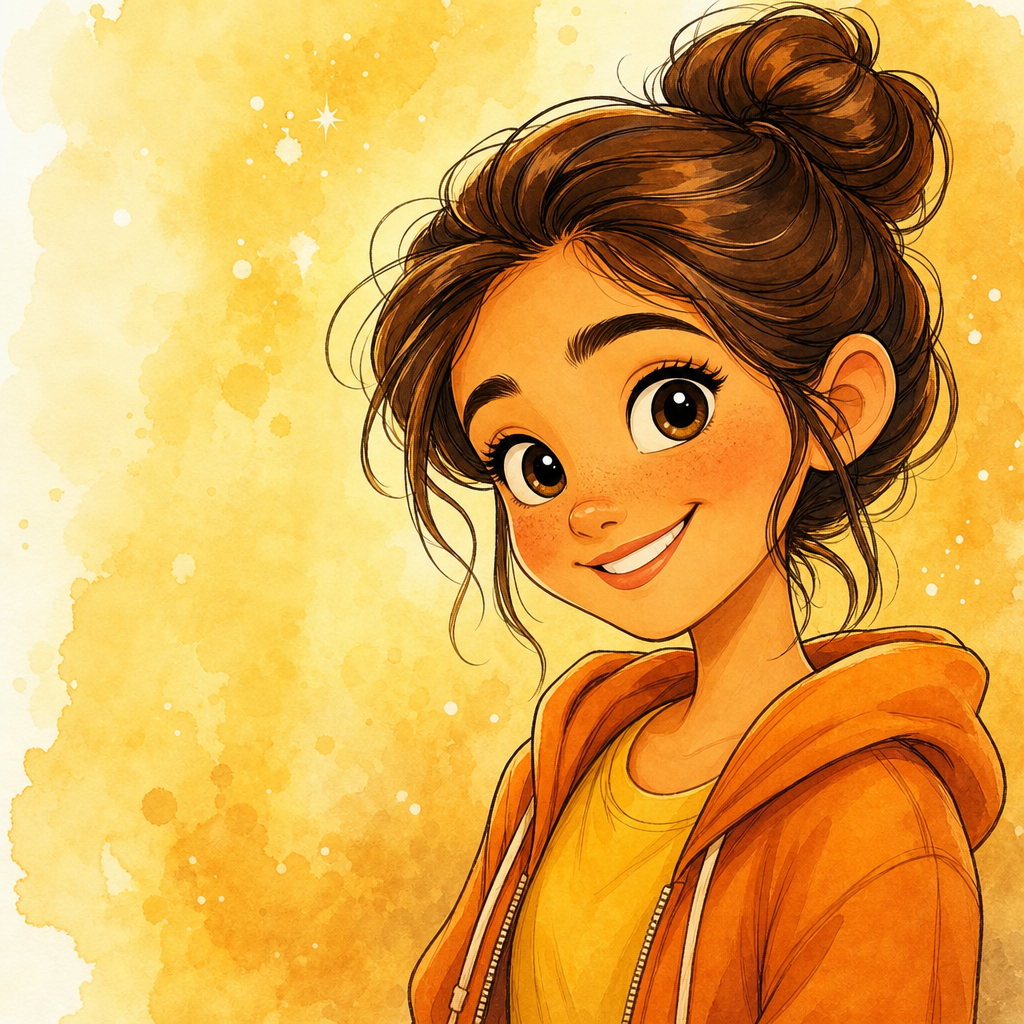
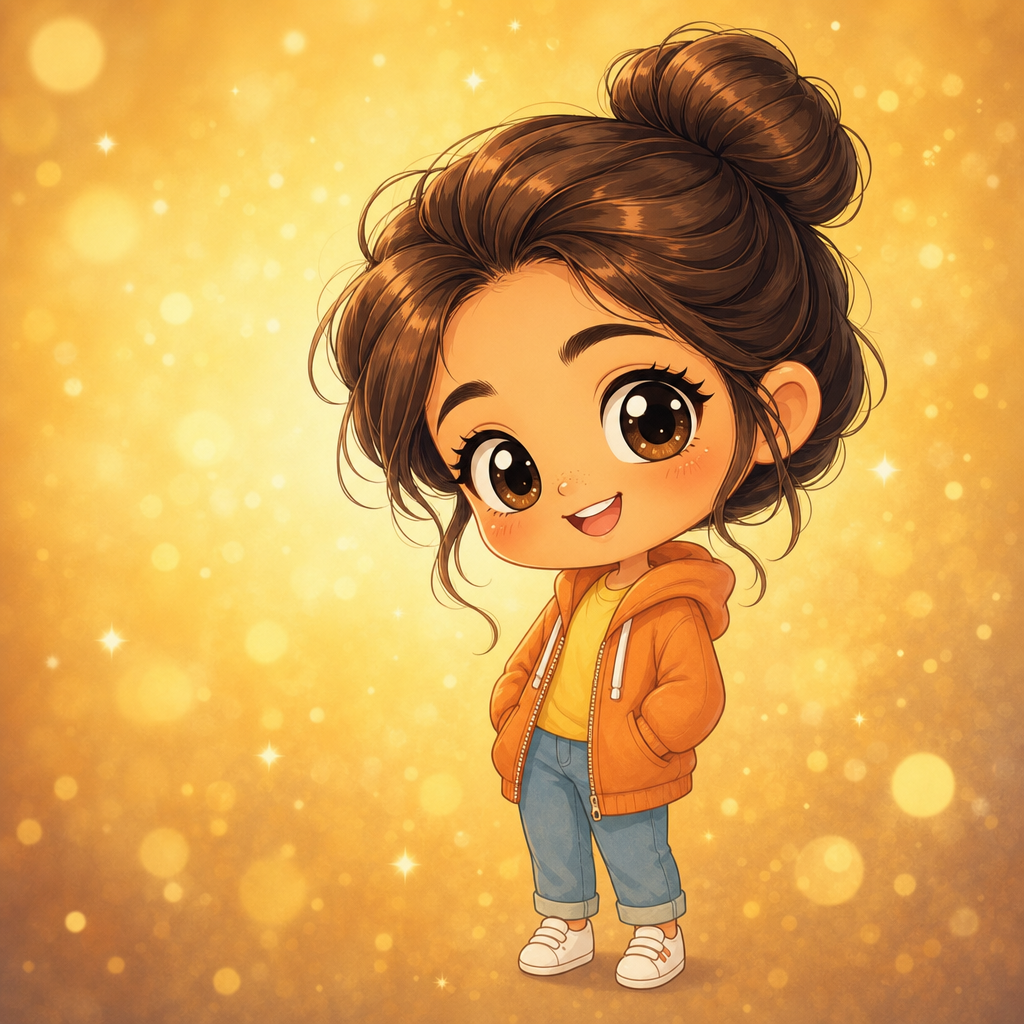
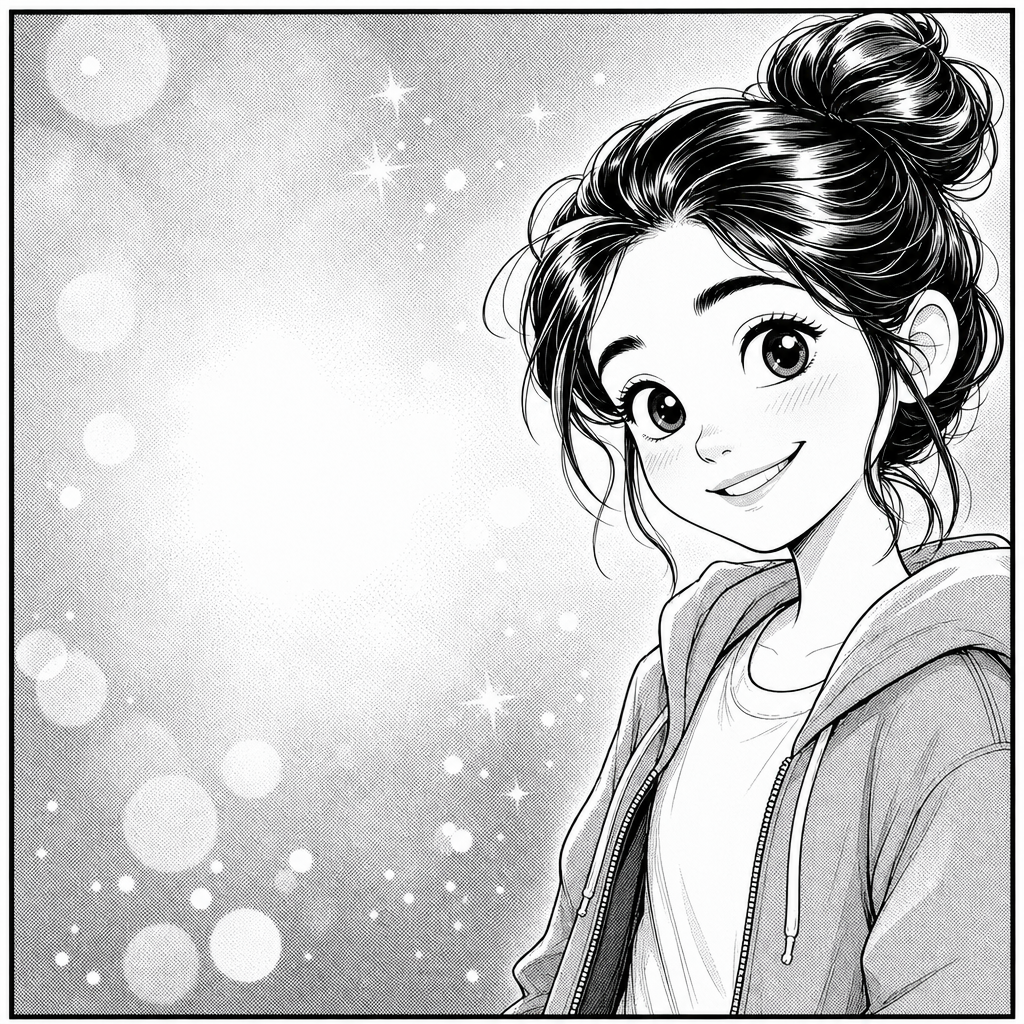
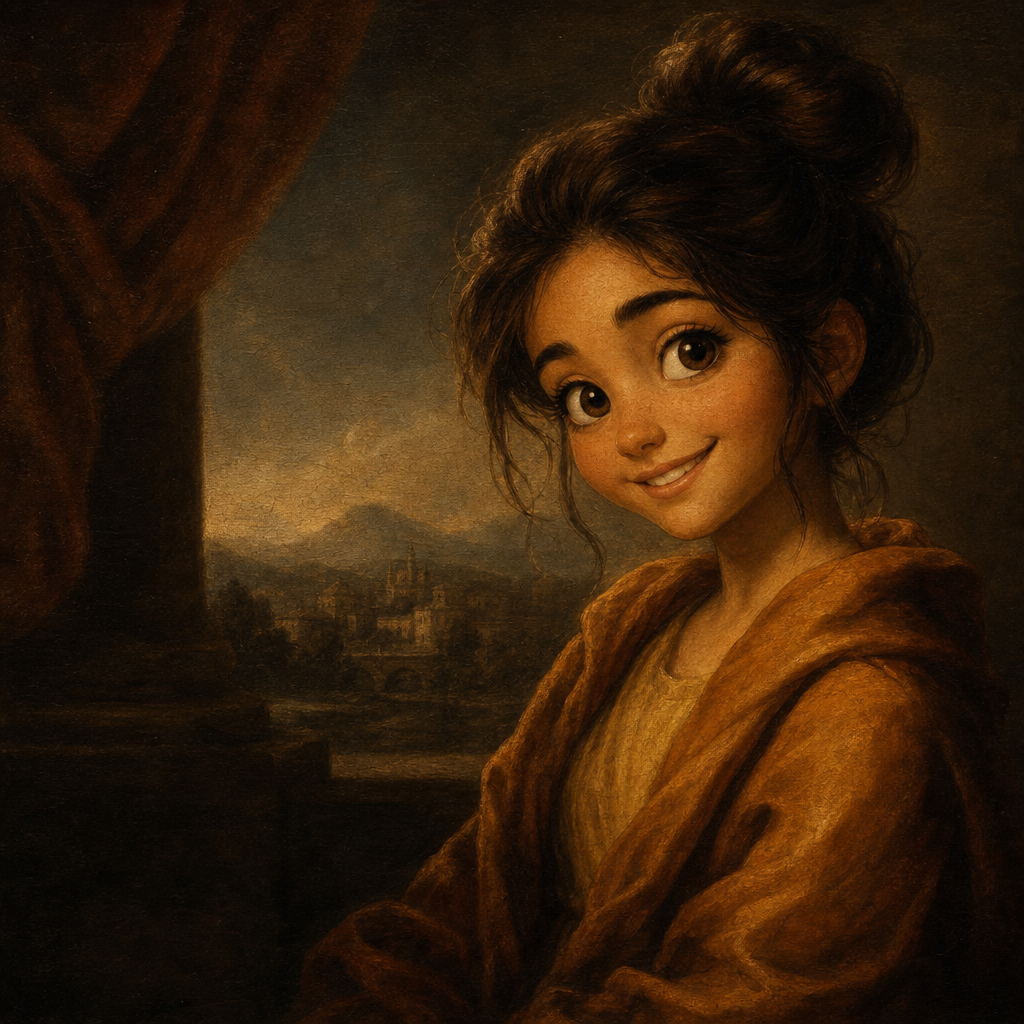
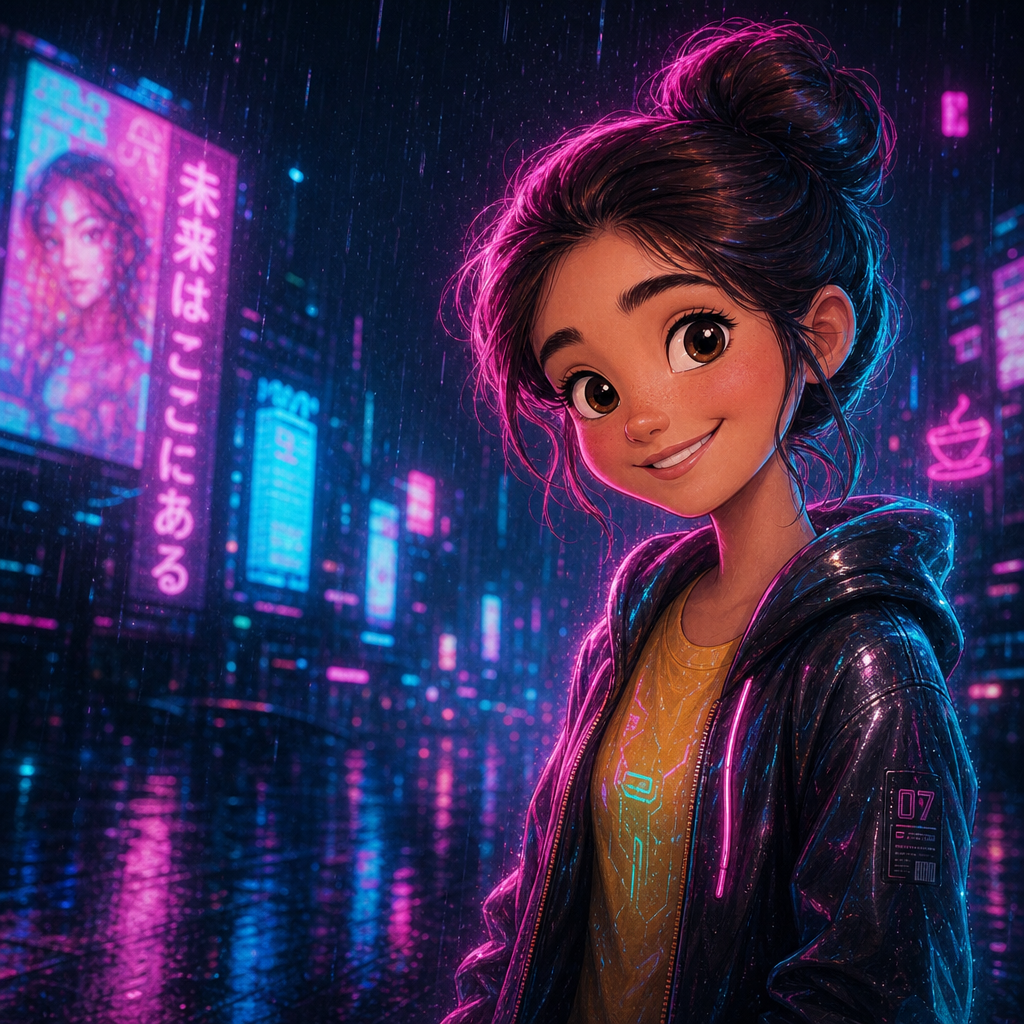
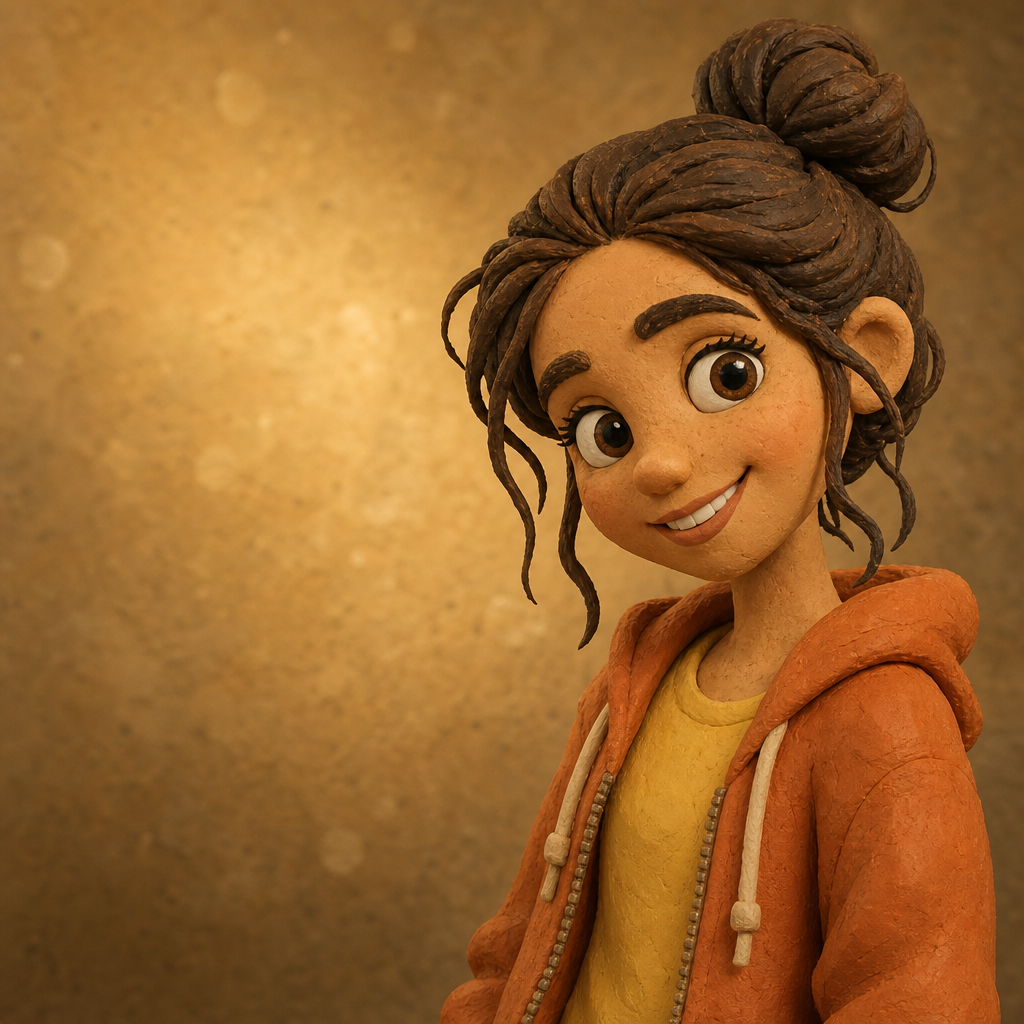
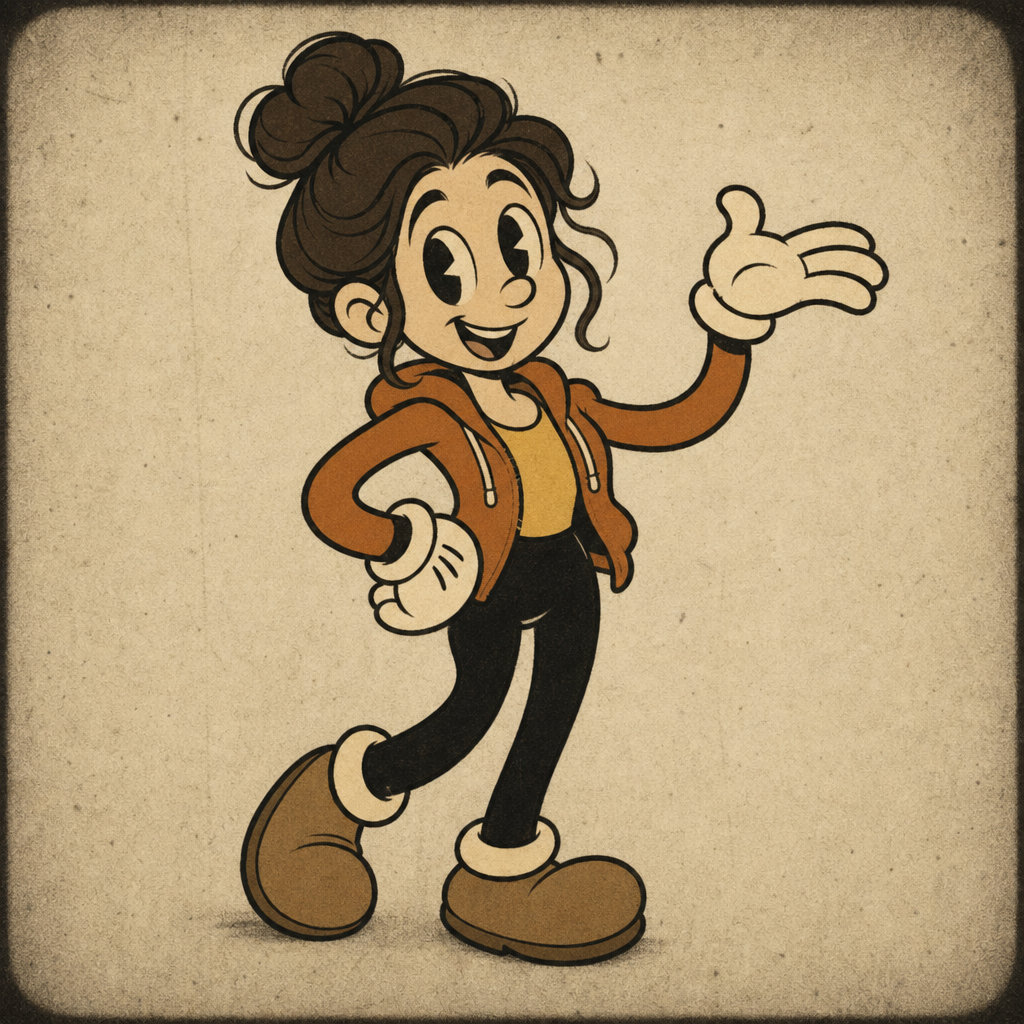
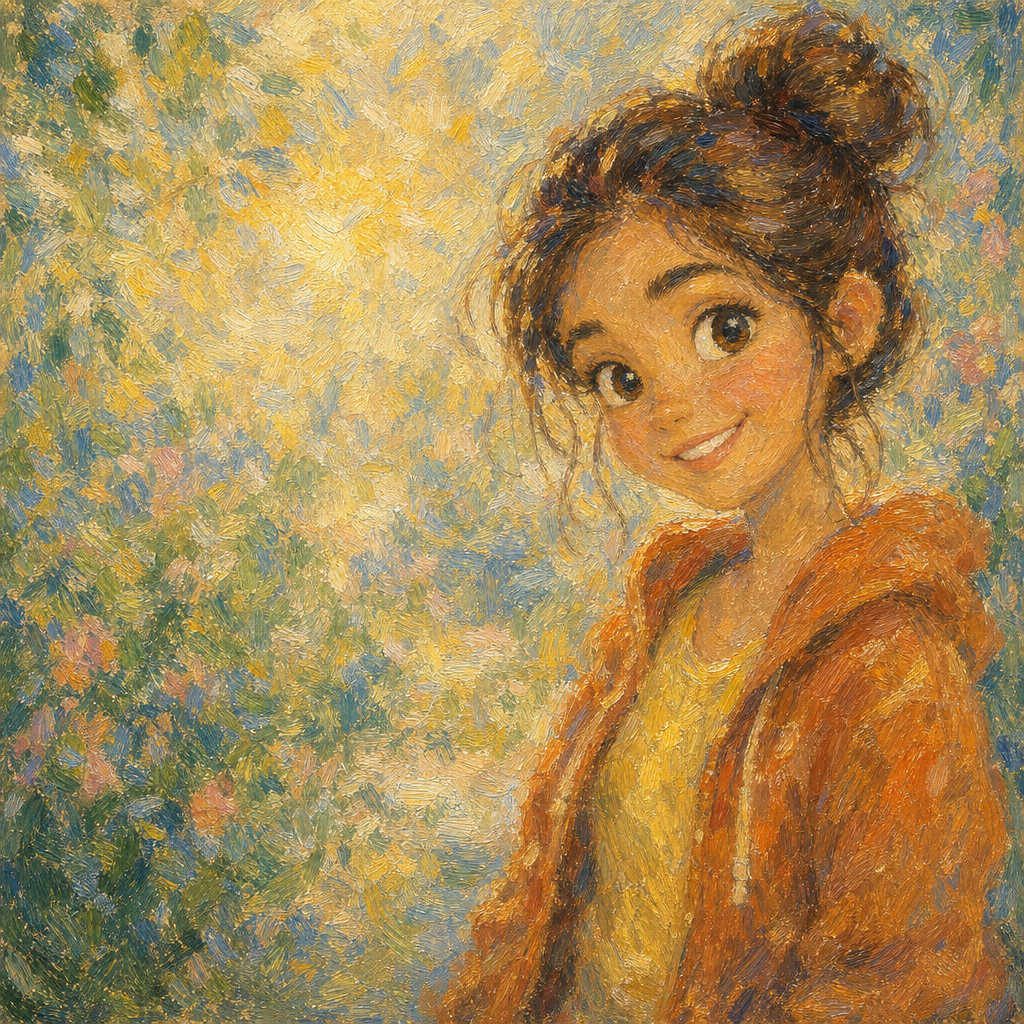
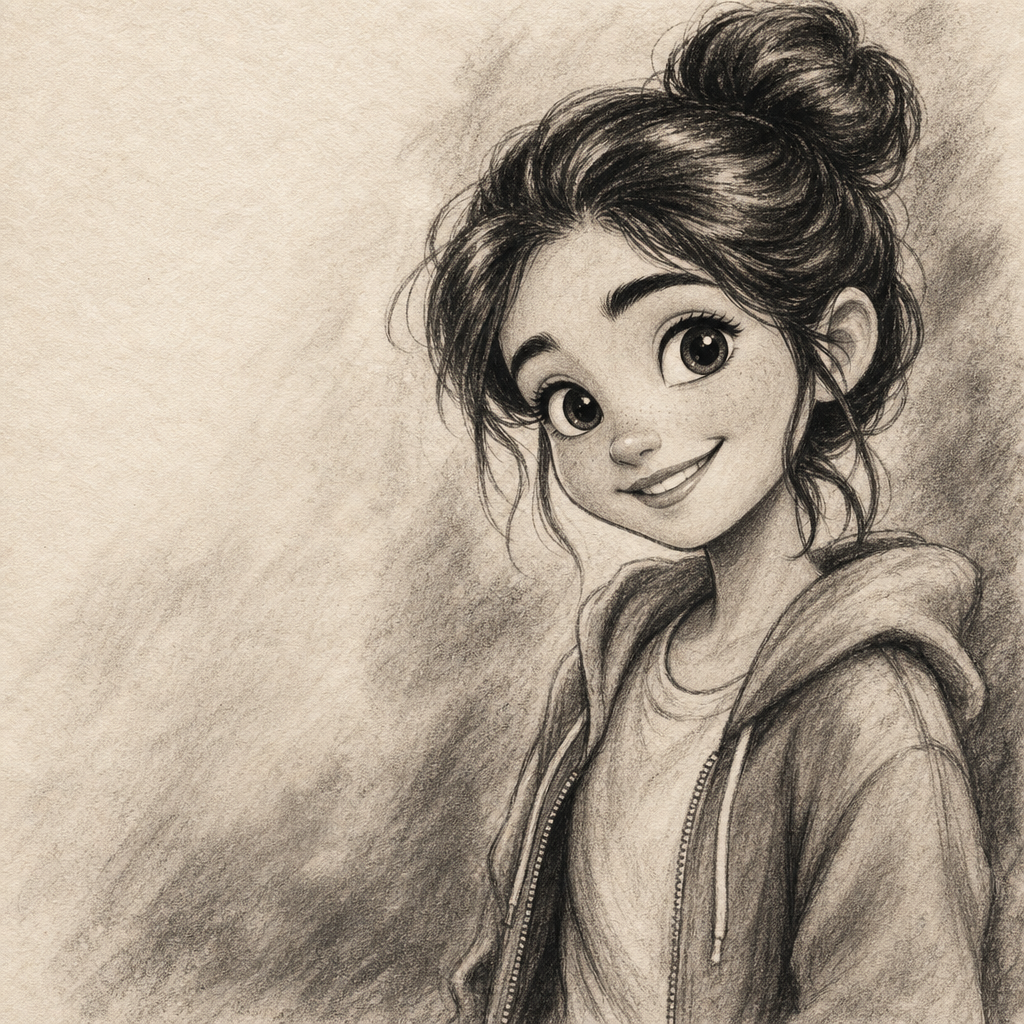
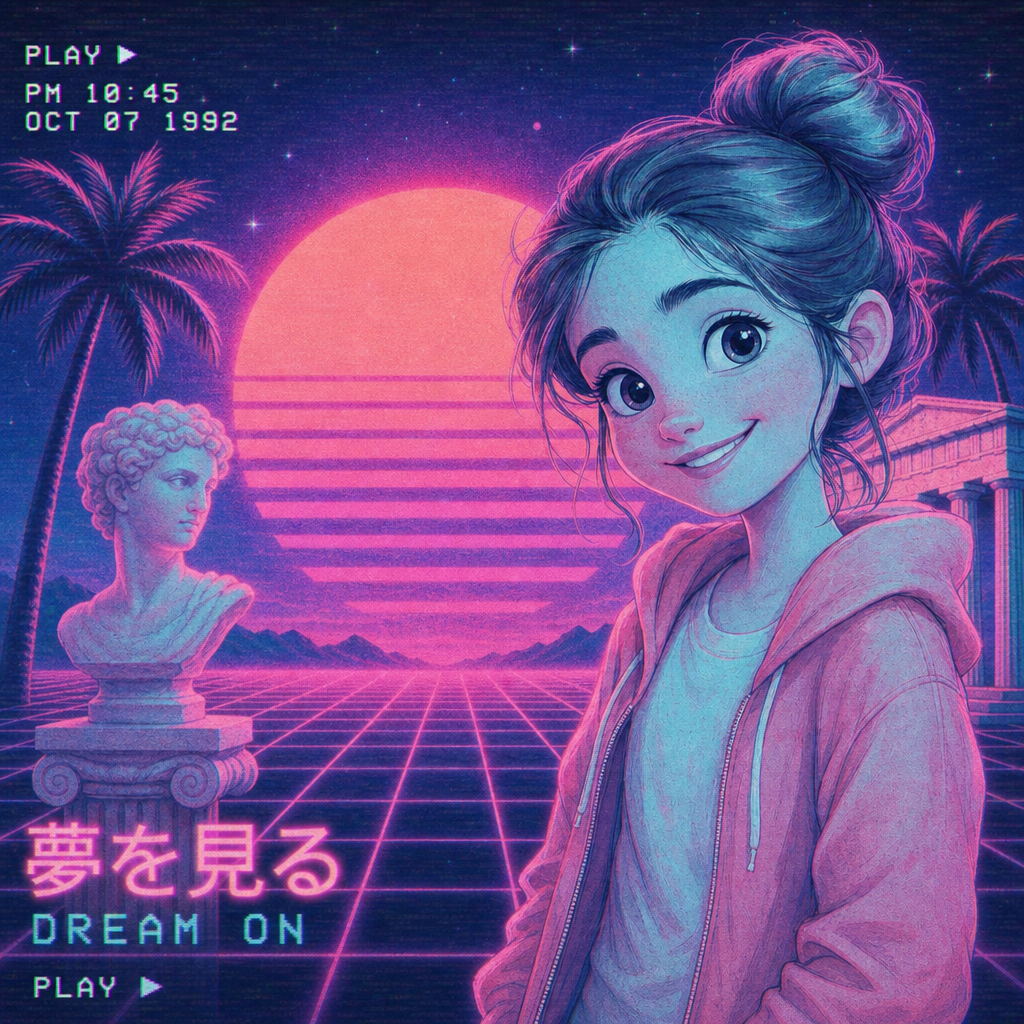
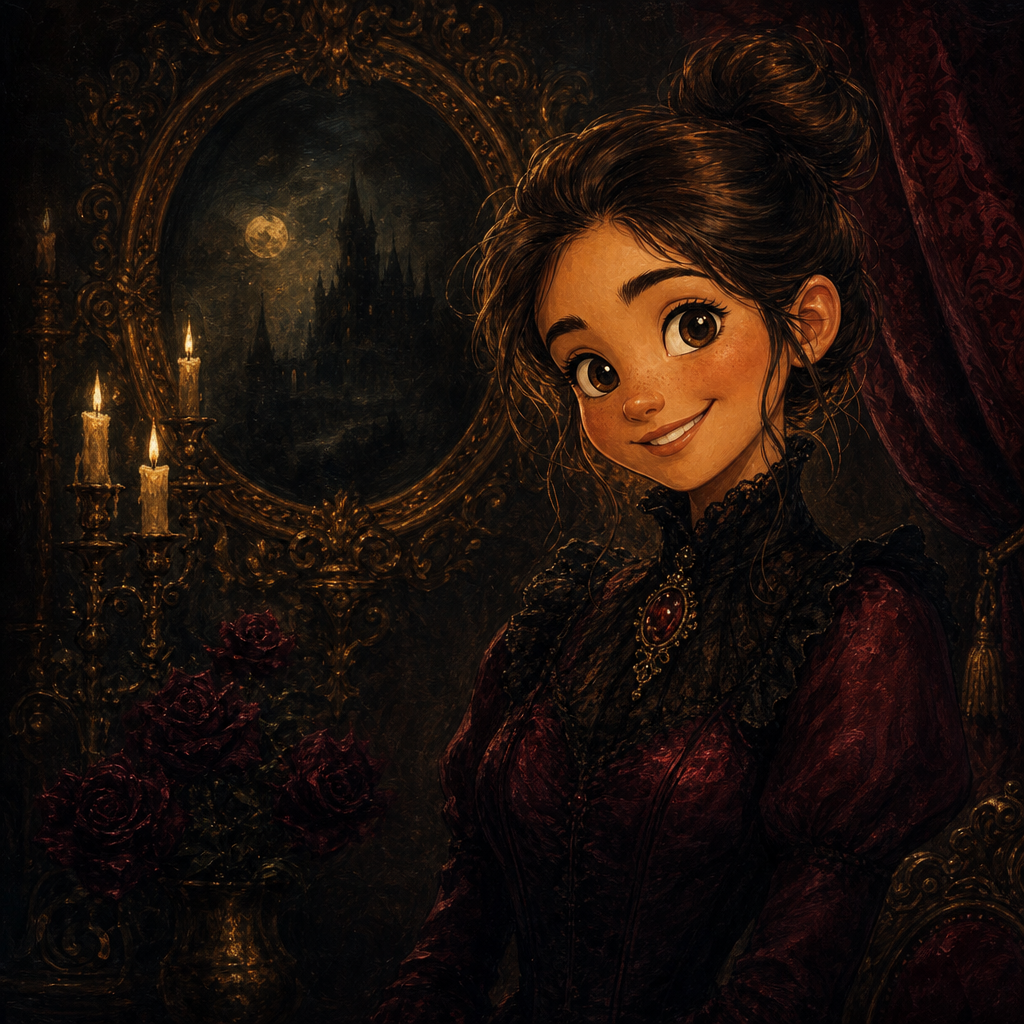
Cartoonify a photo with AI in the look you actually want — Disney warmth, Pixar depth, Studio Ghibli watercolor, Springfield-yellow Simpsons flatness, South Park paper-cutout crudeness, or modern cel-shaded anime. PicCanvas keeps the choice small on purpose: six distinct studio looks, each one trained on the source material it advertises, each tile showing real example output so the name is never abstract.
There is no prompt textarea to draft and no settings panel to learn. You upload a photo, you tap a style, and a preview lands within seconds. If the first take is close but not quite the vibe, click Try again to advance to a higher quality tier and a slightly different rendering. When the preview matches what you had in your head, click Looks good and we render the final at full resolution. A single generation covers the entire process — iteration is free.
The six styles cover most of what people actually want from a cartoonify tool. Disney handles family portraits and milestone moments with warmth. Pixar gives you the dimensional, cinematic render people associate with feature films. Ghibli is the watercolor option for nostalgic, hand-painted softness. Simpsons is the irreverent take, perfect for sibling group chats and bachelor-party invites. South Park is the crude paper-cutout option for group chats and birthday roasts. Anime is the contemporary option for fan art, profile photos, and gifts.
How it works
- Upload your photo— Any JPG or PNG works. Cartoonify handles selfies, group shots, kids, pets, and even screen-grabs of older photos you want to update. Files are stored privately and auto-deleted after 24 hours.
- Pick a style— Six tiles, six styles. Each one shows a real generated example so you know what you are picking before you commit. No mood boards, no reference uploads — just click the look you want.
- Iterate to refine— Each preview takes a few seconds. If you want to compare another take, hit Try again. We advance through quality tiers so each iteration looks slightly different and progressively cleaner.
- Download HD— Click Looks good when the preview is right. We render at full resolution and return a signed download link, ready for printing, profile photos, or social posts.
Use cases
Family photo gifts that print well
Run a favorite family photo through Disney or Pixar and turn it into a poster, canvas, or framed print that looks deliberate rather than filtered.
Personal social profile avatars
Anime and Ghibli styles give you something distinctive for Discord, Twitter, and Mastodon without paying a commission artist.
Birthday and holiday card art
Cartoonify the family photo from this year's vacation, drop it on a card template, and skip the photo-shoot reshoot.
Pet portraits
All six styles render pets well. Ghibli works especially nicely for cats and dogs in soft outdoor light.
Bachelor and bachelorette party graphics
Simpsons style is the surprise hit here — yellow-skinned versions of the wedding party land perfectly on event invites.
Kids' bedroom prints
Disney or Pixar renders of the kids themselves, printed and framed, work better than yet another store-bought poster.
Frequently asked questions
- Which style should I pick to cartoonify a photo with AI?
- Match the mood. Disney for warmth and family moments. Pixar for cinematic depth. Ghibli for nostalgic, hand-painted softness. Simpsons for humor. South Park for crude paper-cutout group portraits. Anime for fan-art and profile photos. The example tiles on the page show real outputs so the choice is visual, not abstract.
- Does iteration cost extra?
- No. A single generation covers up to four refinement passes — three Try-again iterations plus the final HD render. You only pay again when you start a new image.
- Can I cartoonify group photos and pets?
- Yes. The model handles two-to-five-person group photos and most pet portraits cleanly. Very crowded scenes can lose facial detail; for those, prefer a tighter crop.
- Will the output look like the original photo?
- Likeness is preserved while the rendering style changes. Cartoonify is meant to feel like a stylized version of you, not a different person — the trade-off lands closer to recognizable than abstract.
- What resolution do I get for the download?
- The HD download is delivered at print-friendly resolution suitable for posters, cards, and large social posts. The exact pixel dimensions are set per style to match the look's aspect ratio.
- Can I use the cartoonified image commercially?
- Yes — for personal use, social posts, and small-business marketing the license is broad. See the terms page for the exact grant if you are using it on packaging or printed merchandise.
- What happens to my uploaded photo?
- Originals are stored in a private bucket with a 24-hour automatic delete. Outputs are served from a CDN so you can re-download in the same session. Nothing is held longer than necessary.