
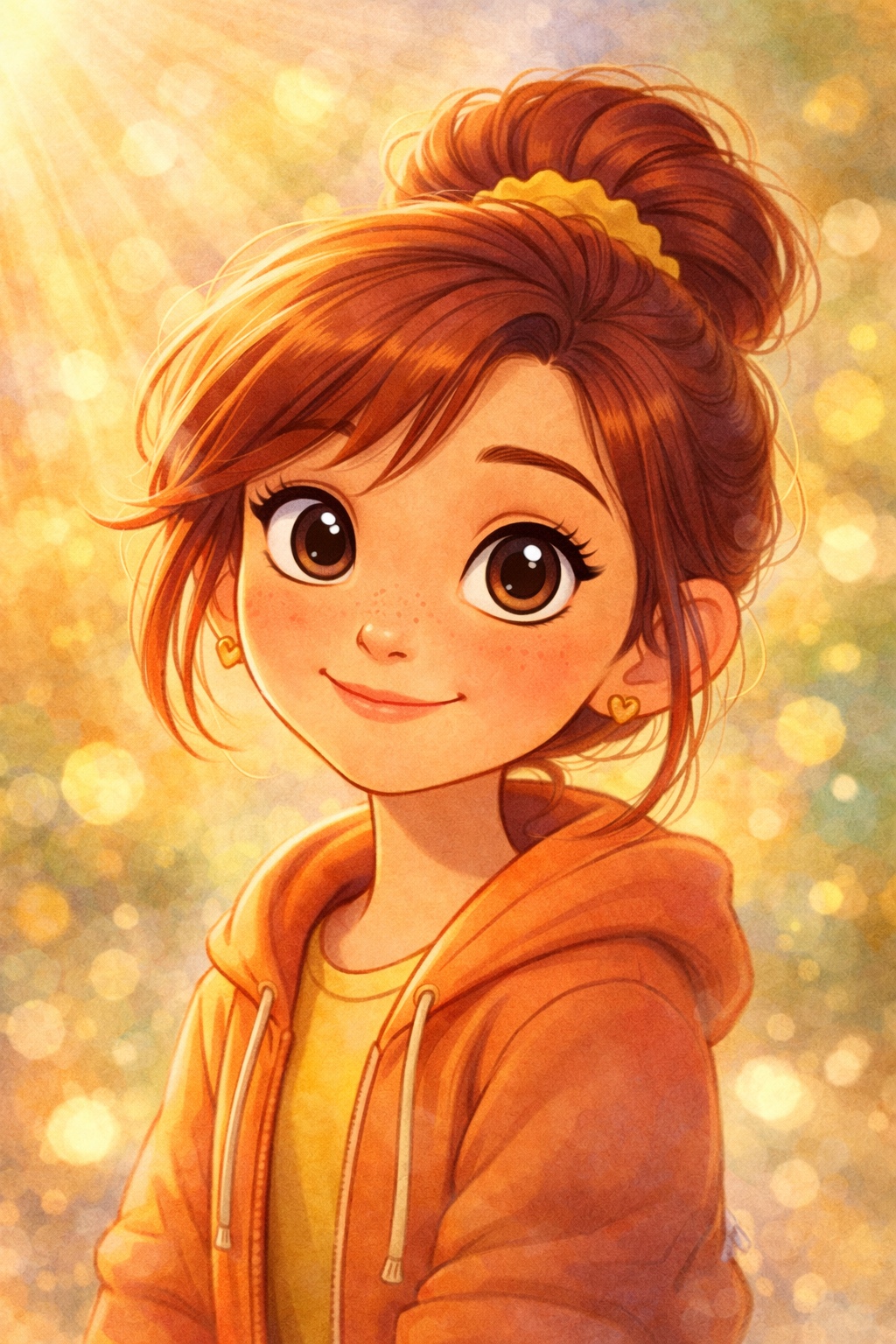
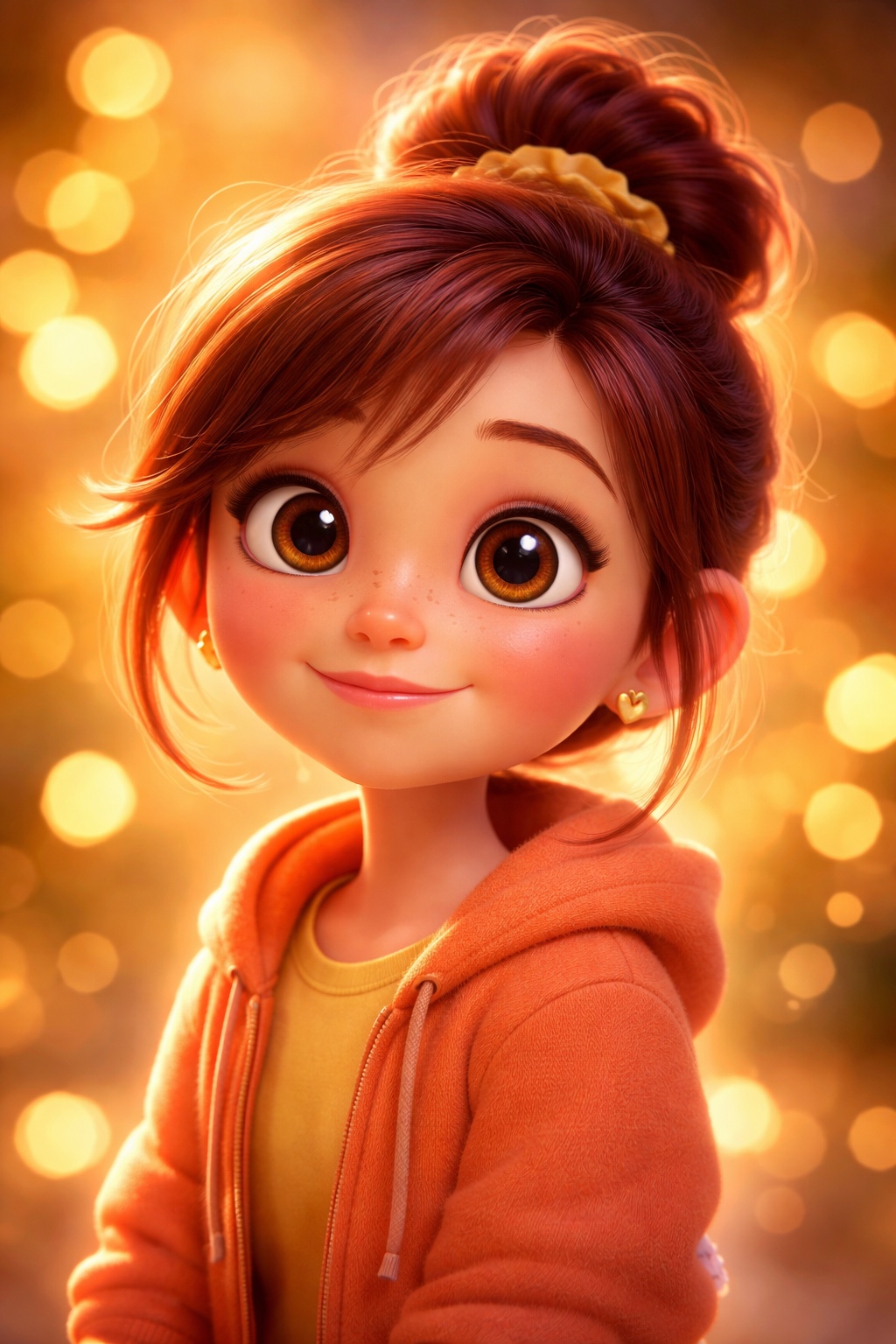
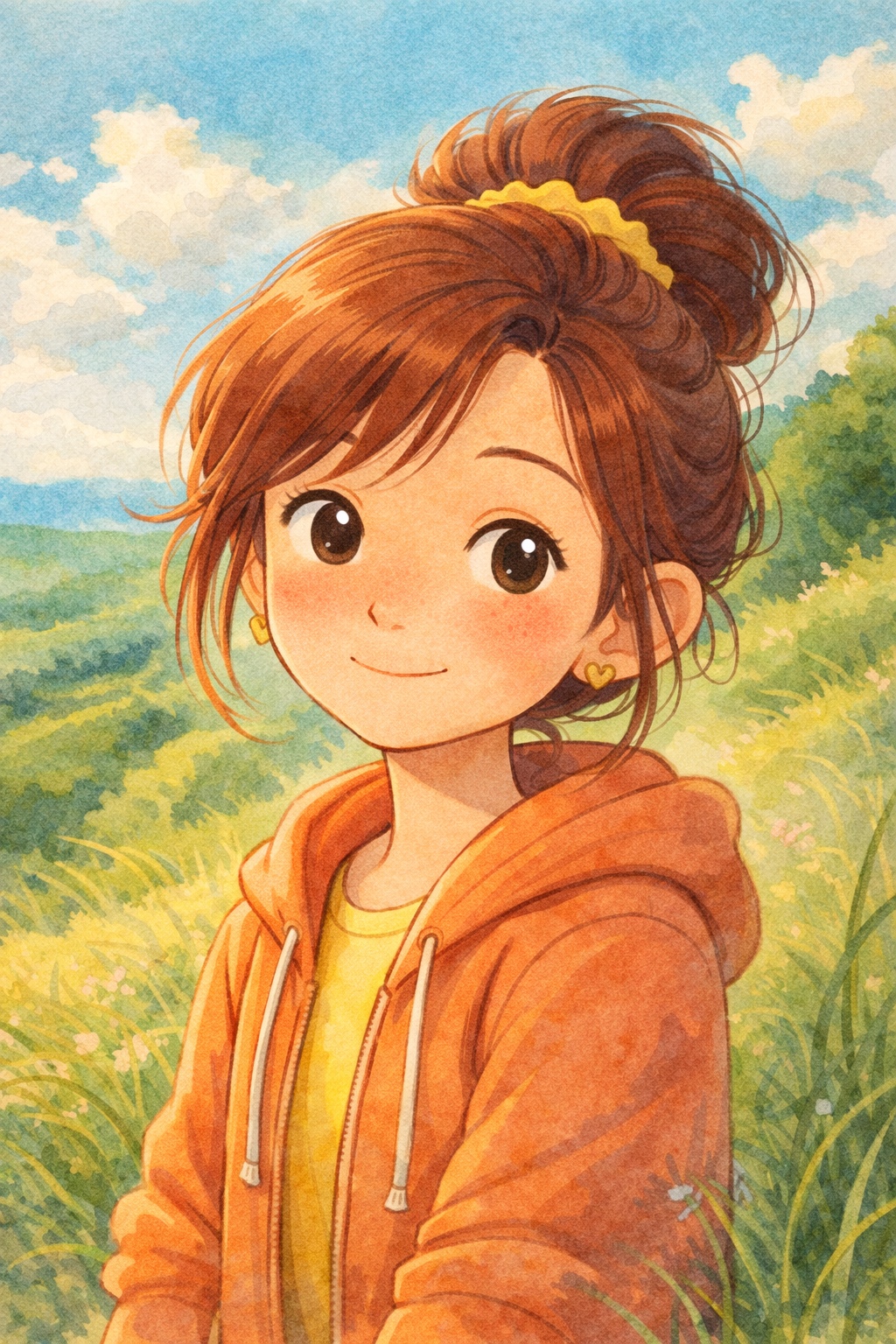
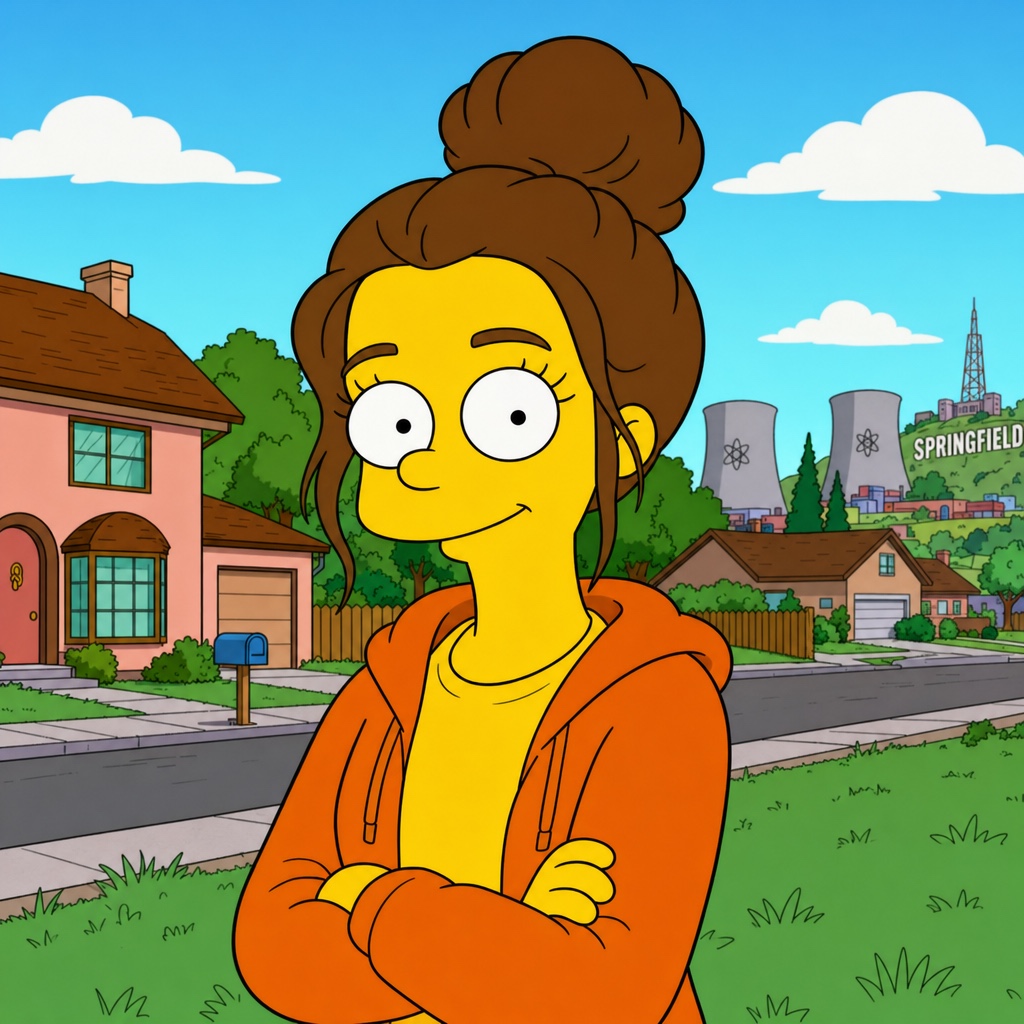
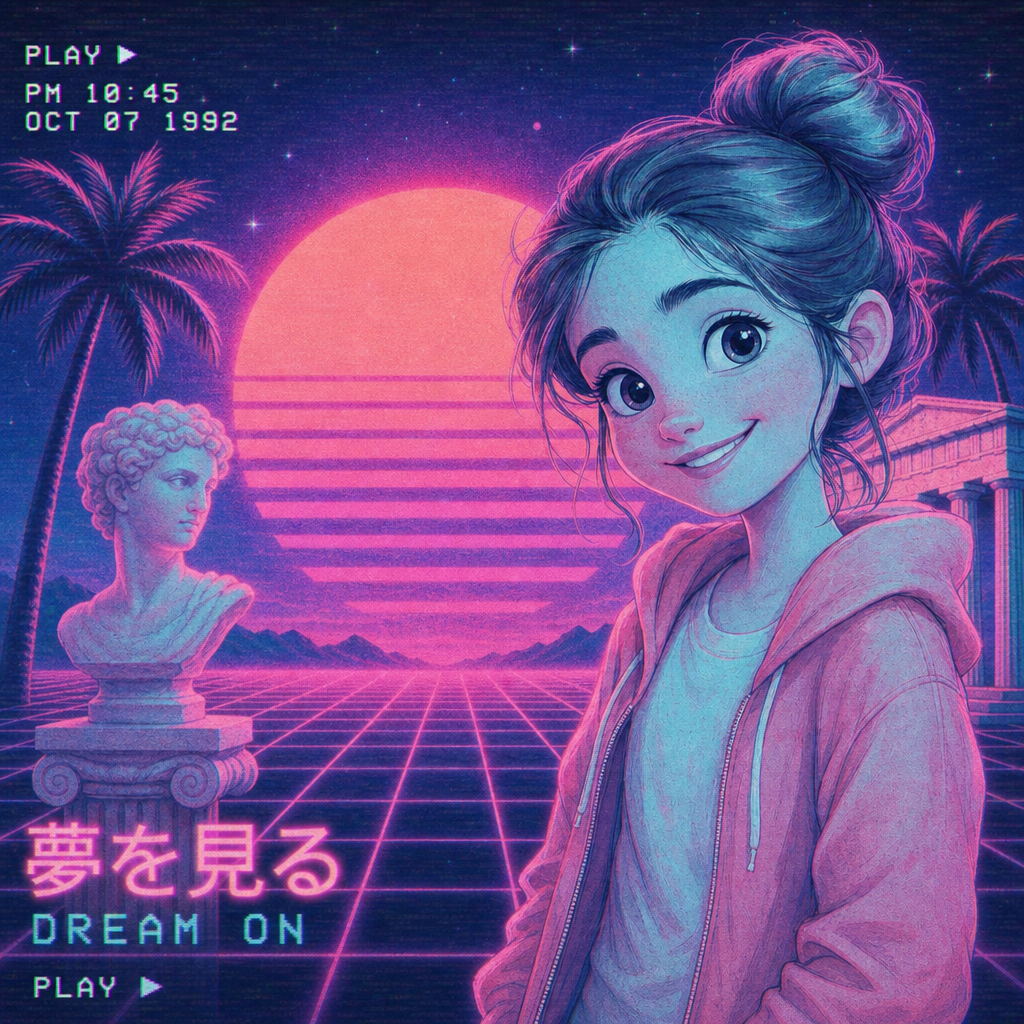
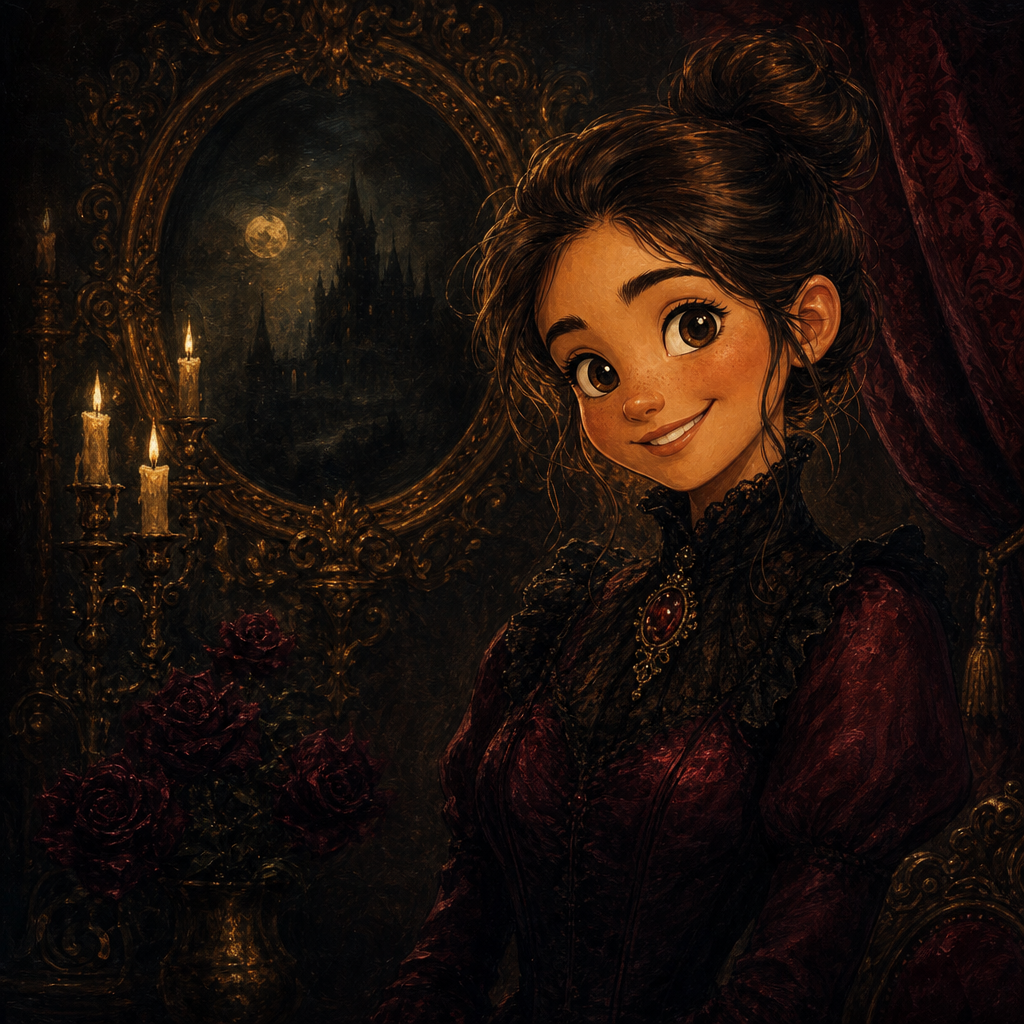
Manga Portrait from Photo
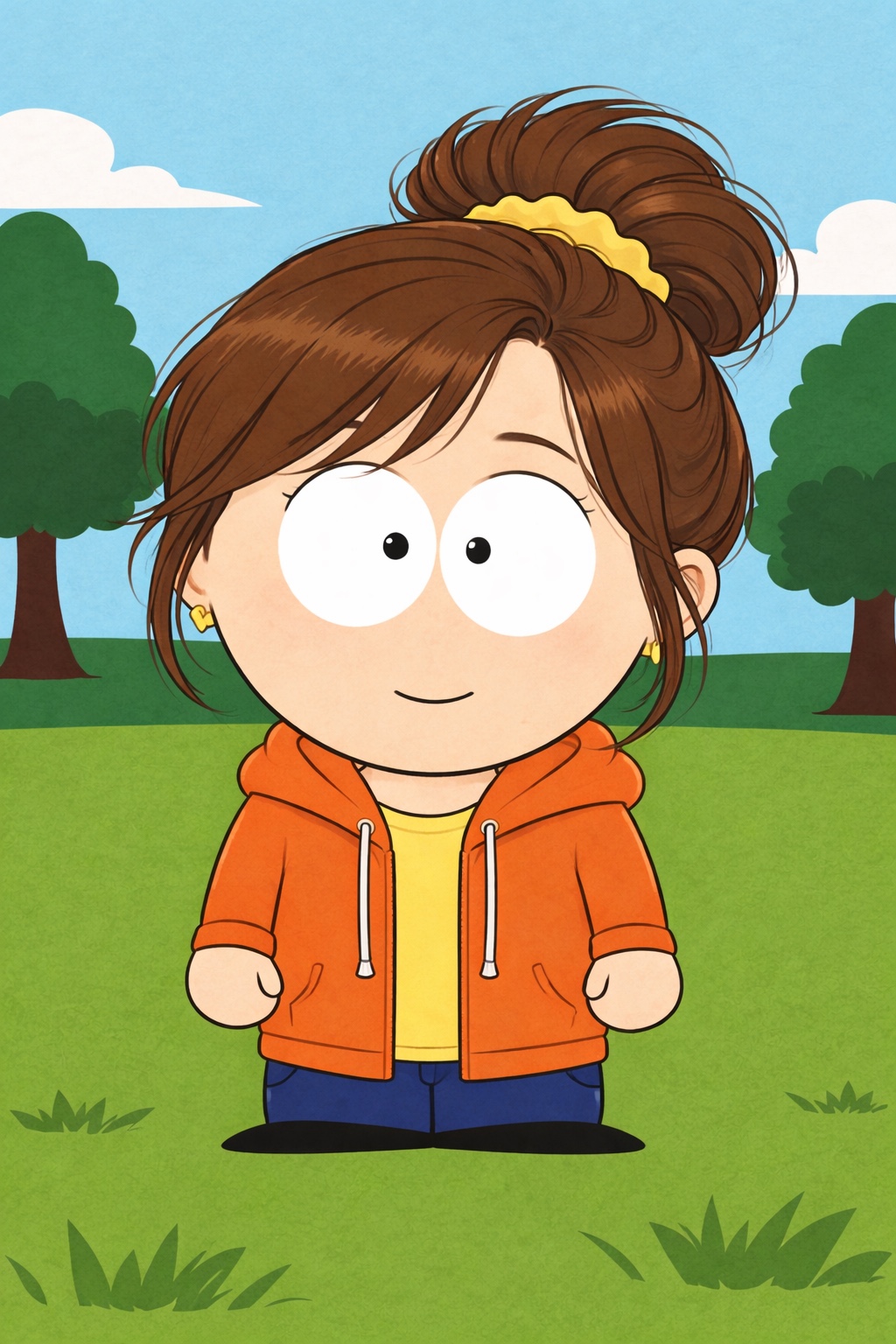
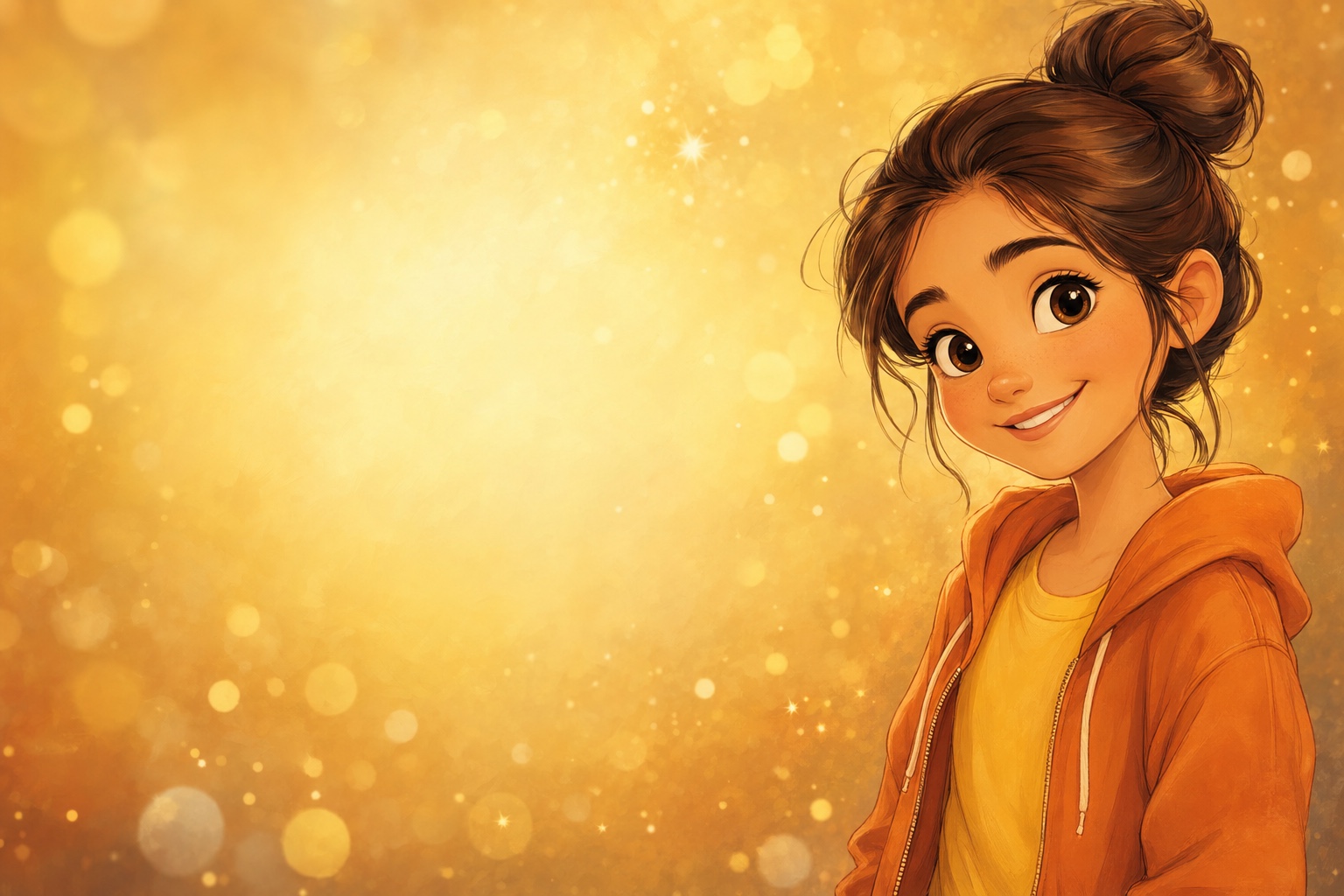
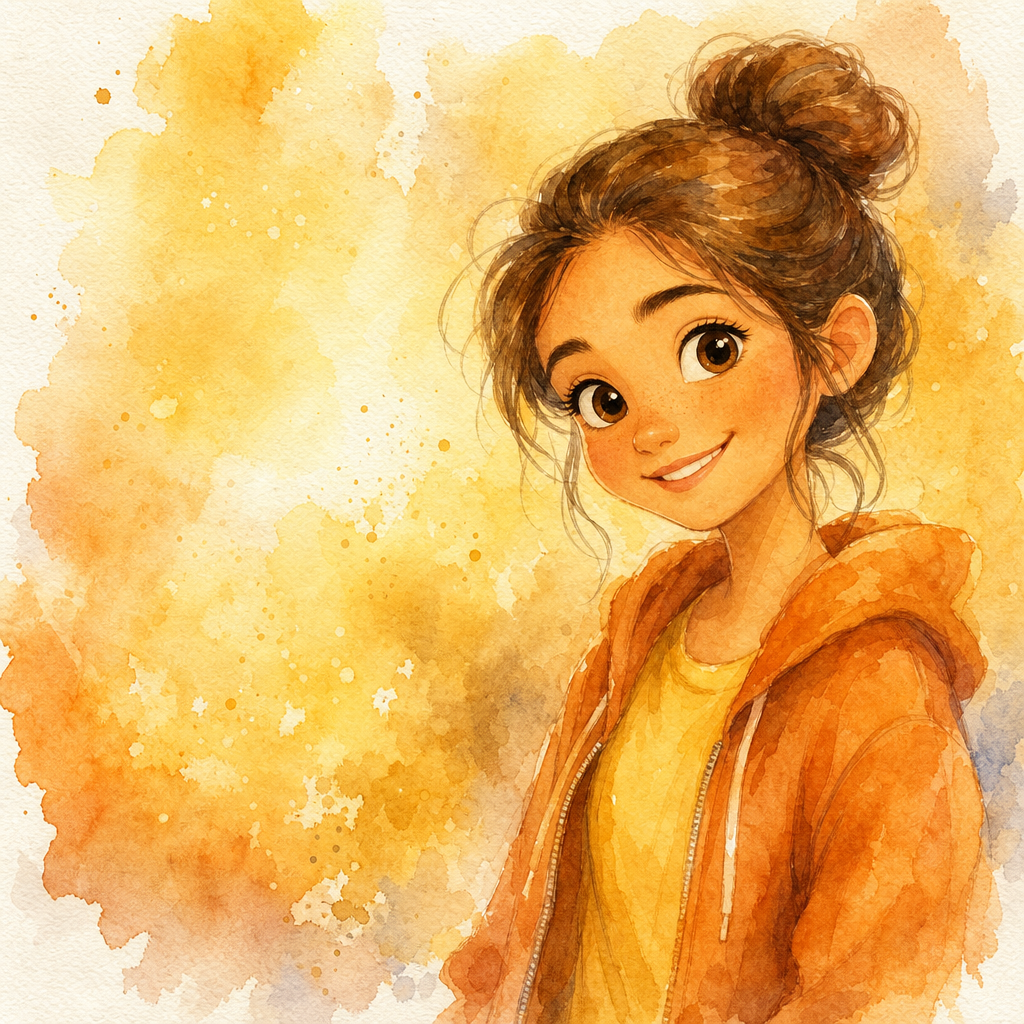
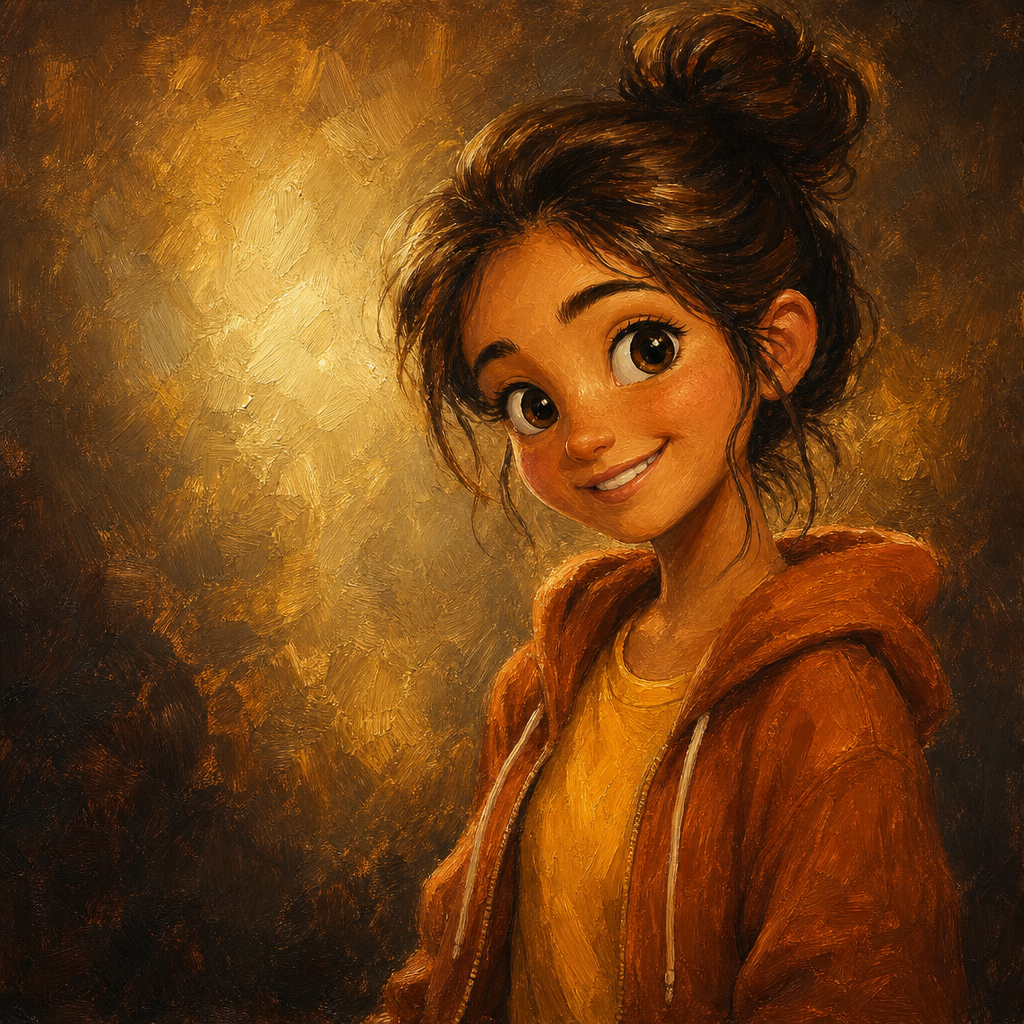
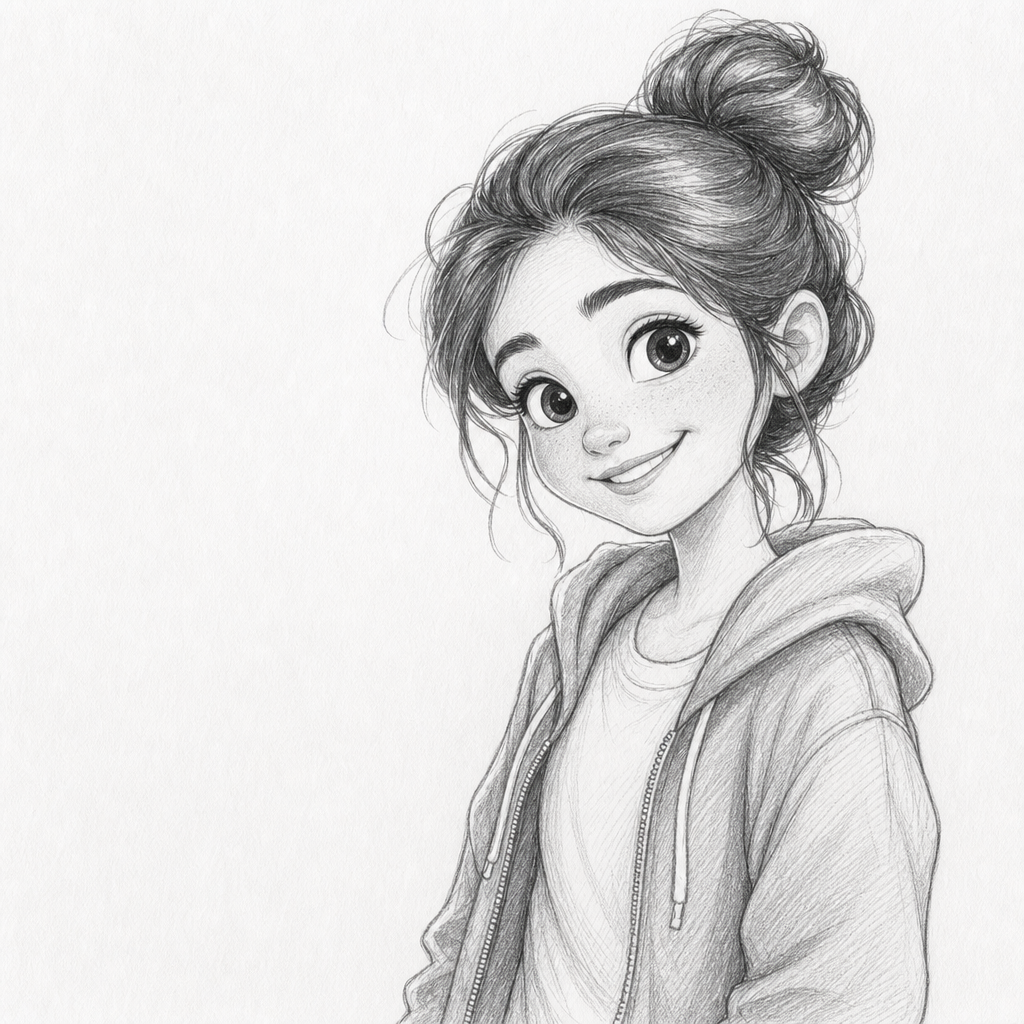
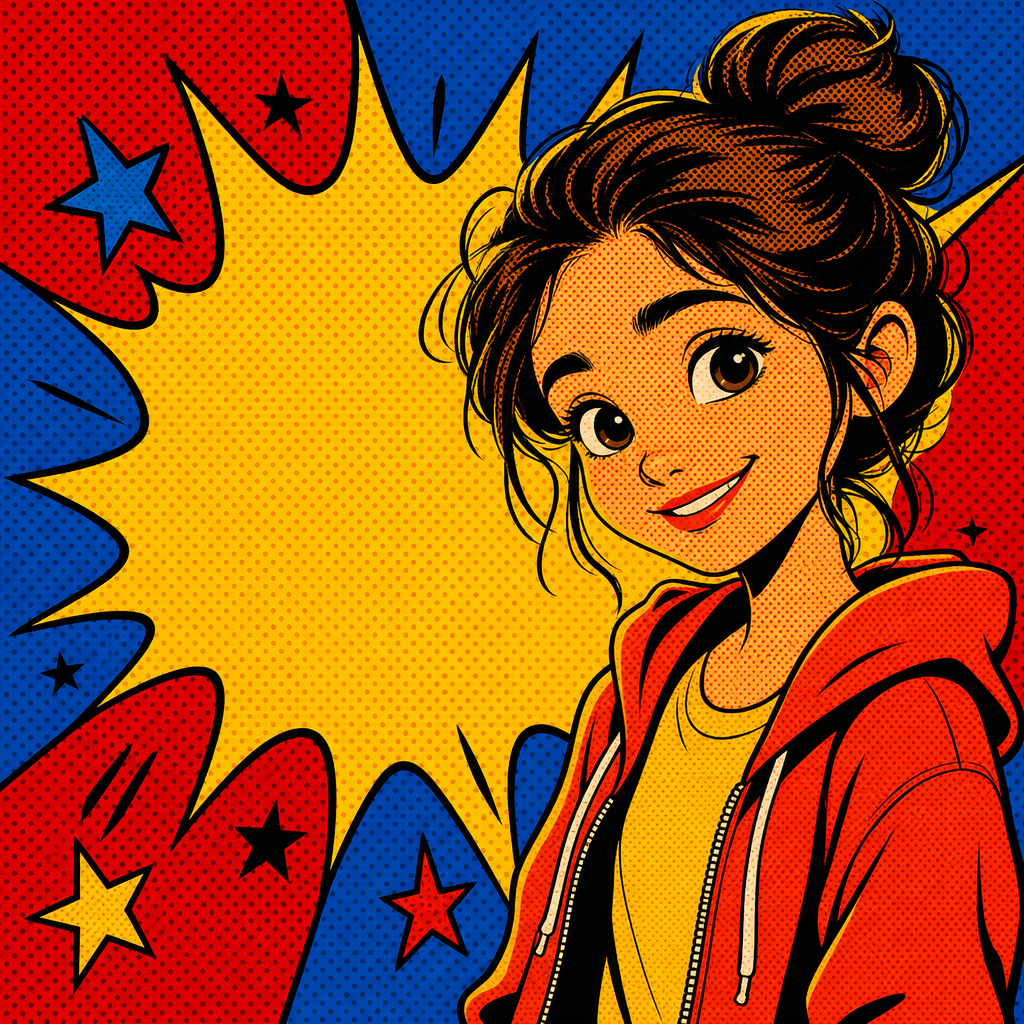
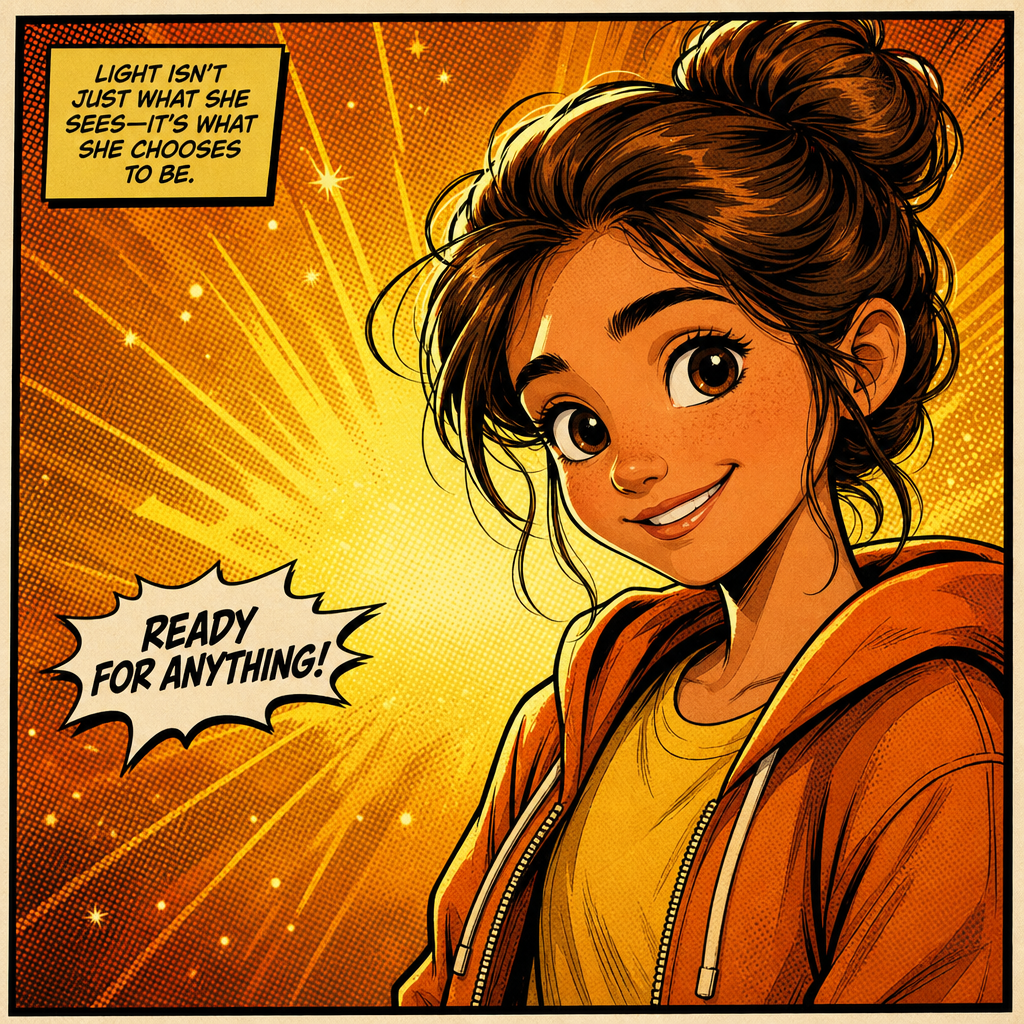
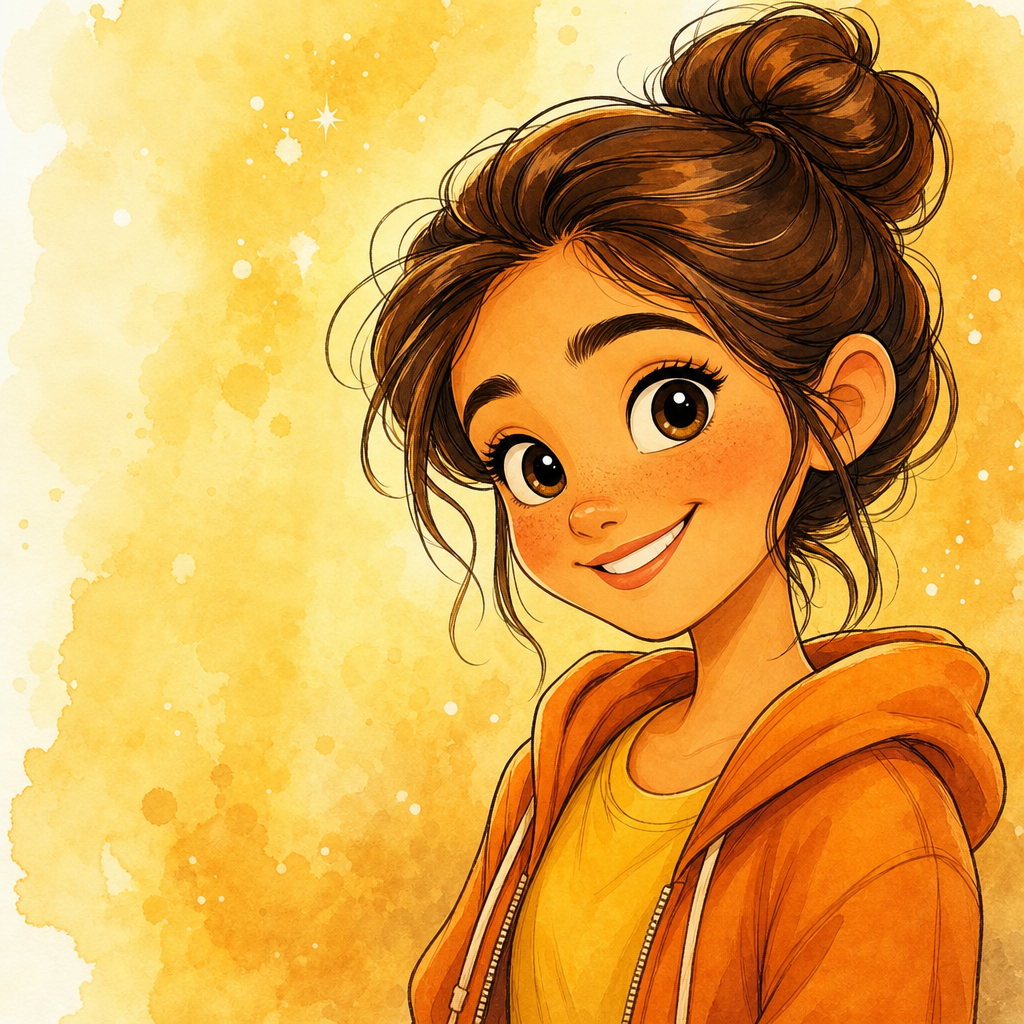
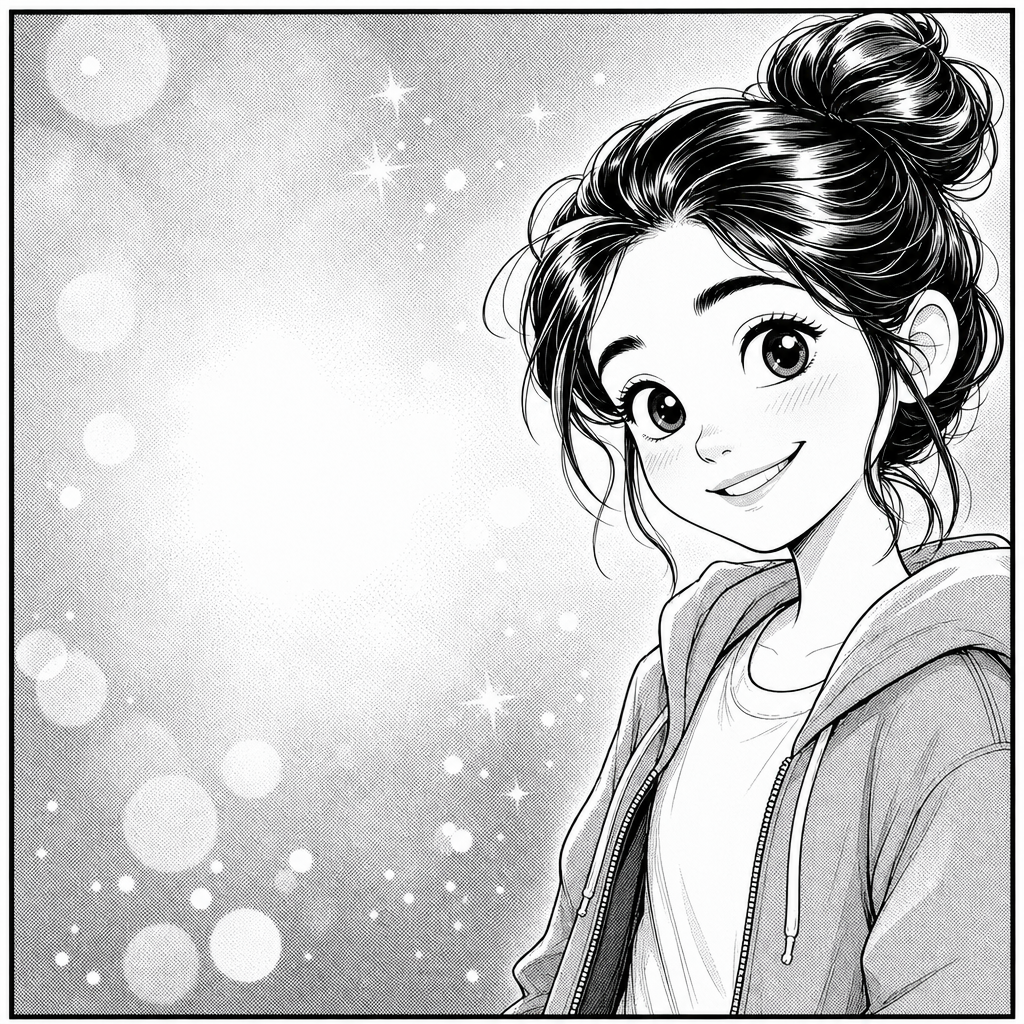
Manga portrait from photo, rendered in the crisp black-and-white visual language of Japanese comics — confident inked linework, screentone shading patterns, stylized eyes and hair, manga-panel composition. PicCanvas takes the photo you already have and turns it into the kind of single-panel illustration that could sit cleanly inside a published volume.
The interaction stays out of the way. You upload a photo, you tap the Manga tile, and a preview lands in seconds. Manga is forgiving on input because the medium is fundamentally line-driven — busy backgrounds collapse into clean negative space and screentone, awkward lighting becomes stylistic contrast, and color photography simplifies into shape and tone. If you want a slightly different rendering, hit Try again to advance to a higher quality tier. When the preview matches the panel you had in your head, click Looks good and the HD file is yours.
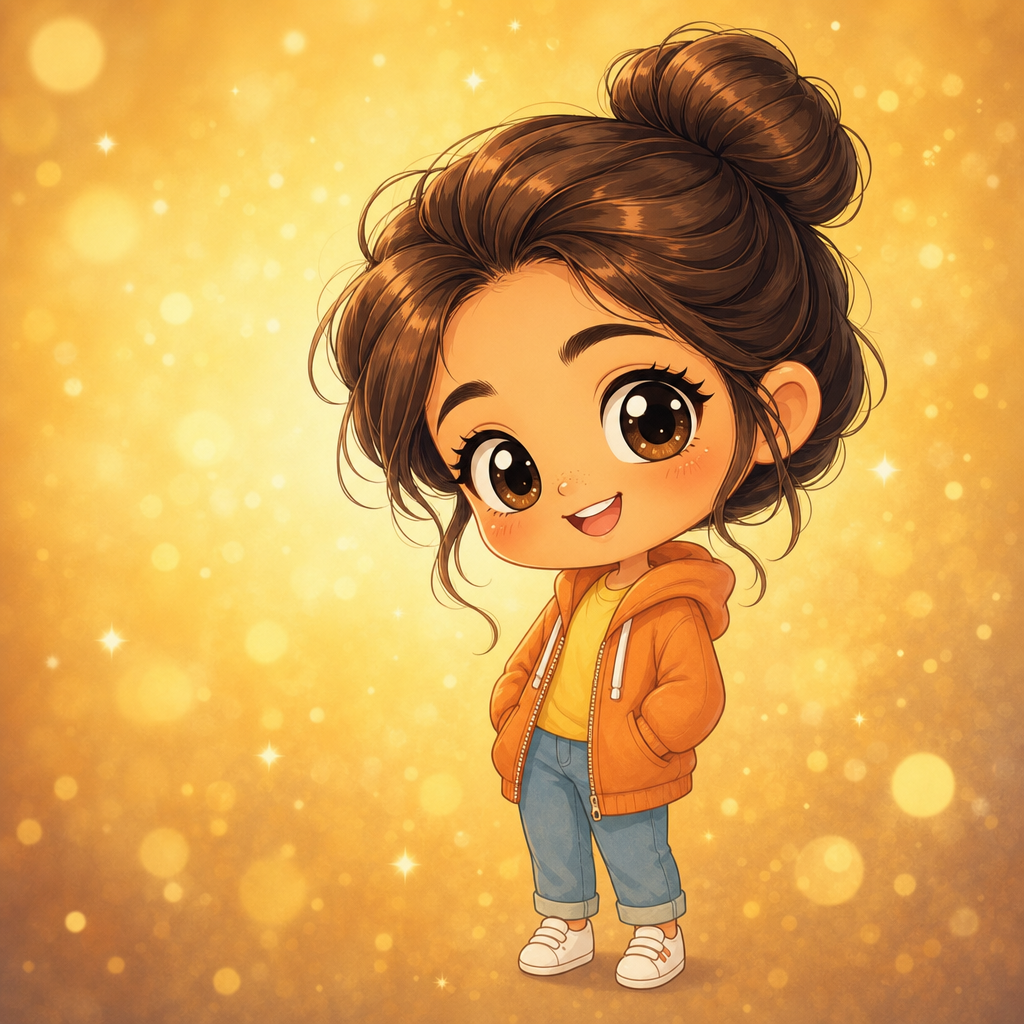
Manga is the pick when you want a quieter, more character-driven illustration than full color anime gives you. Use it for profile pictures, fan-art commissions, short-form web comic art, character-design references, doujinshi project drafts, gift art for manga-reading friends, and the kind of distinctive black-and-white print that pairs cleanly with any room. For full anime cel shading go with Anime; for chibi cuteness go with Chibi; for pencil-only restraint go with Pencil Sketch.
How it works
- Upload your photo— Any JPG or PNG works. Manga renders especially well on close-to-medium portraits with clear faces. Side profiles, three-quarter angles, and direct front shots all translate well into panel composition.
- Pick Manga— Tap the Manga tile. The thumbnail shows a real manga-style output so the inks and screentone are visible up front.
- Iterate to refine— Each preview takes a few seconds. Hit Try again to advance through quality tiers — useful when you want sharper line weight variation or denser screentone shading.
- Download HD— Click Looks good and we render the final at full resolution. Sized for digital posting, small framed prints, fan art, and panel-style poster layouts.
Use cases
Manga-style profile pictures for creator platforms
A manga-style portrait stands out on Twitter, Discord, and creator profiles because the black-and-white aesthetic breaks the algorithm's color pattern. Reads as deliberate art direction rather than a filtered selfie.
Fan art and character design references
Artists use the manga lane to draft character references from photo plates, project planning art, or quick portrait studies in the style of published manga.
Webcomic and doujinshi cover art
A manga-style portrait makes a clean webcomic title card or self-published doujinshi cover panel without commissioning an illustrator.
Gift art for manga-reading friends
A manga panel portrait of the recipient, printed and framed small, is the kind of gift that hits especially well with people who collect manga volumes.
Anime convention badge and merch art
Convention badges, table tents, and merch art all benefit from manga-style portraits — recognizable as the person but on-theme with the convention.
Cosplay character reference plates
Cosplayers use manga-style portraits as reference plates when planning costumes — the inked silhouette and screentone shading make construction details easier to read than a color photo.
Frequently asked questions
- How does the manga portrait from photo generator handle likeness?
- Face shape, hairstyle, and expression are preserved while the rendering shifts into manga line work and screentone shading. The output reads as the same person rendered in manga style — distinctly themselves, distinctly inked.
- Is the output strictly black and white?
- Predominantly. The manga lane is engineered for monochrome with selective screentone gray, following the conventions of published Japanese comics. For full color anime use the Anime lane instead.
- Does manga work on group photos?
- Yes for groups of two to four with clear faces. Larger groups lose facial detail because the line economy needs space to read; for those, prefer single-subject panels or a tight crop.
- Can I print manga outputs?
- Yes. The HD download is sized for small framed prints, panel-style posters, and digital convention art. Manga reads especially well at small-to-mid print sizes where the inks stay crisp.
- How is manga different from anime?
- Manga is the black-and-white print tradition — inks, screentone, stylized line weights, designed for newspaper-style reproduction. Anime is the color animation tradition — cel shading, full palette, animation-frame composition. Pick manga for panel art; pick anime for character art.
- Will my photo look like a Shōnen Jump panel specifically?
- It will lean into the same visual conventions — clean inks, stylized eyes, screentone shading. It will not look like a specific publication's house style; it will look like a manga interpretation of your photo.
- How long does generation take?
- The first preview lands within a few seconds. Each iteration takes a similar amount of time. The final HD render takes a little longer because it runs at full resolution.