
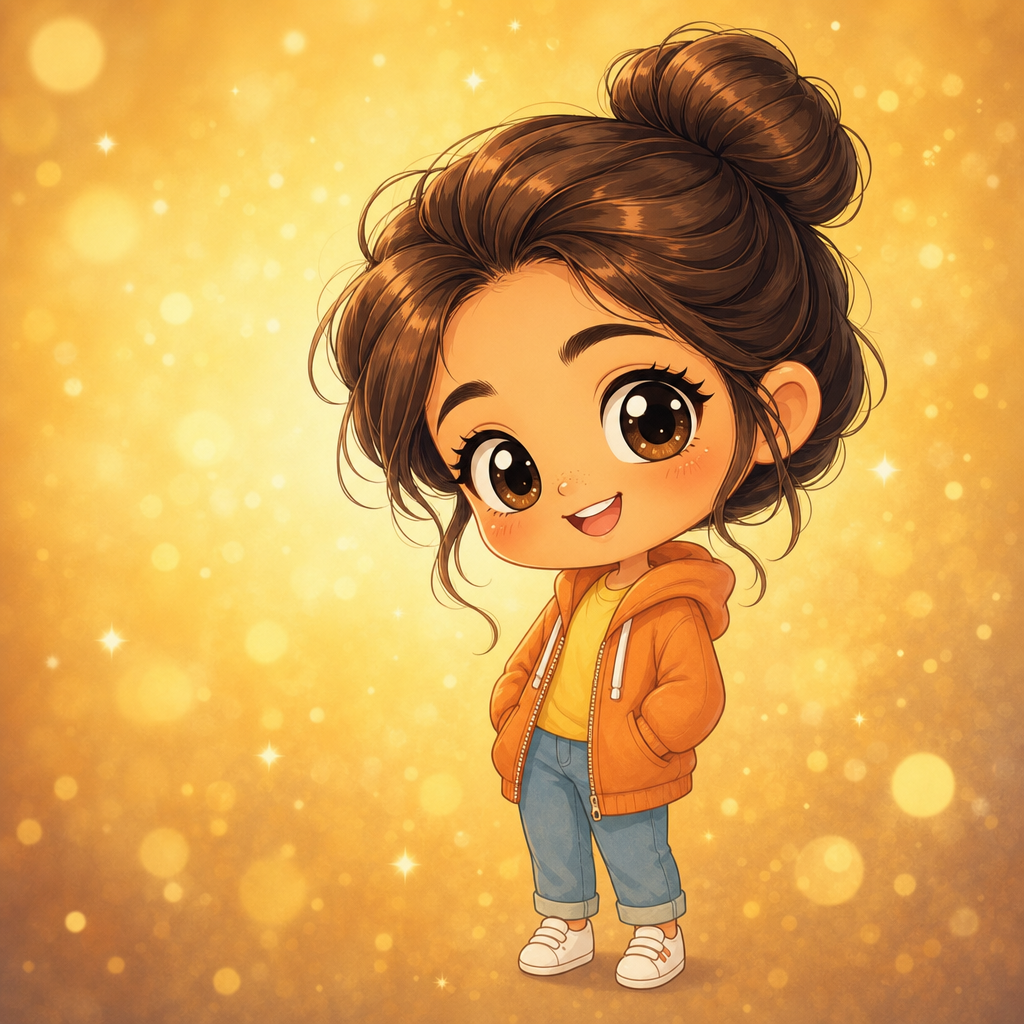
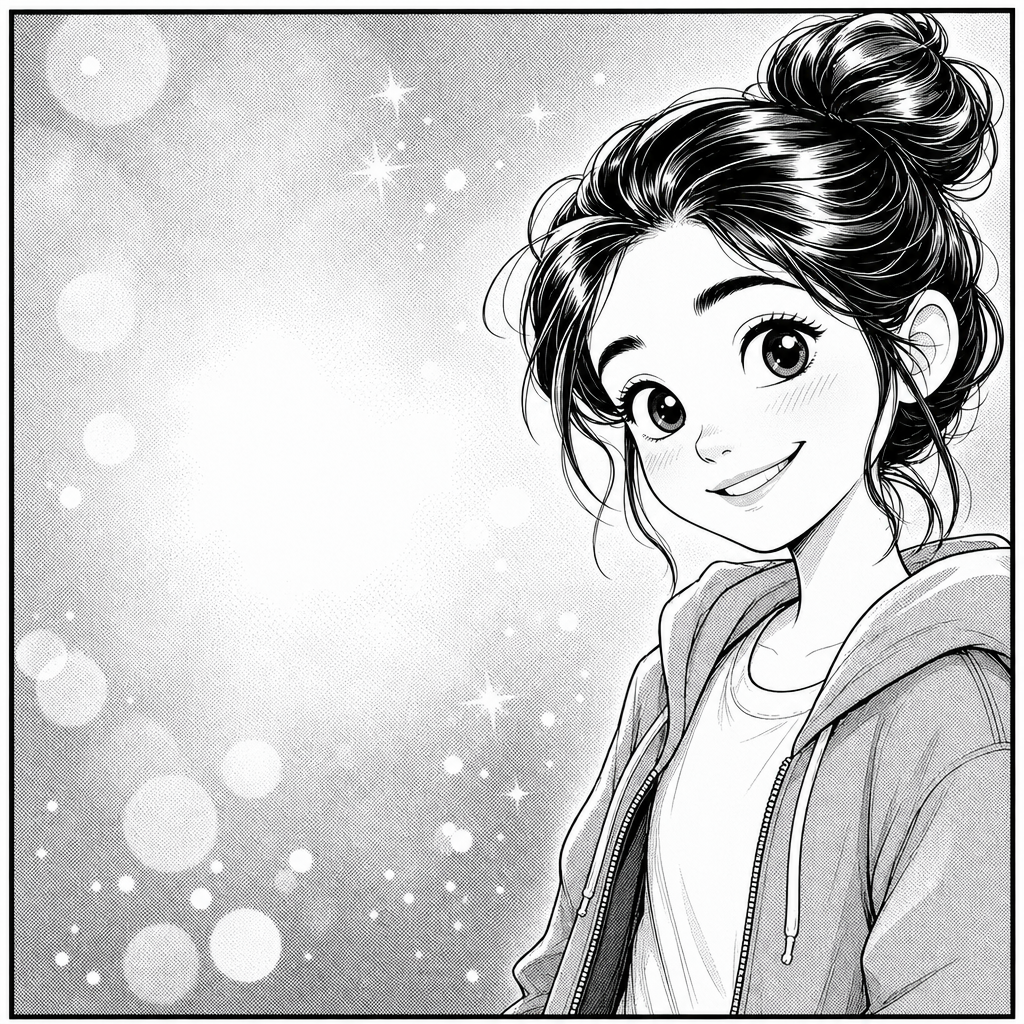
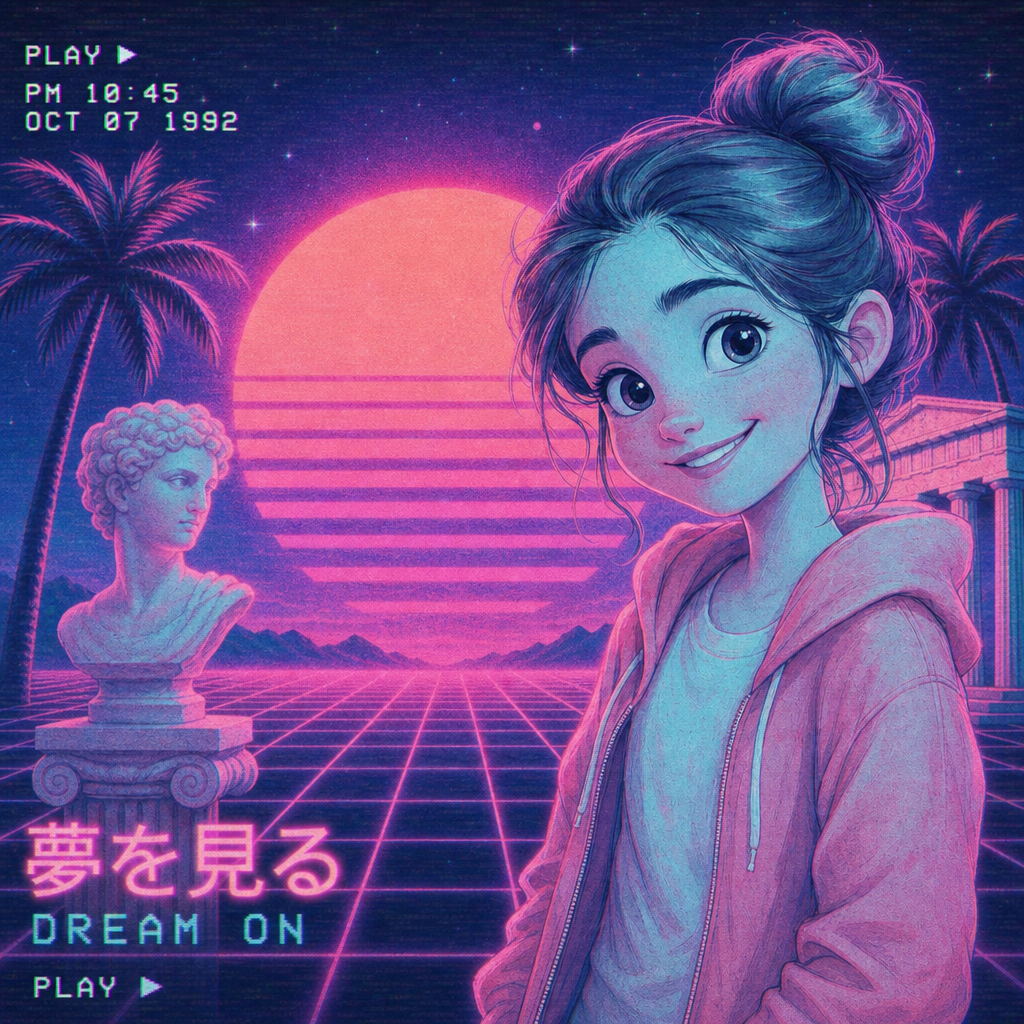
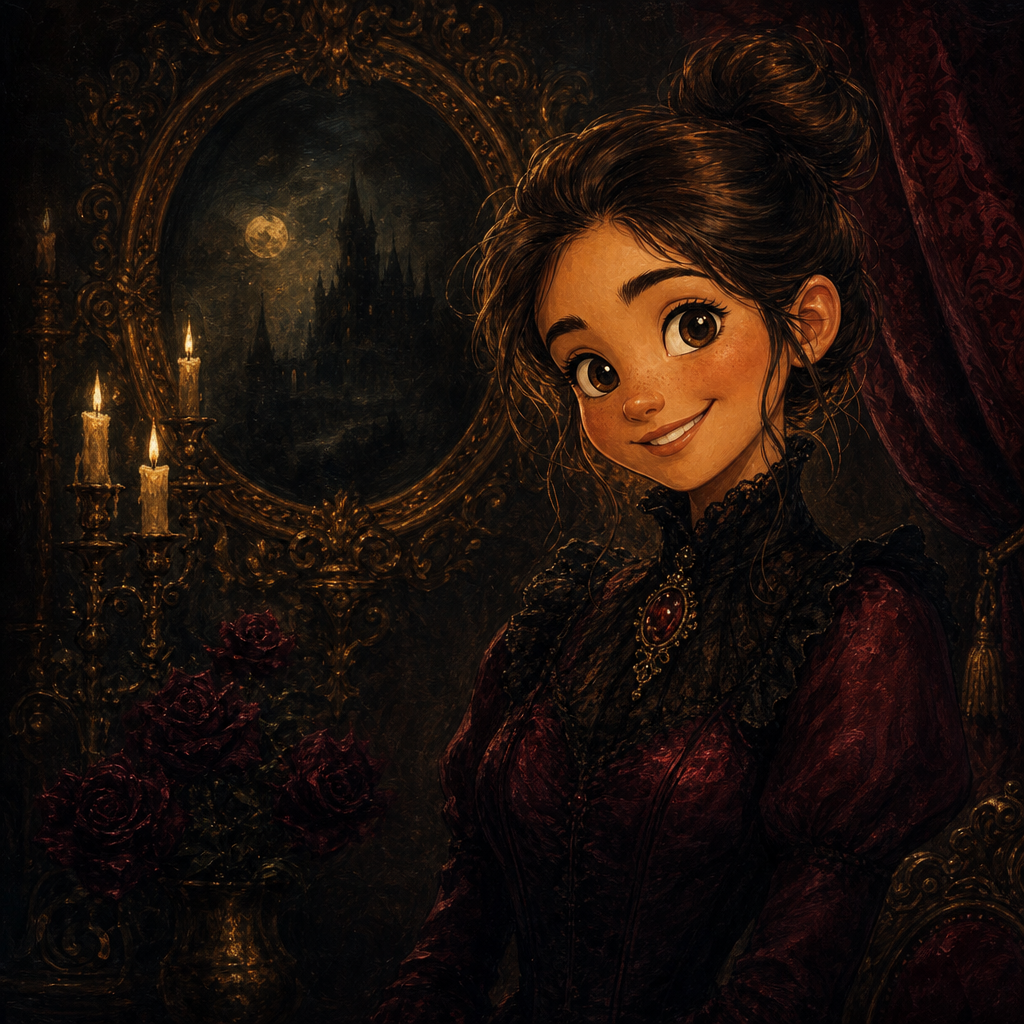
Comic Book Portrait from Photo
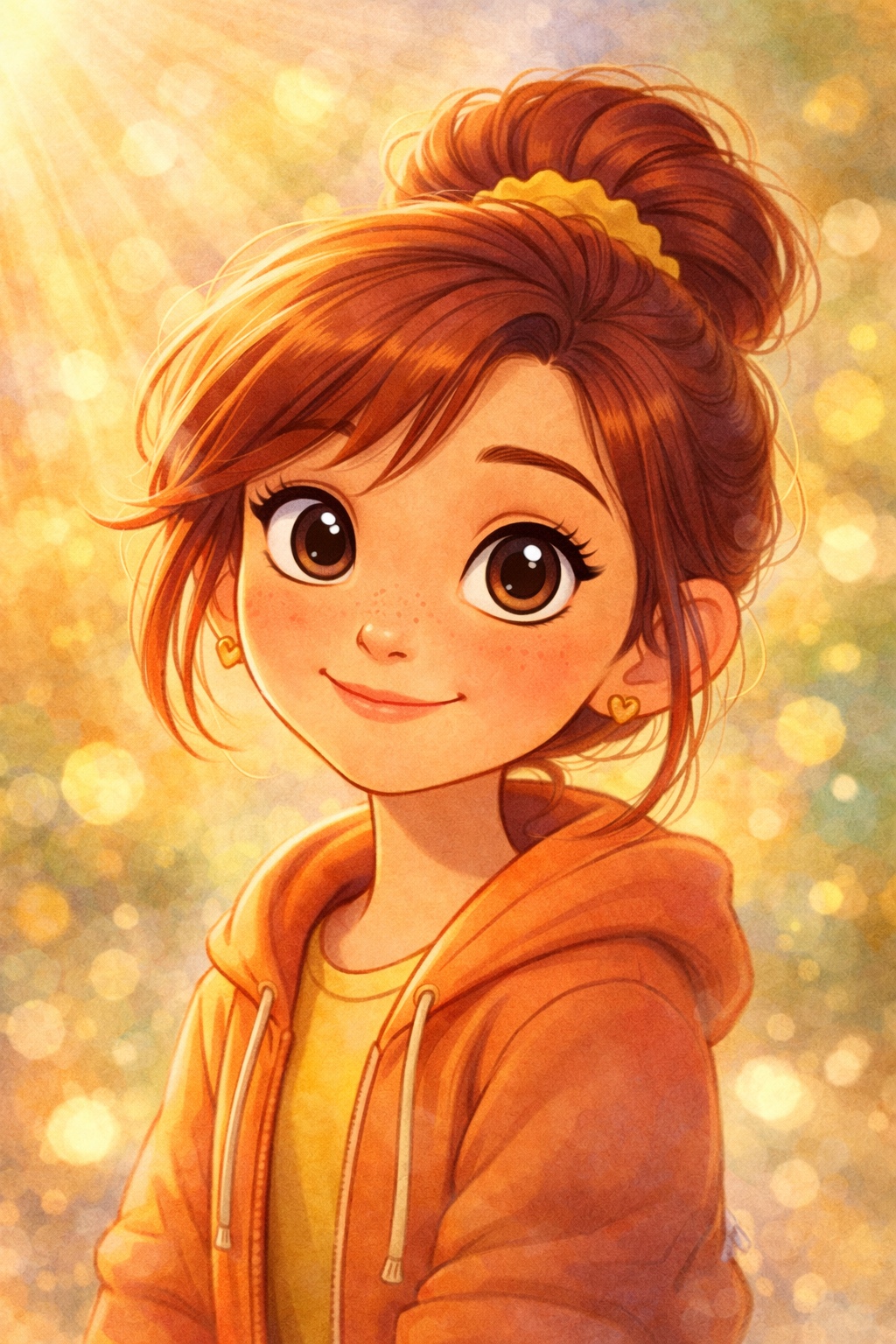
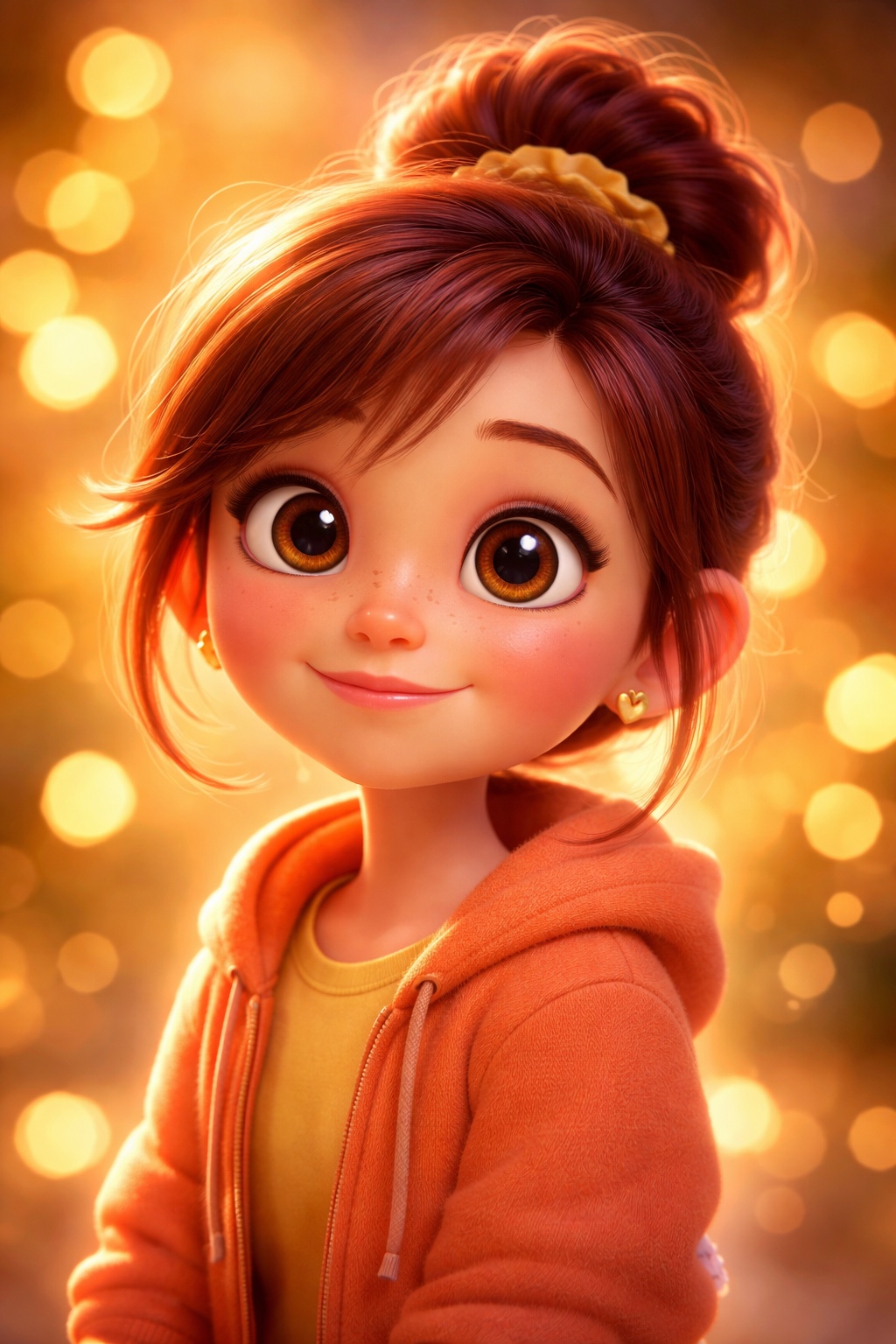
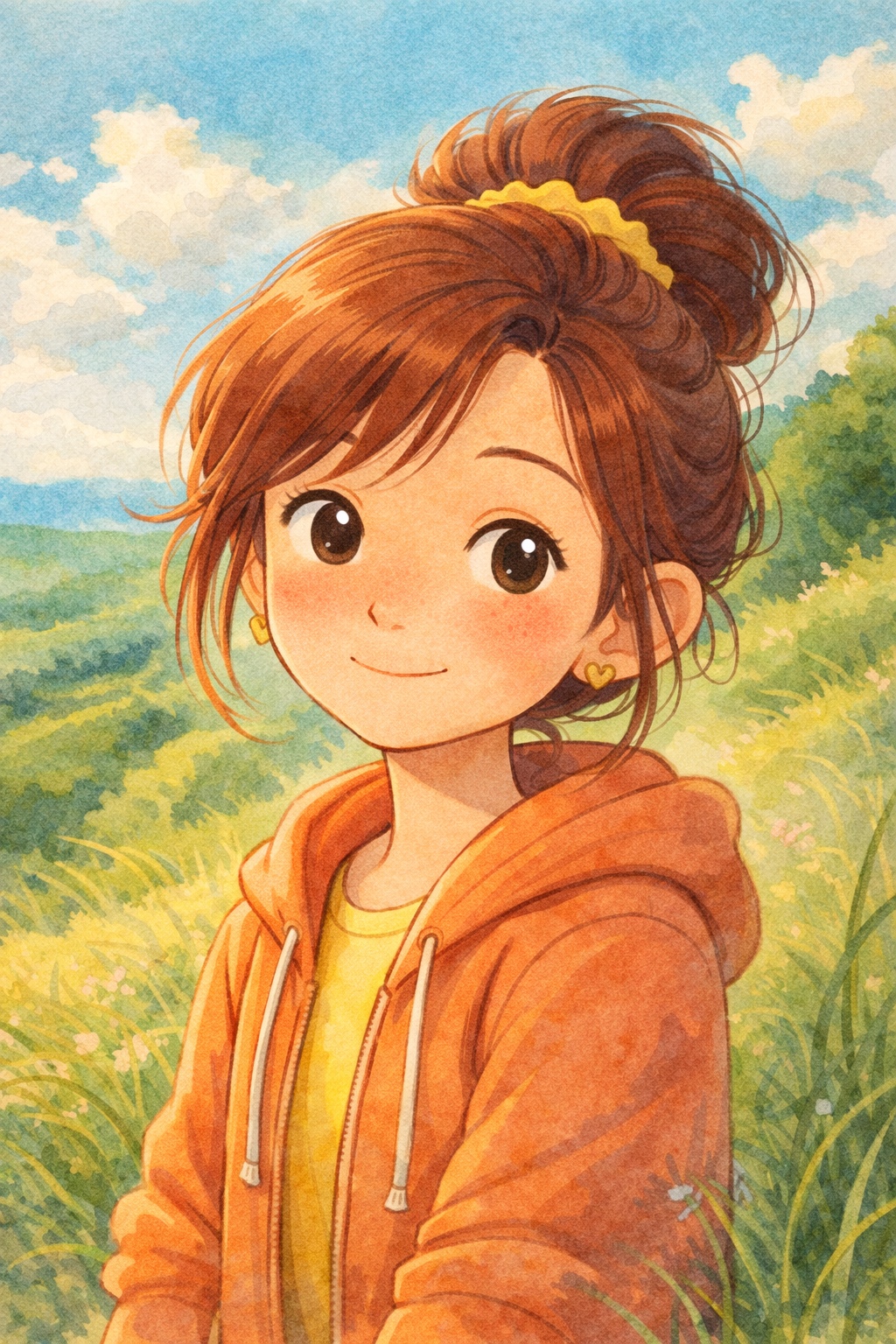
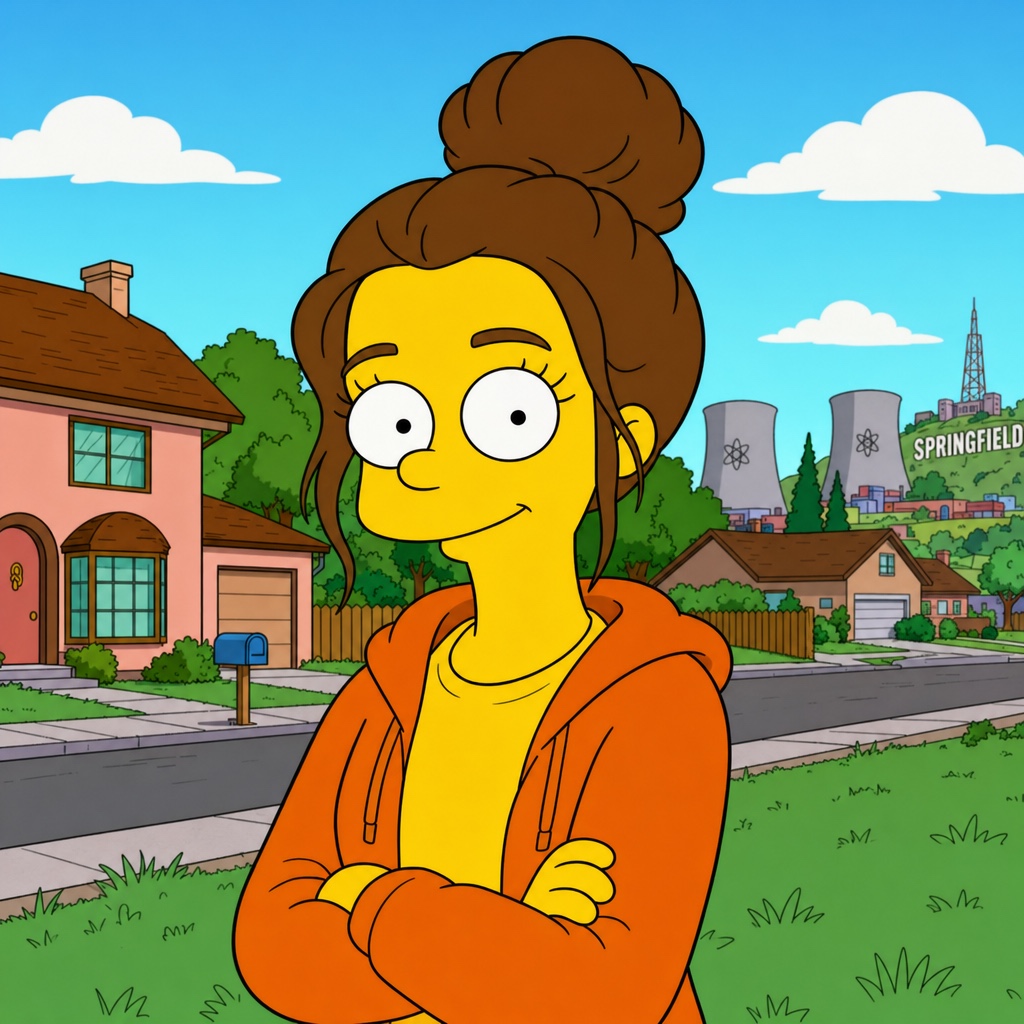
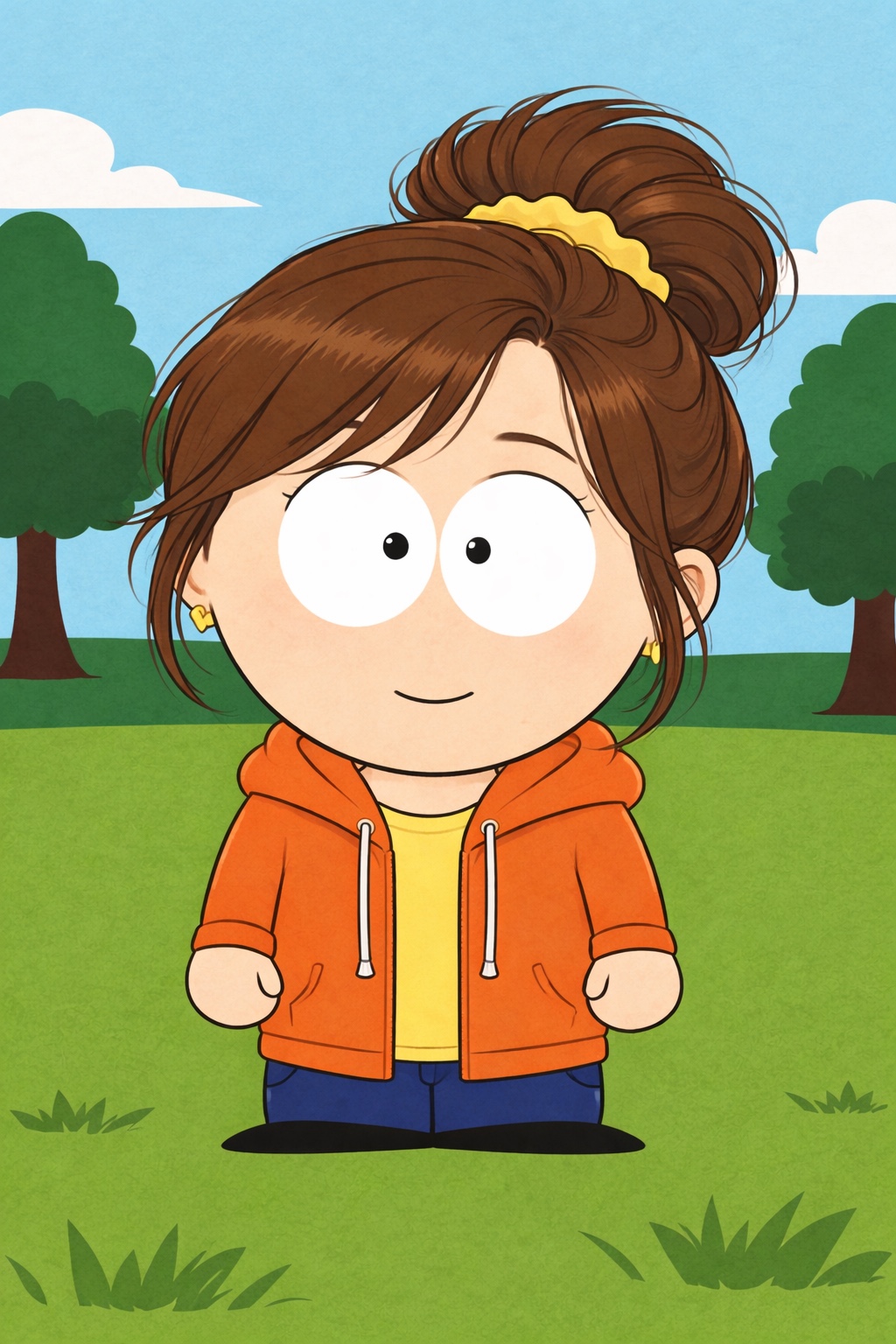
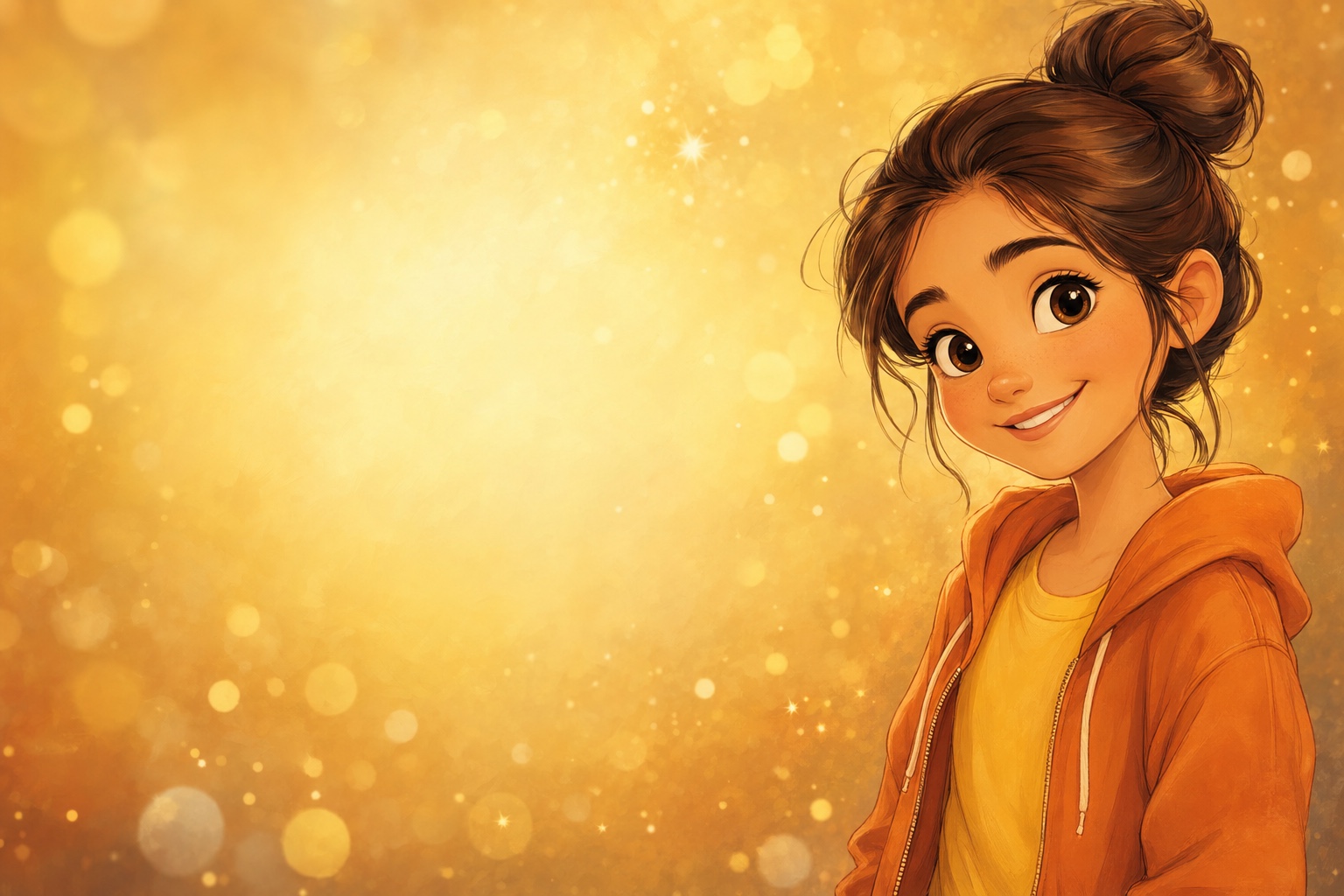
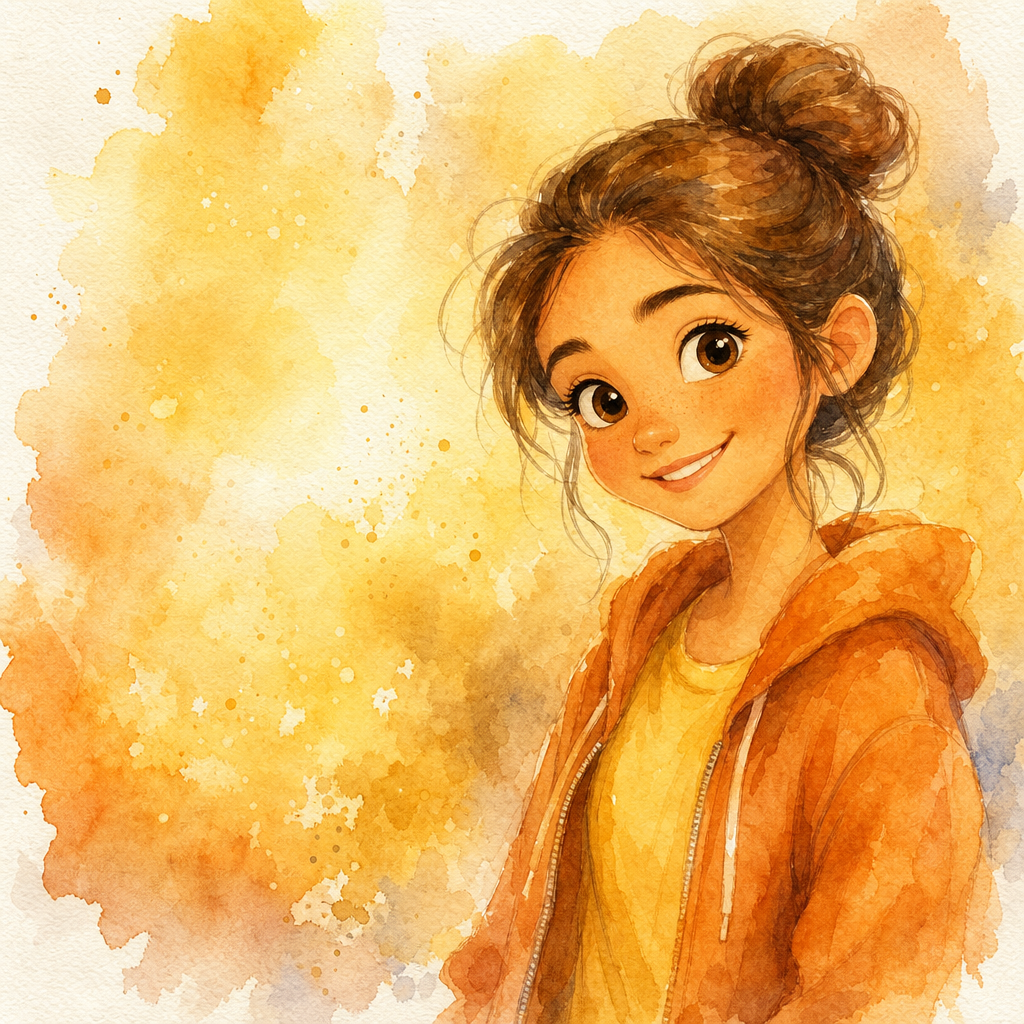
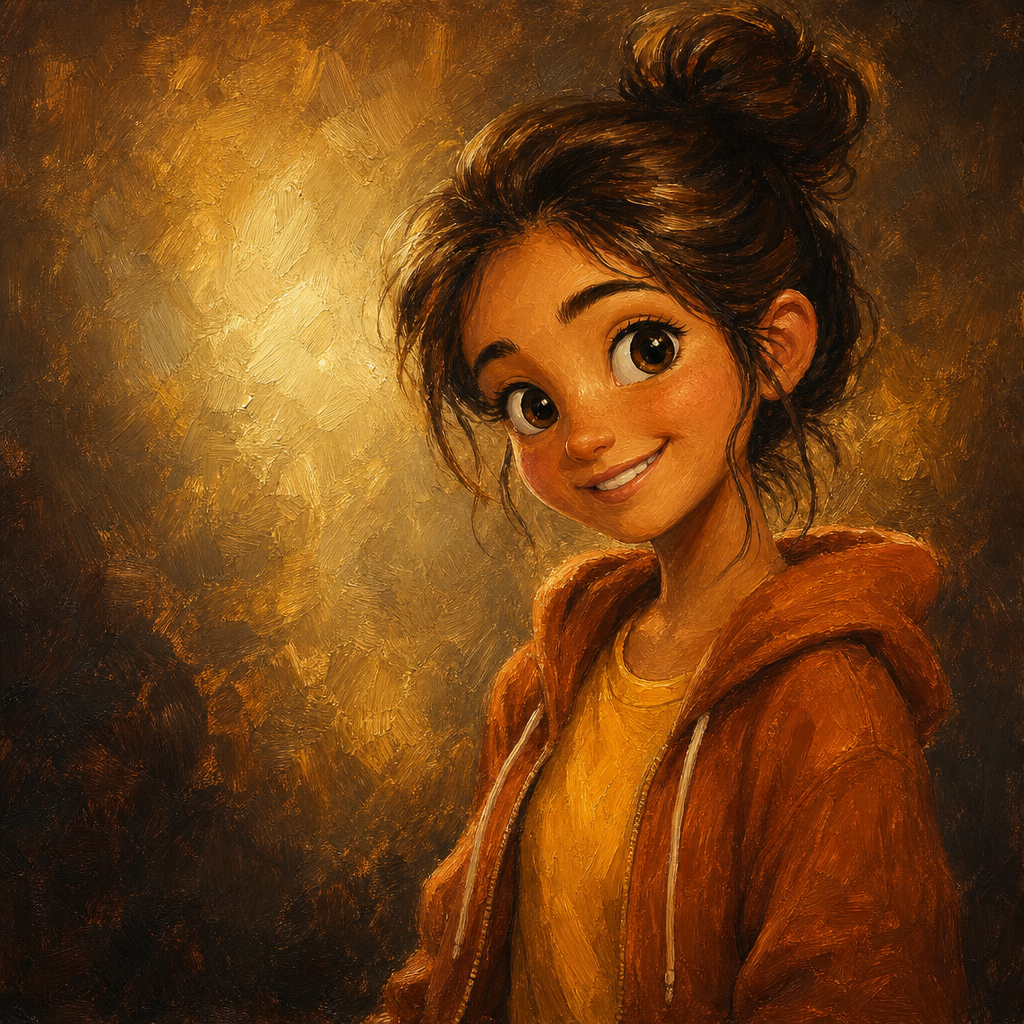
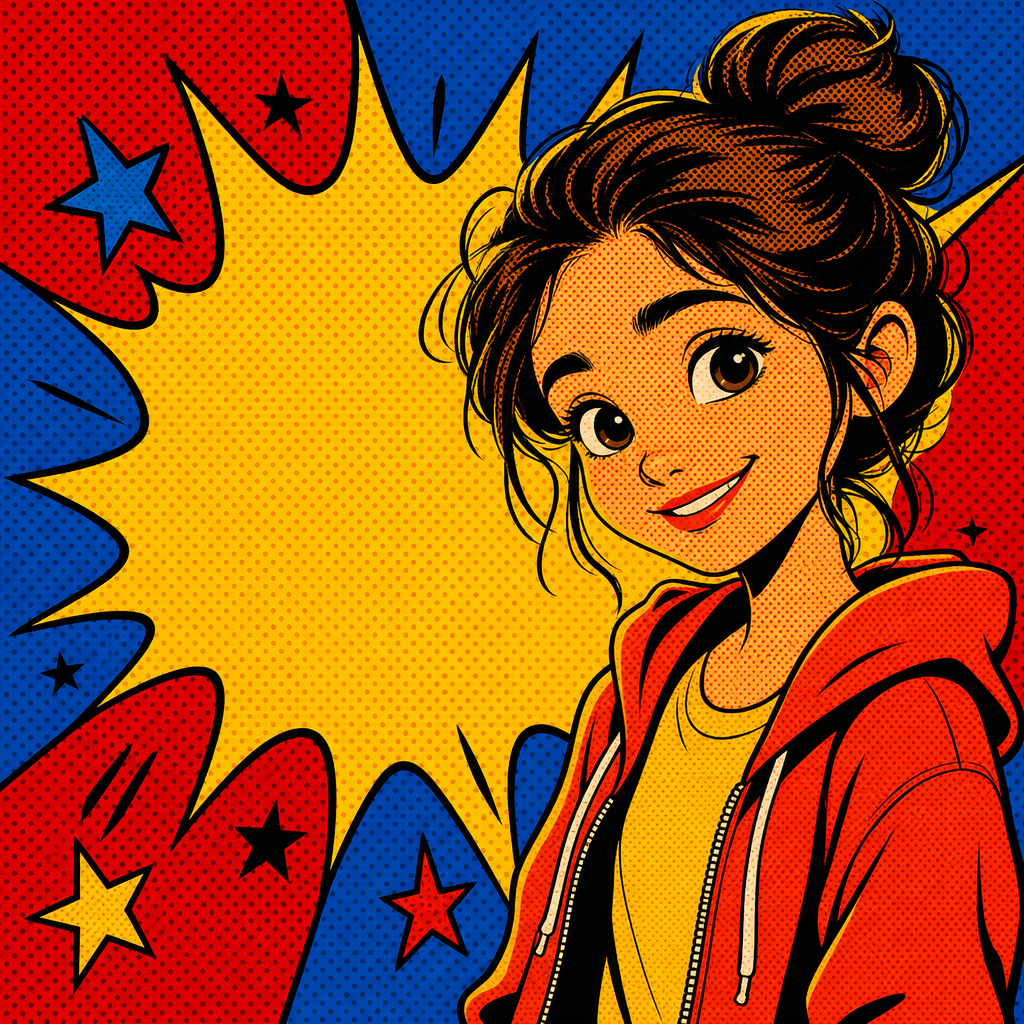
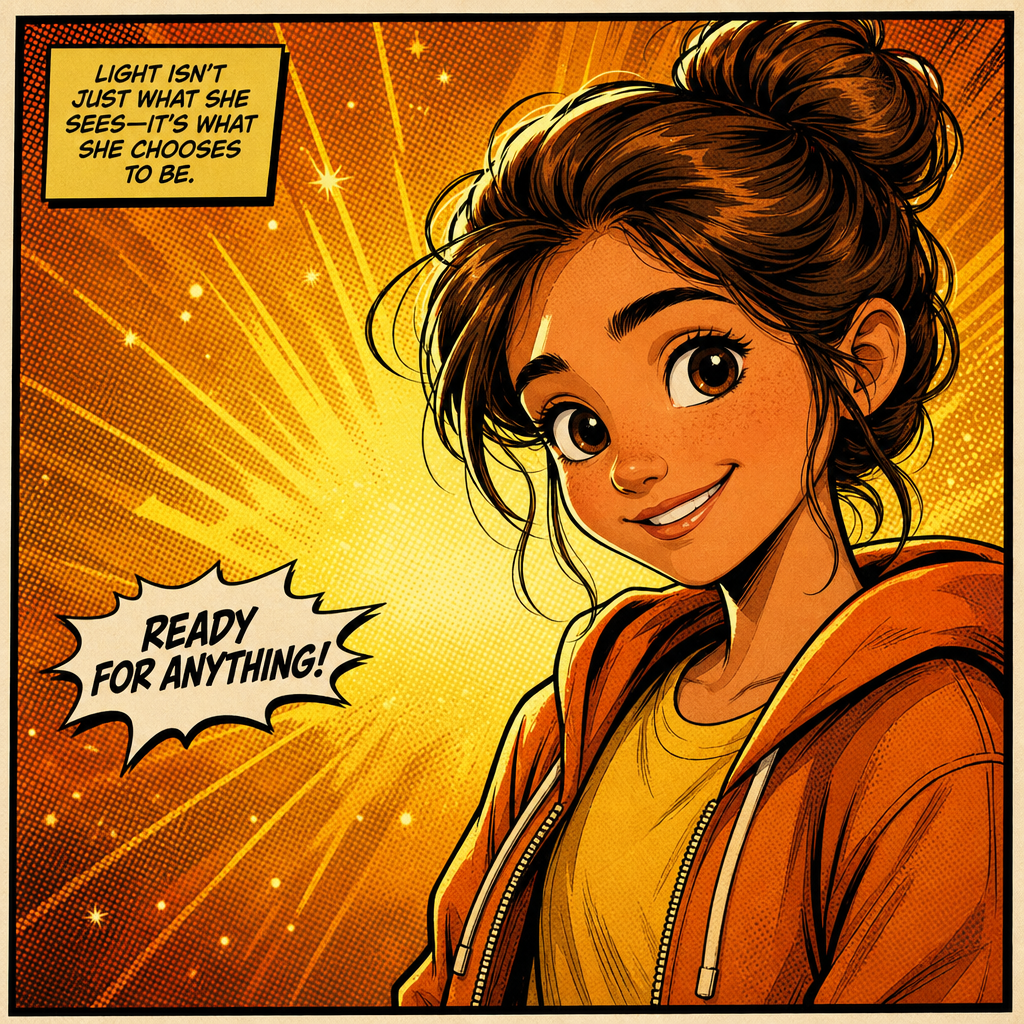
Comic book portrait from photo, rendered like a single panel out of a Marvel or DC issue — bold inked outlines, halftone dot shading, cel-shaded color, dynamic lighting, and the framing energy of someone about to do something important. PicCanvas takes the photo you have and gives it the visual language of superhero comics without the year of life-drawing lessons.
The interaction stays out of the way. You upload a photo, you tap the Comic Book tile, and a preview lands in seconds. Comic book is energetic input-friendly — strong poses get even stronger, regular poses get amplified, plain backgrounds stay subordinate to the figure. If you want the inks more aggressive or the color flatter, hit Try again to advance to a higher quality tier. When the preview reads heroic, click Looks good and the HD file is yours.
Comic book is the right pick when you want energy, narrative, and a little drama. Use it for kid birthday-party invitations (everyone wants to be the hero of their own panel), groomsmen gifts, action-figure-style social profiles, party posters, sports-team graphics, and the kind of statement print that announces personality. For something quieter and painted go with Watercolor or Oil Painting; for graphic-design flatness go with Pop Art; for cute anime energy go with Chibi.
How it works
- Upload your photo— Any JPG or PNG works. Comic book renders especially well on action-y poses — arms crossed, half-turn, hero stance — but a regular portrait gets pushed in that direction automatically.
- Pick Comic Book— Tap the Comic Book tile. The thumbnail shows a real comic-style output so the inks and color energy are visible up front.
- Iterate to refine— Each preview takes a few seconds. Hit Try again to advance through quality tiers — particularly useful when you want sharper line work or more pronounced halftones.
- Download HD— Click Looks good and we render the final at full resolution. Sized for poster prints, framed wall art, party invitations, and large social posts.
Use cases
Superhero birthday party invitations
Run the birthday kid's photo through comic book style and drop the result on the front of an invitation. Reads as a real comic panel rather than a clip-art template.
Groomsmen and bachelor-party graphics
Convert each groomsman to a comic-book panel, lay them out as a grid, print as a poster gift or use on the back of party tees. High-energy alternative to formal portraits.
Action-figure or hero-style social profile pictures
Comic-book versions of headshots break the LinkedIn pattern and read as memorable on creator profiles, podcast feeds, and YouTube channels.
Sports team posters and yearbook pages
A grid of comic-book portraits of a team — youth league, adult rec, esports — makes a poster or yearbook spread feel like a comic anthology.
Kids' bedroom hero portraits
A comic-book portrait of the kid, printed and framed for above the bed, sits between toy and art piece. Often the most-requested style for boys' rooms.
Convention badges and fandom art
Run a selfie through comic book before printing badge art for conventions, fandom meetups, or D&D campaigns. Distinctive and immediately on-theme.
Frequently asked questions
- How does the comic book portrait from photo generator handle likeness?
- Face structure, hairstyle, and expression are preserved while the rendering pushes into inked outlines and cel-shaded color. The output reads as a comic-book version of the person — recognizable but amplified.
- Does the output have visible inks and halftones?
- Yes. The model produces bold black ink outlines, halftone dot shading in shadow regions, and flat cel-shaded color blocks. It does not look like a posterized photo filter.
- Can I use the output as a party invitation or printed merch?
- Yes. The HD download is sized for invitations, poster prints up to roughly 18 by 24 inches, and merch print like tees and tote bags. The license covers small-business and personal print use.
- Does comic book work on group photos?
- Yes for groups of two to four with clear faces. Larger groups lose facial detail because comic linework needs space to read; for those, crop tighter or generate each subject separately.
- How is the comic book lane different from anime?
- Comic book leans into Western superhero comic conventions — bold inks, halftones, dynamic three-quarter angles, dramatic lighting. Anime leans into Japanese animation conventions — softer cel shading, stylized eyes, gentler line weights. Pick comic for hero energy; pick anime for character warmth.
- Does the model render kids appropriately?
- Yes. Comic book is one of the most-requested styles for kid birthday invitations. The rendering keeps the subject recognizably the same kid while adding hero energy to the portrait.
- How long does generation take?
- The first preview lands within a few seconds. Each iteration takes a similar amount of time. The final HD render takes a little longer because it runs at full resolution.