
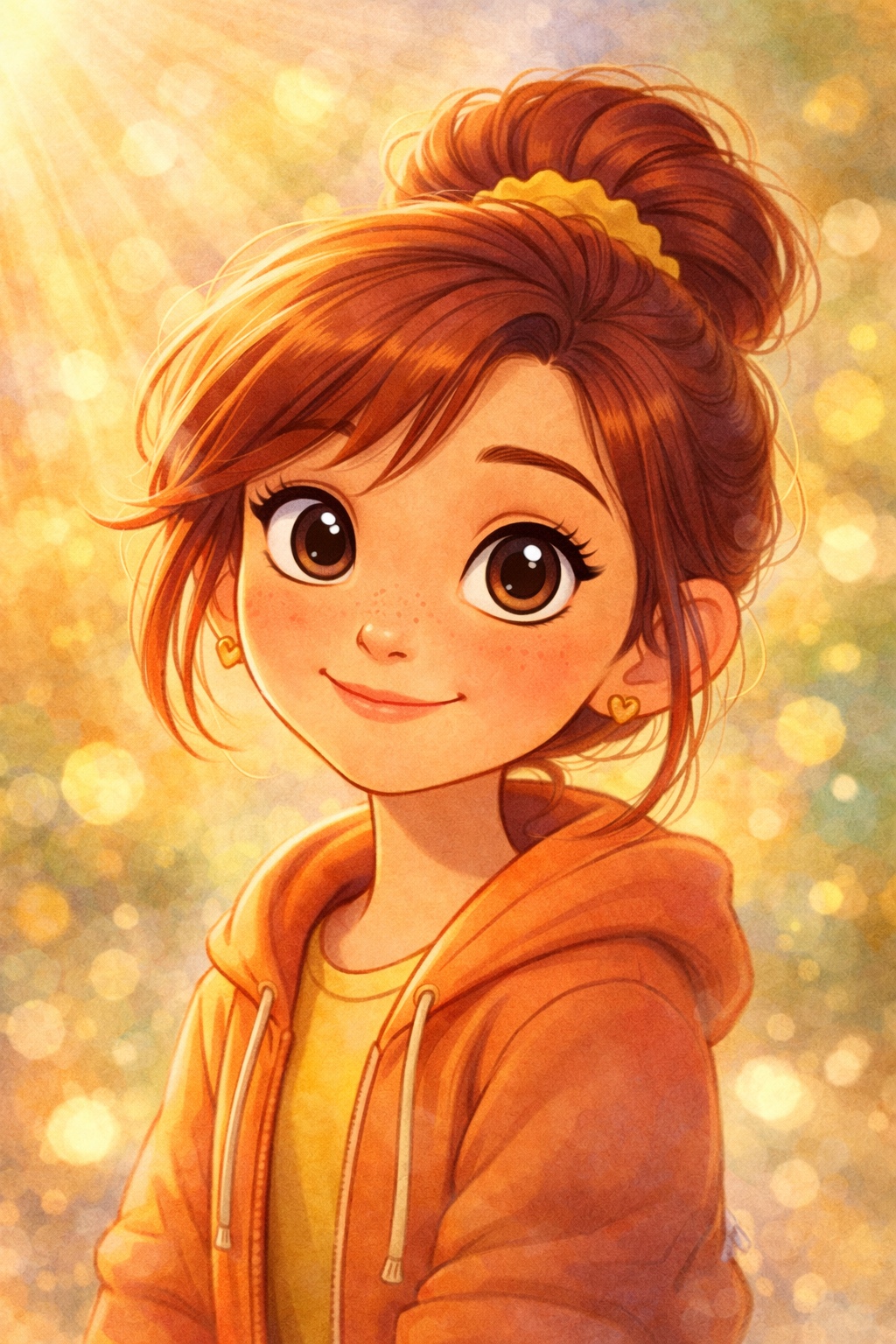
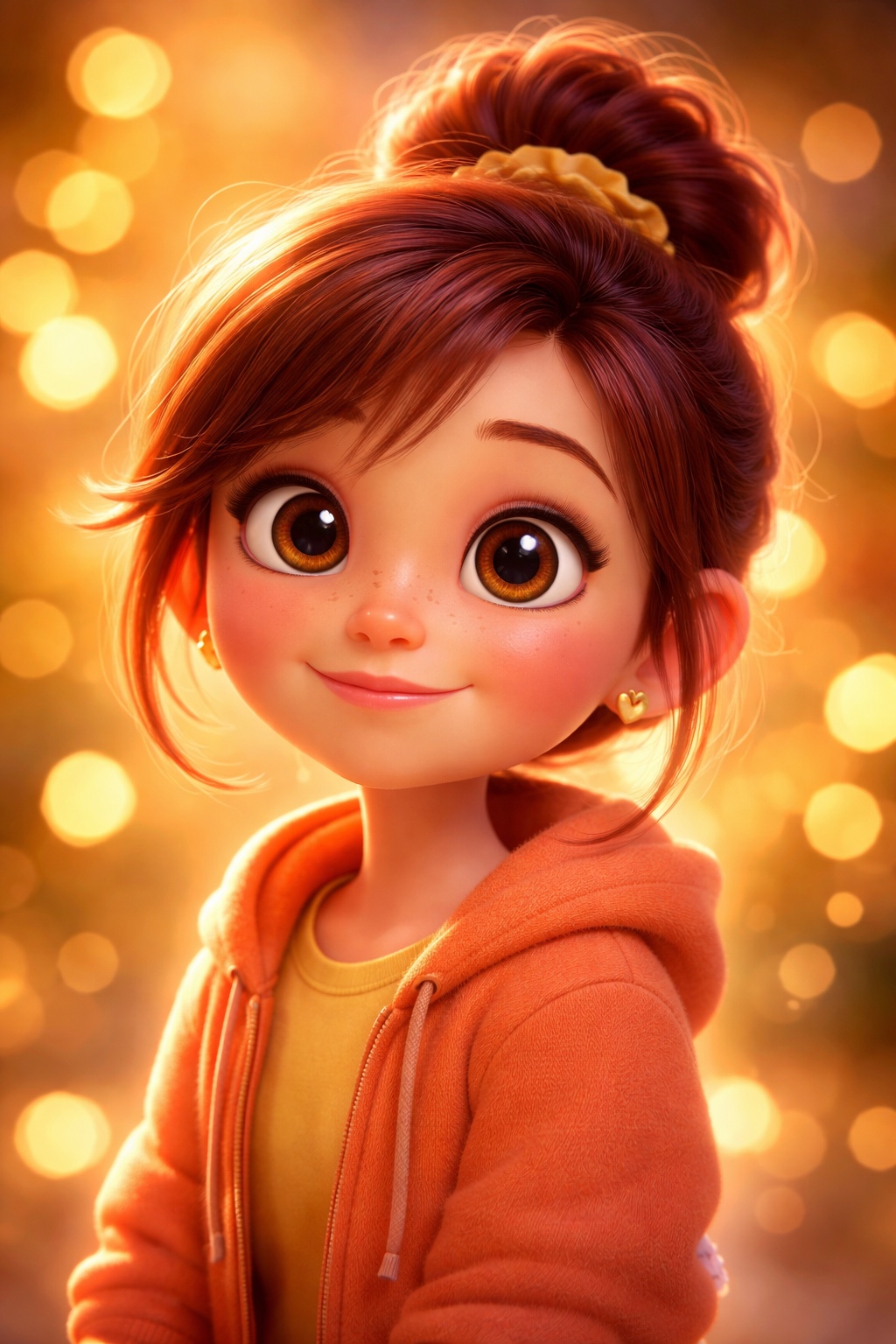
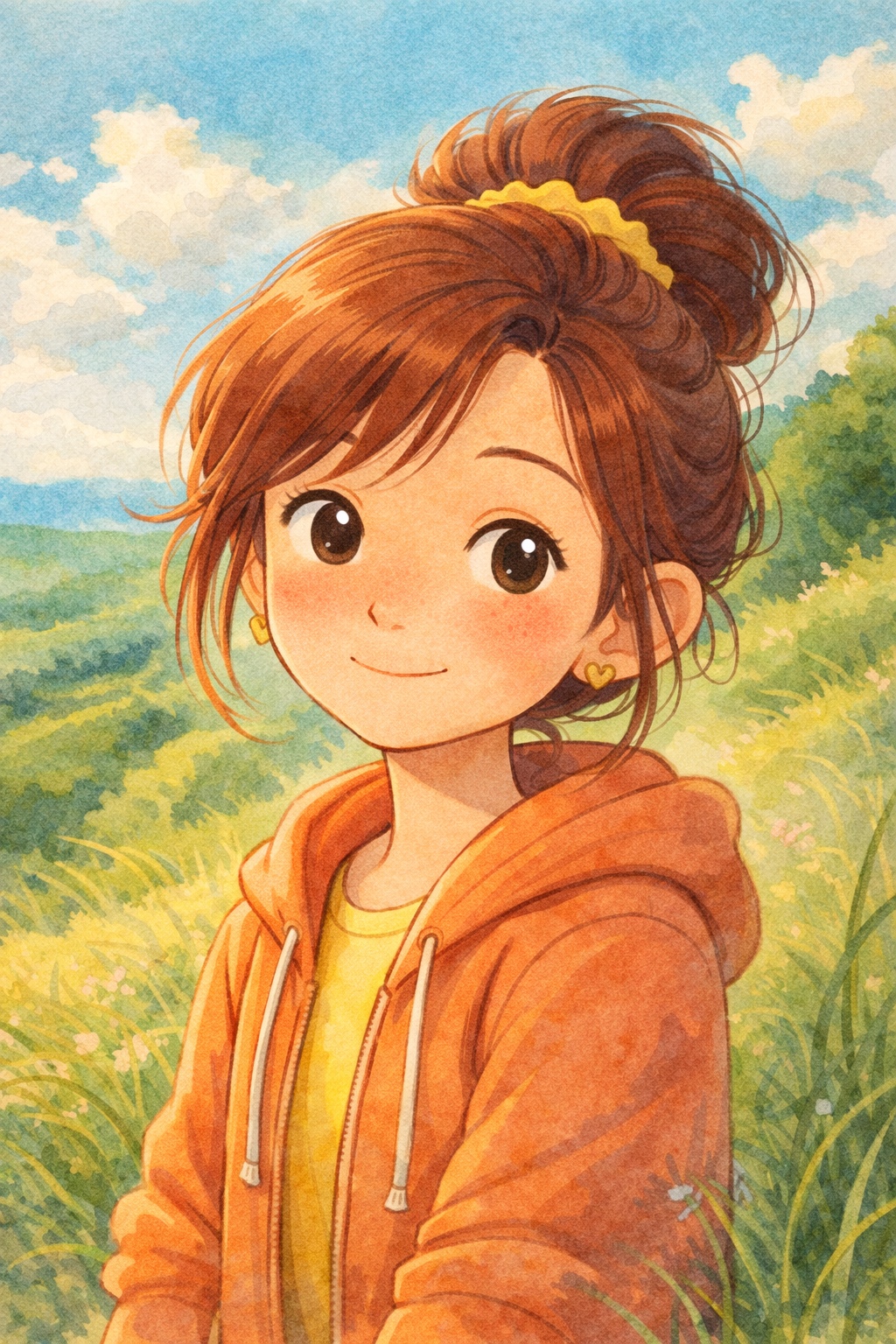
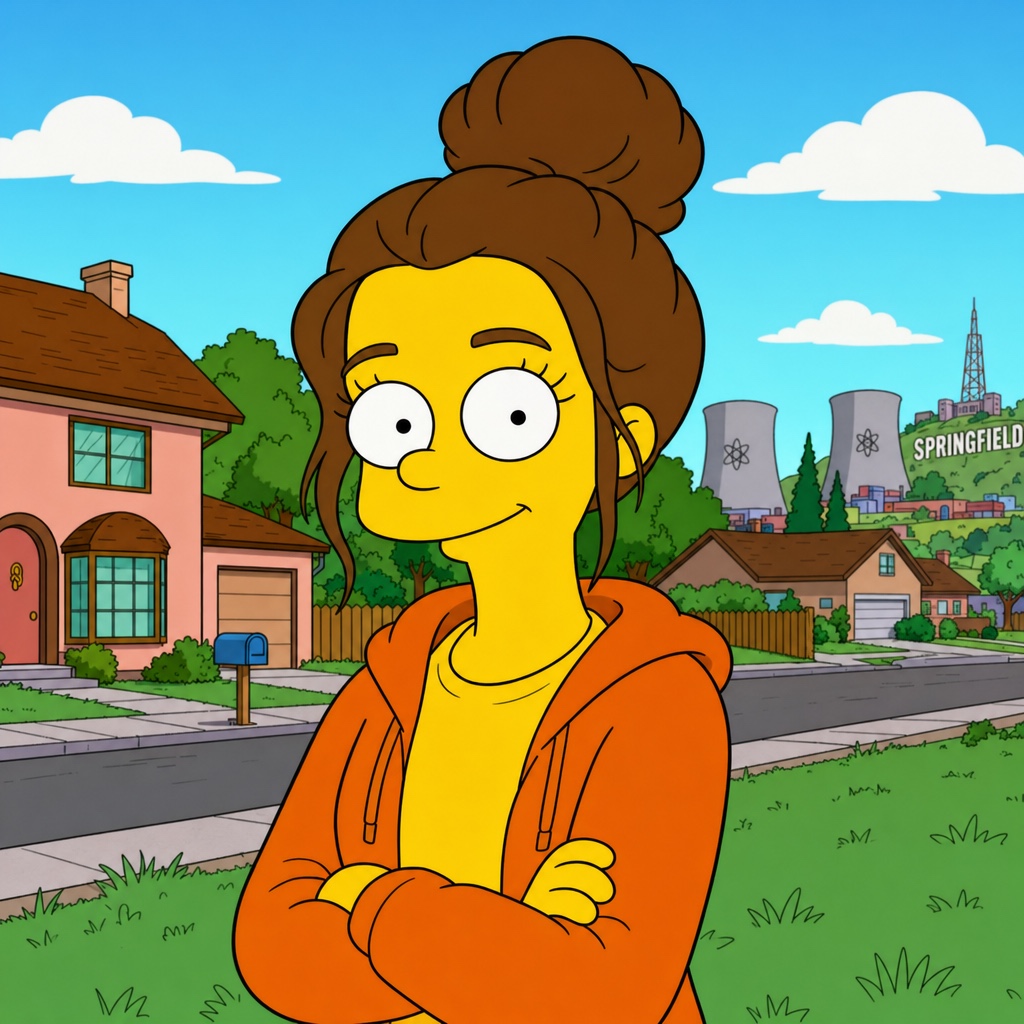
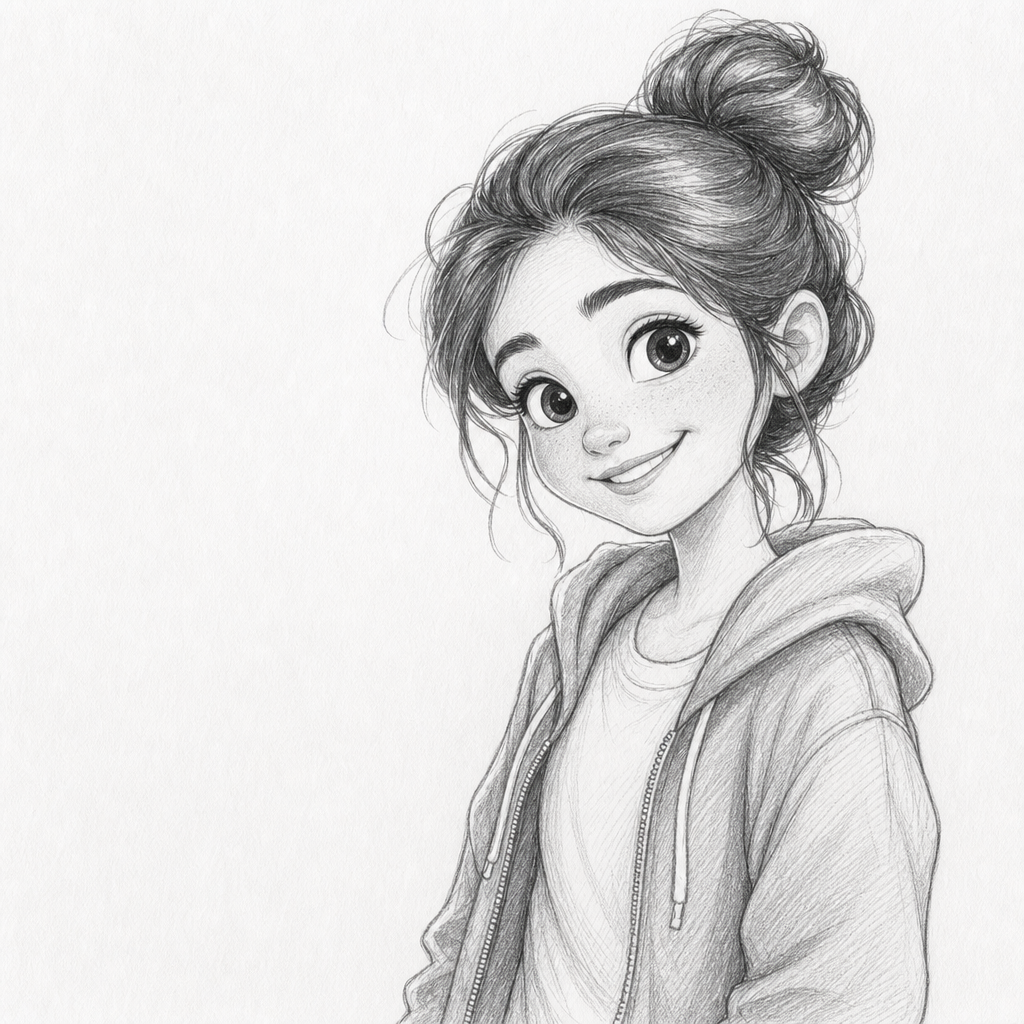
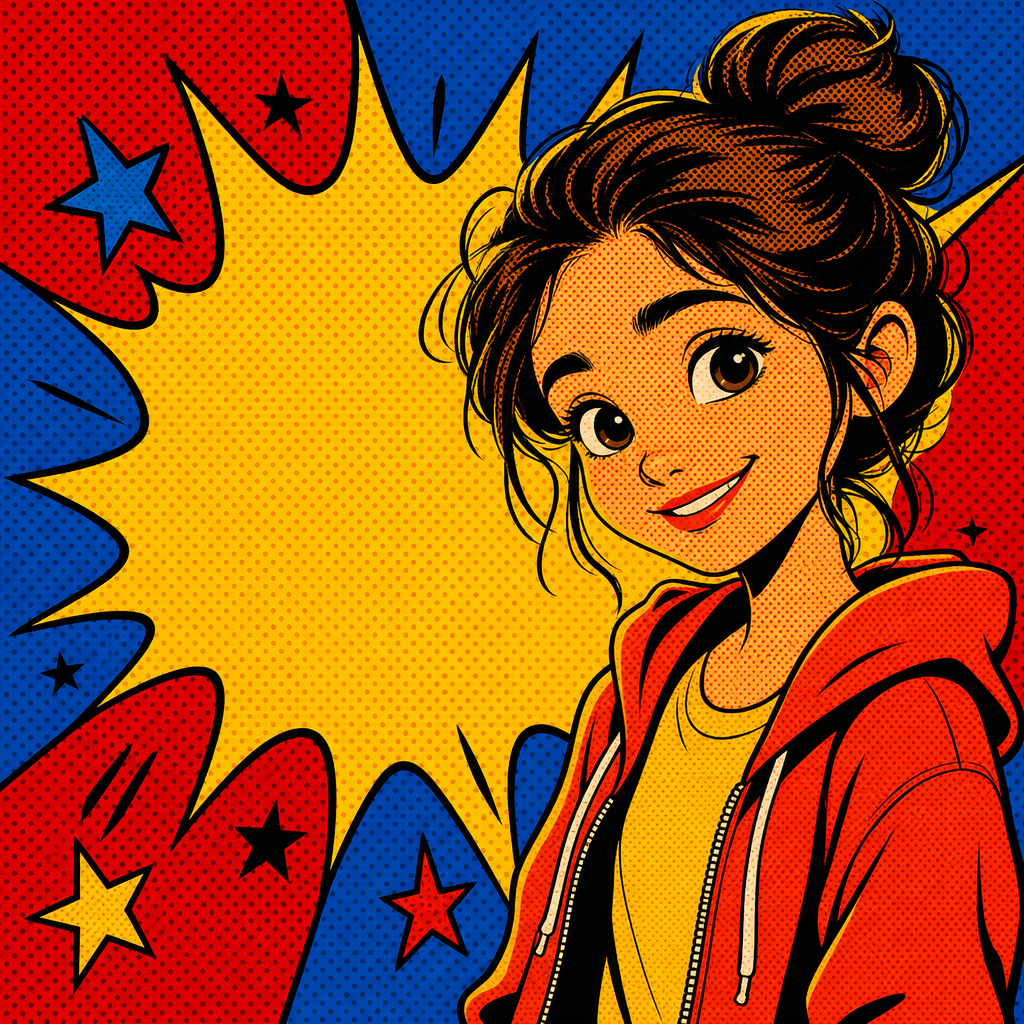
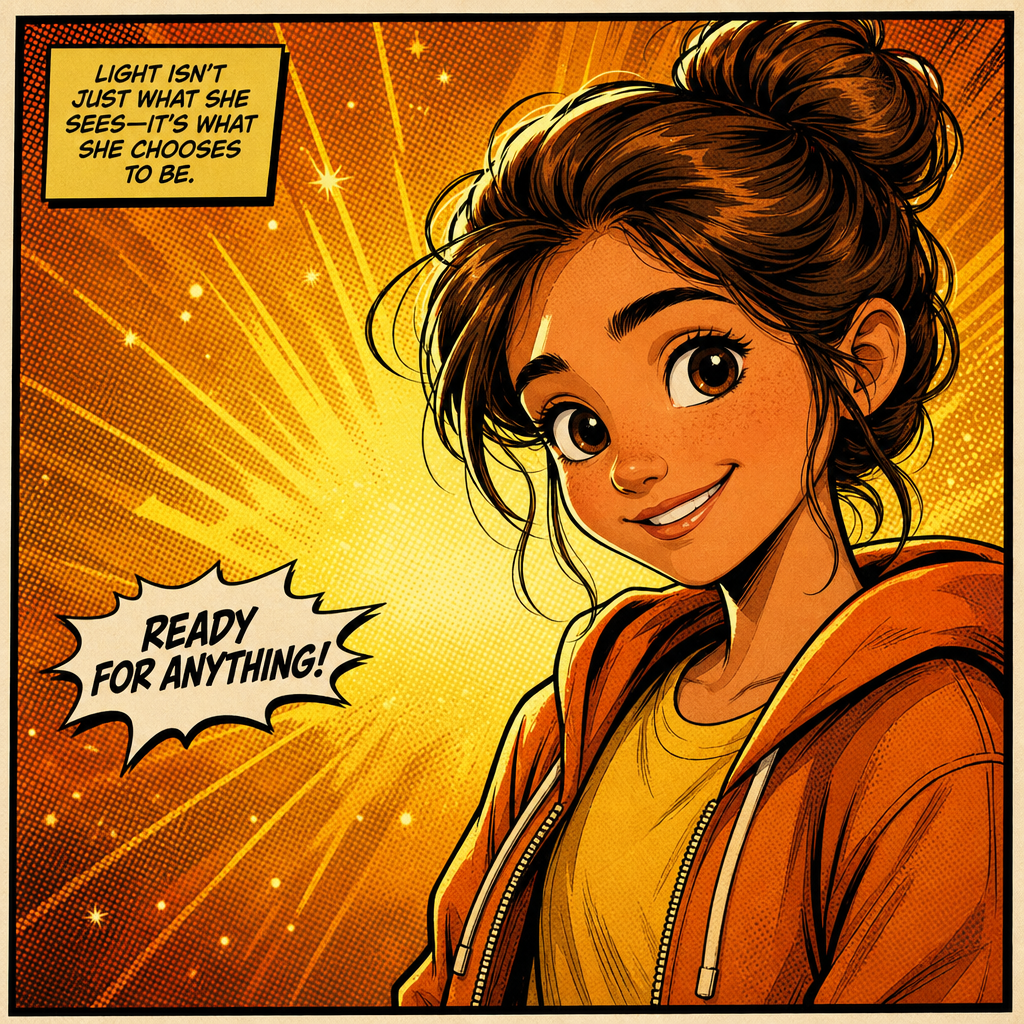
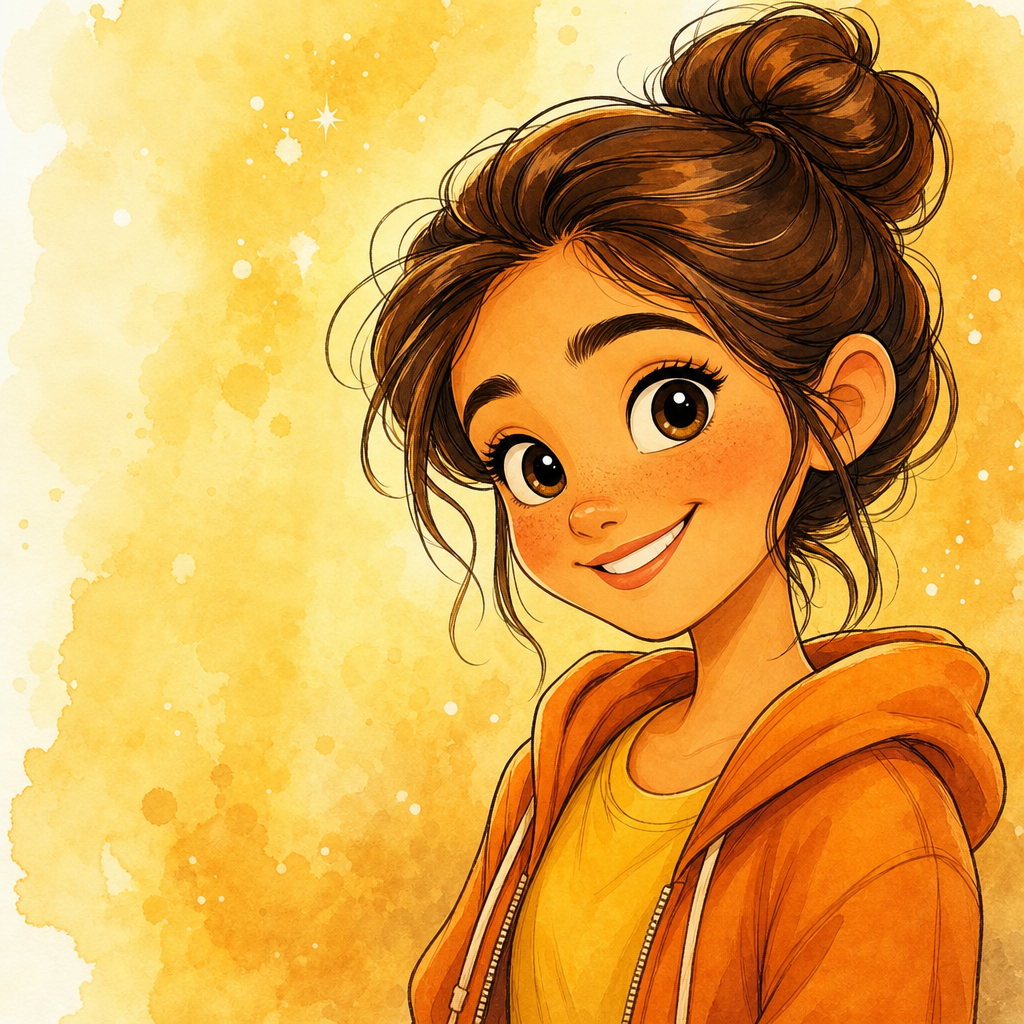
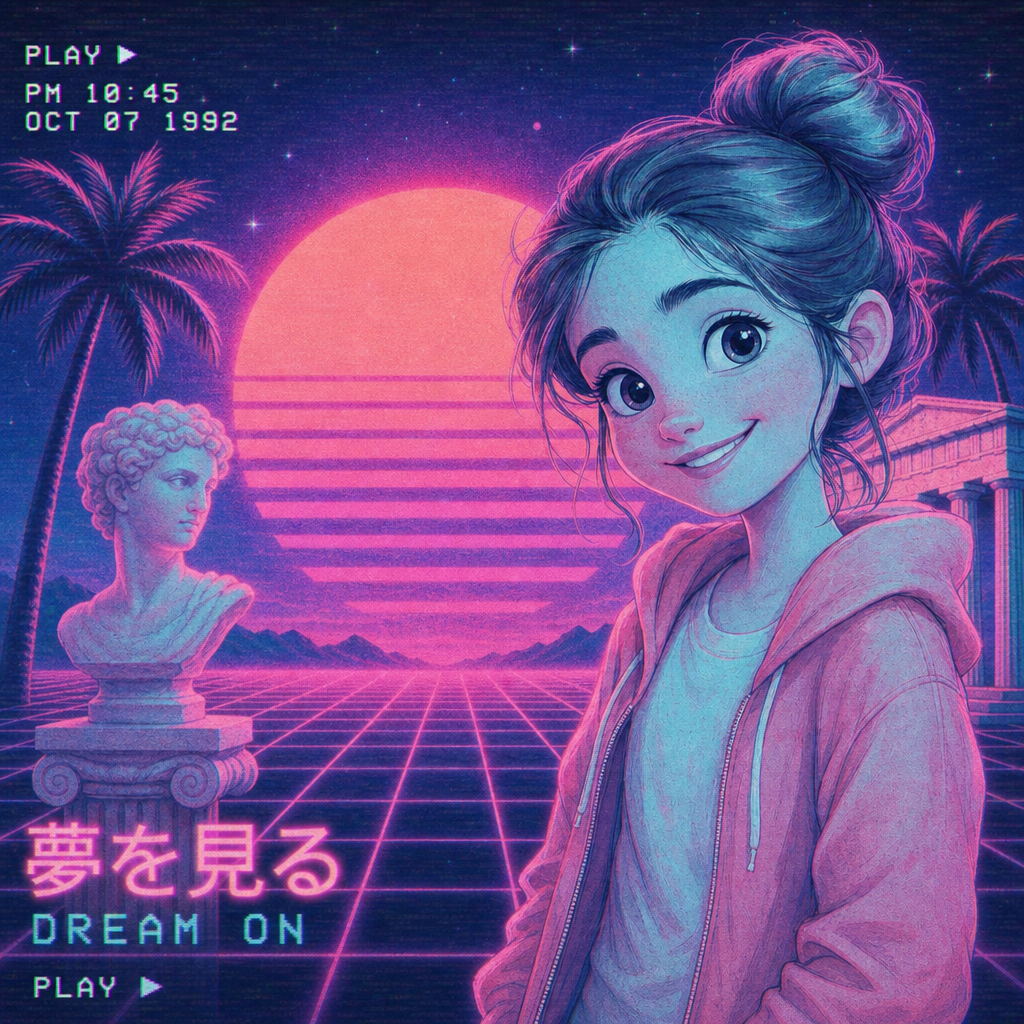
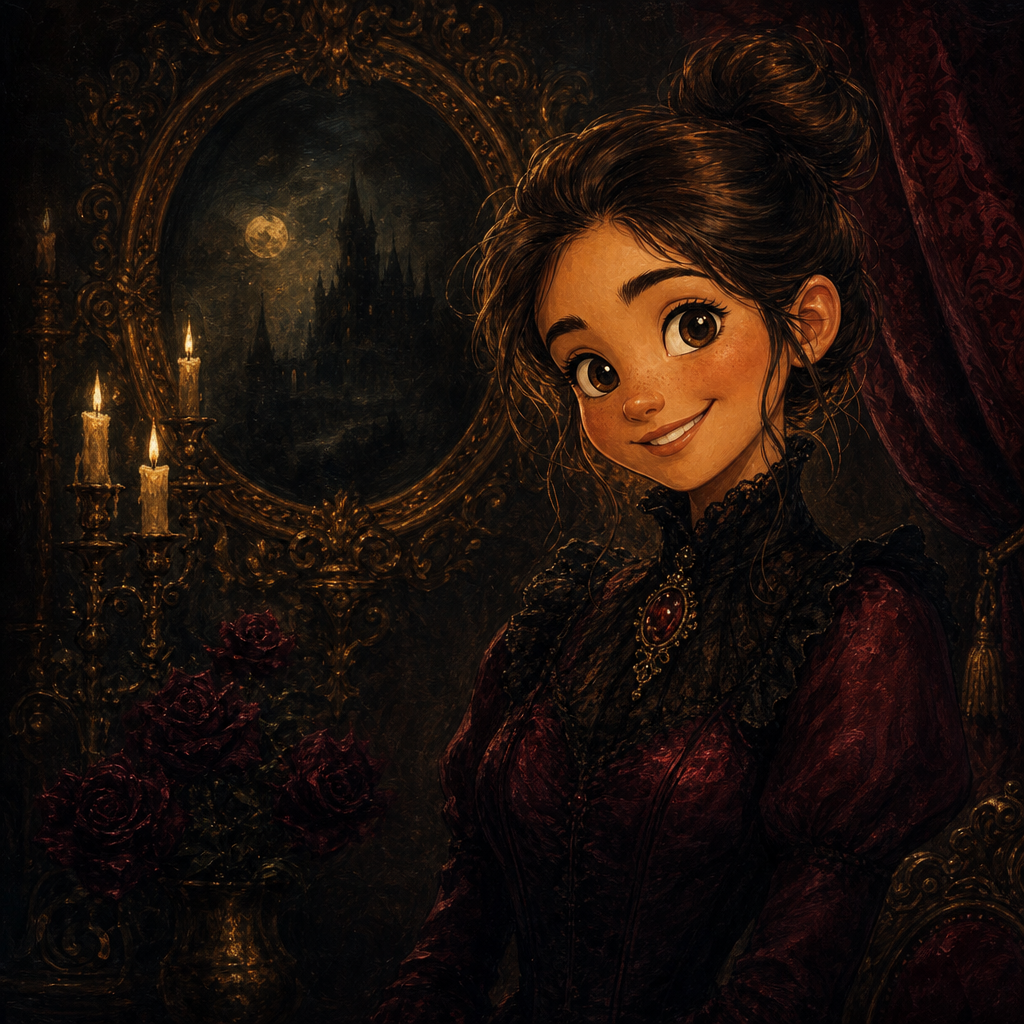
Pixar Style AI Image Generator
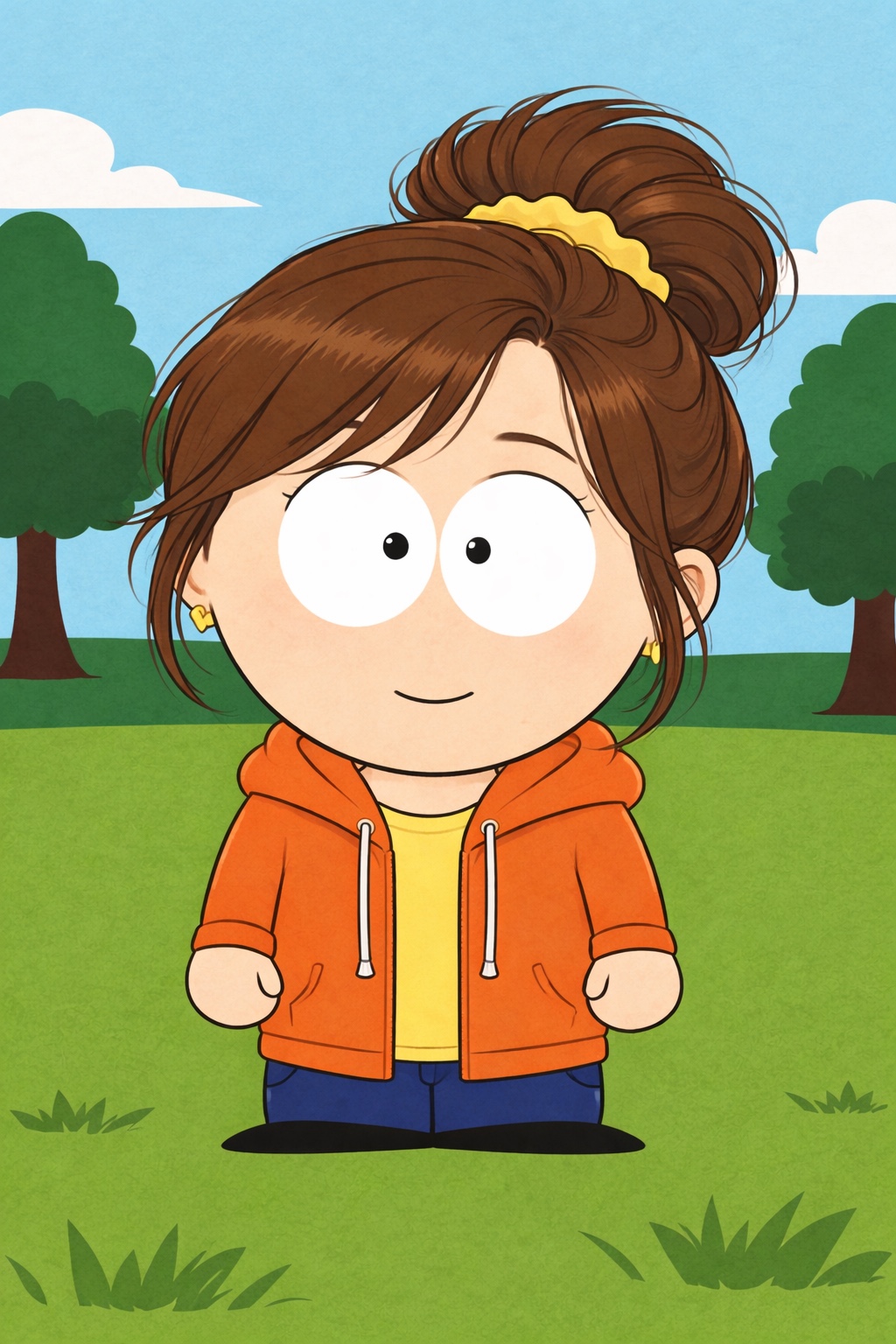
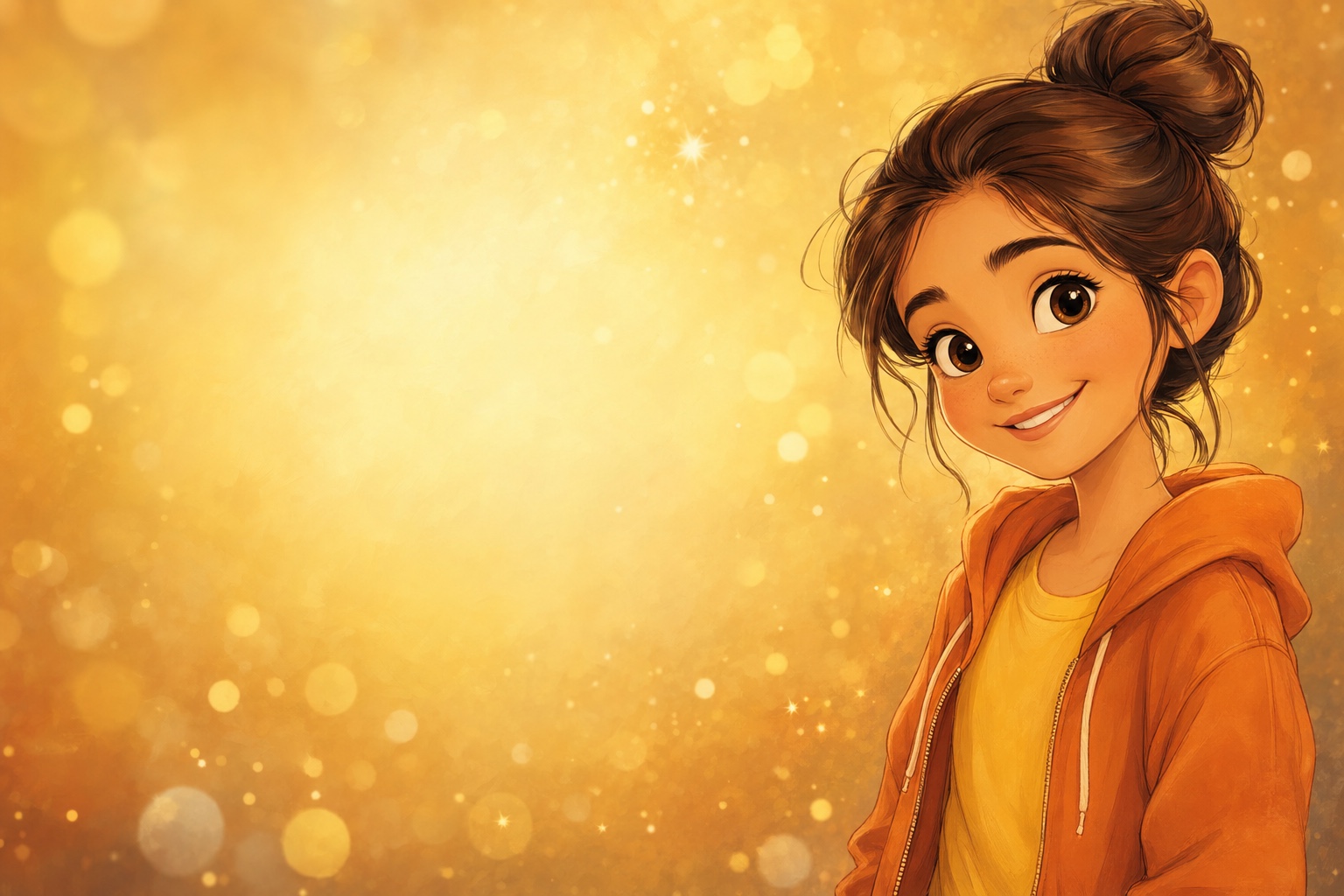
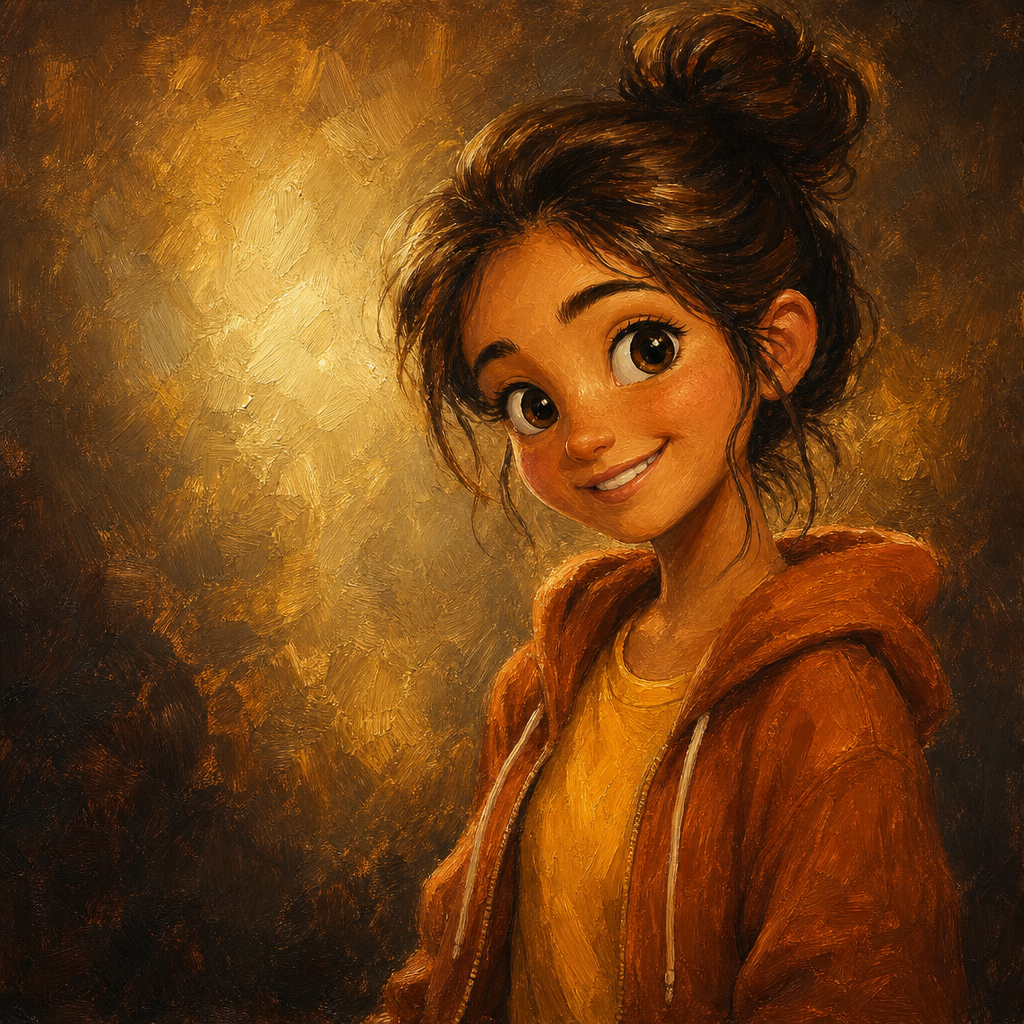
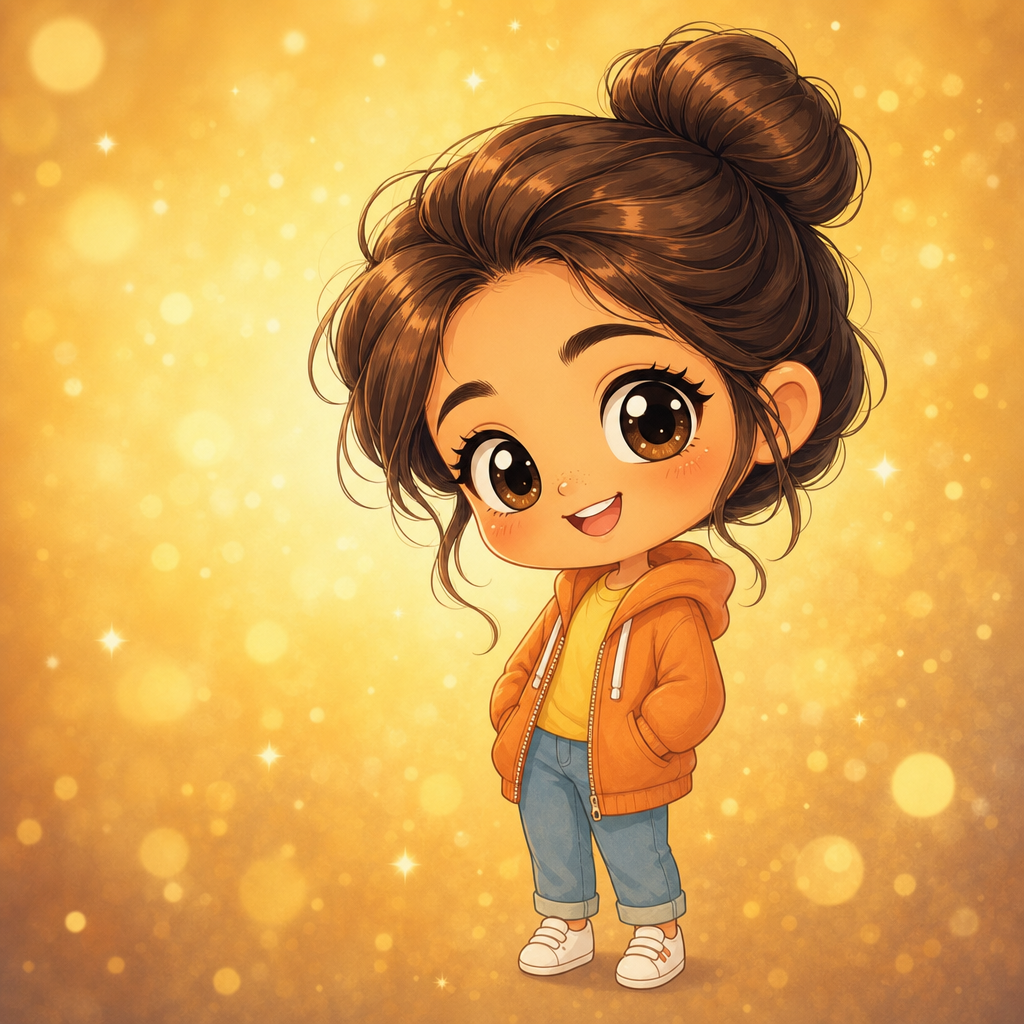
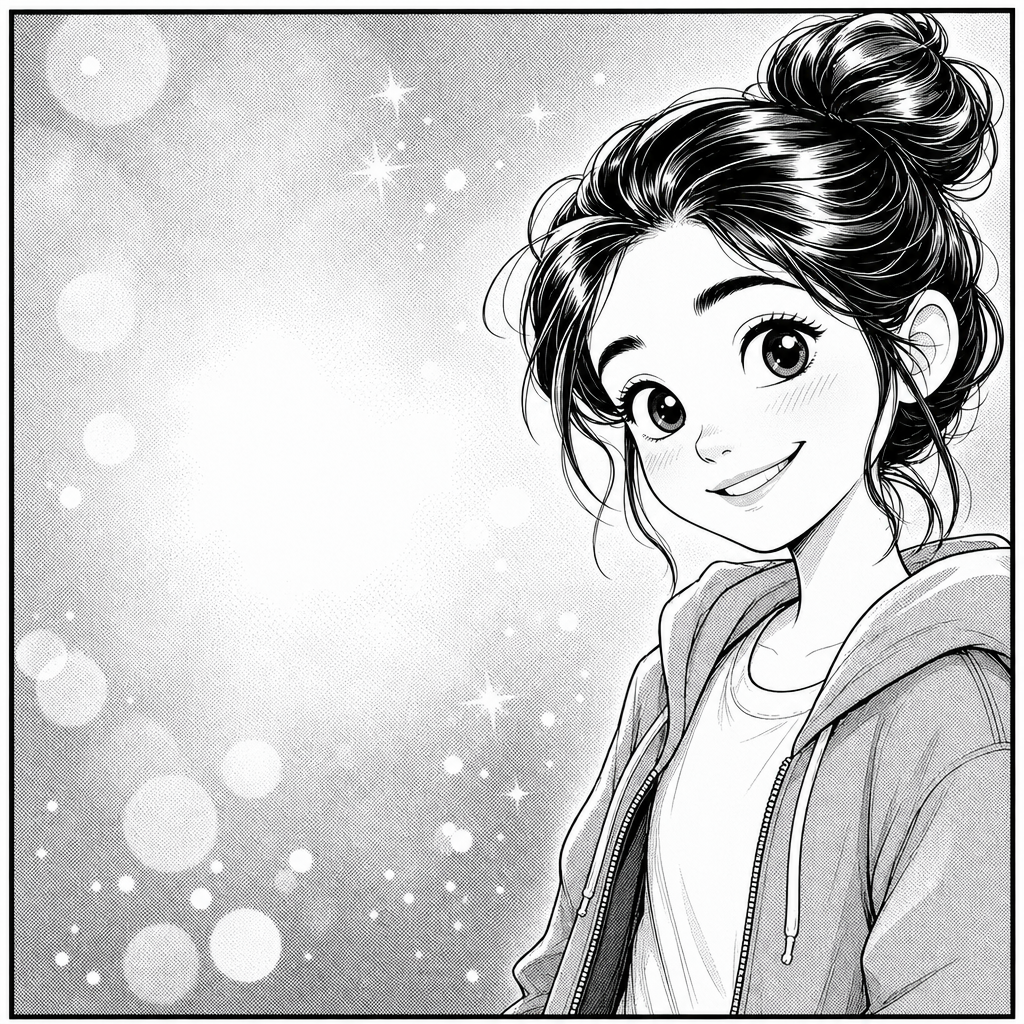
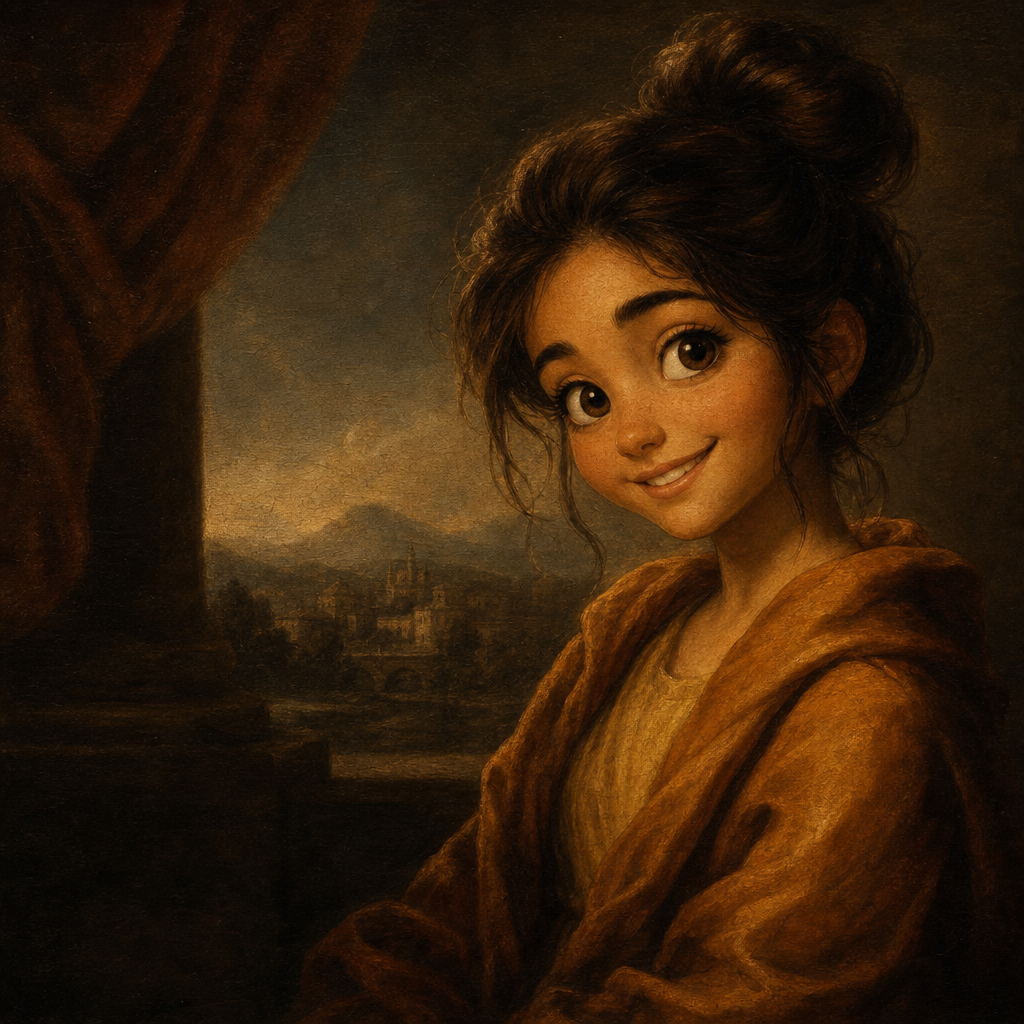
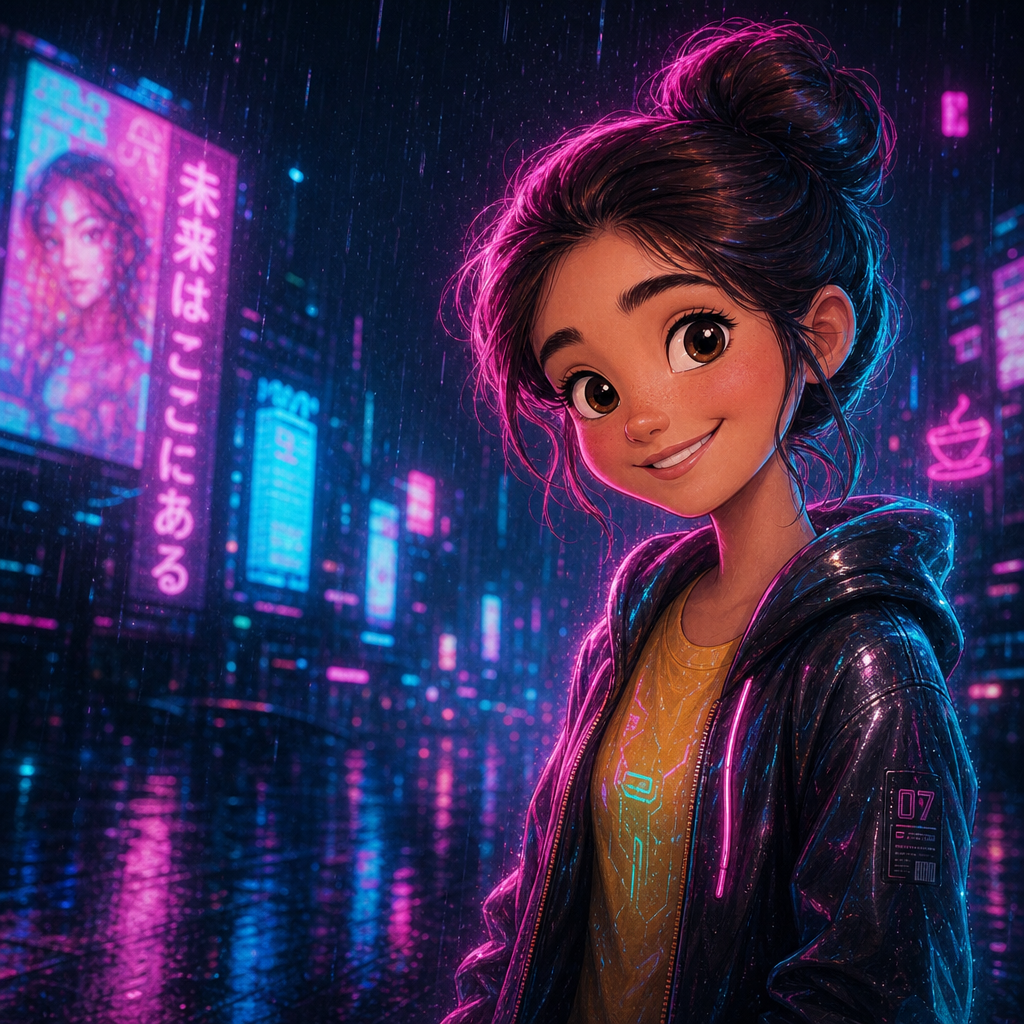
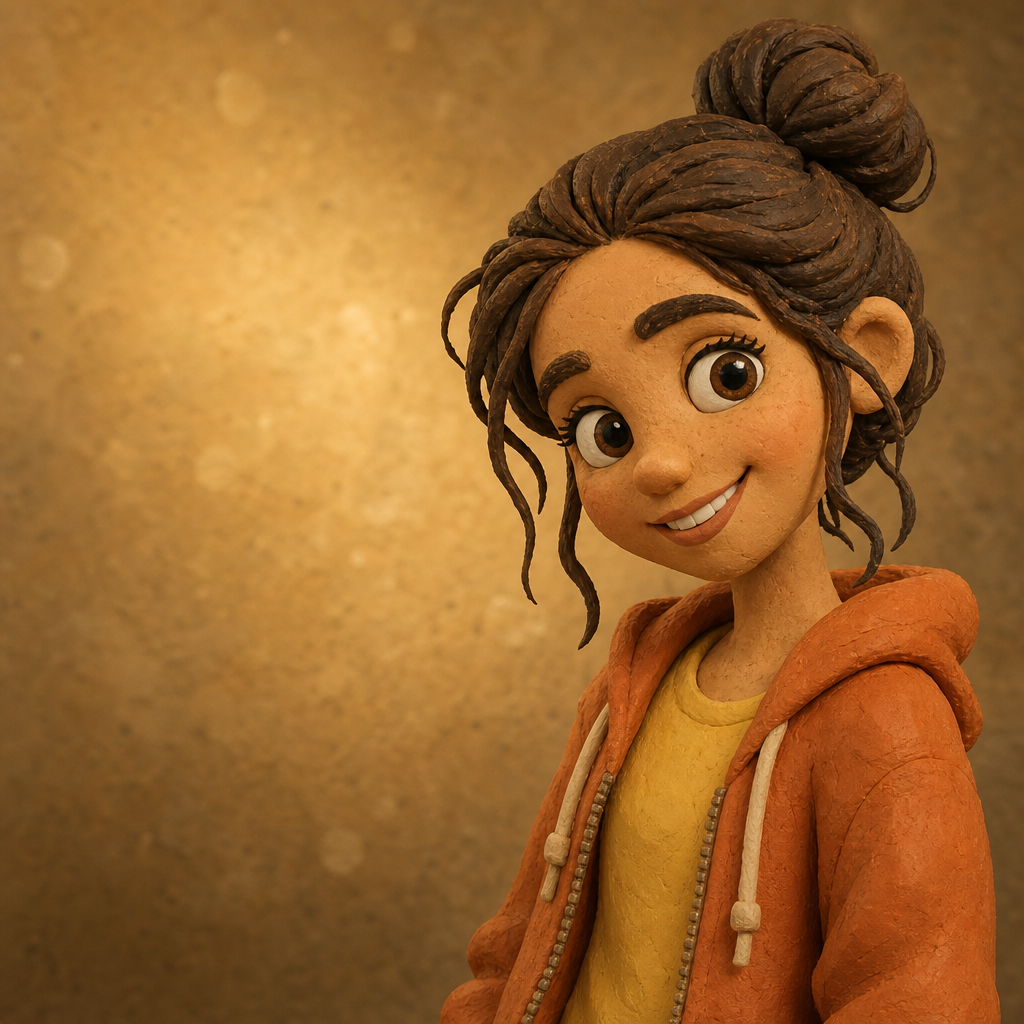
Pixar style AI image generator that takes any portrait or family photo and renders it with the dimensional lighting, subsurface skin tones, and cinematic depth-of-field that define modern Pixar features. PicCanvas does this from a single upload — no prompt language, no quality slider, no model picker. The Pixar lane is tuned to give you that distinctive 3D-rendered character look where the figure feels sculpted out of light rather than drawn flat.
The loop is simple. You upload a JPG or PNG, you tap the Pixar tile, and a low-resolution preview appears in seconds. If the rendering is close but the lighting or detail could be better, hit Try again — we run a higher quality tier on the same composition. Up to four iterations are included in a single generation. When the preview matches what you imagined, click Looks good and we deliver the final HD render, sized to print as a poster or a card.
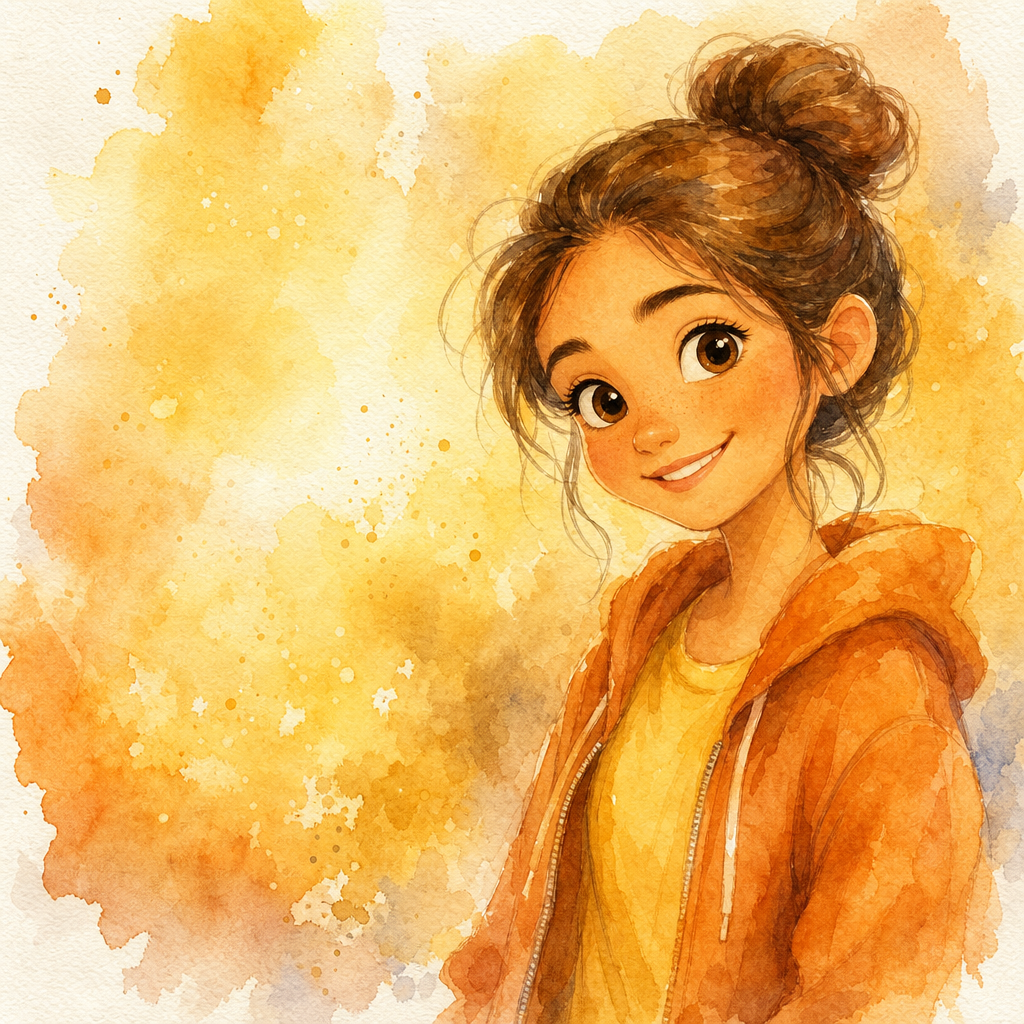
Pixar style is the right pick when you want depth and cinematic polish over warmth. Use it for kids' character portraits, sibling group renders, family movie-night posters, gifts where the recipient is a Pixar fan, or anywhere you want the output to feel like a still pulled out of a feature film. Choose Disney instead for hand-painted warmth, Ghibli for watercolor softness, or anime for a flatter cel-shaded look.
How it works
- Upload your photo— Drop a portrait or small group photo. Pixar style benefits from clear faces and even lighting in the source — the model uses that to drive its 3D-style rendering.
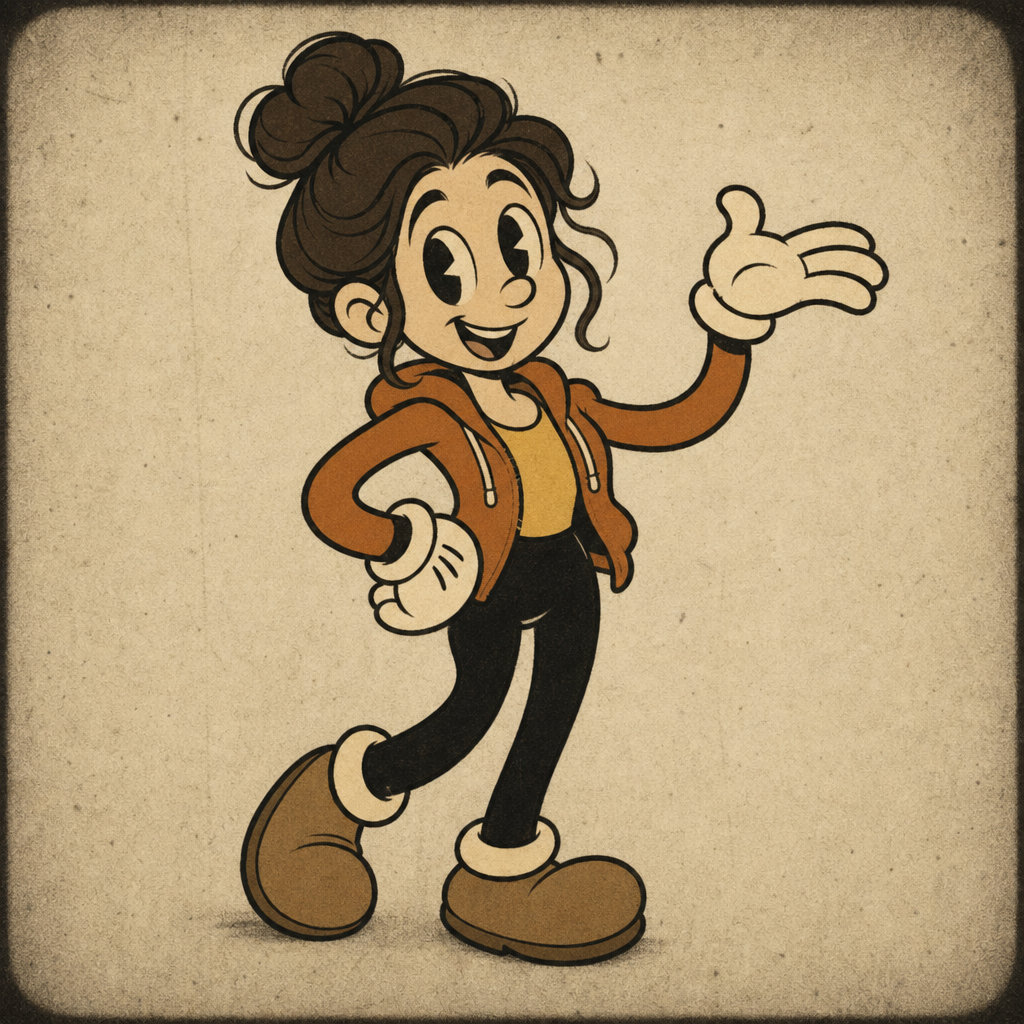
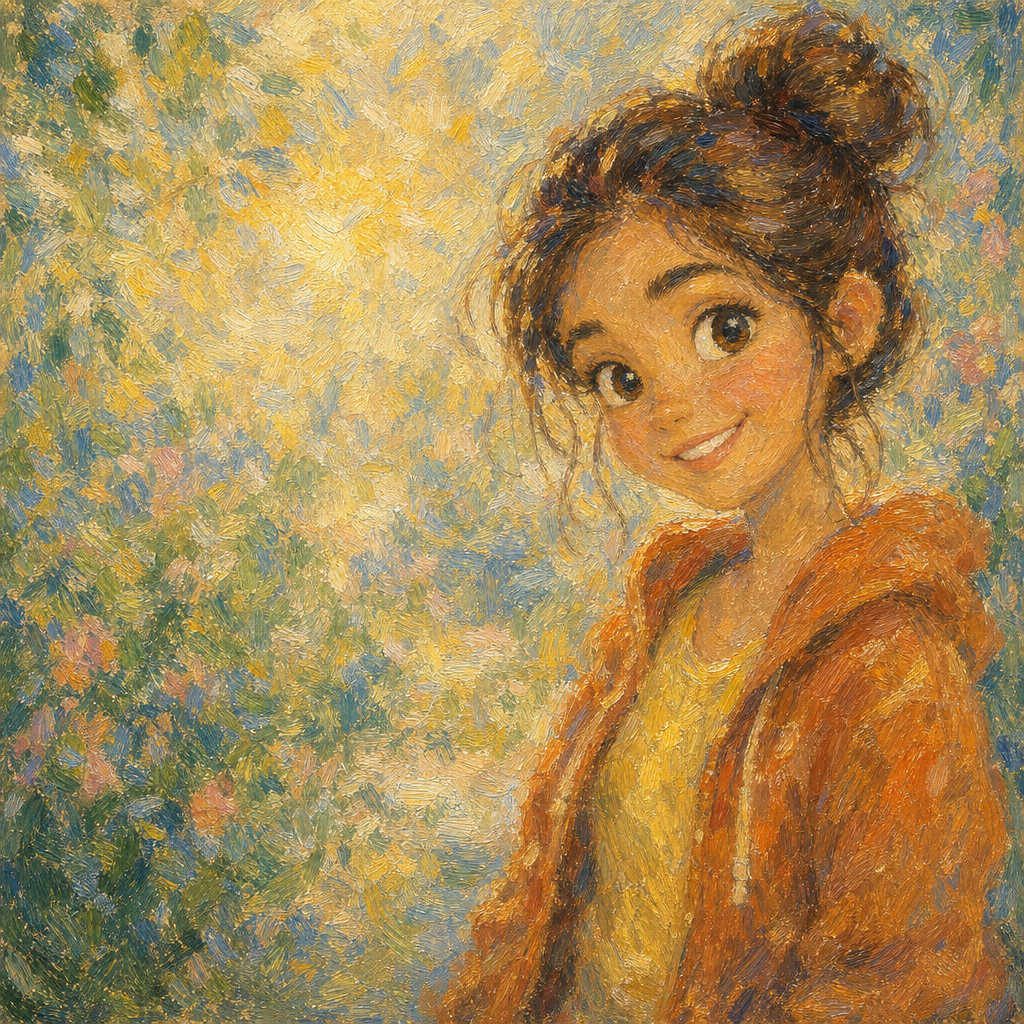
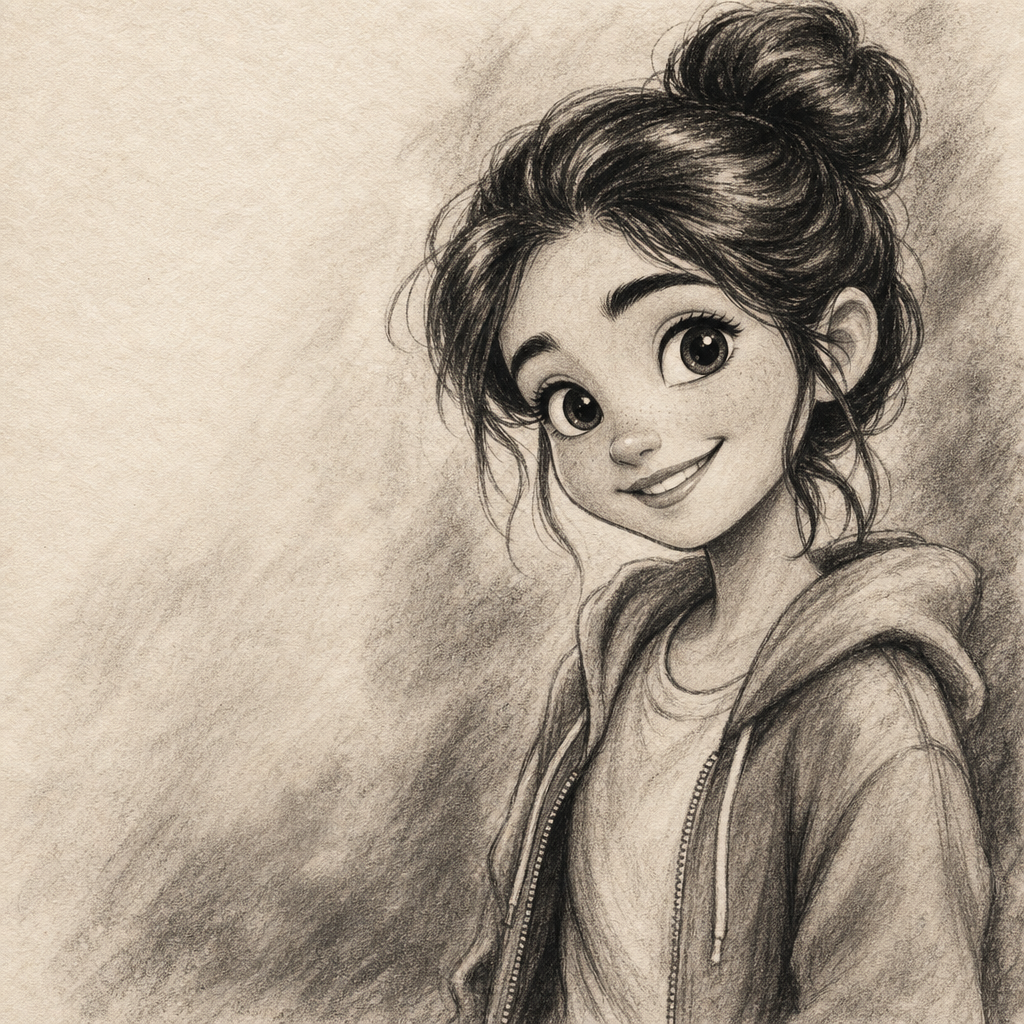
- Pick a style— Tap the Pixar tile in the style grid. The thumbnail shows a real generated example so you can see exactly what kind of dimensionality the lane produces.
- Iterate to refine— Click Try again to advance to a higher quality tier. The composition stays consistent across iterations; what changes is the depth of the lighting, the subsurface skin detail, and the texture work in fabric and hair.
- Download HD— Click Looks good when the preview matches what you wanted. We render the final at full resolution and return a signed download link suitable for posters, prints, and large social posts.
Use cases
Pixar-style character poster from a family photo
Run a clear family photo through Pixar style and print the output as a poster. The cinematic depth and lighting make it read as a deliberate art piece on the wall.
Birthday gift for a Pixar-loving kid
Turn a portrait of the birthday kid into a Pixar-style render and frame it. Lands harder than another store-bought toy.
Sibling group portrait with cinematic lighting
Pixar handles two to five faces well — useful for sibling group prints where you want consistent lighting across everyone.
Pet character portraits
Dogs and cats render with surprising charm in this lane. The dimensional fur and expressive eyes make pets feel like animated characters rather than photo stand-ins.
Wedding or anniversary keepsake
A Pixar-style frame of a candid wedding moment makes an unusual but memorable anniversary gift, especially for couples who watch a lot of animation.
Movie-night party invites
Drop your invite-host's photo through Pixar style and use the output as the lead graphic. Looks intentional rather than stock.
Frequently asked questions
- What does the Pixar style AI image generator do differently from Disney style?
- Pixar leans dimensional and cinematic — 3D-style rendering with rich subsurface skin and cinematic lighting. Disney leans 2D and painterly with hand-painted skin and warm storybook lighting. Pick Pixar when you want depth; pick Disney when you want softness.
- How many iterations do I get per generation?
- Up to three Try-again refinements, plus the final HD render — four total quality passes inside a single generation. After that, starting another image is a new charge.
- Can Pixar style handle group photos?
- Yes, for two to five people with clear faces. The lane handles multiple subjects gracefully. Very crowded scenes can lose detail per face — for those, crop to your favorite people first.
- Will the output still look like the person in the photo?
- Likeness is preserved while the rendering style changes. Faces, hair, and clothing stay recognizable; what shifts is the 3D rendering, the lighting, and the texture work.
- Is the Pixar-style HD download good enough to print?
- Yes. The download is delivered at a resolution suitable for posters, framed prints, and standard photo sizes. The dimensional lighting reads even better in print than on screen.
- Can I use the Pixar-style image commercially?
- For personal projects, social posts, gifts, and small-business marketing the license is broad. For packaging or printed merchandise, see the terms page for the precise grant.
- What about kids and pets together in one photo?
- Works well in this lane. Pixar style handles the difference between fur and skin cleanly thanks to its dimensional rendering — kids and pets in the same frame come out looking like they belong together.