
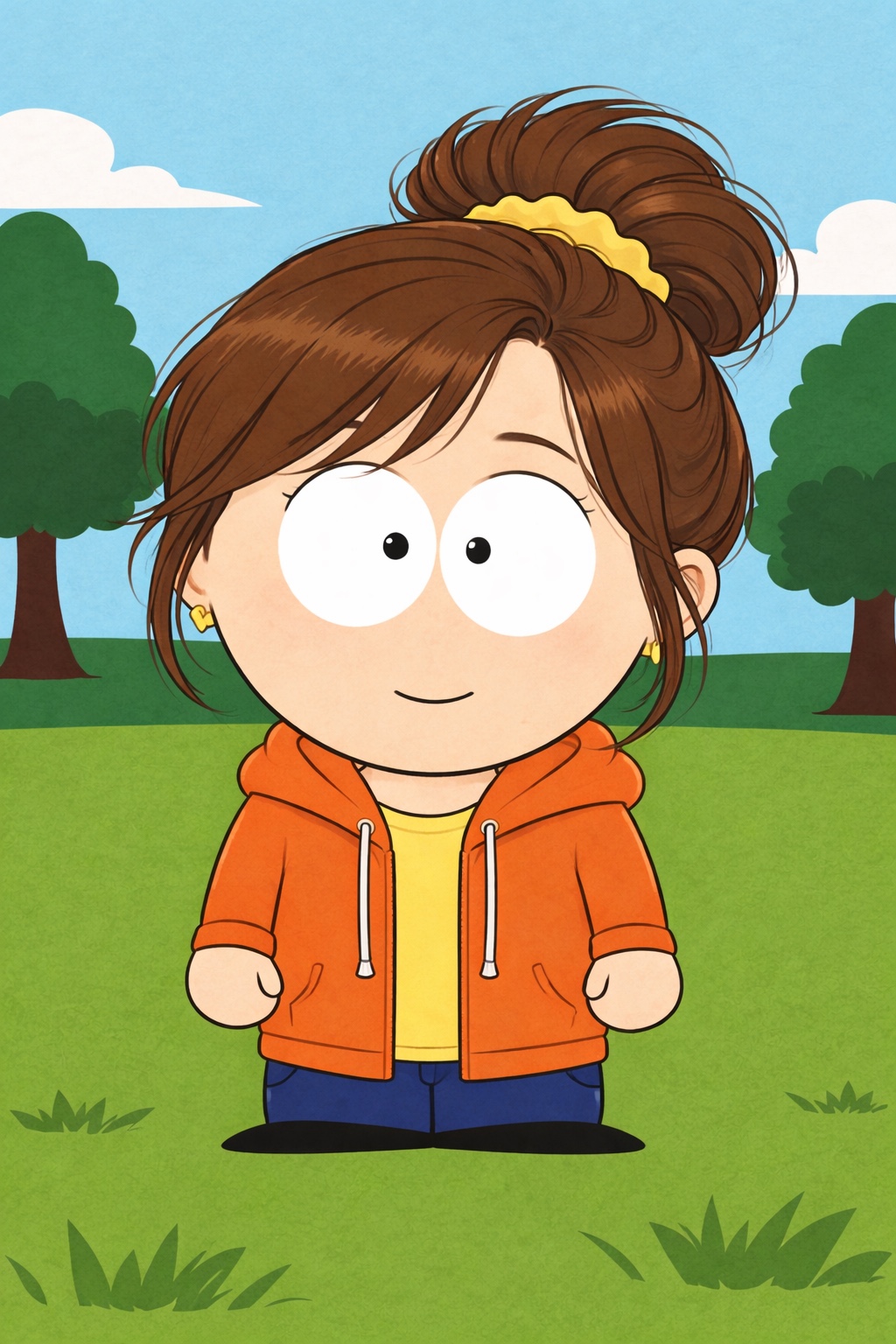
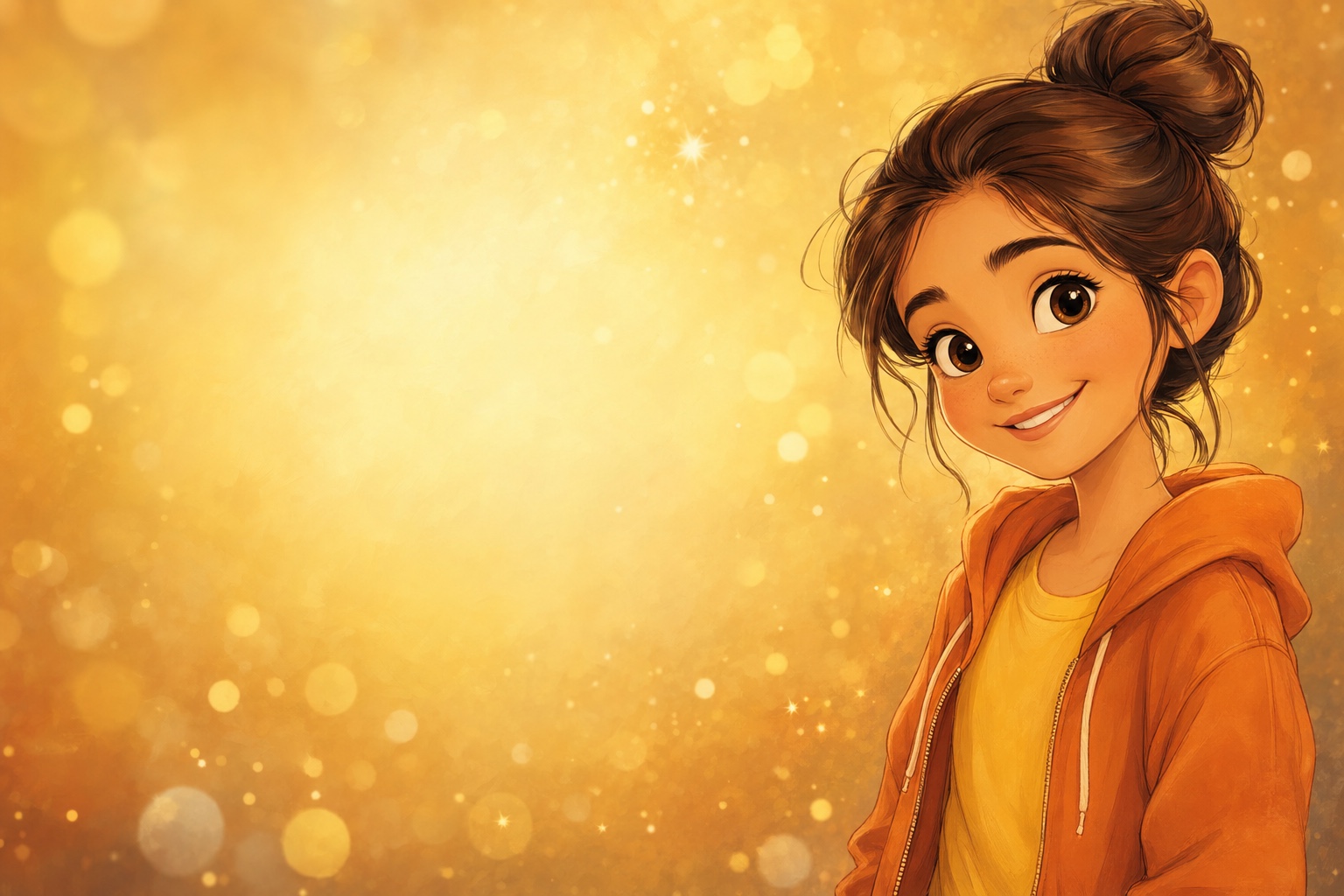
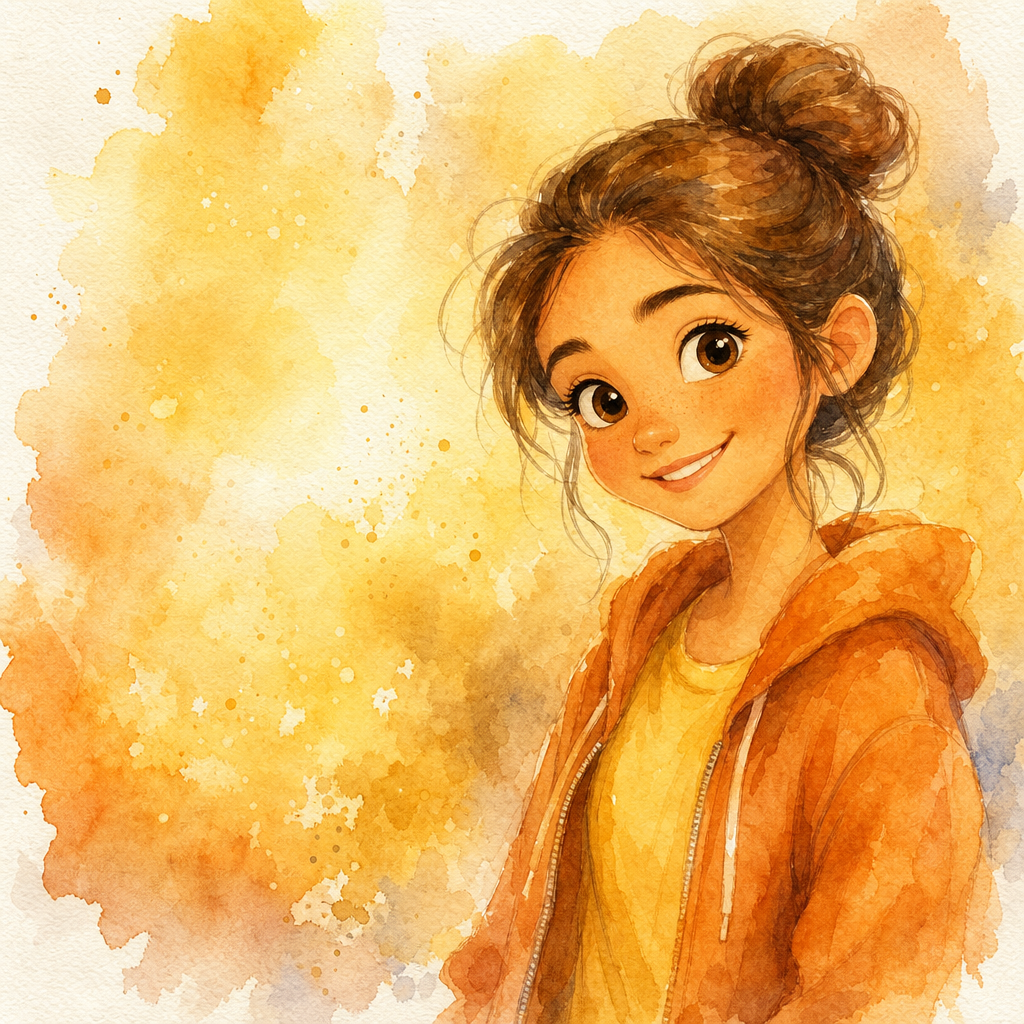
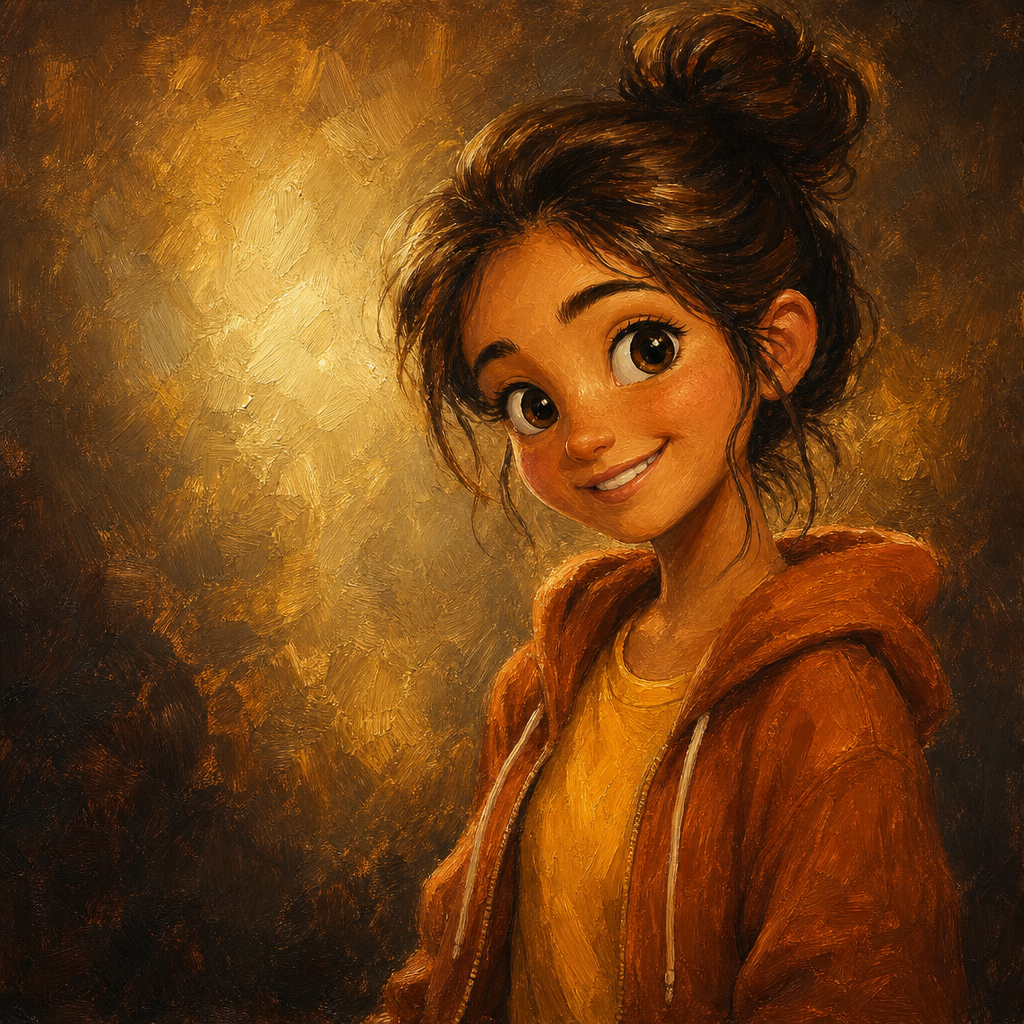
Disney Style AI Photo Generator
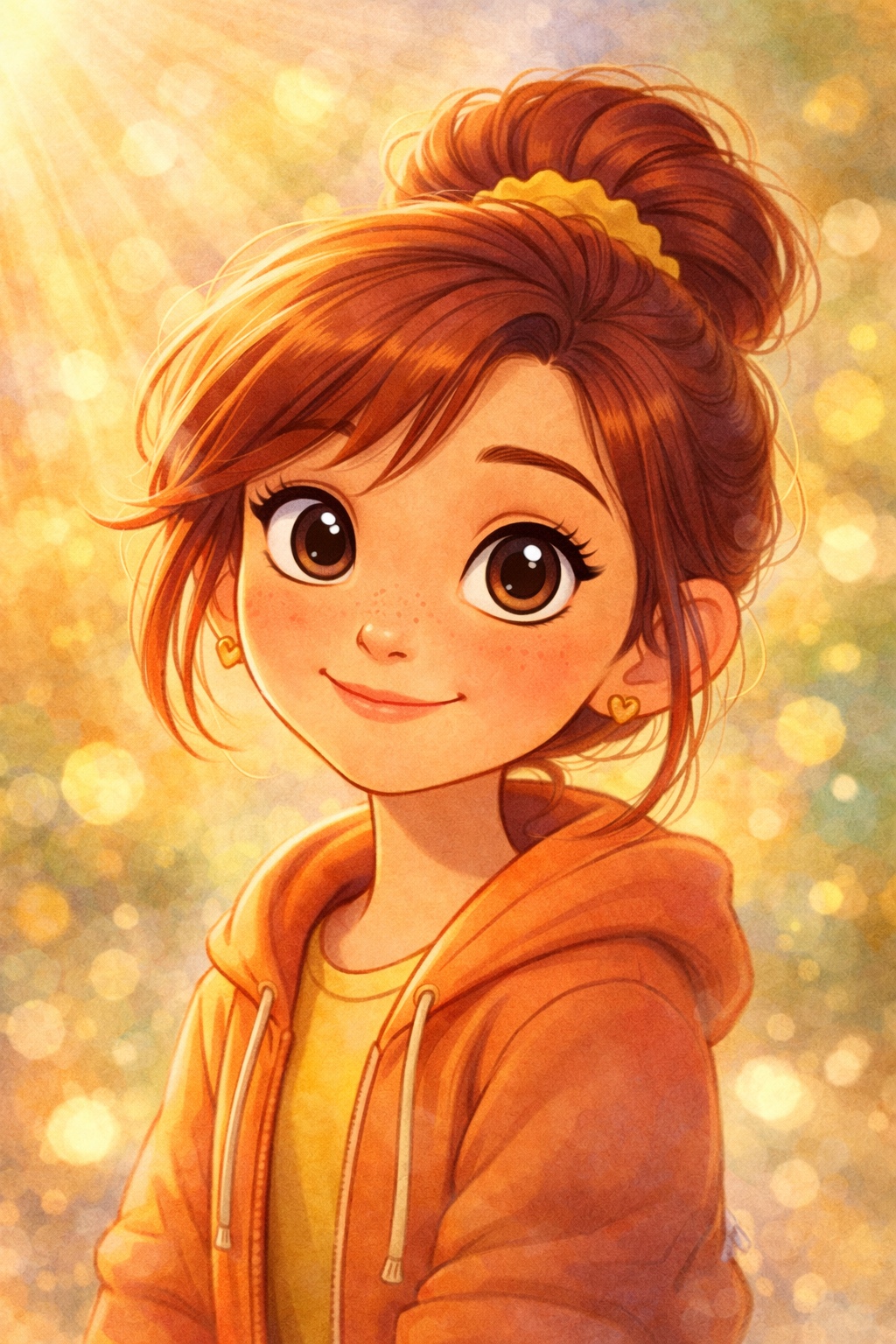
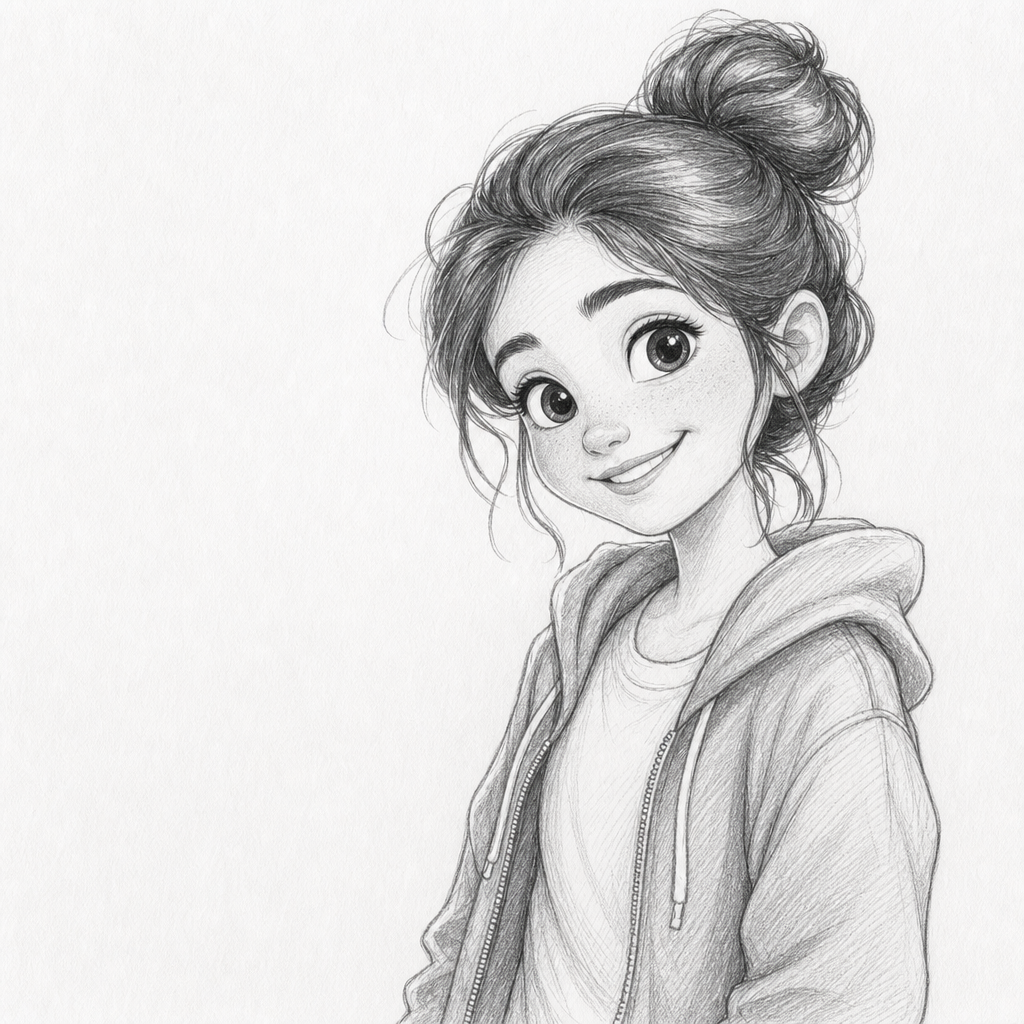
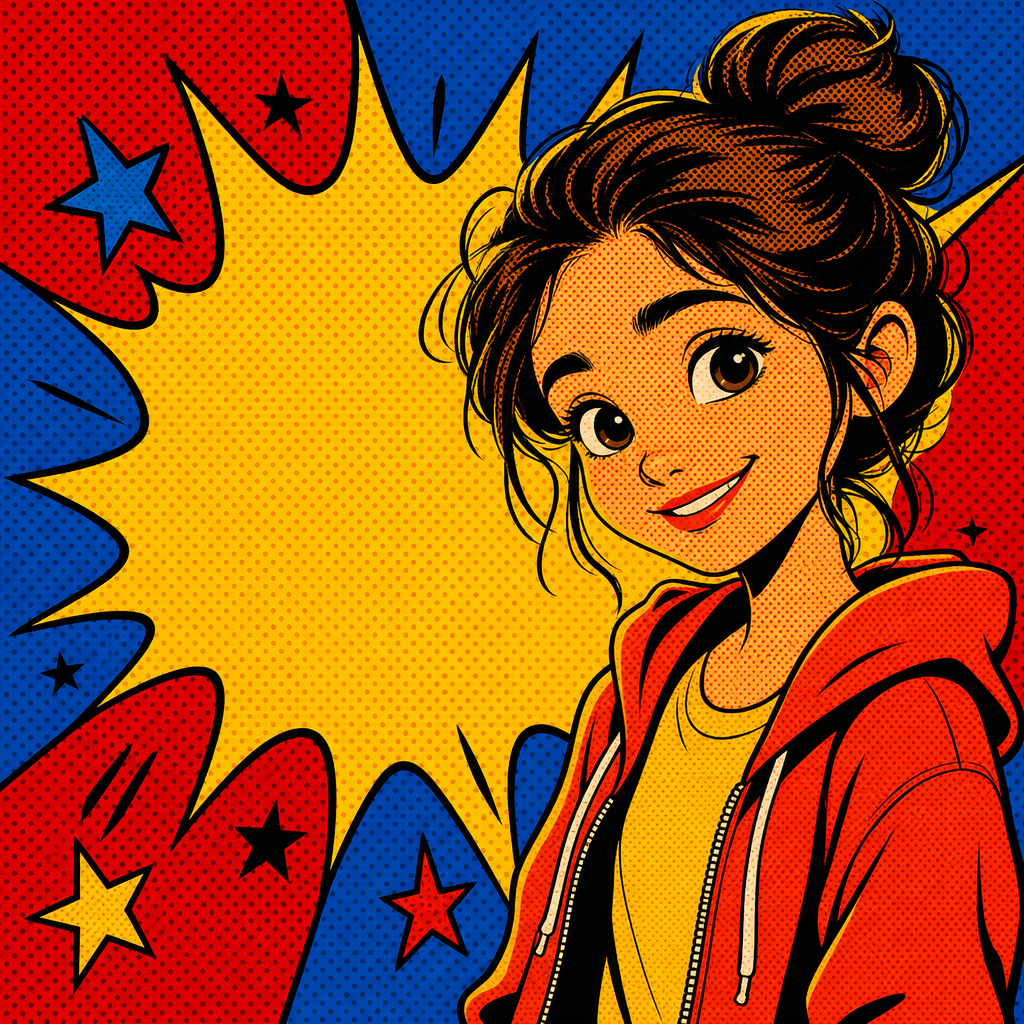
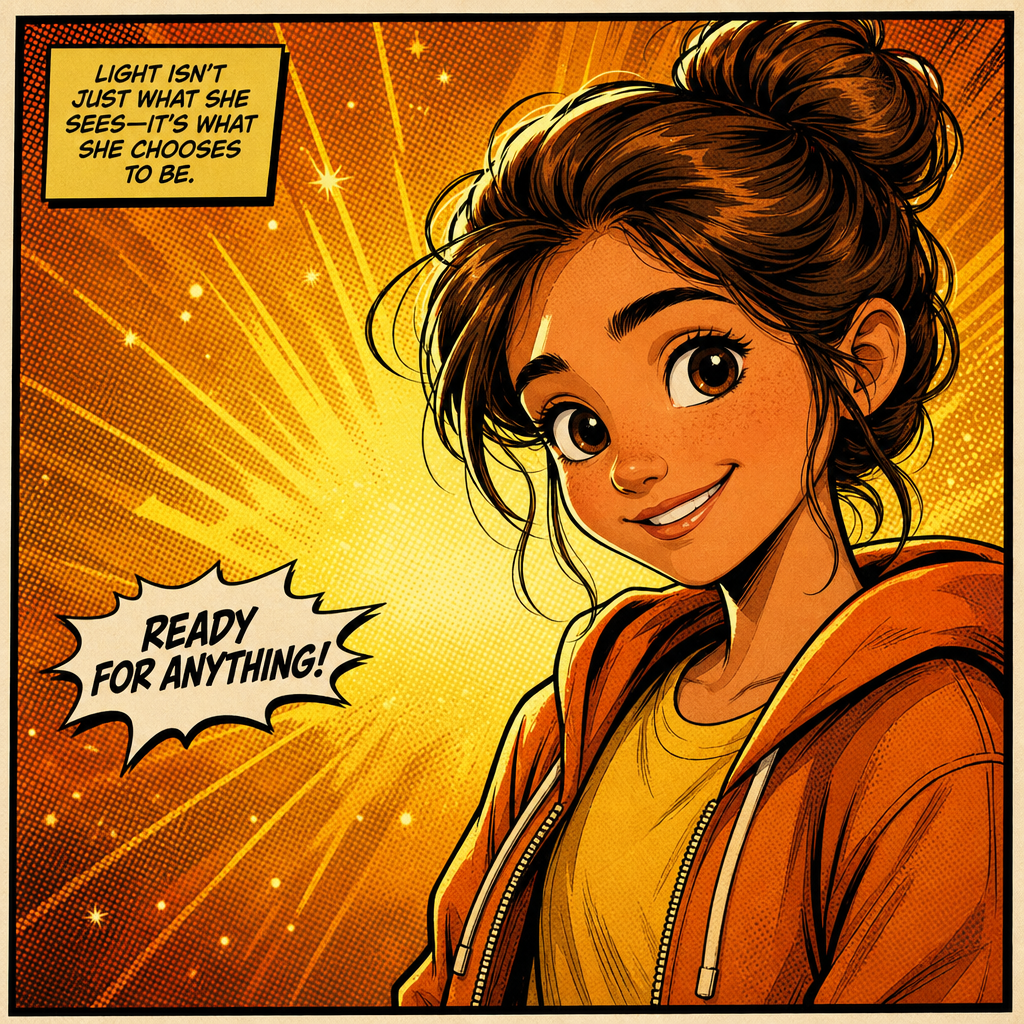
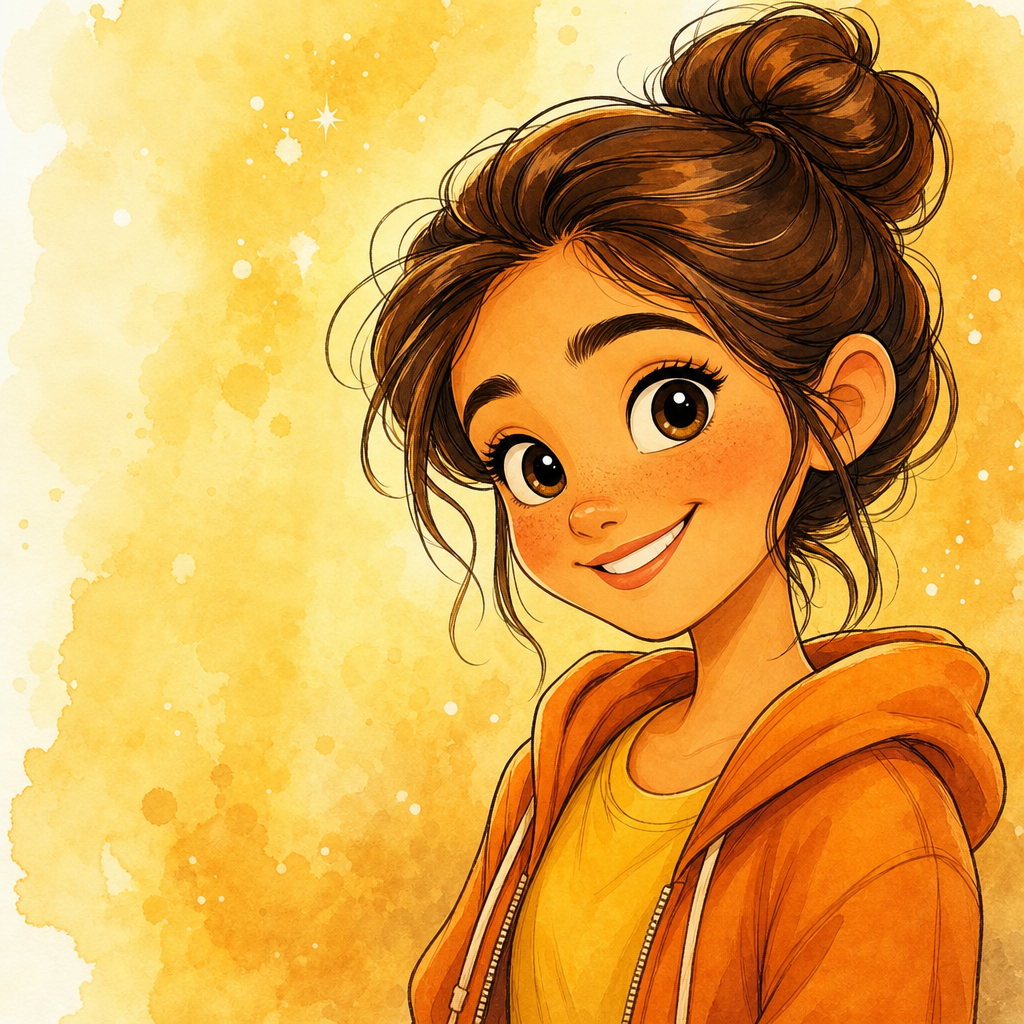
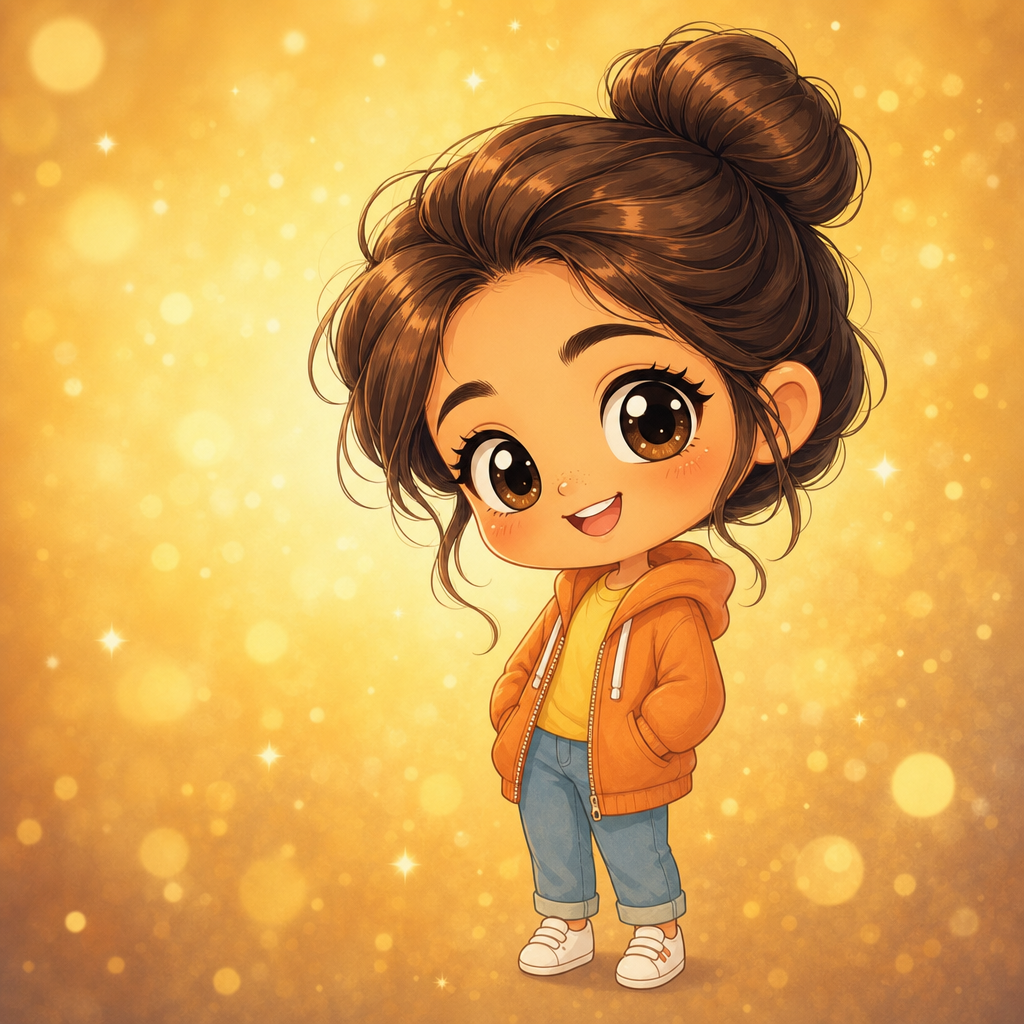
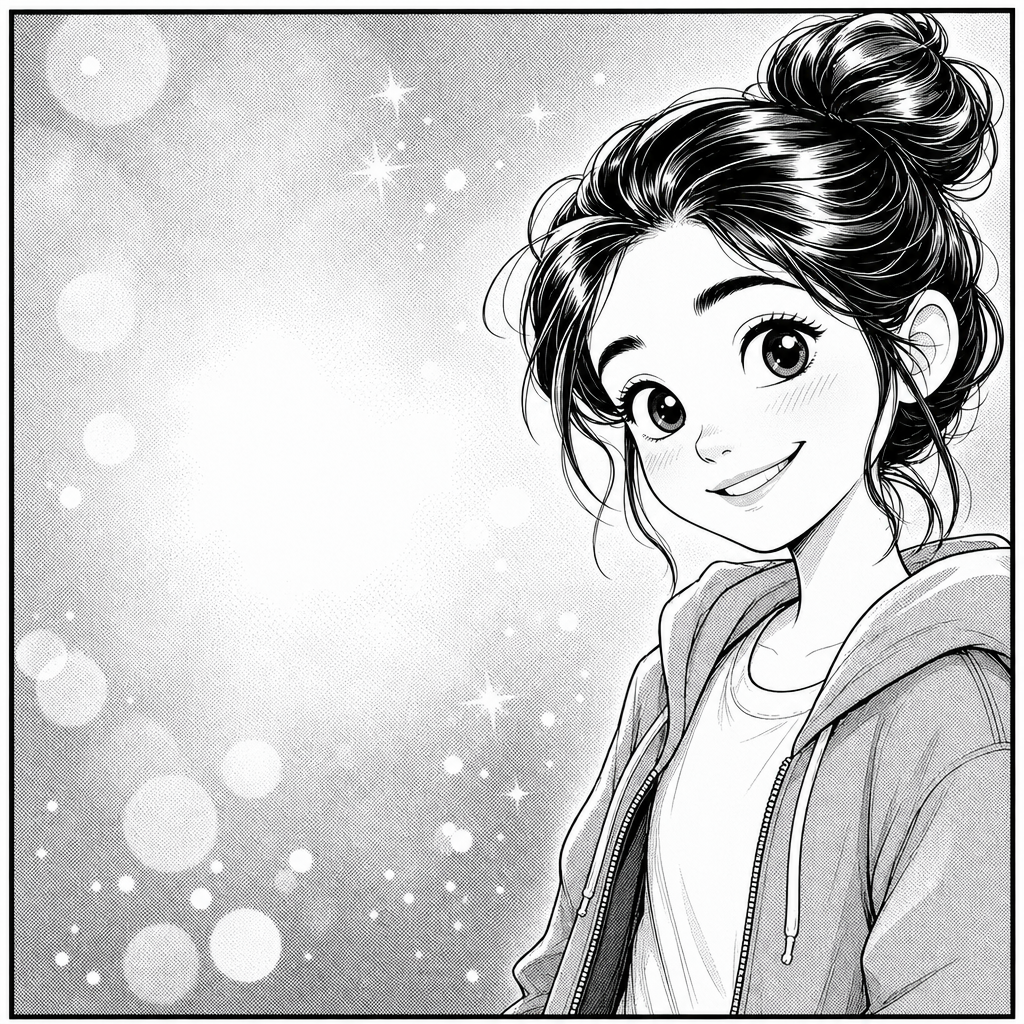
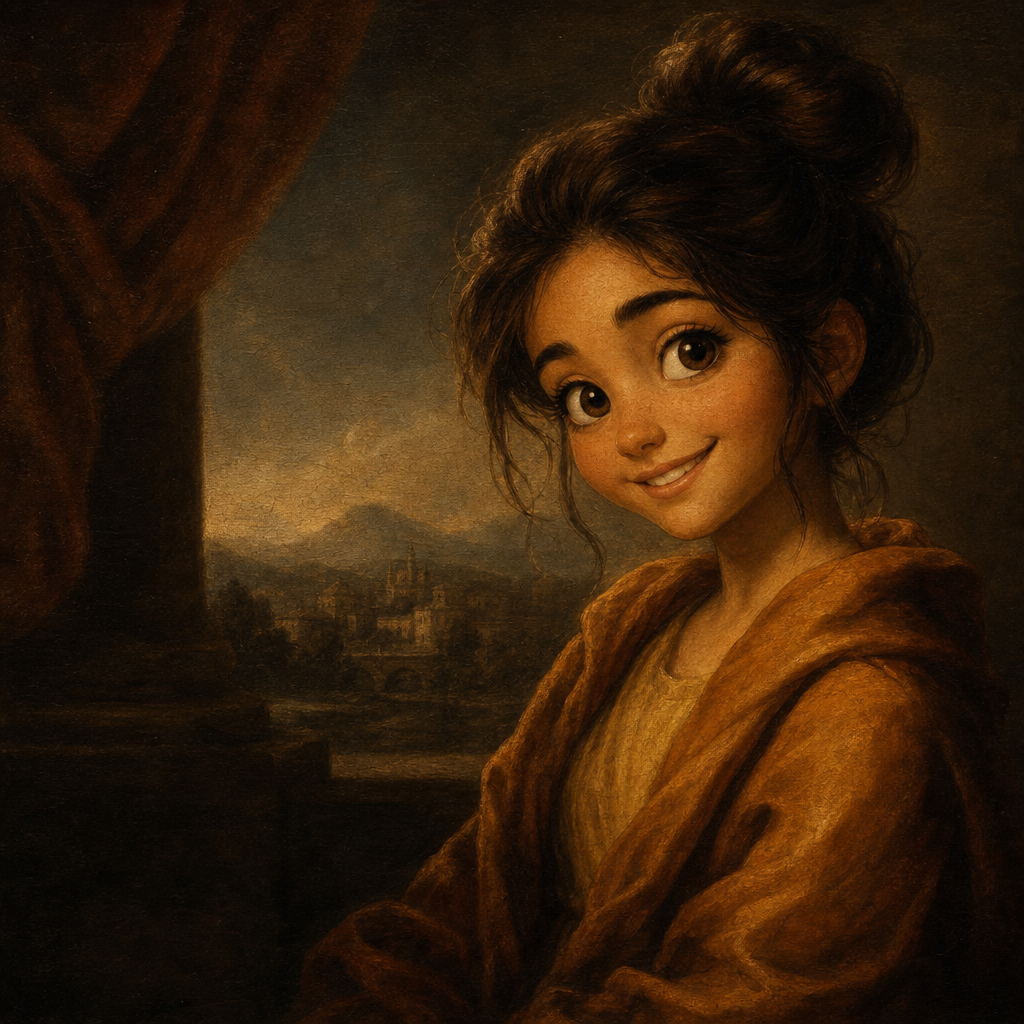
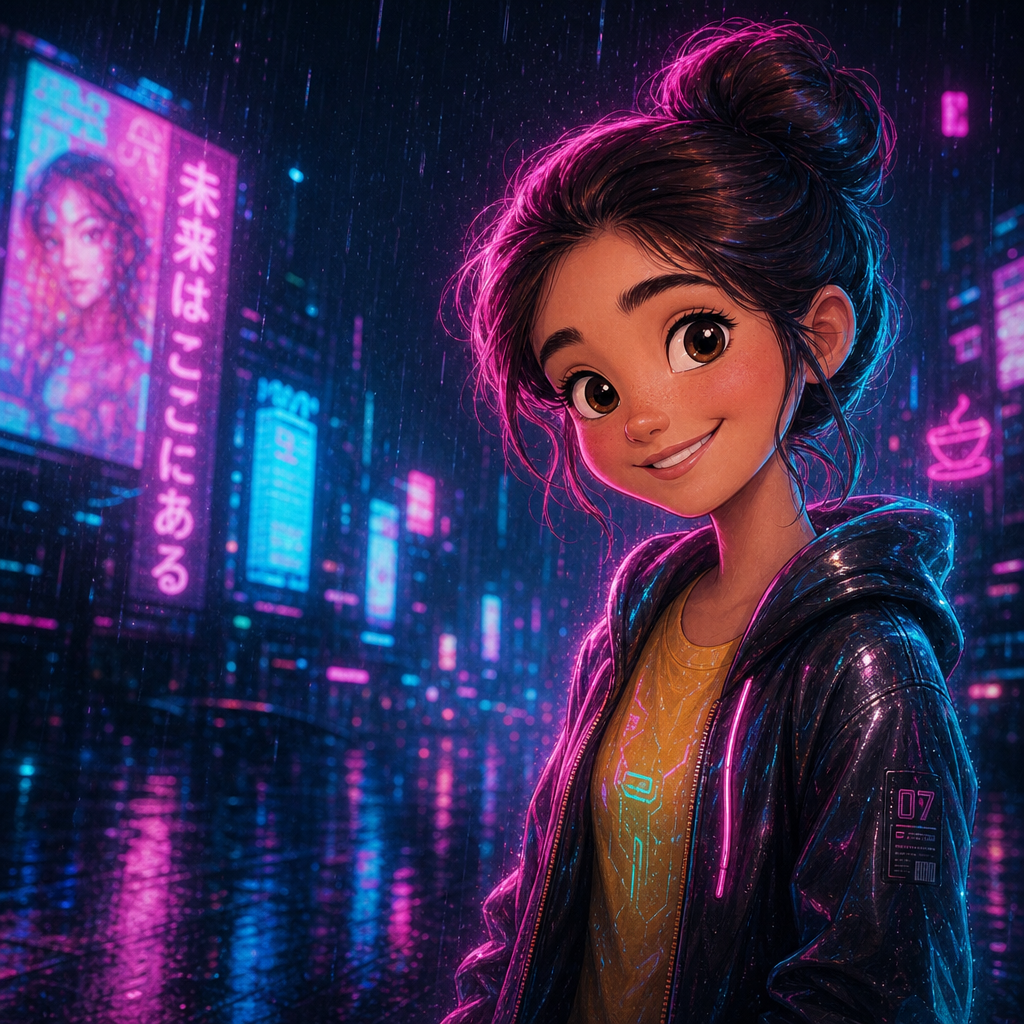
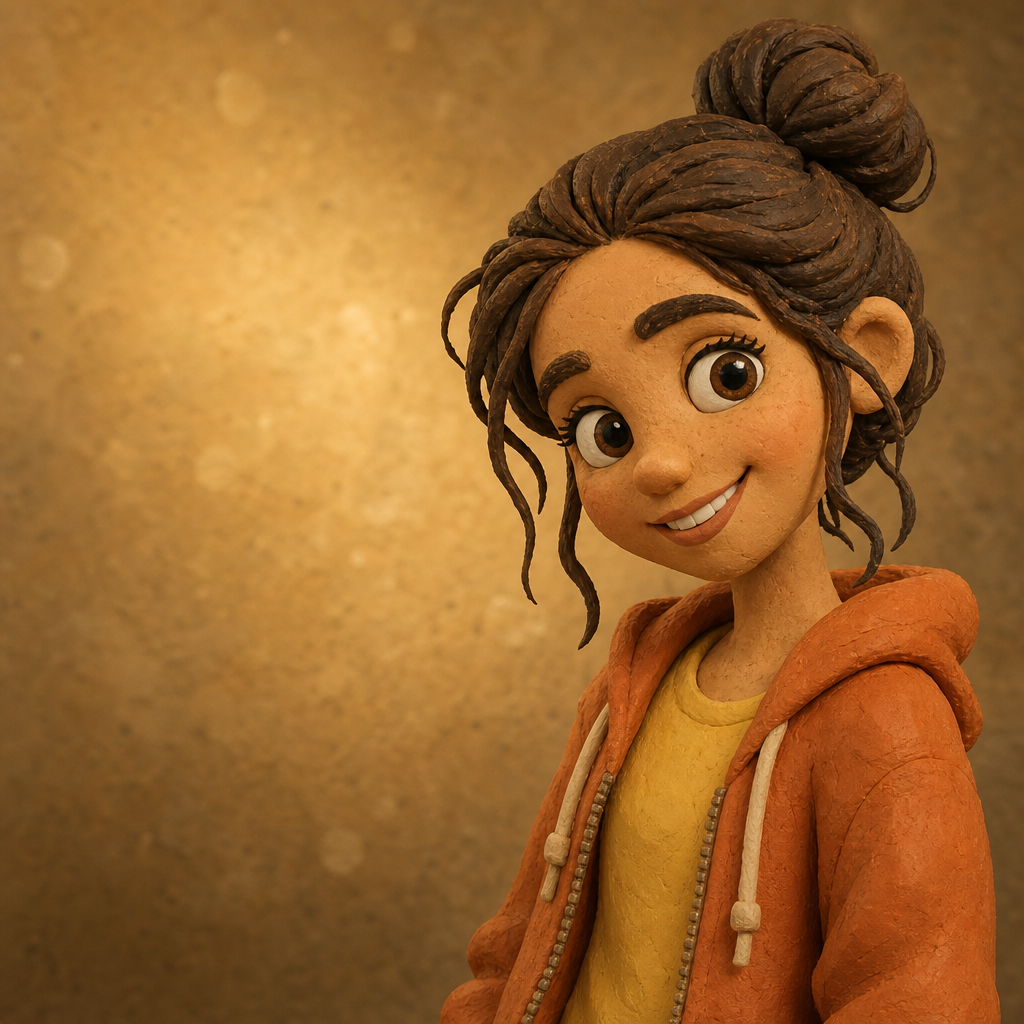
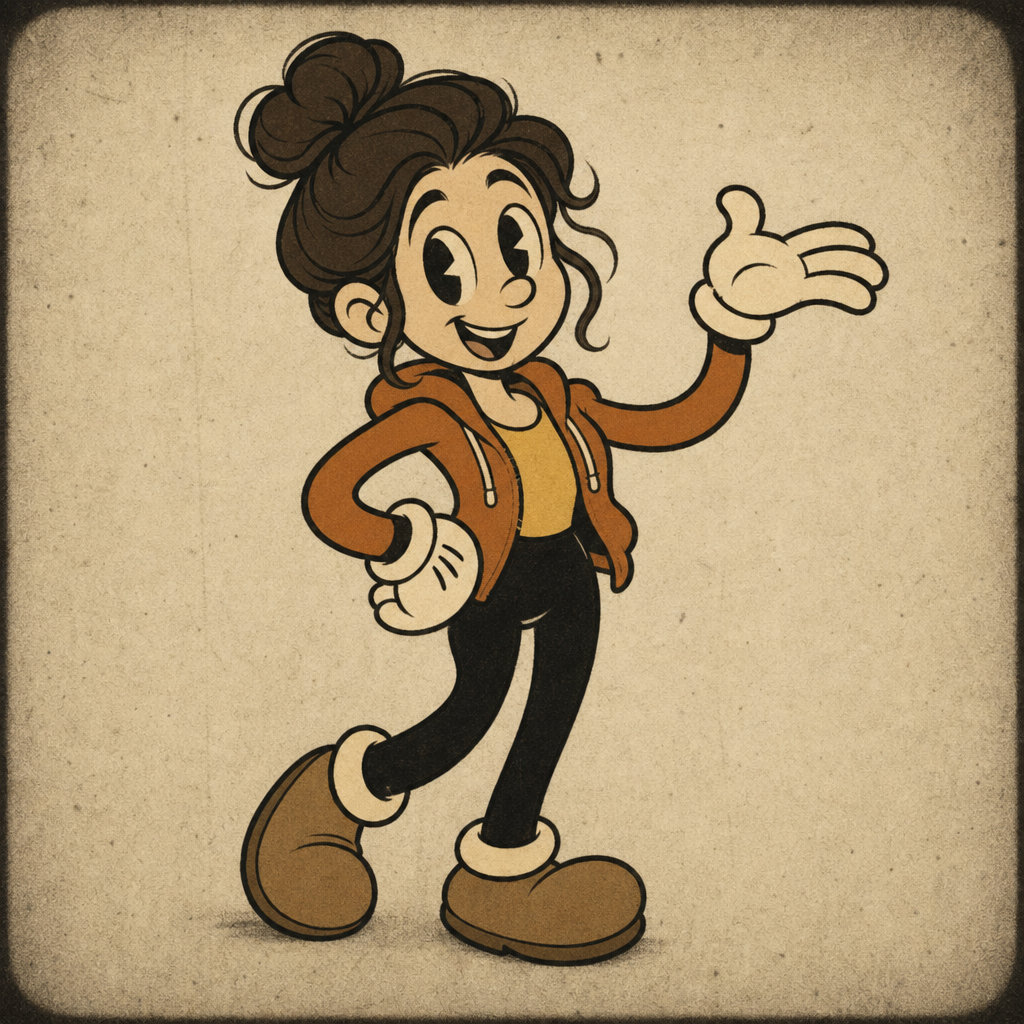
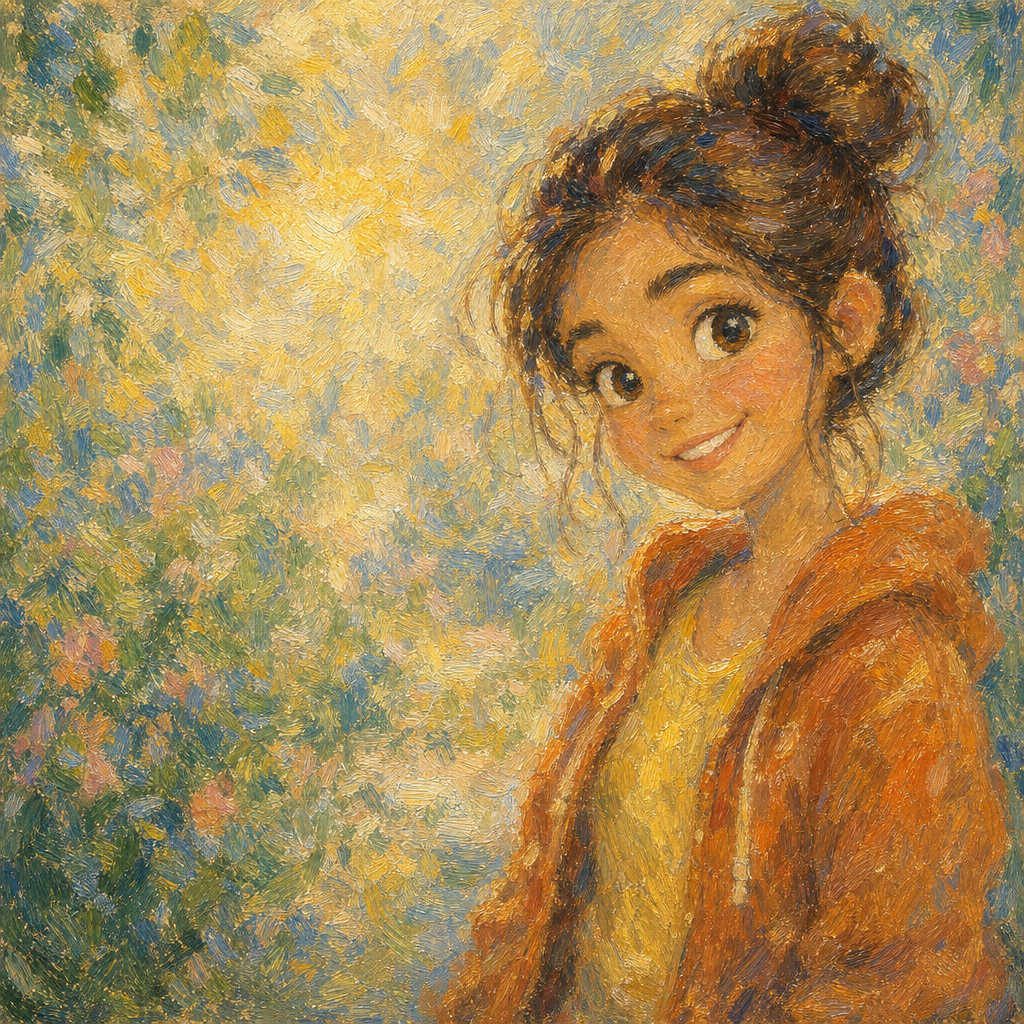
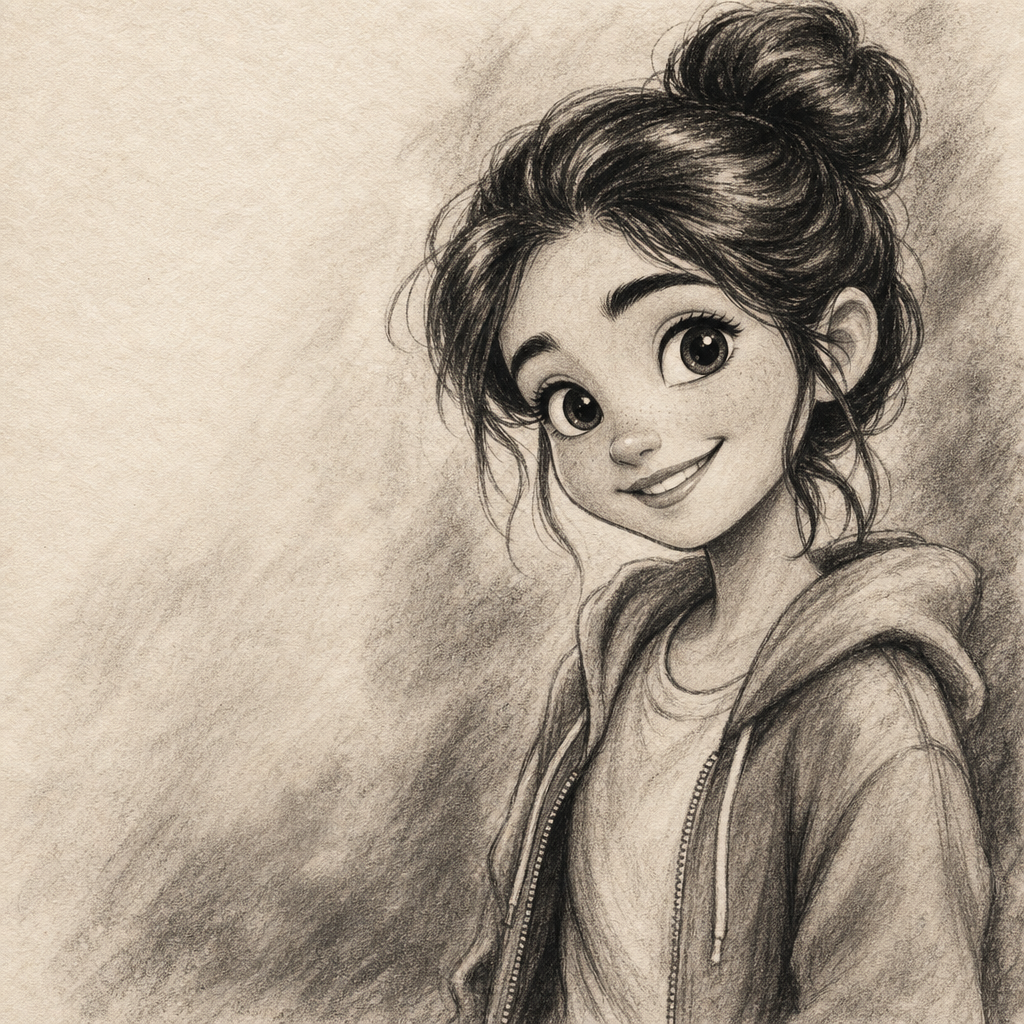
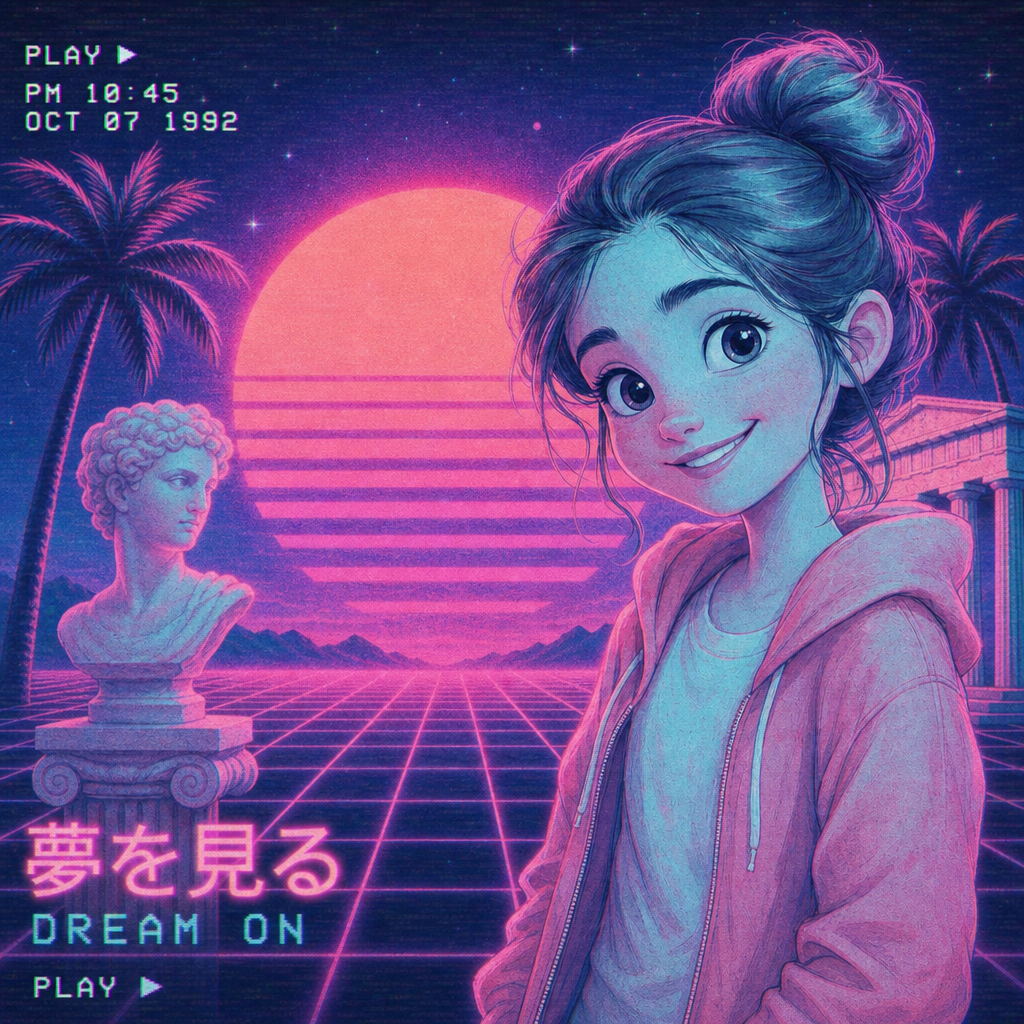
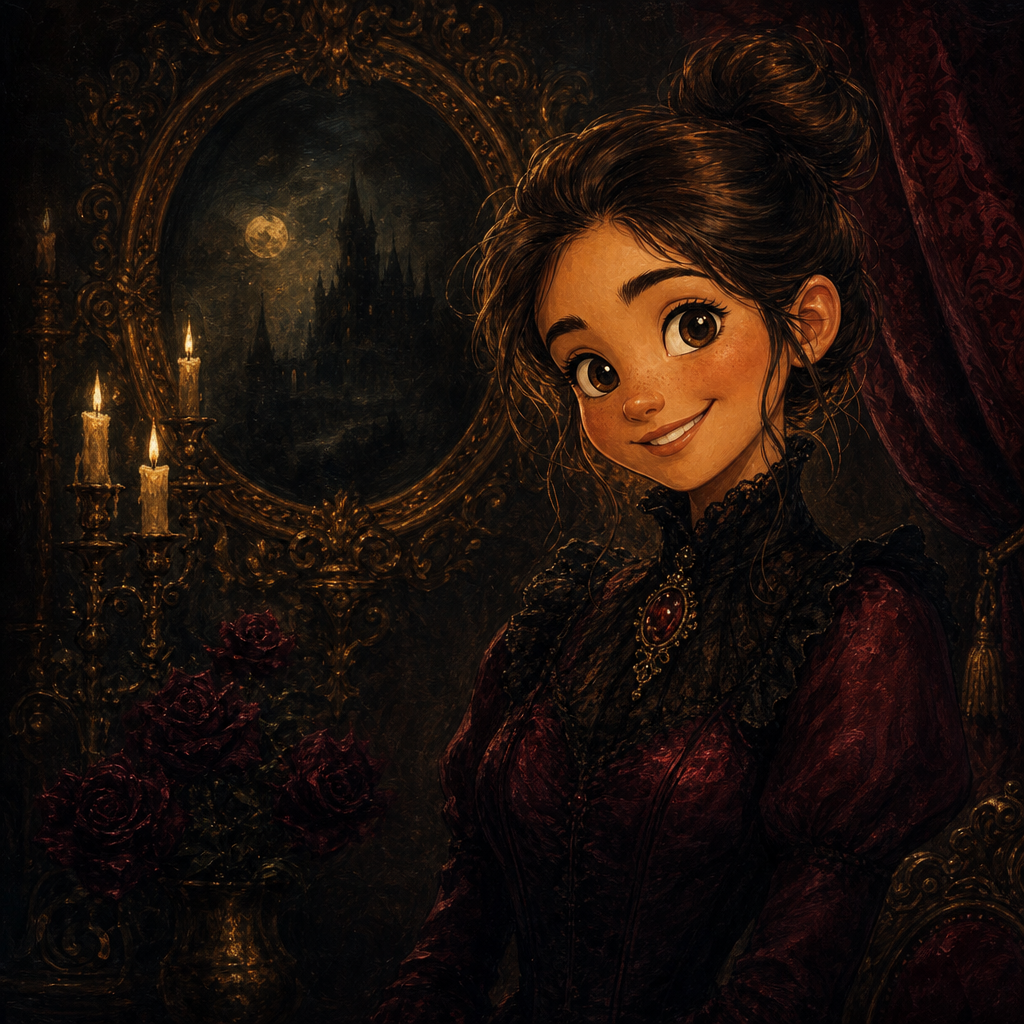
Disney style AI photo generator that gives you the warm, hand-painted look of a Walt Disney feature film without commissioning an artist or learning a prompt language. PicCanvas takes the photo you already have — a selfie, a family portrait, a pet, a kid's birthday shot — and renders it in the soft lighting, expressive eyes, and painterly skin tones that define the studio's signature look. The result feels recognizable as you, dropped into a Disney still.
The interaction is intentionally tiny. You upload a photo, you click the Disney tile, and a preview lands in seconds. If the first take is close but you want a slightly different angle on the rendering, hit Try again — we advance to a higher quality tier and produce another version. When the preview matches what you imagined, click Looks good and we deliver the HD download. A single generation covers the whole iteration loop, no matter how many refinement passes you make.
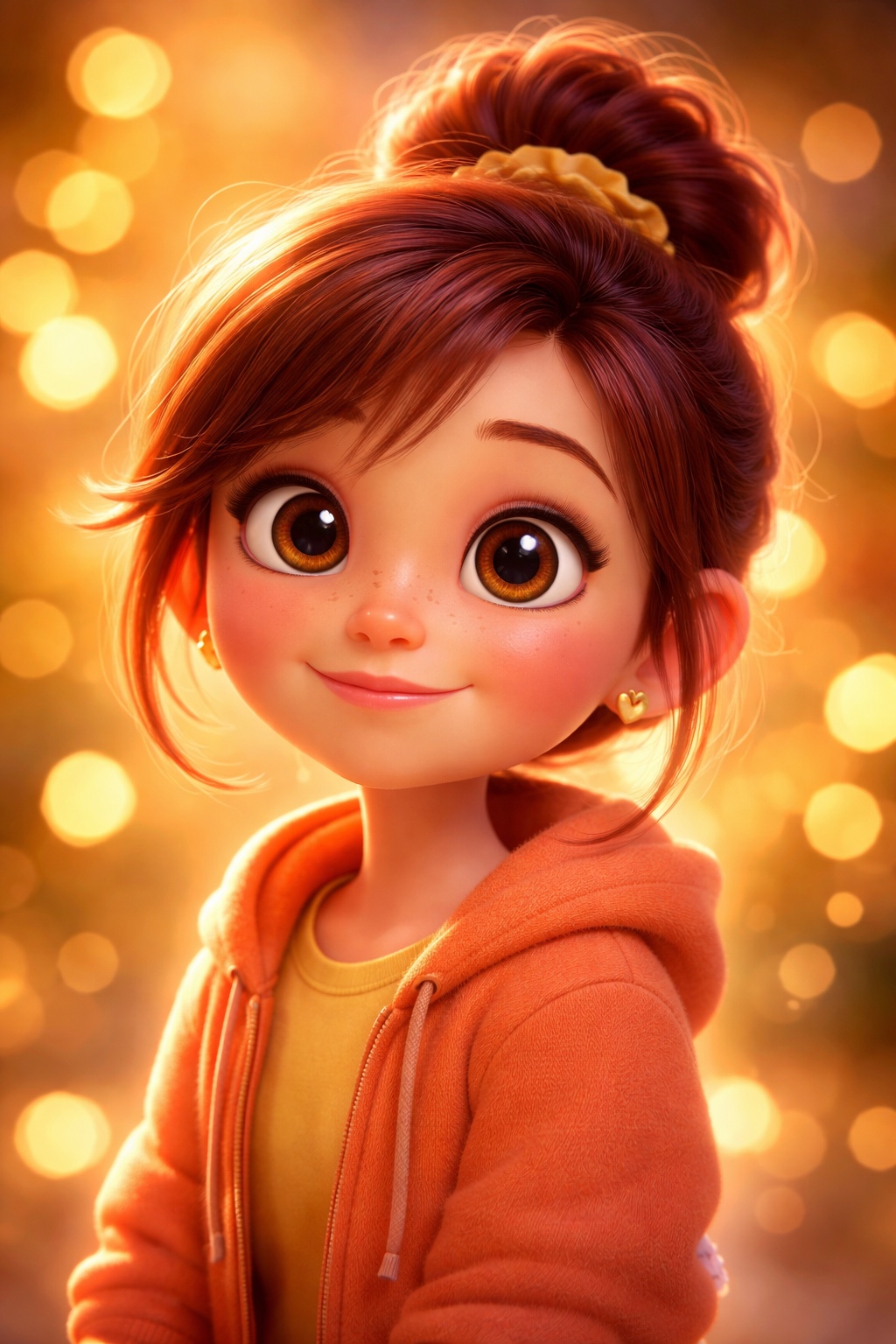
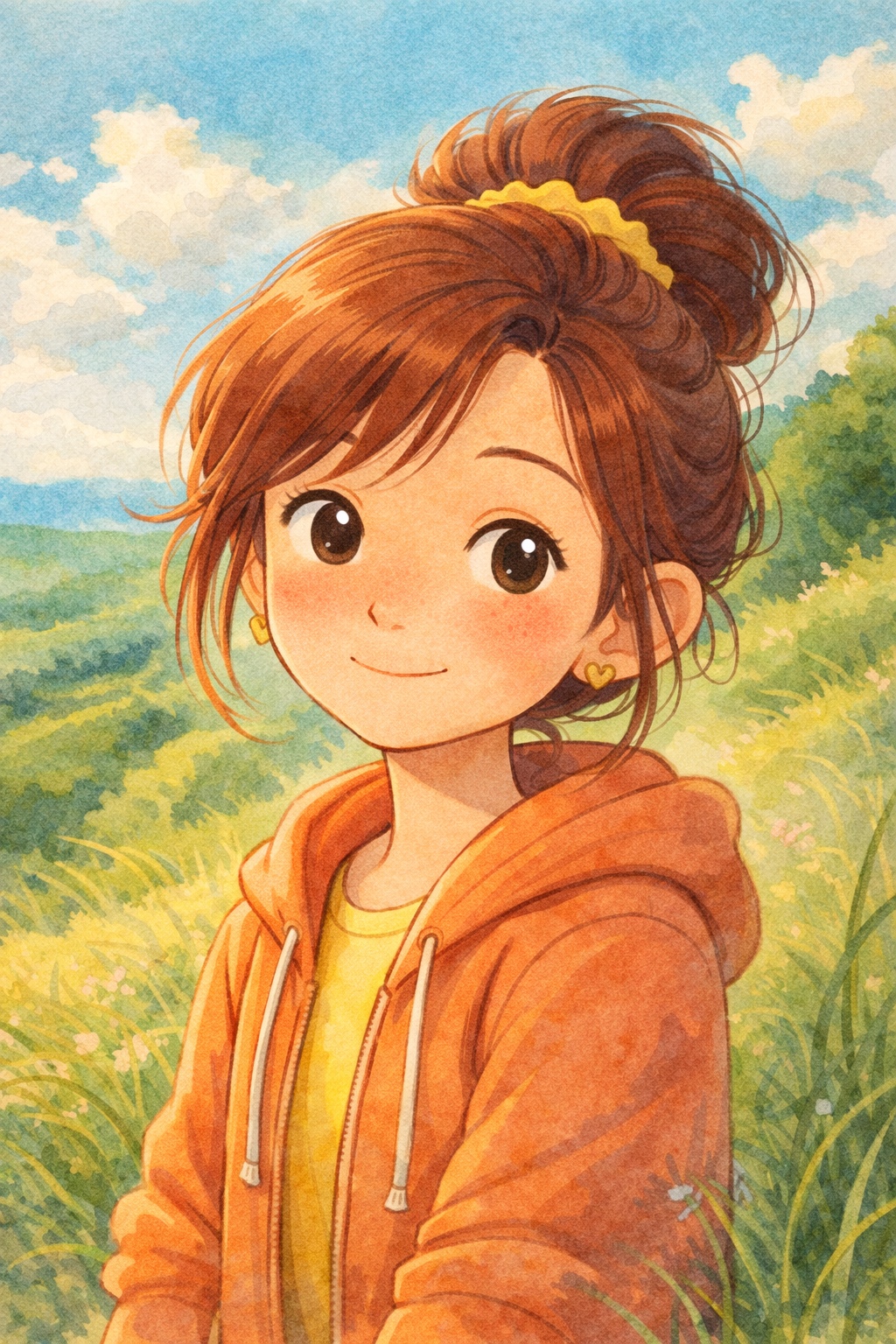
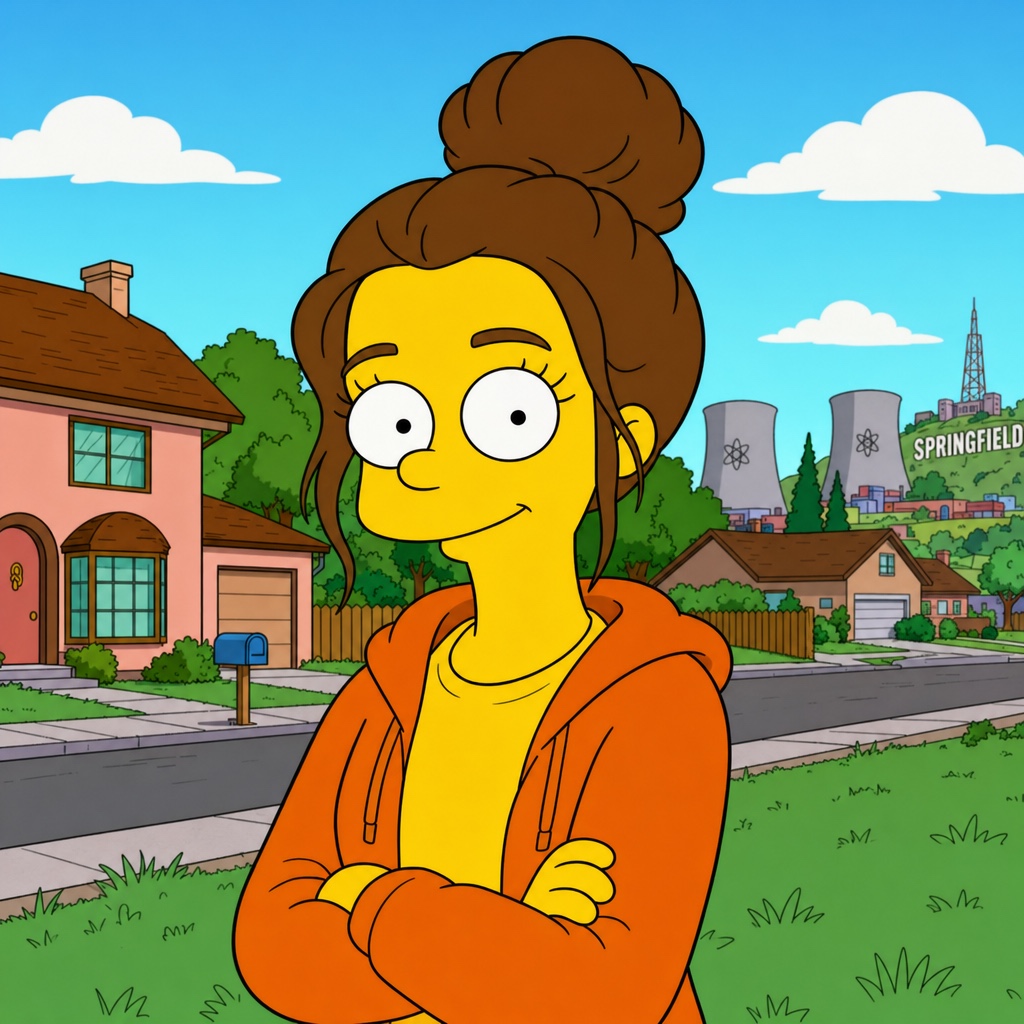
Disney style is the default pick for warmth. It works on family photos, holiday cards, kids' bedroom prints, and anniversary gifts where you want the rendering to feel affectionate rather than ironic. For sharper cinematic depth go with Pixar; for nostalgic watercolor go with Ghibli; for humor go with Simpsons. The Disney lane is the one to choose when you want the photo to feel like a treasured frame from a movie.
How it works
- Upload your photo— Drop a JPG or PNG with one or more people. Disney style renders best on portraits and small group photos with clear faces and good light.
- Pick a style— Tap the Disney tile in the style grid. The thumbnail shows a real Disney-style output so you know what to expect before generating.
- Iterate to refine— Click Try again to advance through quality tiers. Each pass adds a little more painterly detail and lighting nuance — useful when the first preview is the right vibe but you want a little more.
- Download HD— Click Looks good and we render the final at print-friendly resolution. The HD file is sized to work as a card, a poster, or a framed print.
Use cases
Disney-style holiday card from a family photo
Run this year's holiday photo through the Disney lane and use the output as the front of a printed card. The hand-painted feel reads instantly as celebratory.
Kids' bedroom or playroom poster
Convert a portrait of the kids into a Disney-style print for above the bed. Reads as a deliberate art piece rather than a snapshot blown up too large.
Anniversary or wedding-day keepsake
Turn a candid wedding photo into a Disney-style frame and gift it as a print. The romance of the rendering matches the moment.
Disney-themed birthday party invitation
Drop the birthday kid's photo through Disney style and use the result as the lead image on the invite. Looks intentional, not stock.
Pet portraits with Disney warmth
Cats, dogs, and even rabbits render well here. The painterly skin and expressive eyes translate to fur surprisingly cleanly.
Frequently asked questions
- How does the Disney style AI photo generator handle likeness?
- The model preserves recognizable features — face shape, hairstyle, expression — while pushing the rendering toward Disney's painterly look. The output reads as a stylized version of the person, not a different one.
- Does Disney style work on group photos?
- Yes, for groups of roughly two to five people with clear faces. Larger groups can lose detail per face; for those, crop to the people you want highlighted before uploading.
- Can I print the Disney-style output?
- Yes. The HD download is delivered at a resolution that works for cards, posters, and standard photo prints up to roughly 18 by 24 inches without obvious softness.
- How long does generation take?
- The first preview lands within a few seconds. Each iteration takes a similar amount of time. The final HD render takes a little longer because it runs at full resolution.
- Is the Disney lane different from Pixar?
- Yes. Disney leans hand-painted and 2D — soft skin, painterly hair, warm lighting reminiscent of feature animation. Pixar leans dimensional and cinematic with 3D rendering cues. Pick Disney for warmth, Pixar for depth.
- Can I make a Disney-style print as a gift?
- That is the most common use. The HD download is designed to look good printed and framed — choose the photo carefully, run it through Disney style, and send the file straight to a print service.
- What does iteration actually change?
- Each iteration runs a fresh pass at a higher quality tier. The composition stays the same; the rendering gets a little richer in lighting, brushwork, and detail. You only pay once for the entire generation.