





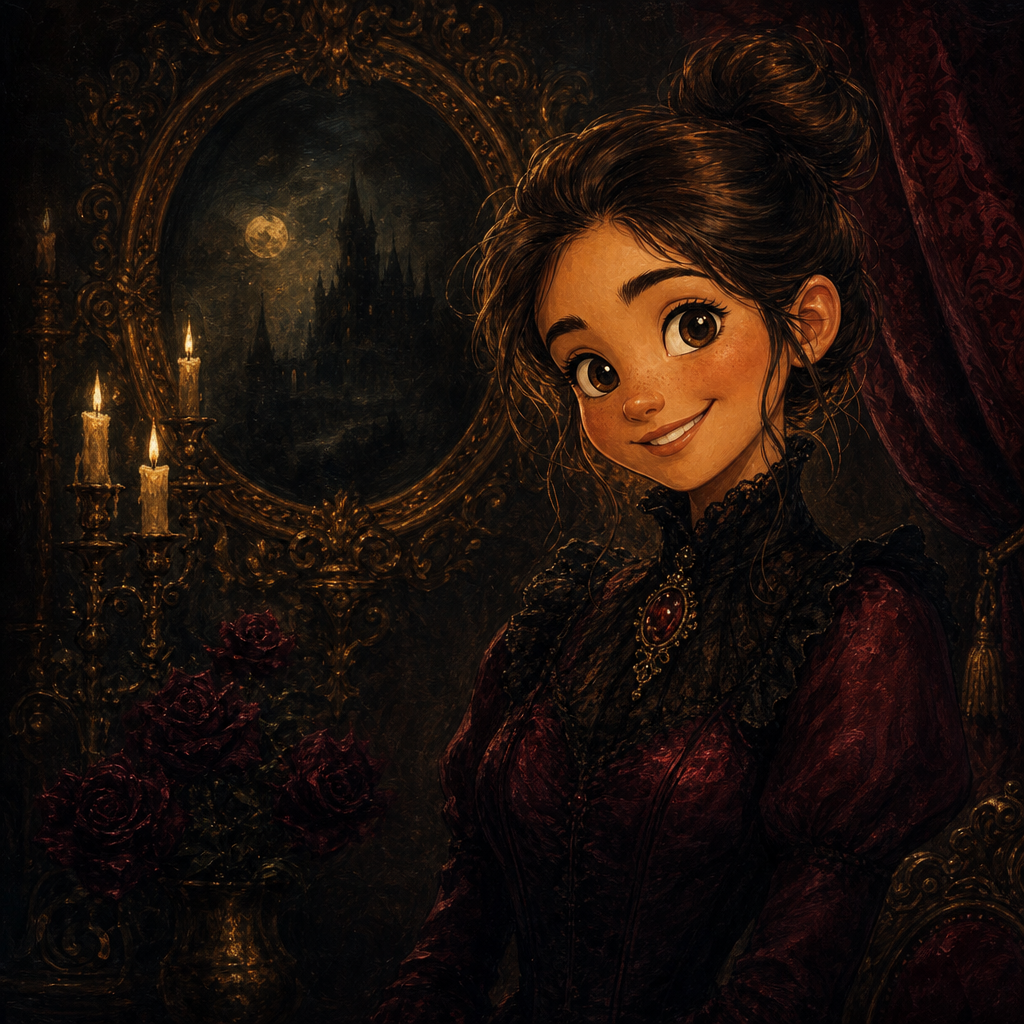
Vaporwave Portrait from Photo
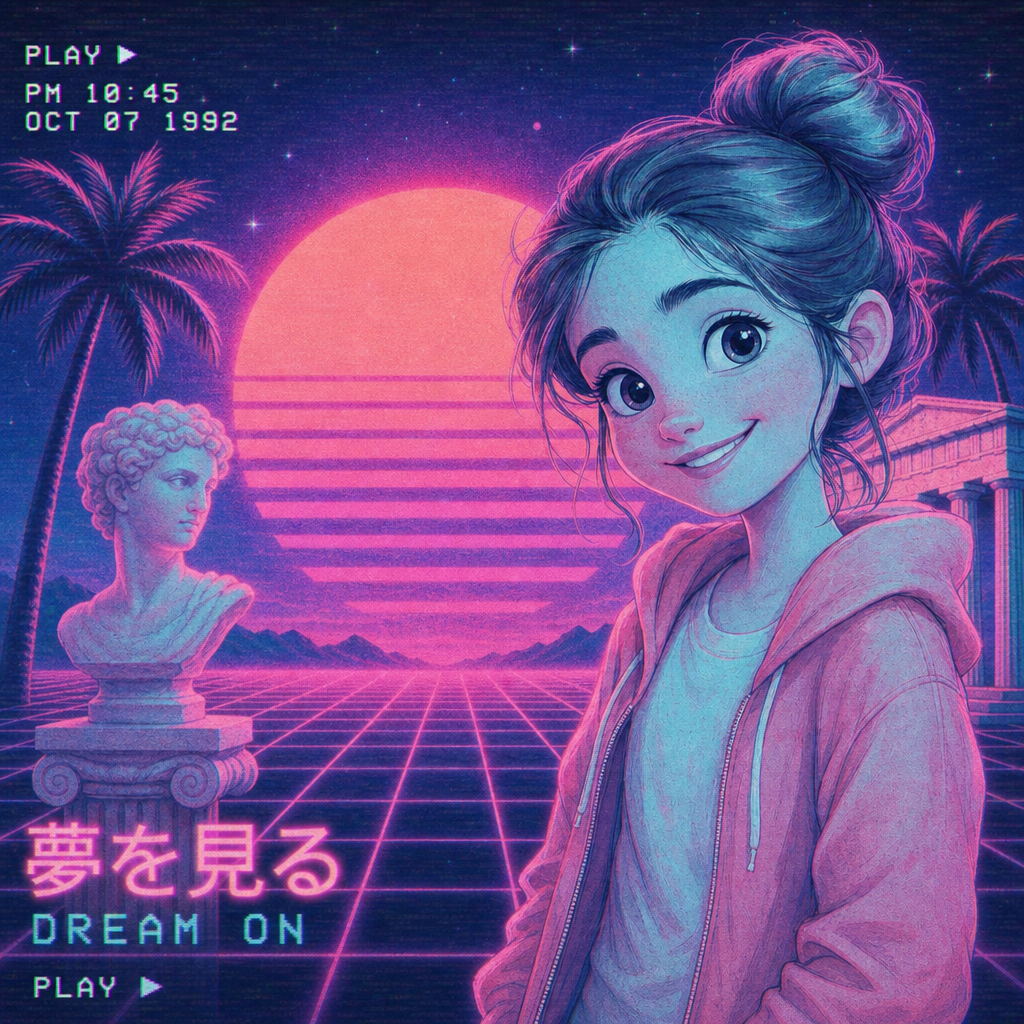
Vaporwave portrait from photo, rendered in the pastel-pink-and-cyan aesthetic that defined the 2010s internet renaissance — VHS grain, gridded sunset backgrounds, neon glow, and the classical-Greek-statue color treatment that vaporwave fan communities have built into a real visual movement. PicCanvas takes the photo you already have and gives it the soft synthwave atmosphere that lands as profile-picture material, music-cover art, and the kind of statement print that signals a specific aesthetic taste.
The interaction stays out of the way. You upload a photo, you tap the Vaporwave tile, and a preview lands within seconds. Vaporwave aggressively re-tints the photo — colors shift into the pink-and-cyan palette, light becomes neon glow, backgrounds become gridded synthwave sunsets. If you want a different take, hit Try again to advance to a higher quality tier. When the preview reads with the right synthwave atmosphere, click Looks good and the HD file is yours.
Vaporwave is the pick when you want nostalgic-future, soft-neon, and distinctly online. Use it for music release covers, Spotify and SoundCloud art, social profile pictures, streetwear merch designs, gallery prints for music-room walls, and the kind of art that signals a specific aesthetic community membership. For sharper cyberpunk go with Cyberpunk; for pop-graphic punch go with Pop Art; for soft painted feel go with Watercolor. Vaporwave is for the pastel synthwave register.
How it works
- Upload your photo— Any JPG or PNG works. Vaporwave aggressively re-tints the input, so even flat-lit phone selfies translate cleanly — the medium adds atmosphere automatically.
- Pick Vaporwave— Tap the Vaporwave tile. The thumbnail shows a real vaporwave-style output so the palette and atmosphere are visible up front.
- Iterate to refine— Each preview takes a few seconds. Hit Try again to advance through quality tiers — useful when you want more pronounced VHS grain, denser sunset gridding, or a different palette balance.
- Download HD— Click Looks good and we render the final at full resolution. Sized for music cover art (square and rectangle), framed prints, social profile pictures, and merch.
Use cases
Music release cover art
Single covers, EP art, Spotify and SoundCloud avatars — vaporwave lands especially well for electronic, synthwave, hyperpop, lo-fi, and indie-electronic genres. Reads as deliberate aesthetic without commissioning an illustrator.
Social profile pictures for creator platforms
Vaporwave-style profile pictures stand out on Twitter, Discord, Instagram, and creator platforms because the palette breaks the algorithm's typical visual pattern. Signals taste.
Music-room and studio wall art
A large vaporwave portrait, printed on poster stock and hung in a music room or production studio, anchors the aesthetic the way RGB lighting alone never quite does.
Streetwear and merch graphics
Vaporwave translates especially well to apparel print and enamel pin design — the pastel palette and synthwave grid reproduce cleanly on most print media and signal the right aesthetic to the right buyer.
Birthday and party graphics for synth-leaning friends
For friends who lean synthwave, vaporwave, retro-futurist, or electronic-music aesthetic, a vaporwave portrait of the birthday person on the invitation or party poster lands exactly.
Distinctive zine and small-print art
Self-published zines, art prints sold at conventions, niche print runs — vaporwave is one of the most-requested aesthetics in DIY print communities.
Frequently asked questions
- How does the vaporwave portrait from photo generator handle likeness?
- Face structure, hairstyle, and expression are preserved while the lighting, atmosphere, and color palette shift to vaporwave conventions. The output reads as the same person rendered in a synthwave-pastel setting.
- What does the background look like?
- By default the model renders a gridded sunset background with pastel pink-to-cyan gradients — the canonical vaporwave environment. The subject stays sharp in the foreground.
- Is the palette intentionally pink and cyan?
- Yes. Pastel pink and cyan are the defining vaporwave colors, alongside selective neon glow and occasional purple and magenta accents. The lane respects that palette restraint — that's what makes it read as vaporwave rather than as a generic edit.
- Can I print vaporwave outputs?
- Yes. The HD download is sized for music cover art, framed wall prints up to roughly 18 by 24 inches, and merch like tees and posters. The pastel palette reads well at most print sizes.
- Does vaporwave work on group photos?
- Yes for groups of two to three with clear faces. The atmospheric background and color shift can lose facial detail in larger groups; for those, prefer single-subject portraits.
- How is vaporwave different from cyberpunk?
- Cyberpunk is dark, neon-noir, and futuristic — rainy night, chrome, magenta-and-cyan against black. Vaporwave is light, nostalgic, and retro-futurist — pastel pink-and-cyan against sunset gradients, VHS grain. Pick cyberpunk for cinematic edge; pick vaporwave for nostalgic synthwave.
- How long does generation take?
- The first preview lands within a few seconds. Each iteration takes a similar amount of time. The final HD render takes a little longer because it runs at full resolution.