
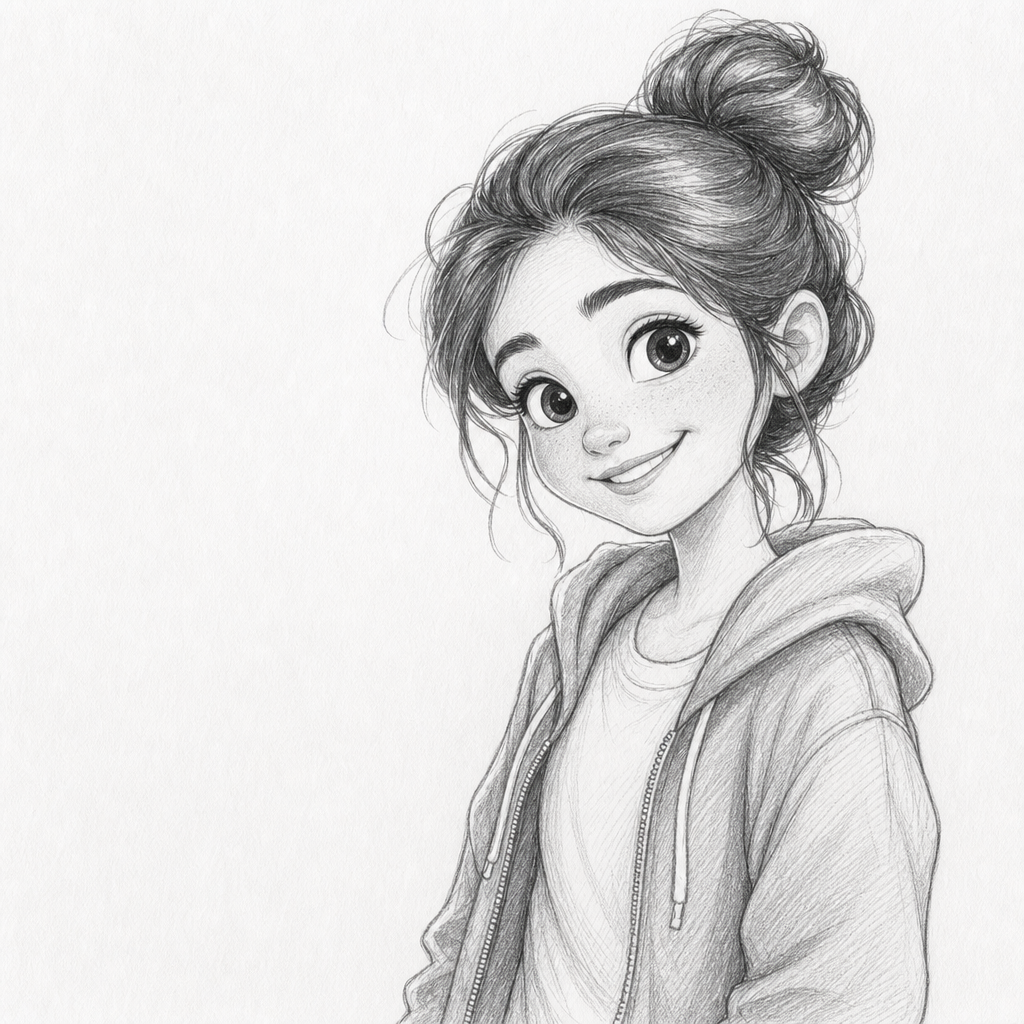
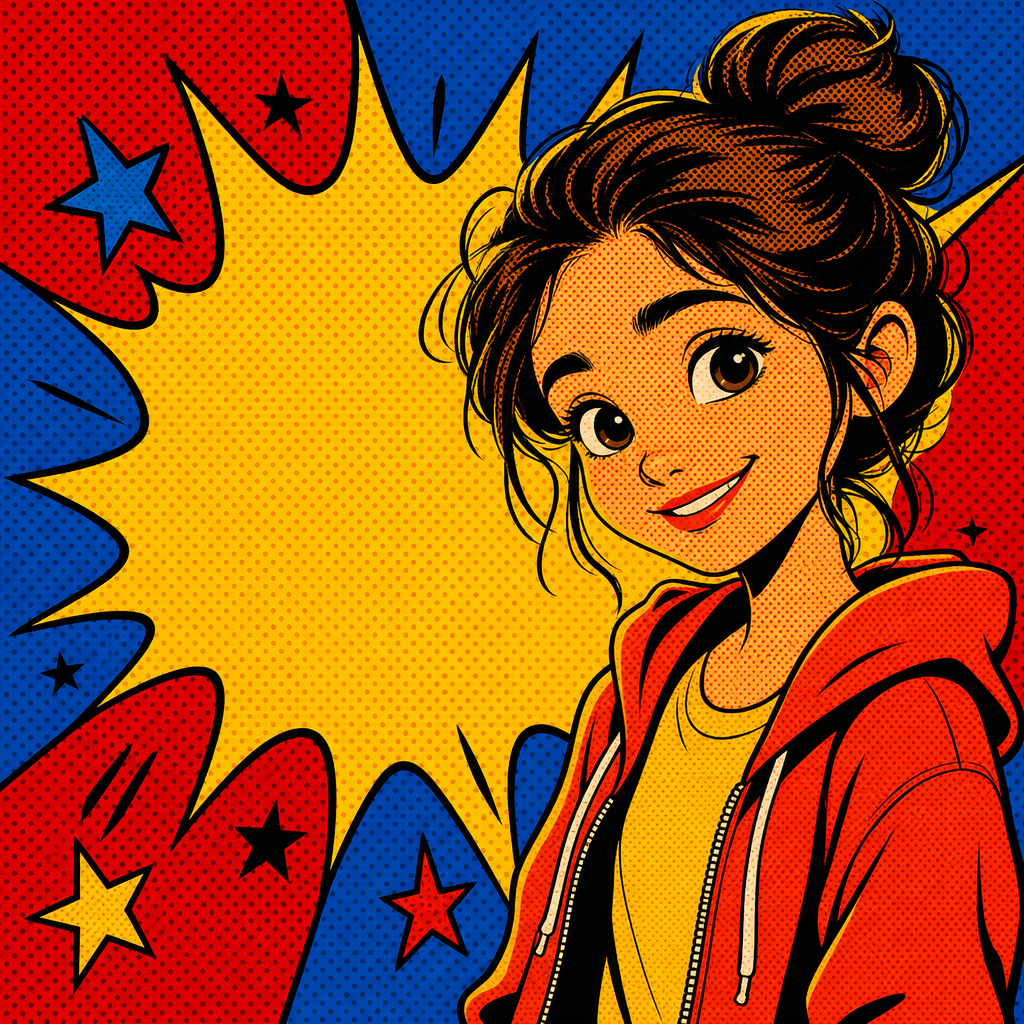
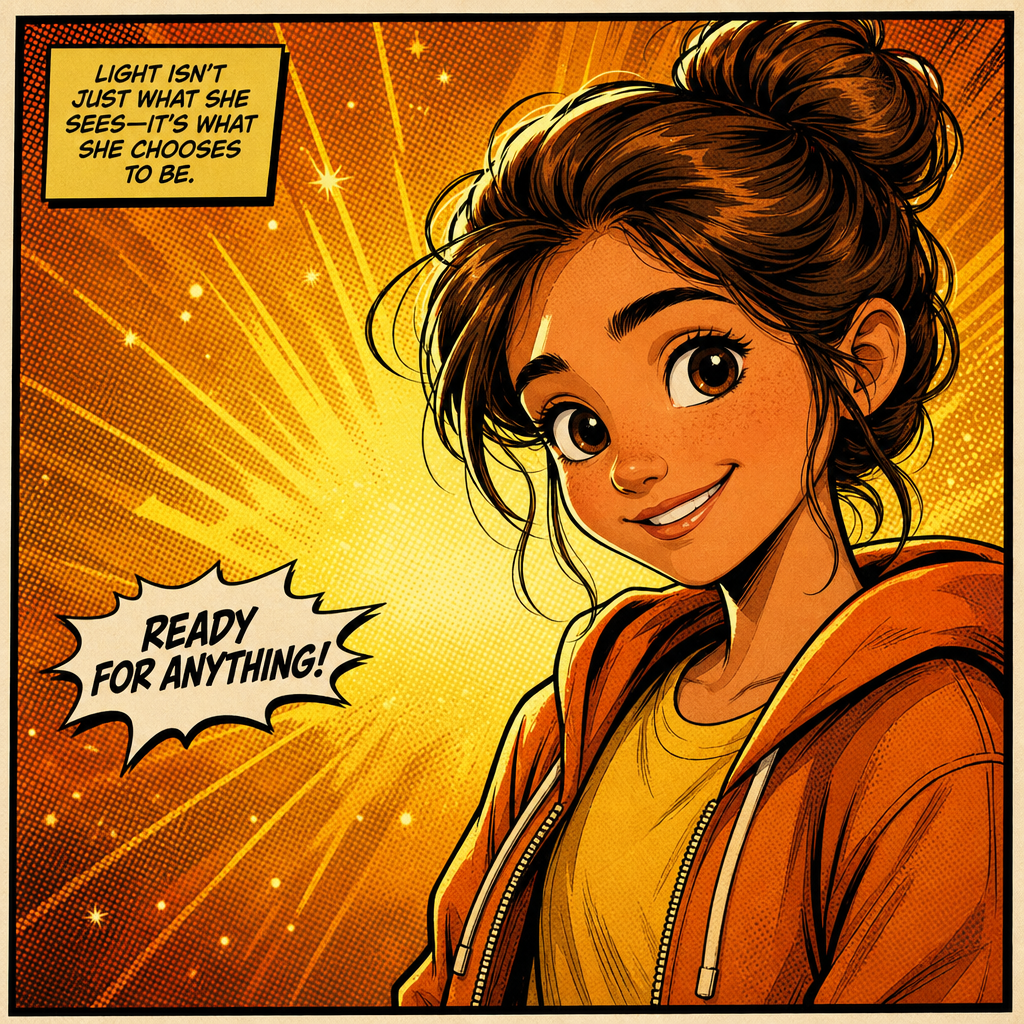
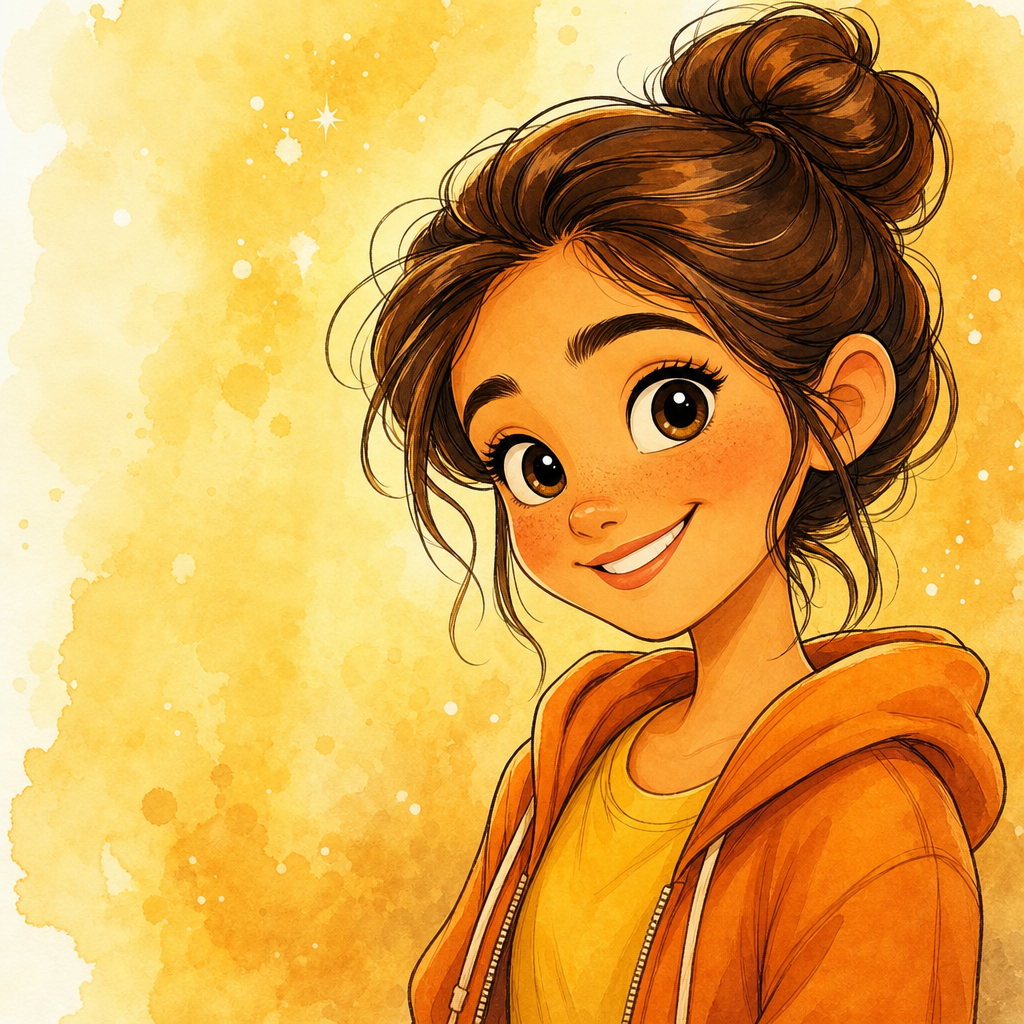
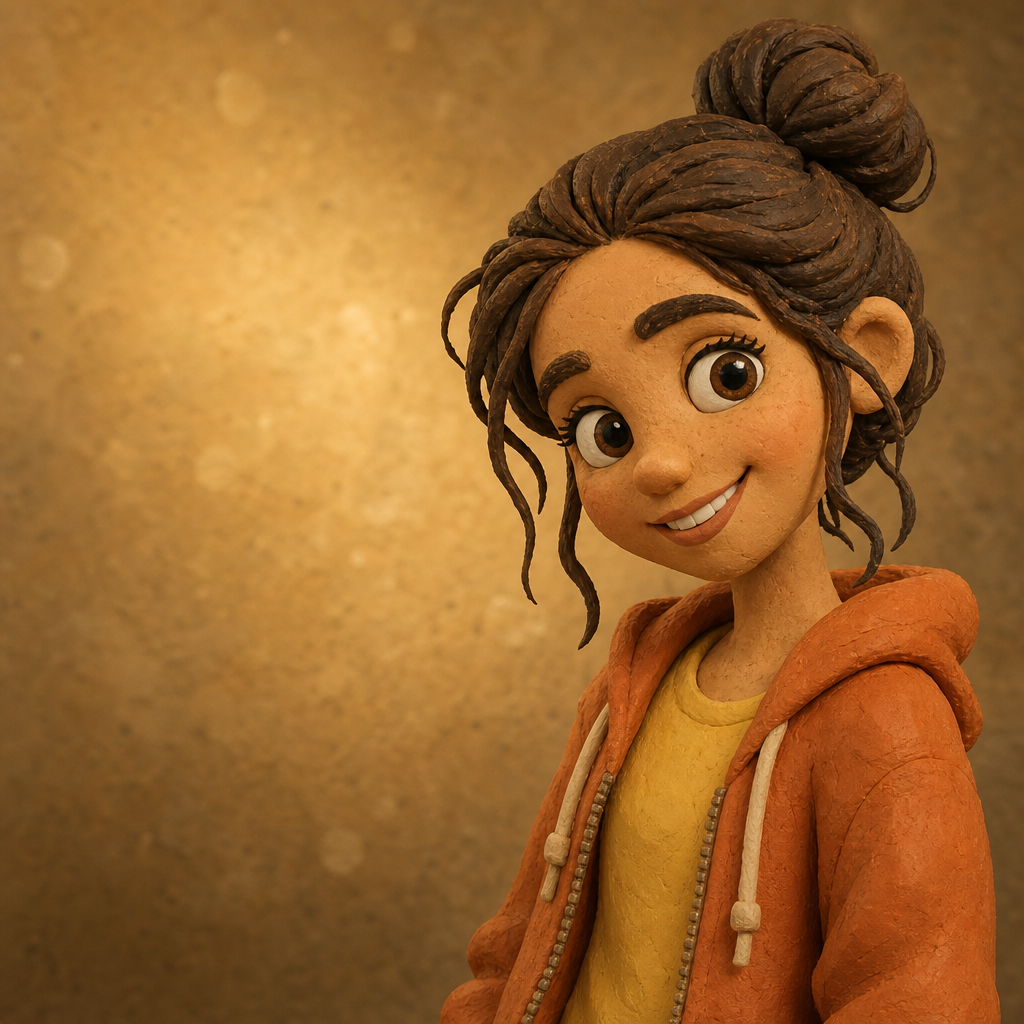
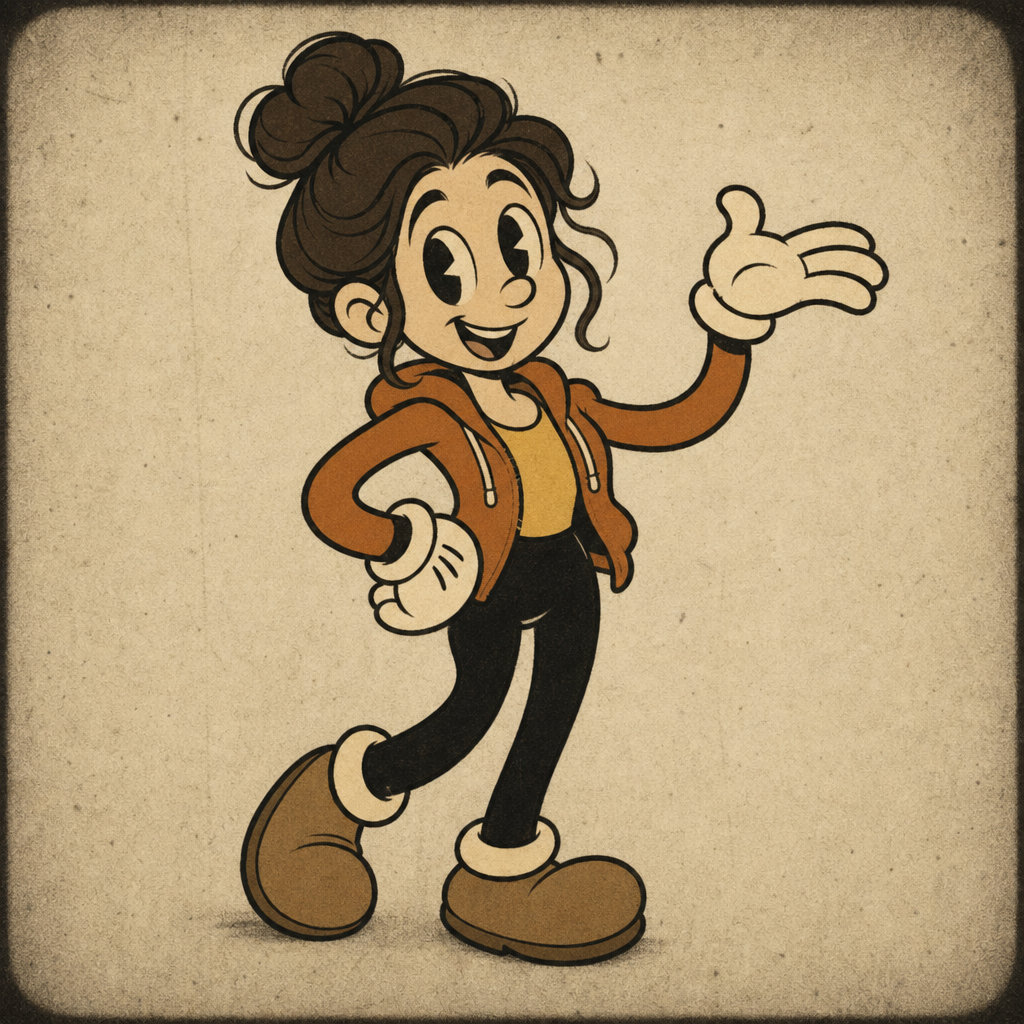
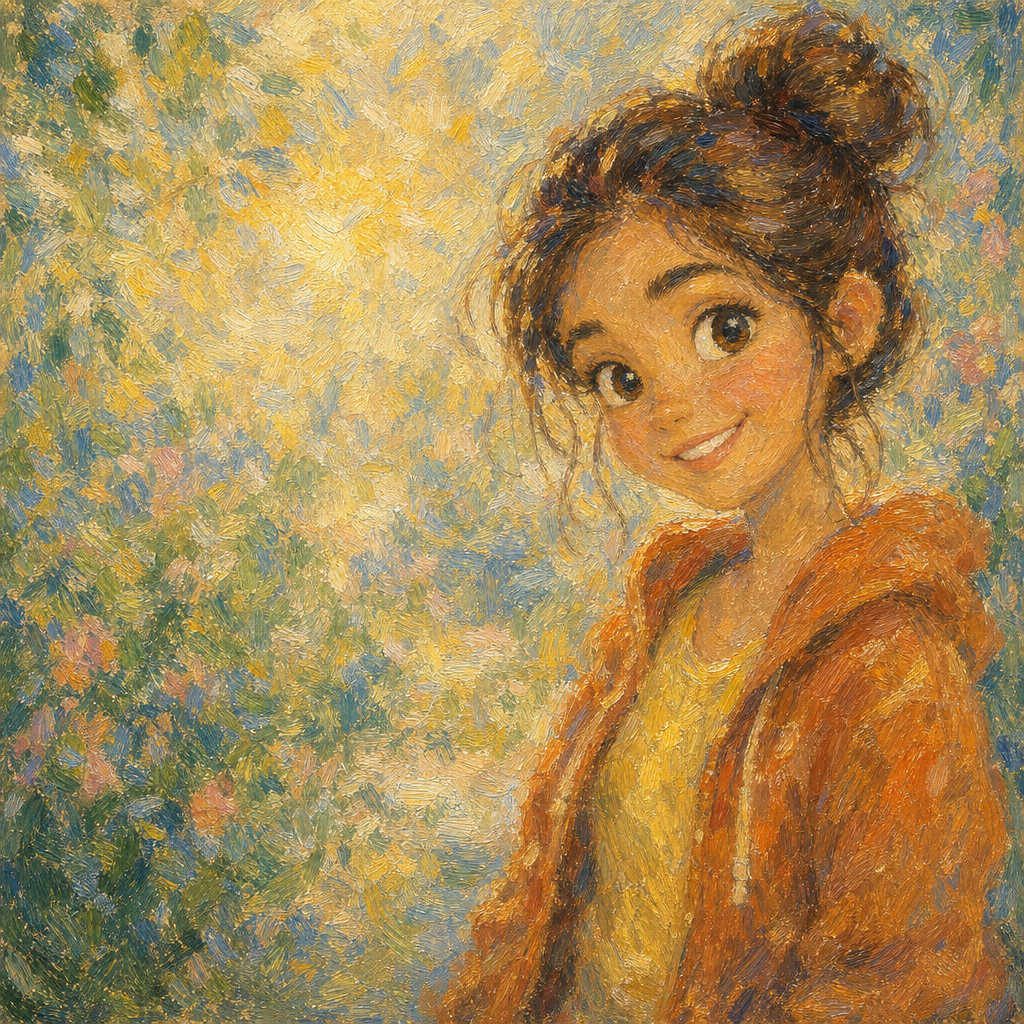
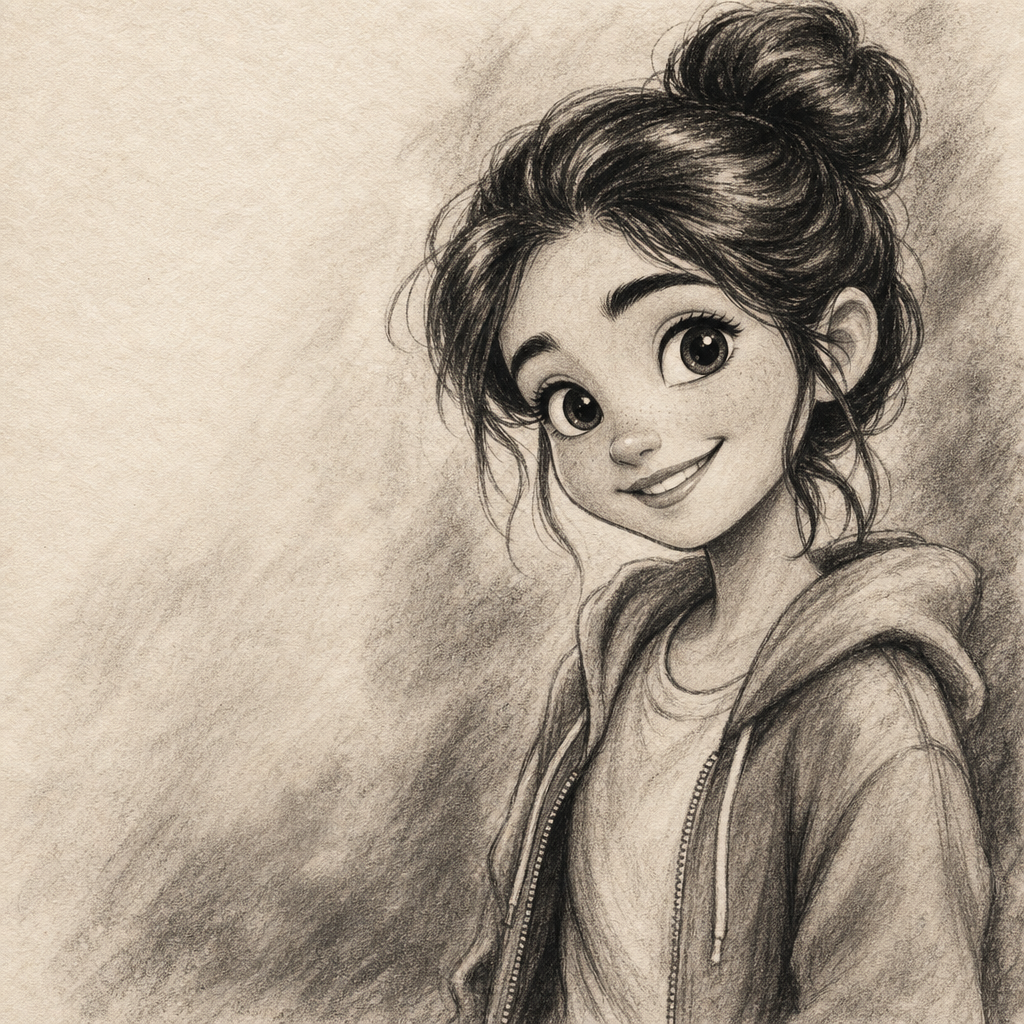
Chibi Portrait from Photo
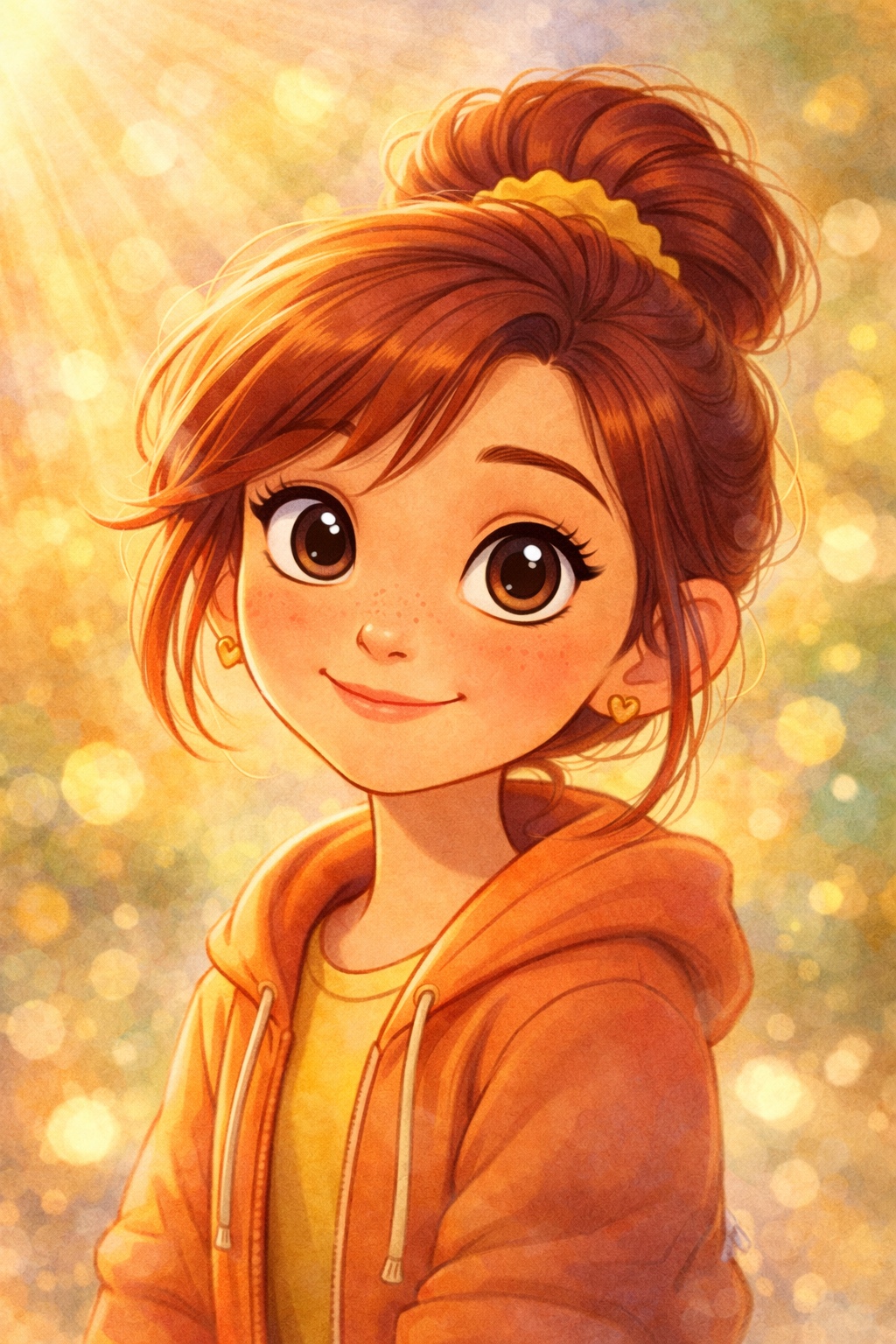
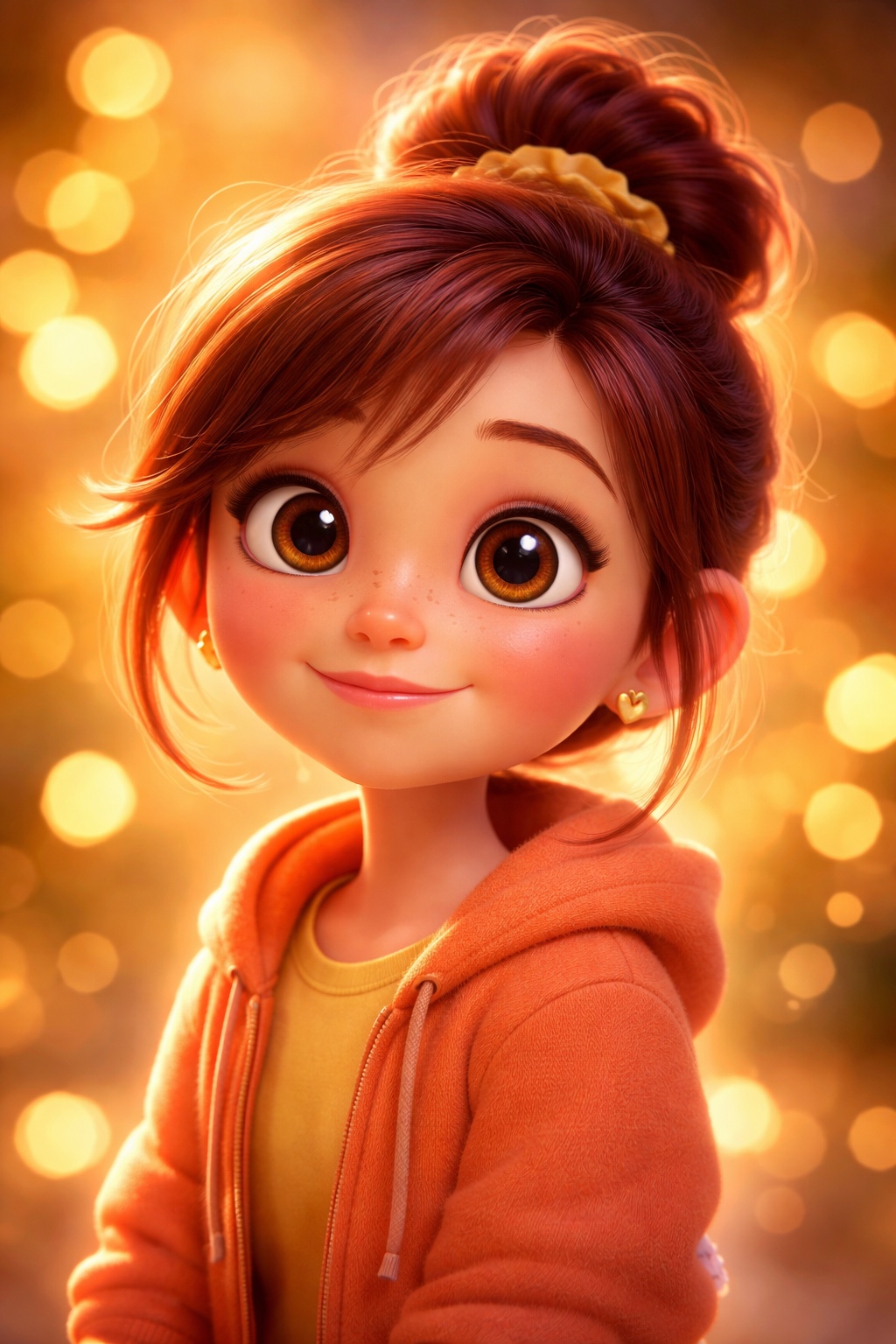
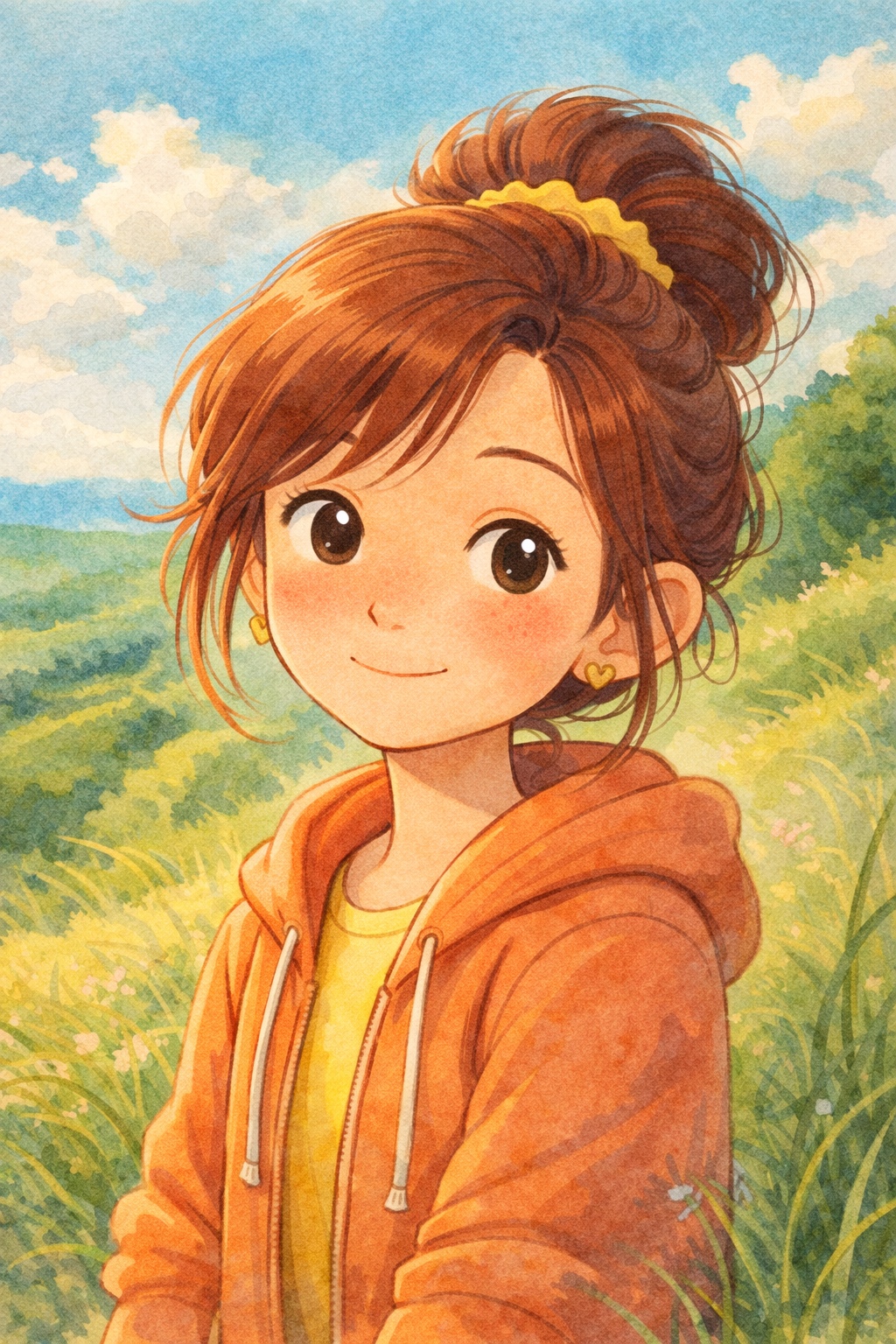
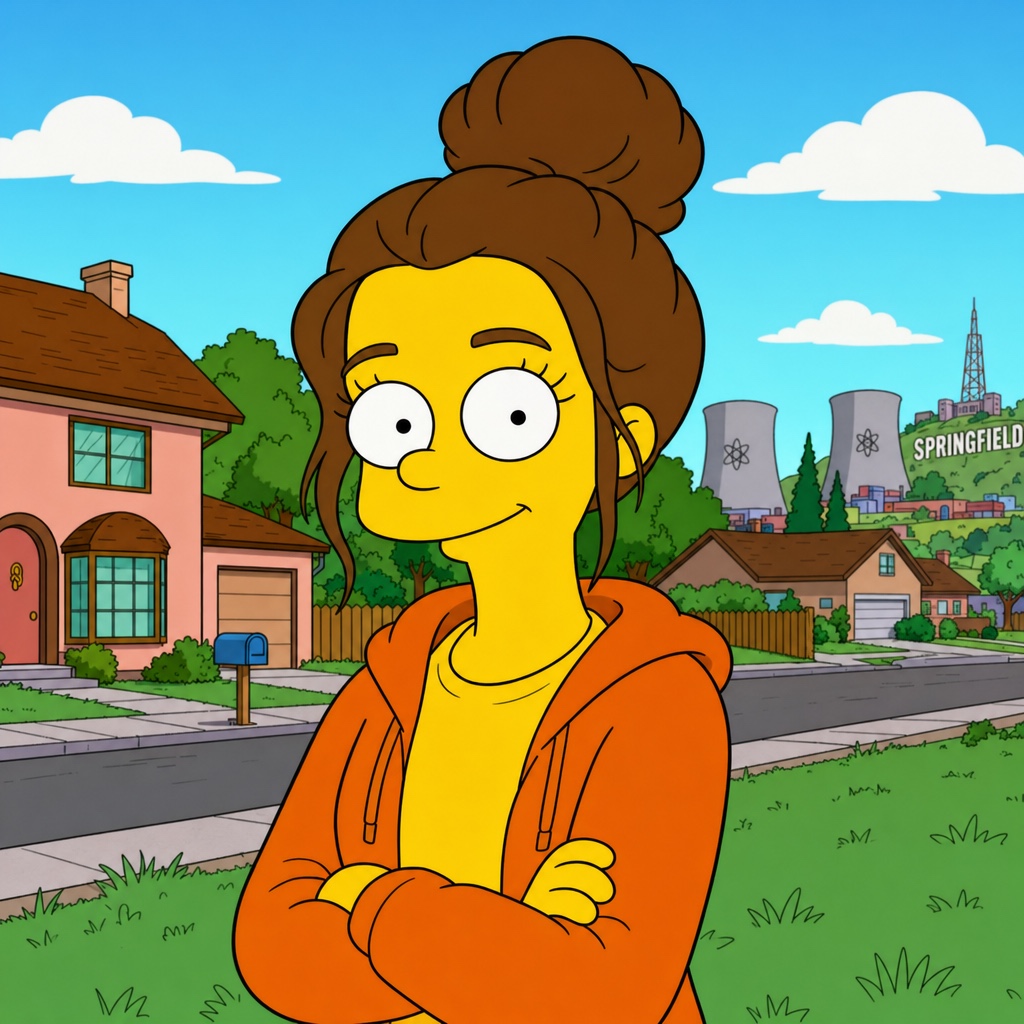
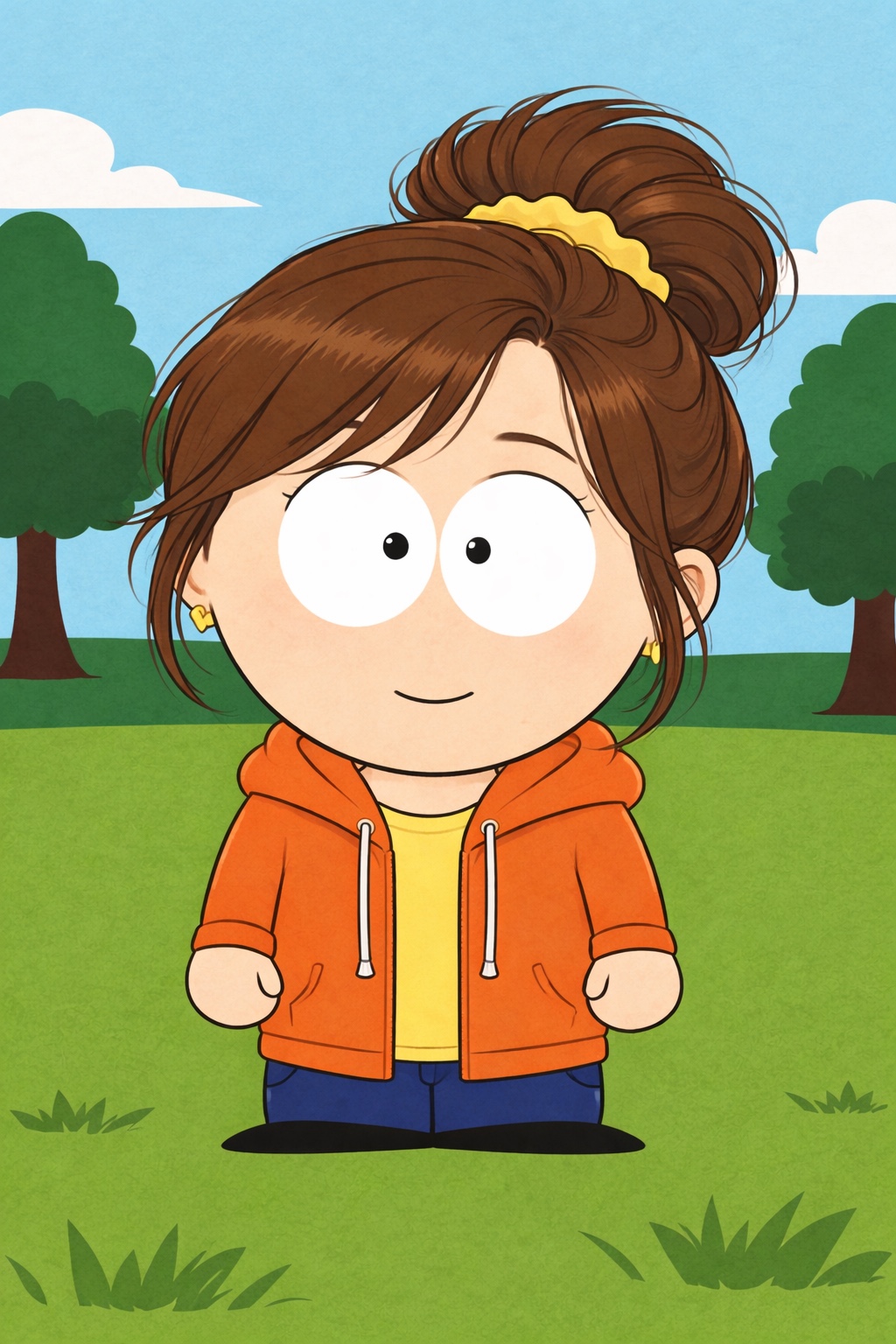
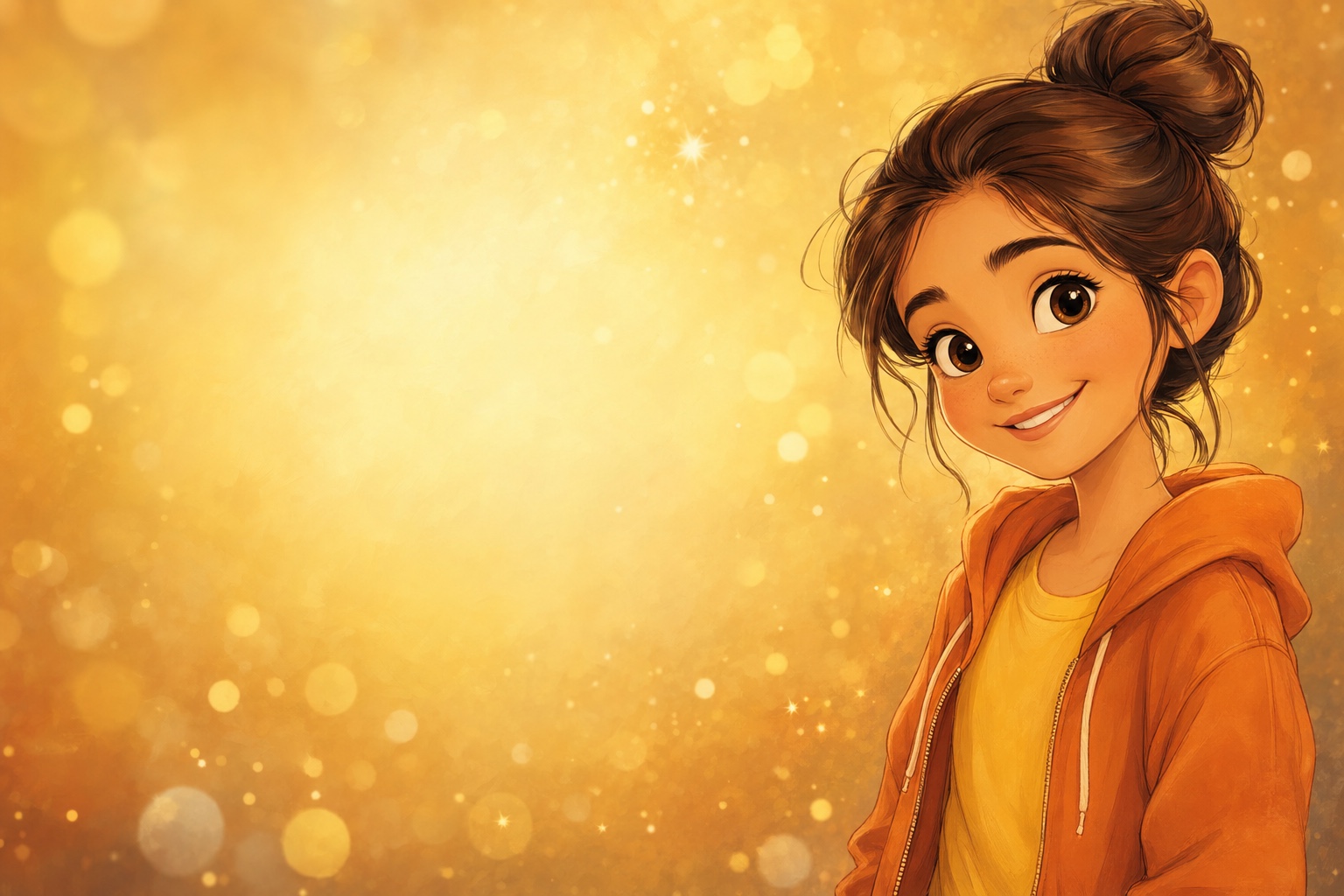
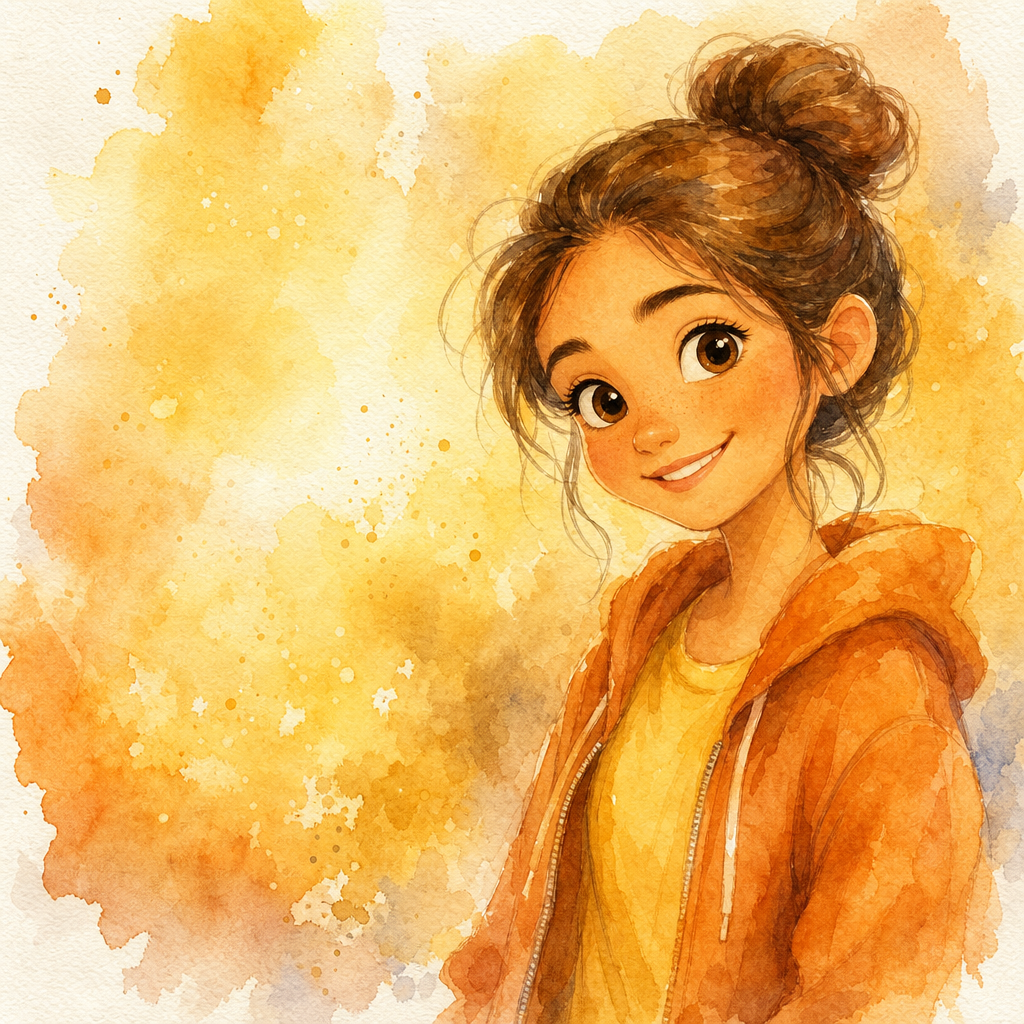
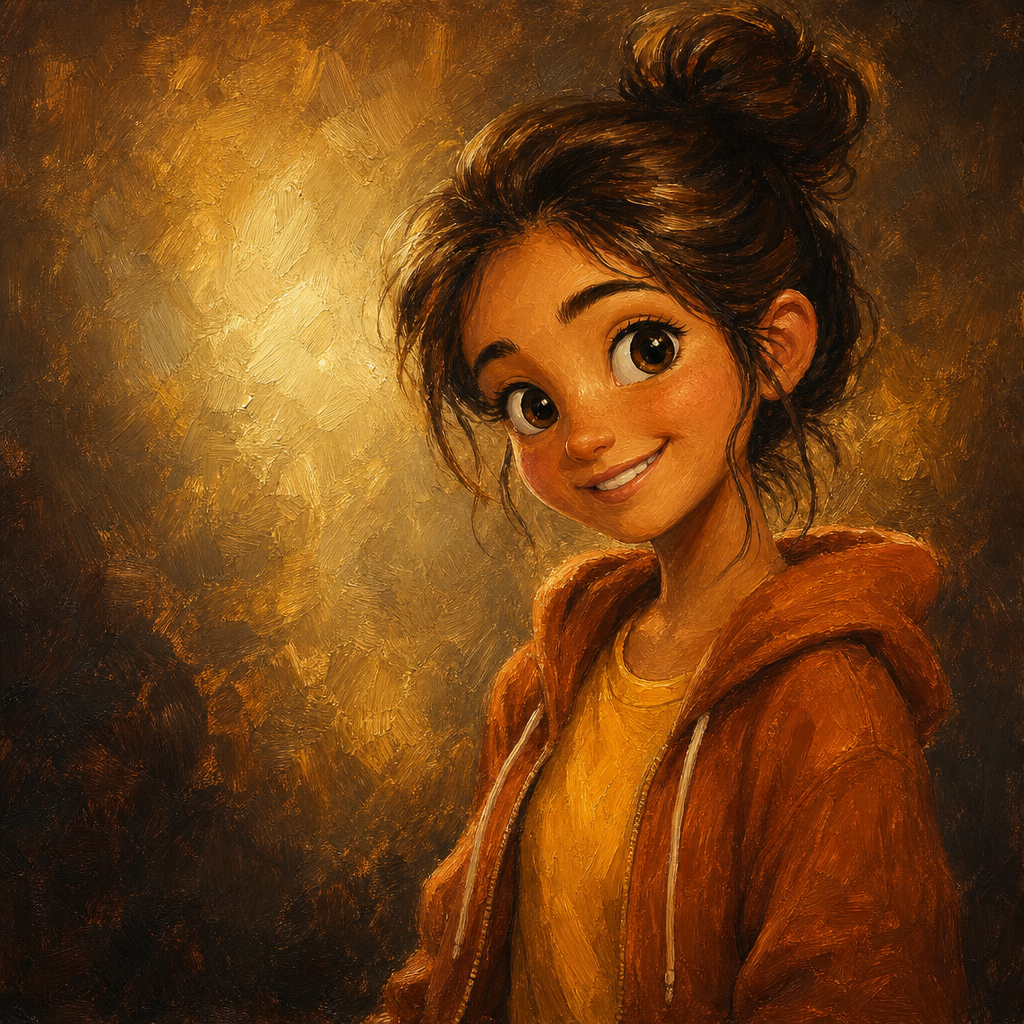
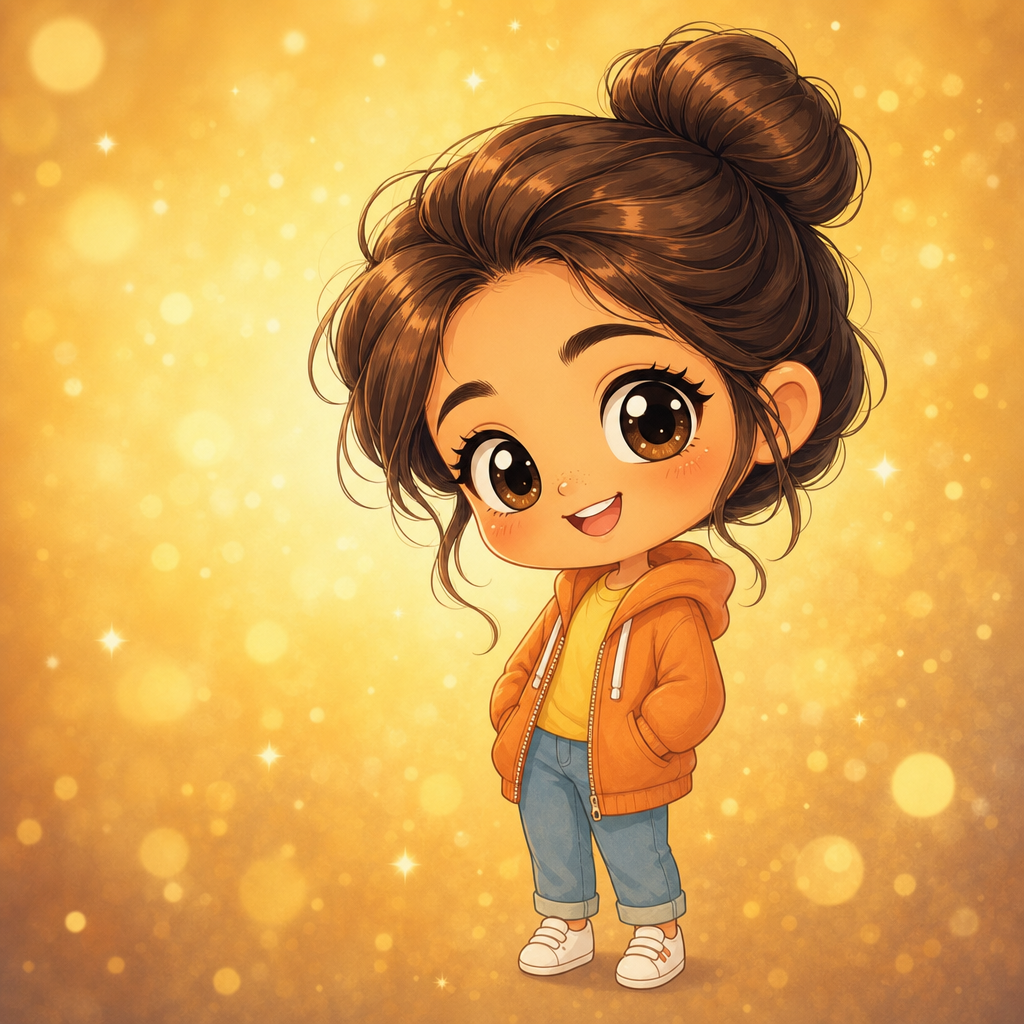
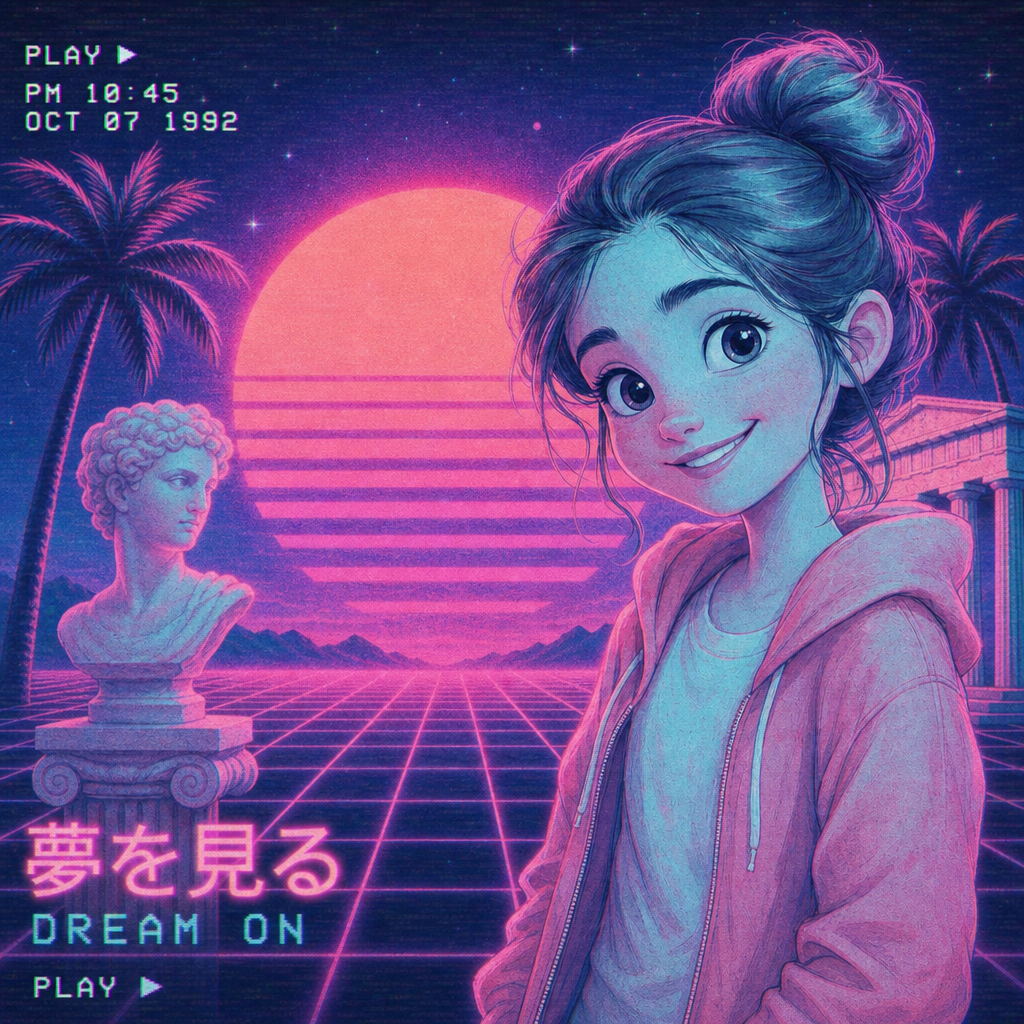
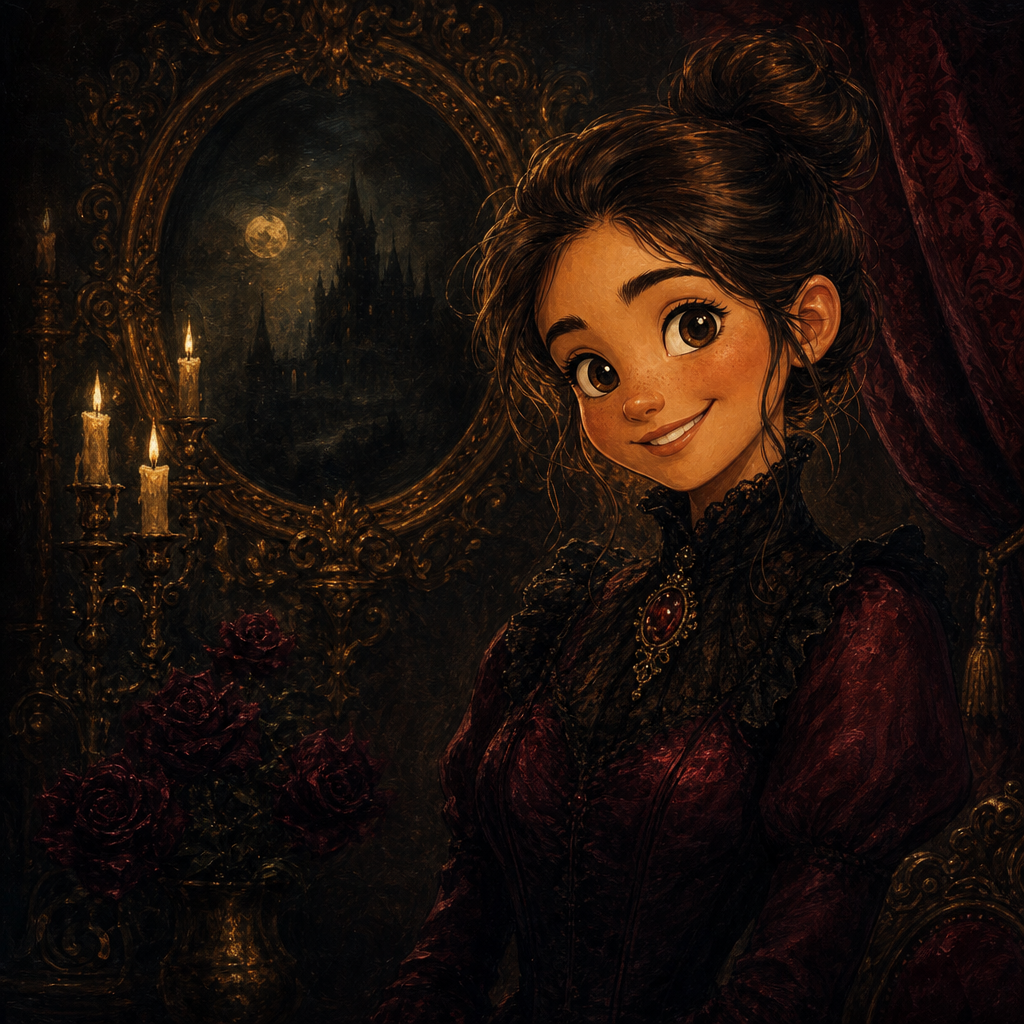
Chibi portrait from photo, generated in the super-deformed kawaii style that fans pay $40 commissions on Twitter for. PicCanvas takes the photo you have and renders it as a chibi character: oversized head, tiny body, big round eyes, simplified features, soft pastel palette, and the kind of disarming cute energy that lands on profile pictures, sticker sheets, and gift art.
The interaction stays out of the way. You upload a photo, you tap the Chibi tile, and a preview lands in seconds. Chibi loves portrait inputs with a clear face and a real expression — the medium amplifies whatever character is already in the photo and pushes everything else into clean simplified shape. If the first take is close but you want the proportions adjusted, hit Try again to advance to a higher quality tier. When the preview matches the kawaii energy you had in your head, click Looks good and the HD download is yours.
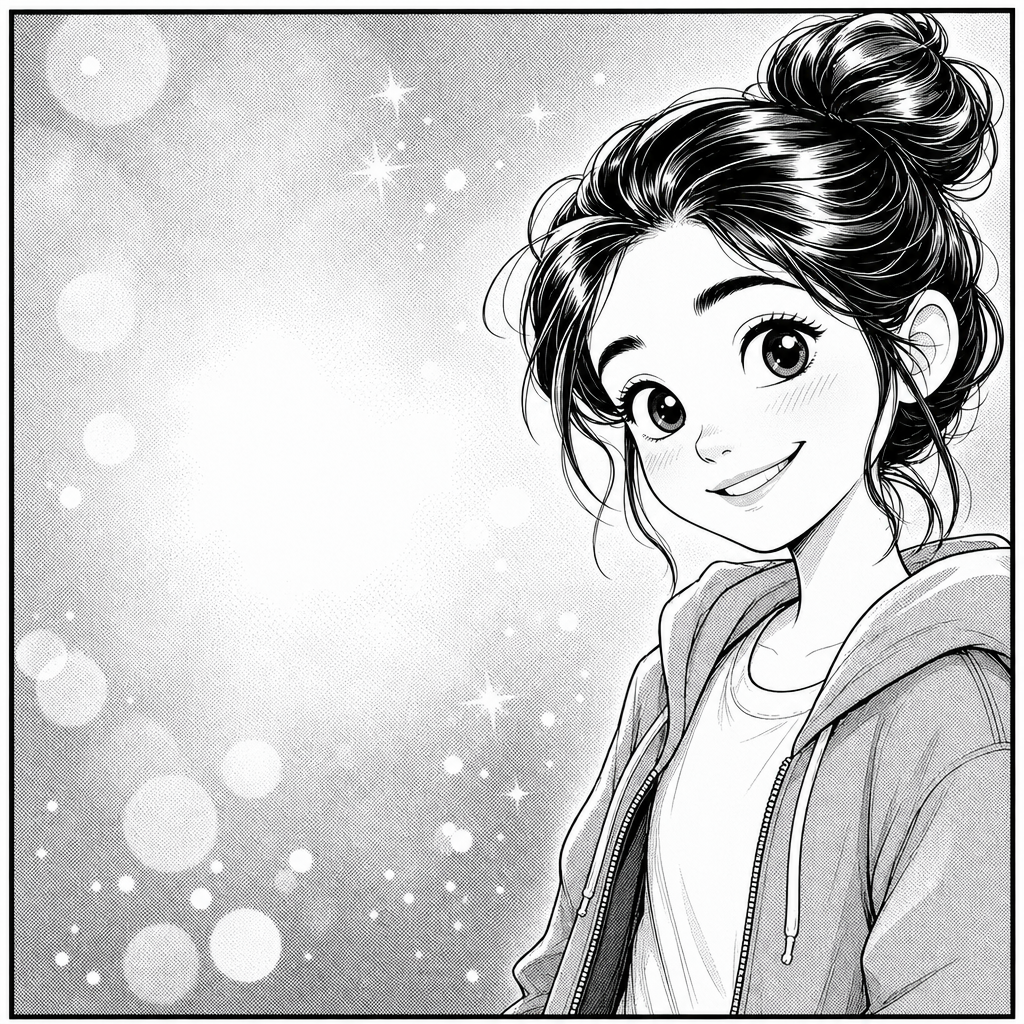
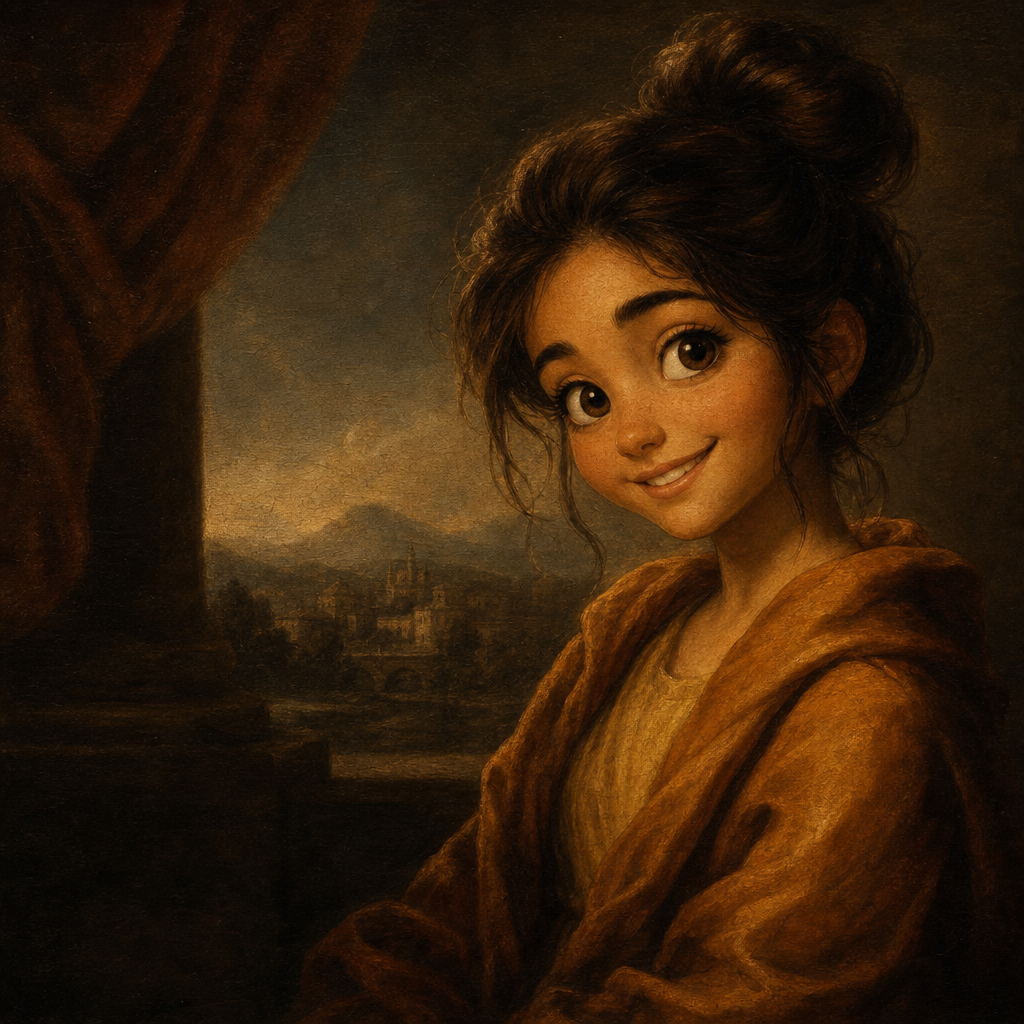
Chibi is the pick when you want cute, soft, and shareable. Use it for Discord and Twitch avatars, gift stickers, birthday card art for fandom-leaning friends, baby announcement art, or the kind of profile picture that signals personality on creator platforms. For sharper anime fan-art energy go with Anime; for restrained line drawing go with Pencil Sketch; for full cartoon-warm style go with Disney. Chibi is for kawaii.
How it works
- Upload your photo— Any JPG or PNG works. Chibi renders best on portraits with a clear face and a real expression — a smile, an open look, a distinctive accessory. The medium amplifies expression and simplifies everything else.
- Pick Chibi— Tap the Chibi tile. The thumbnail shows a real chibi output so the proportions and palette are visible up front.
- Iterate to refine— Each preview takes a few seconds. Hit Try again to advance through quality tiers — useful when the first pass has the right face but you want the proportions or palette adjusted.
- Download HD— Click Looks good and we render the final at full resolution. Sized for profile pictures, sticker sheets, small framed prints, and digital-gift formats.
Use cases
Discord, Twitch, and Twitter profile pictures
Chibi-style profile pictures stand out on creator platforms because they signal personality rather than corporate polish. Read as friendly and approachable from the first glance.
Sticker sheets and Telegram stickers
A chibi version of yourself printed as die-cut stickers, or uploaded as a Telegram sticker pack, is one of the most common use cases for the chibi style. Distinctive, portable, low cost.
Birthday card art for fandom-leaning friends
A chibi version of the birthday person printed on a card or used as digital greeting art reads warmer than a generic e-card and lands especially well with anime, gaming, or fandom-leaning recipients.
Baby announcement digital art
Chibi versions of the new baby or the older sibling work well as Instagram-grid baby announcements or digital birth-card art.
Couple-portrait Valentine's or anniversary art
Chibi versions of a couple, drawn close together with simple props, make sweet anniversary or Valentine's digital art.
Wedding-party fandom prints
Chibi caricatures of the wedding party laid out as a grid land especially well with couples whose taste runs anime, gaming, or cosplay-adjacent.
Frequently asked questions
- How does the chibi portrait from photo generator handle likeness?
- Likeness lives mostly in the face. Hairstyle, expression, and distinctive features are preserved at face scale while the body is rendered as a tiny simplified silhouette. The output reads as a chibi version of the same person, not a generic chibi avatar.
- Are the proportions super-deformed or moderate?
- Super-deformed by default — oversized head, tiny body, big round eyes. That is the defining chibi convention. If you want closer-to-realistic proportions in an anime style, use the Anime lane instead.
- Does chibi work for pets?
- Yes — chibi pet portraits are a popular use case. Cats and dogs translate especially well; small animals like rabbits and hamsters render extra cute because the proportions exaggerate their natural cuteness.
- Can I print chibi outputs?
- Yes. The HD download prints cleanly at small-to-mid sizes — sticker sheets, postcards, small framed prints up to roughly 8 by 10 inches. The medium does not benefit from poster-size prints because the cuteness reads best at smaller scales.
- How is chibi different from anime?
- Anime preserves realistic body proportions and pushes facial detail in modern-anime conventions — cel shading, stylized eyes, sharper line weights. Chibi deliberately super-deforms the figure — oversized head, tiny body, round-eye exaggeration. Pick chibi for cuteness; pick anime for character art.
- Is chibi safe for kids' content?
- Yes — chibi is one of the most kid-friendly cartoonify styles. The cute energy and simplified proportions read as wholesome by default.
- How long does generation take?
- The first preview lands within a few seconds. Each iteration takes a similar amount of time. The final HD render takes a little longer because it runs at full resolution.