
Charcoal Drawing from Photo
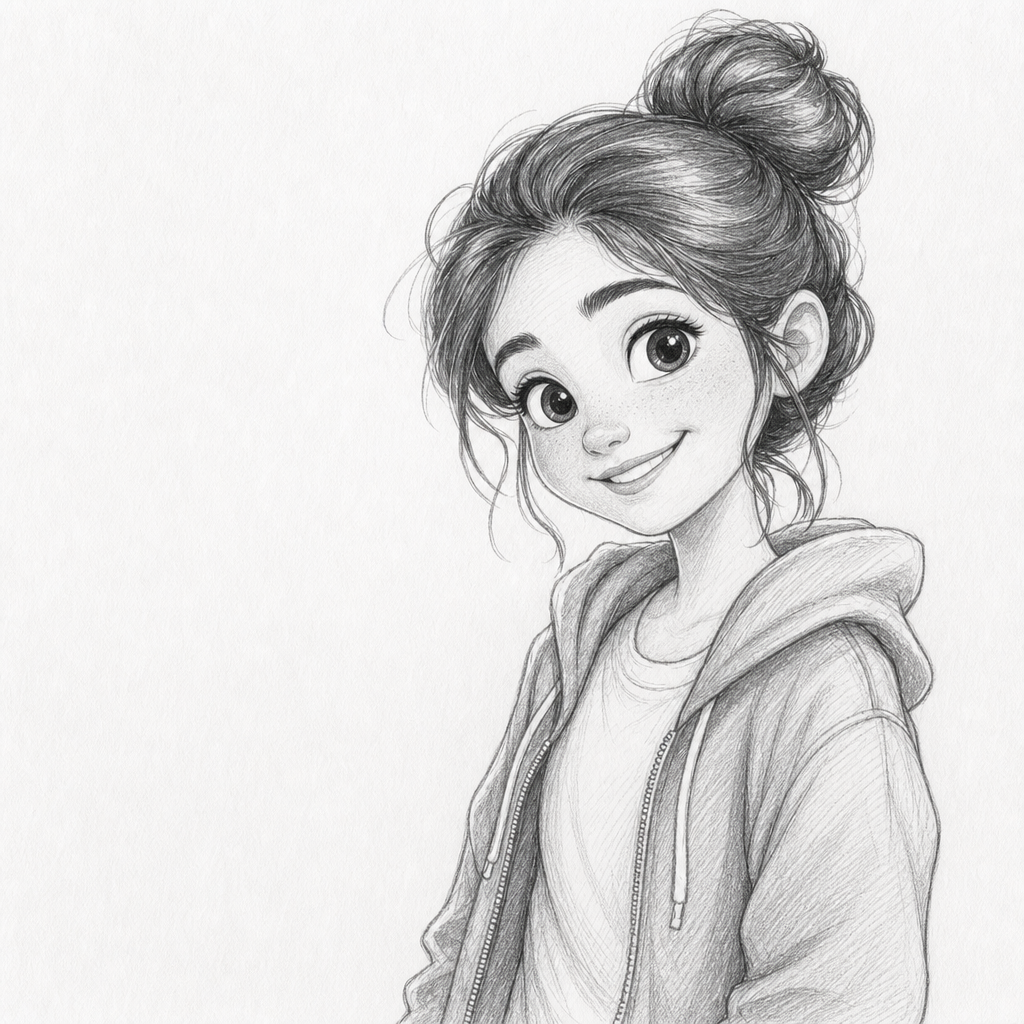
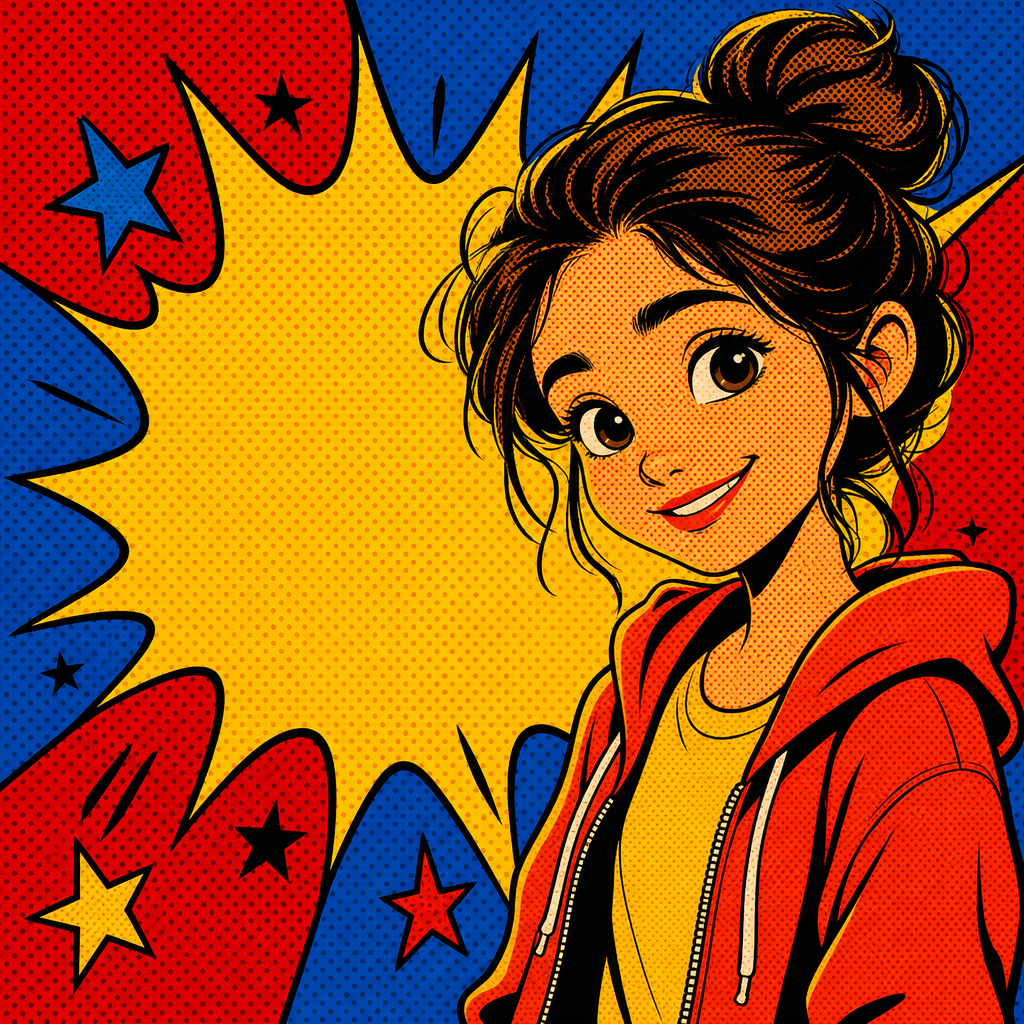
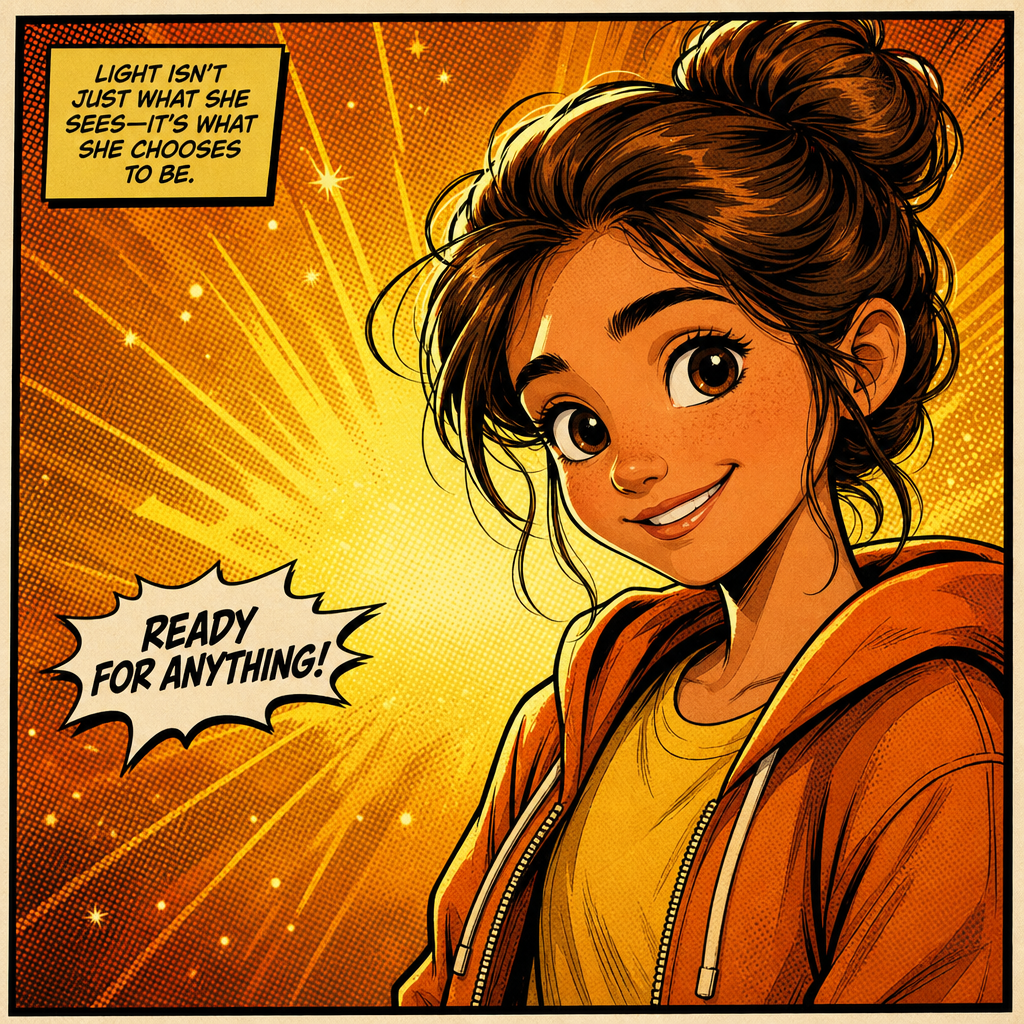
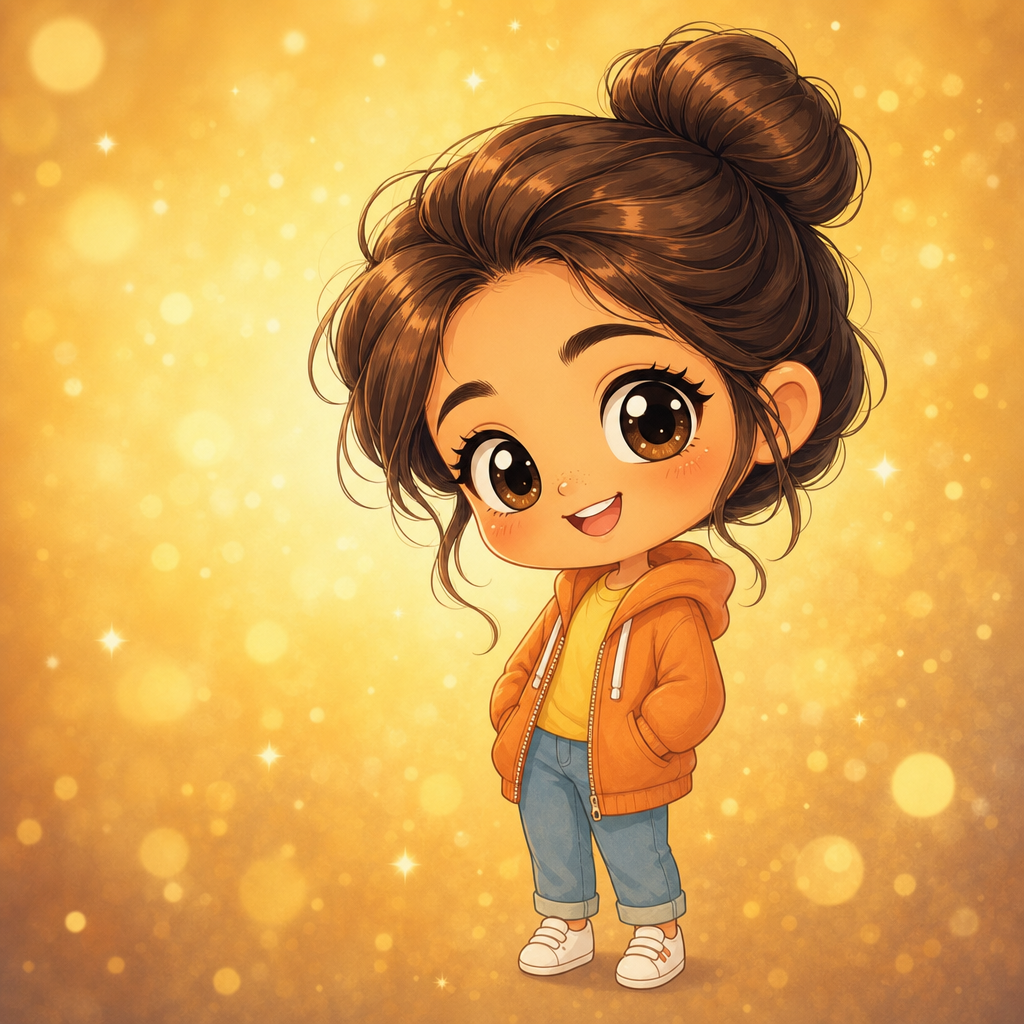
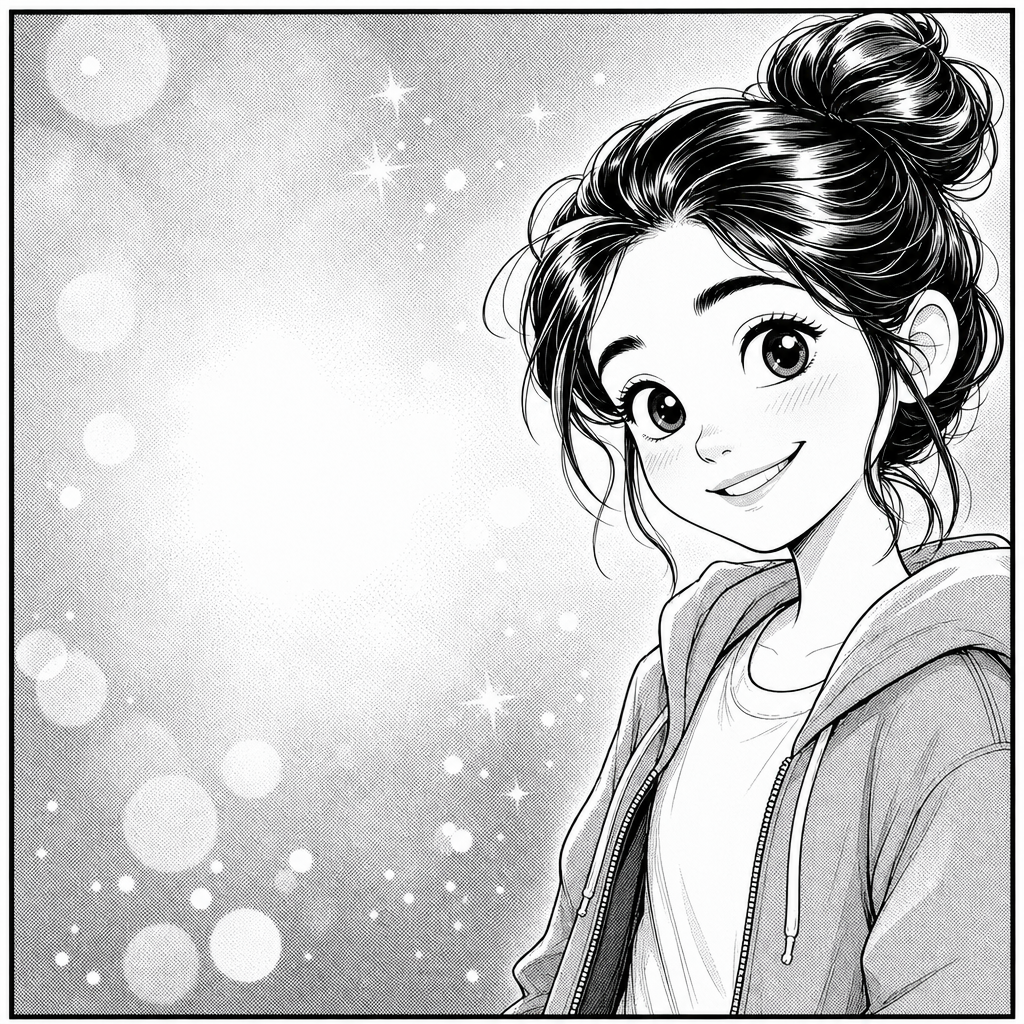
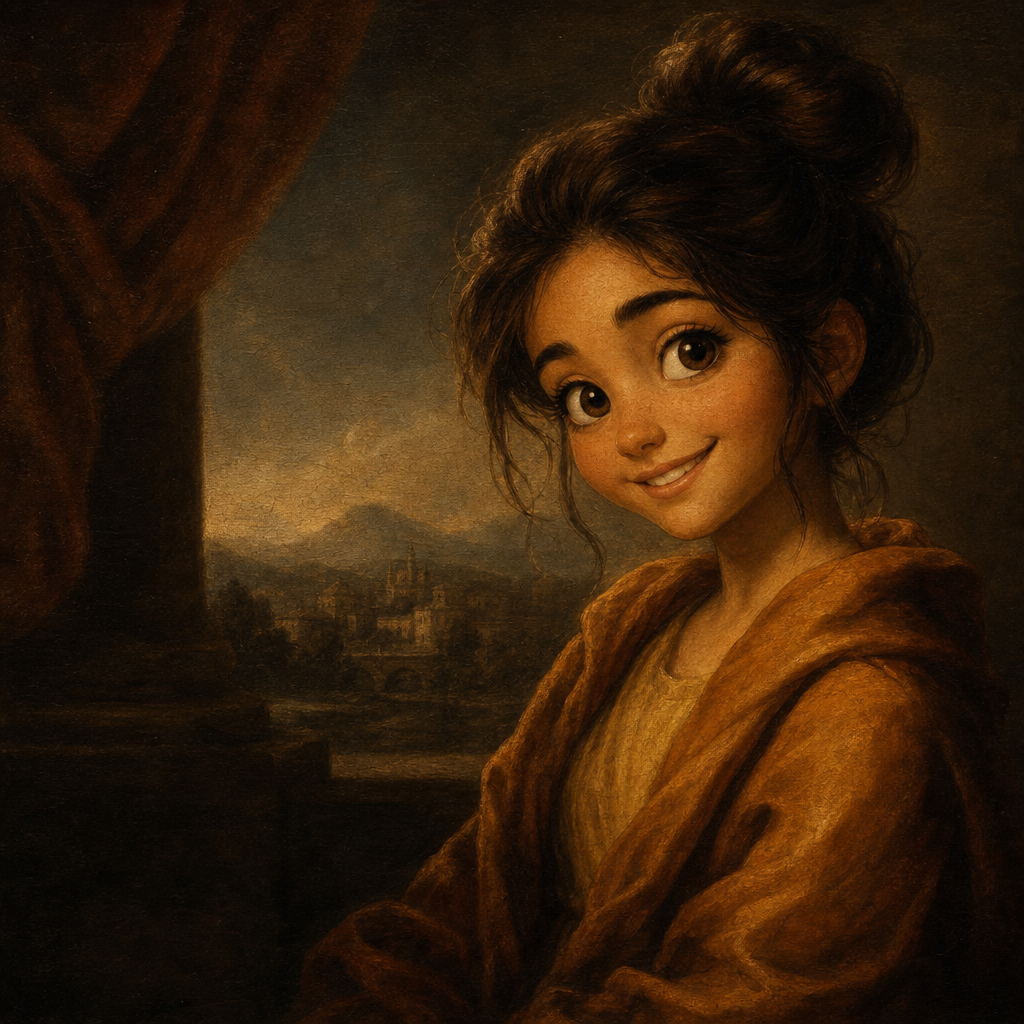
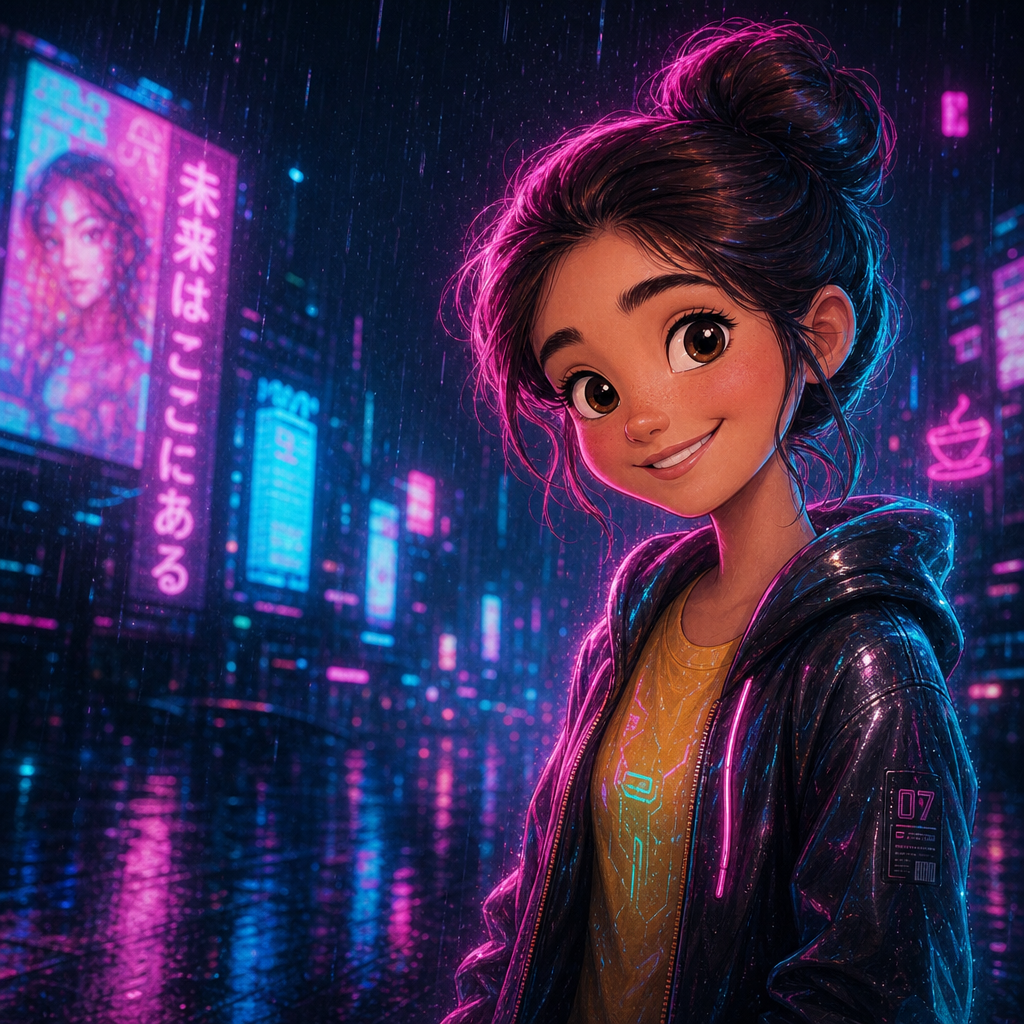
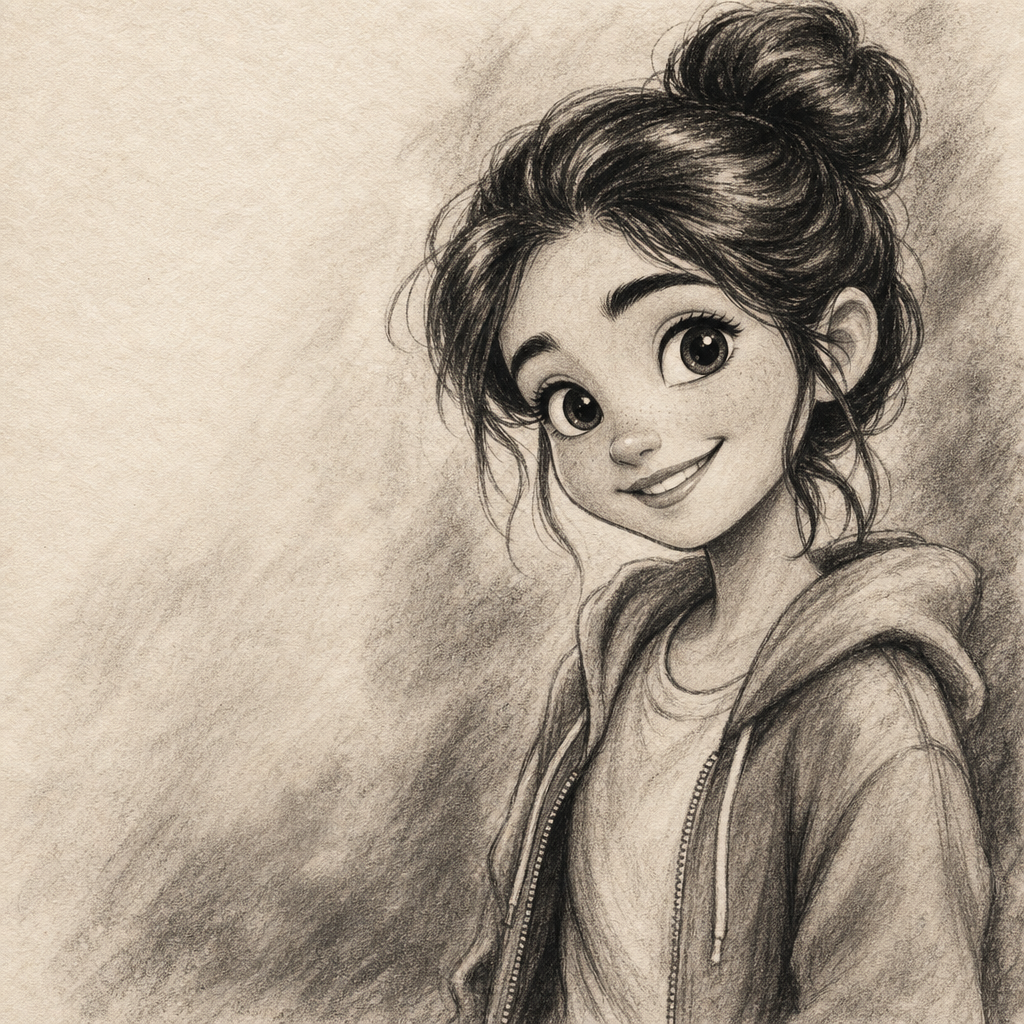
Charcoal drawing from photo, rendered with the depth and confidence of an artist who knows where to smudge, where to leave the paper bare, and where to push the contrast. PicCanvas takes the photo you already have and produces a charcoal study with rich black tonal range, soft smudge gradations, and the warm cream paper texture that defines the medium. The output reads as a real drawing, not a desaturated photo with edge effects layered on.
The interaction is intentionally small. You upload a photo, you tap the Charcoal tile, and a preview lands within seconds. Charcoal handles dramatic light especially well — the medium's tonal range loves high contrast, and shadow-heavy portraits that would look harsh in color photography become powerful charcoal studies. If you want a different rendering, hit Try again to advance to a higher quality tier. When the preview reads the way you want, click Looks good and the HD download is yours.
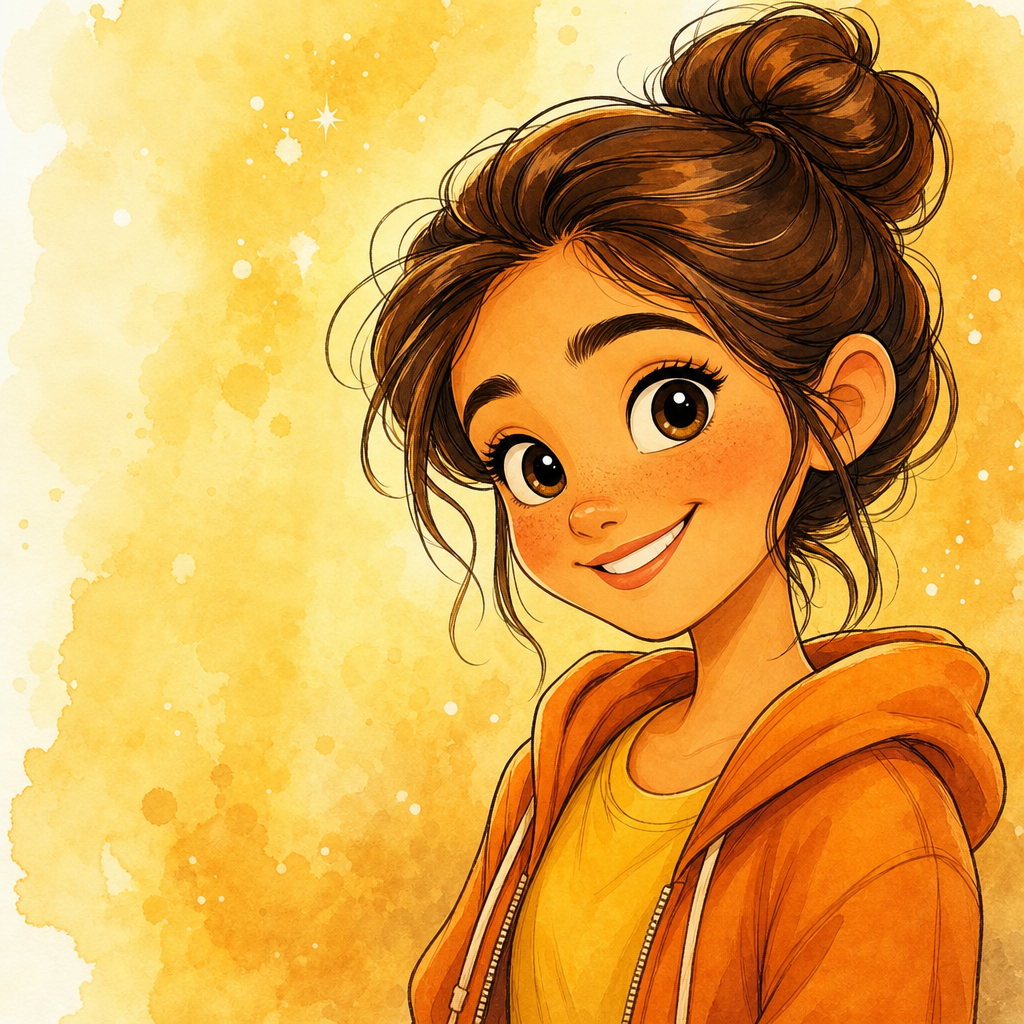
Charcoal is the choice when you want something quiet, weighty, and gift-able. Pick it for memorial portraits, retirement gifts, intimate keepsakes, sympathy art, or the kind of small framed work that fits on a desk or a mantel and rewards close looking. For something with color and softness go with Watercolor; for graphite restraint go with Pencil Sketch; for painted depth go with Oil Painting. The Charcoal lane is for tonal weight.
How it works
- Upload your photo— Any JPG or PNG works. Charcoal renders best on portraits with directional light — a strong key light from one side, or the kind of dramatic light that already has interesting shadow play.
- Pick Charcoal— Tap the Charcoal tile. The thumbnail shows a real charcoal-on-paper output so the tonal depth and smudge work are visible up front.
- Iterate to refine— Each preview takes a few seconds. Hit Try again to advance through quality tiers — useful when you want richer black-to-white range or more pronounced smudge texture.
- Download HD— Click Looks good and we render the final at full resolution. Sized for small framed prints, gift art, and intimate display formats up to roughly 11 by 14 inches.
Use cases
Memorial and sympathy charcoal portraits
A charcoal portrait of a passed loved one, framed simply, is one of the most-requested memorial gift formats. The medium handles grief with weight — softer than a photo, more present than a pencil sketch.
Retirement and farewell gift art
A charcoal portrait of a retiring colleague, framed and gifted with a card, lands warmer than a printed photo and more deliberate than a generic gift. The medium implies care.
Intimate desk-and-mantel keepsakes
Charcoal portraits at 8 by 10 inches, framed and placed where they get repeated looks, reward attention. The tonal depth keeps revealing new detail.
Pet portrait studies
Charcoal renders pets — particularly dogs and horses — with a presence that color portraits often miss. The medium captures animal expression especially well.
Wedding-day intimate art
A charcoal portrait of the couple from a quiet wedding-day moment, framed small for a bedside or office, sits in a different register than the formal wedding portrait.
Studio reference and artist commissions
Working artists use AI-generated charcoal studies as composition references for commissioned painted work. The medium translates photo to drawing in a way that's useful before brush touches canvas.
Frequently asked questions
- How does the charcoal drawing from photo generator handle likeness?
- Likeness is preserved at the tonal level — face shape, hairstyle, expression, distinctive features. The model maps photographic light to confident charcoal strokes rather than over-detailing. Reads as a hand-drawn portrait of the same person.
- Is the output strictly black and white?
- Strictly charcoal tones on warm cream paper. The charcoal lane is monochrome by design — the full tonal range from deep black to bare paper. For pure pencil restraint use Pencil Sketch; for color use one of the painted lanes.
- Does it look like a real charcoal drawing or a Photoshop filter?
- Closer to a real drawing. The model produces actual smudge gradations, confident stroke economy, and the kind of contrast handling that defines charcoal work. It is not the over-traced filter look common to one-click apps.
- Can I print charcoal outputs?
- Yes. The HD download is delivered at a resolution that prints cleanly up to roughly 14 by 18 inches without softness — a typical framed mid-format range. The cream paper texture reads well on most quality print stocks.
- How is charcoal different from pencil sketch?
- Pencil sketch is restrained graphite work on white paper — finer line, softer overall, more elegant. Charcoal is the heavier, more dramatic medium — richer blacks, smudge work, cream paper. Pick pencil for quiet refinement; pick charcoal for tonal weight.
- Does charcoal work on group photos?
- Yes for groups of two to four with clear faces. The medium needs space to render tonal range per face; for larger groups, prefer tighter crops or individual portraits.
- How long does generation take?
- The first preview lands within a few seconds. Each iteration takes a similar amount of time. The final HD render takes a little longer because it runs at full resolution.