
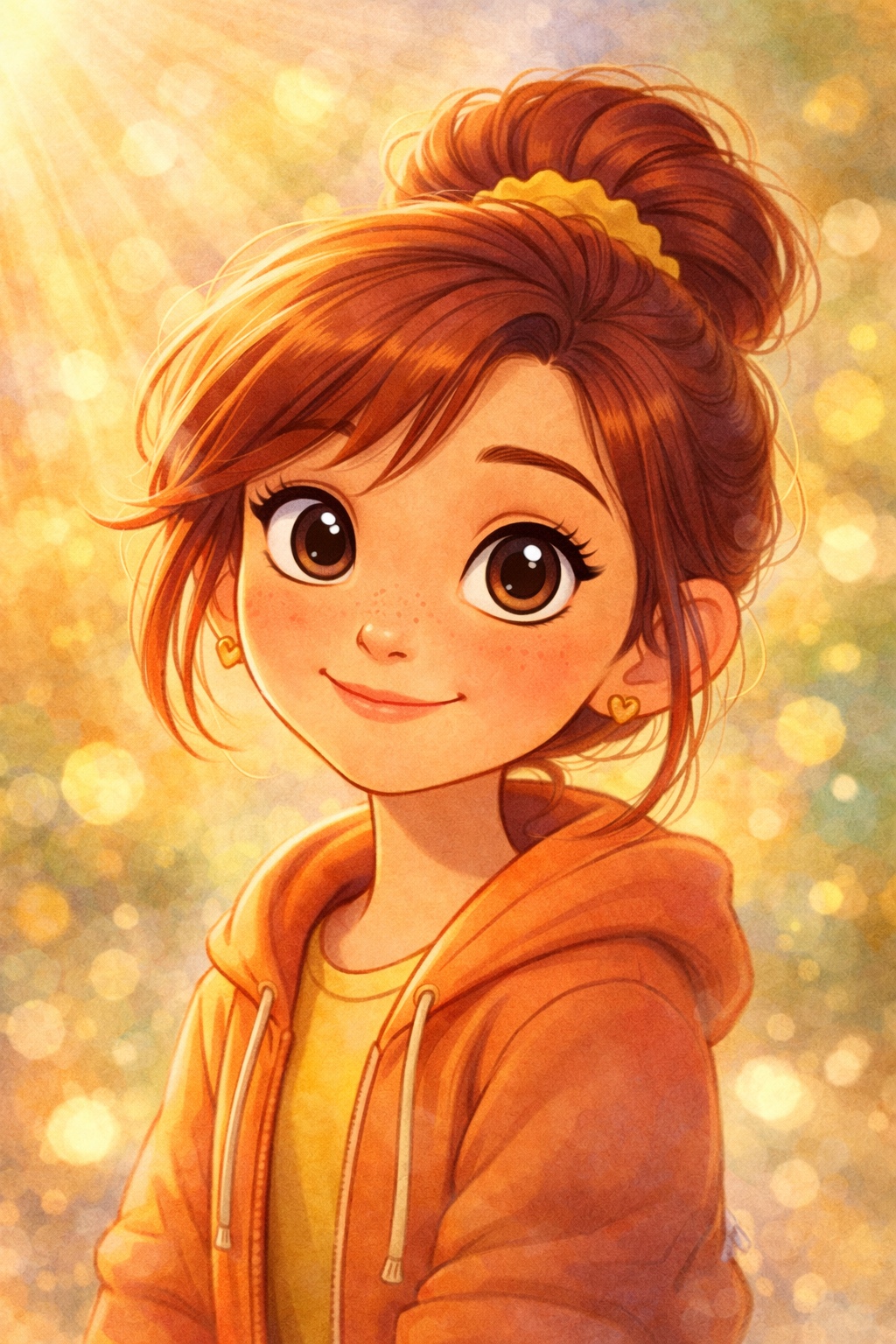

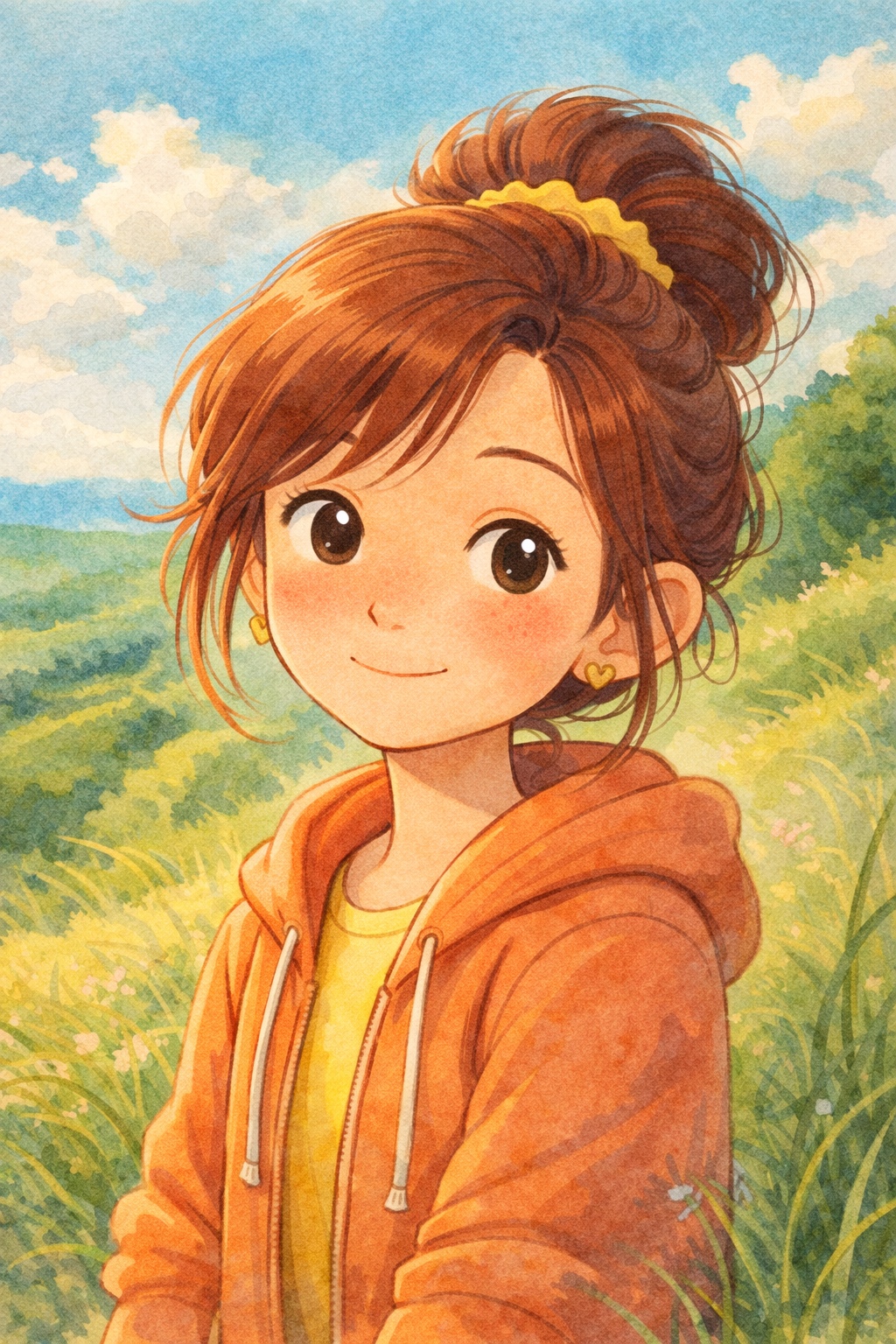
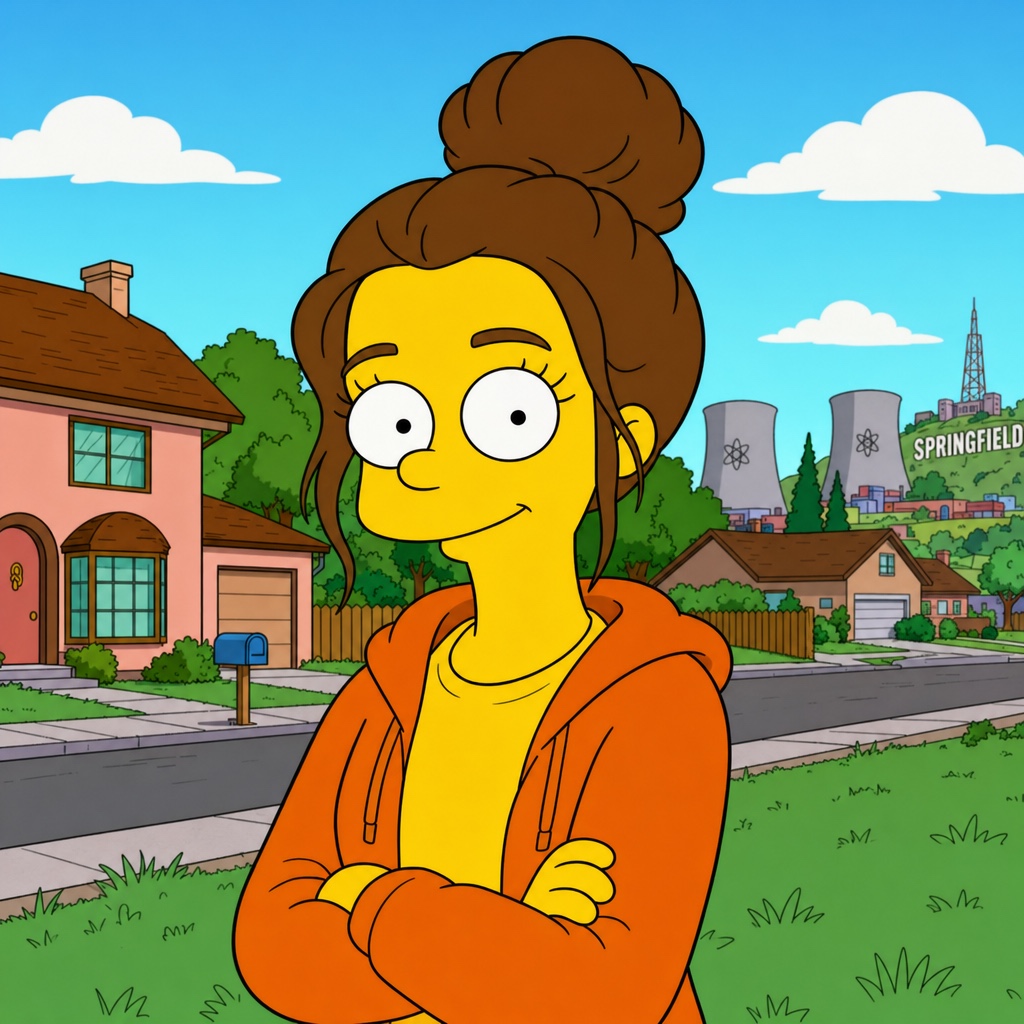


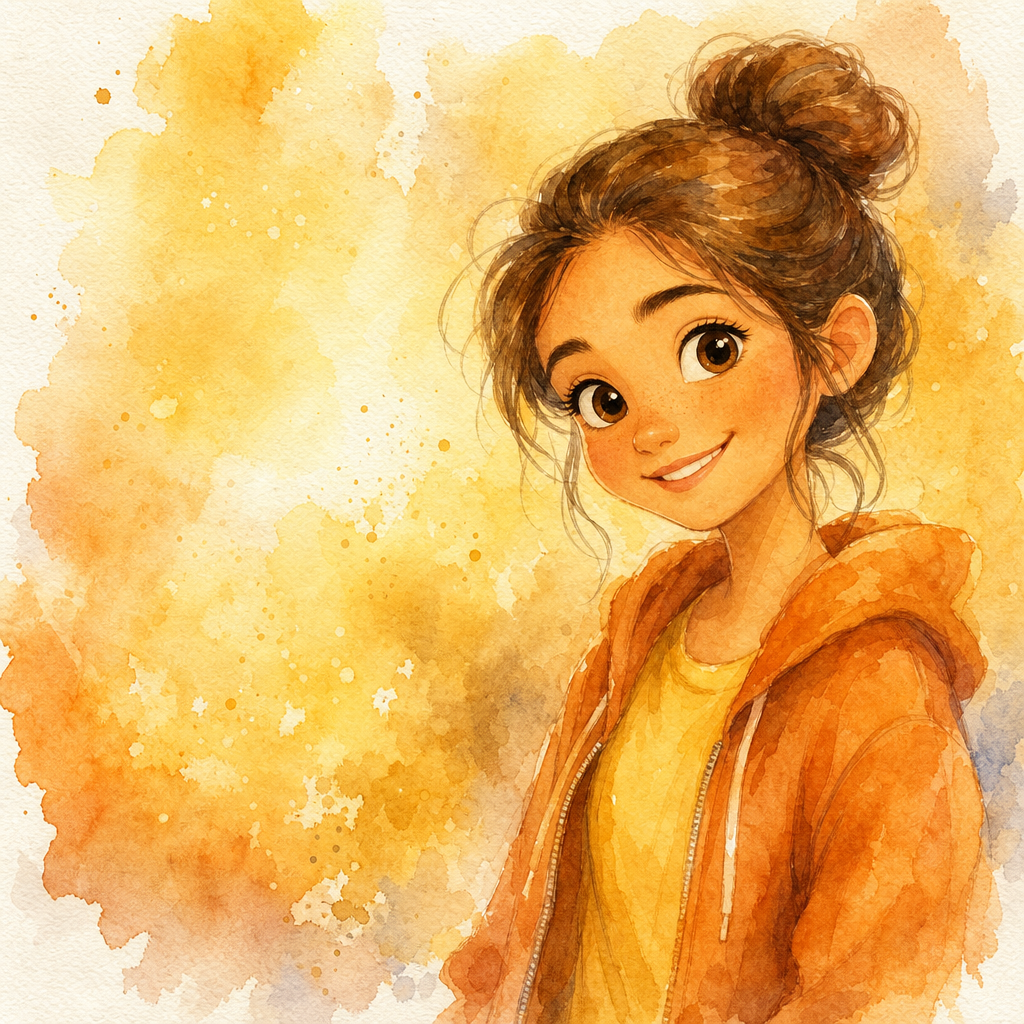
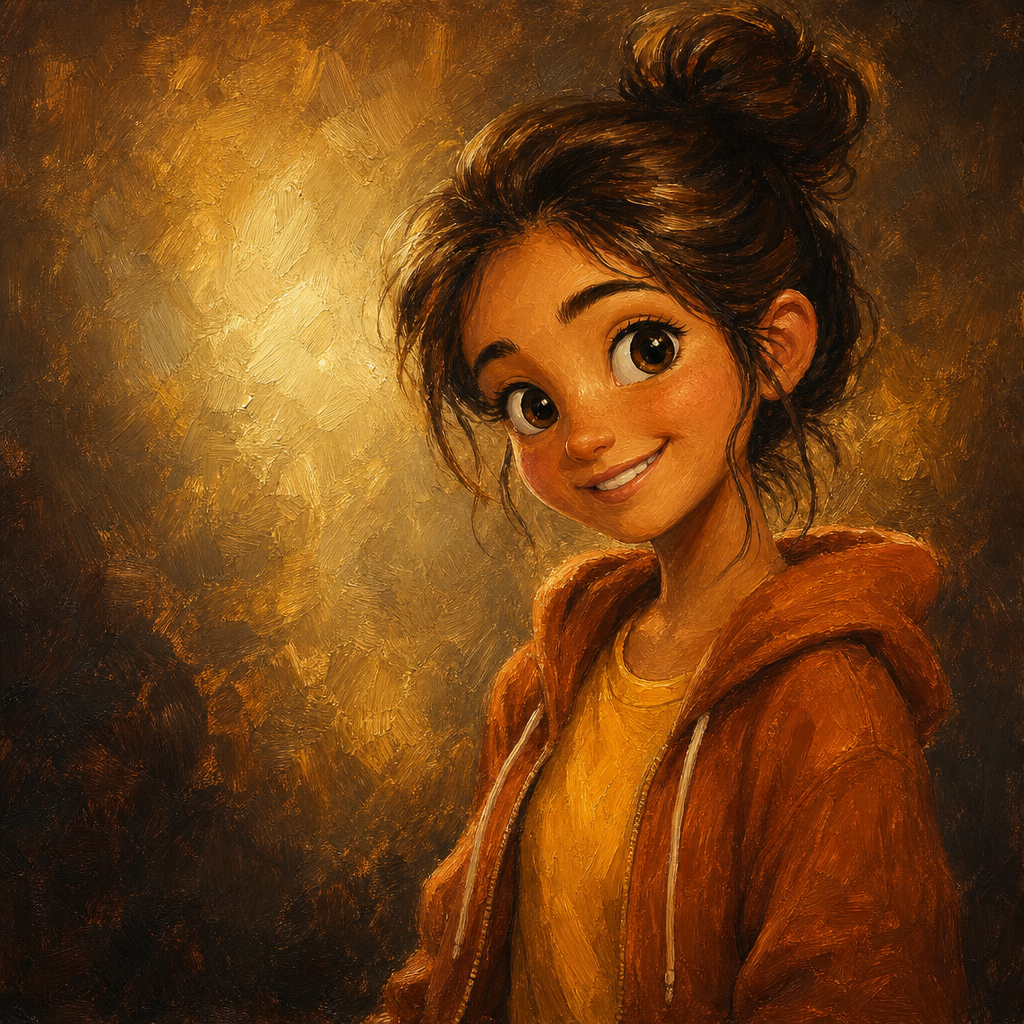
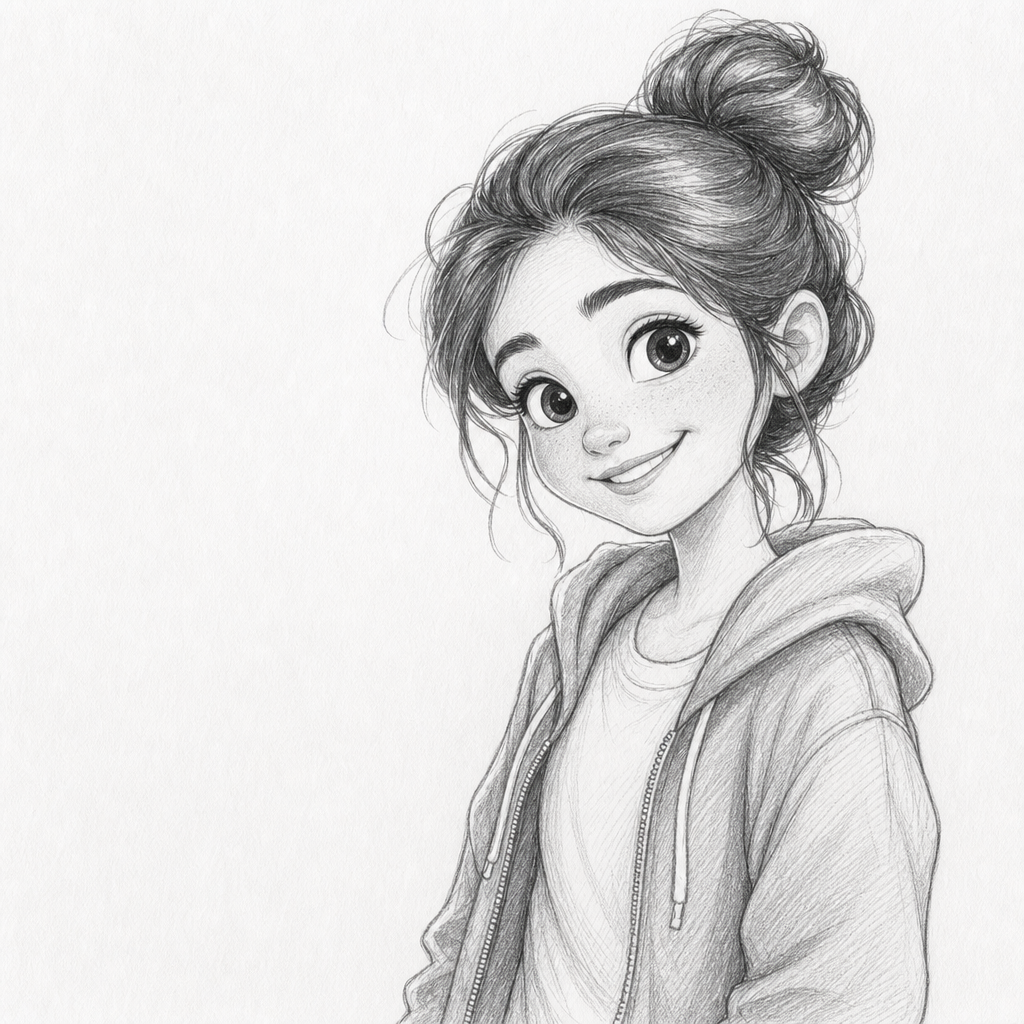
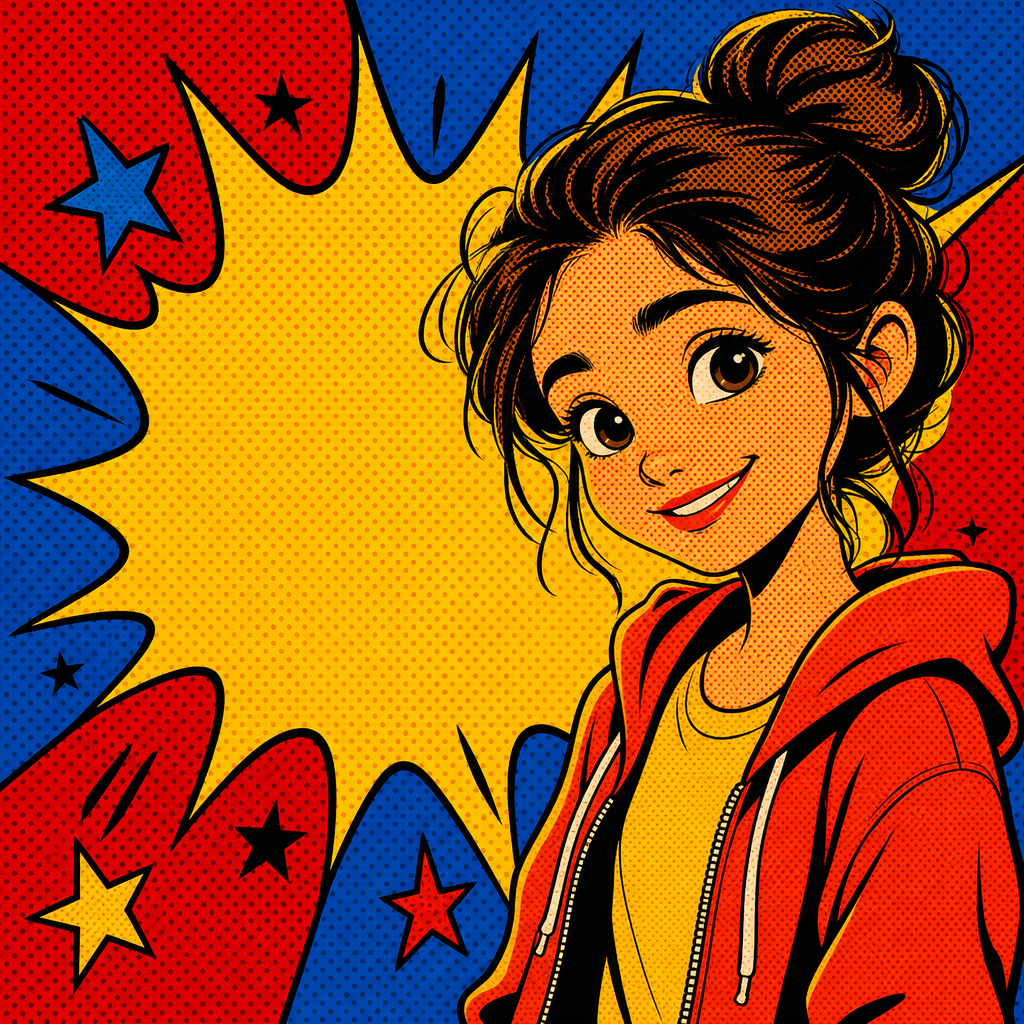
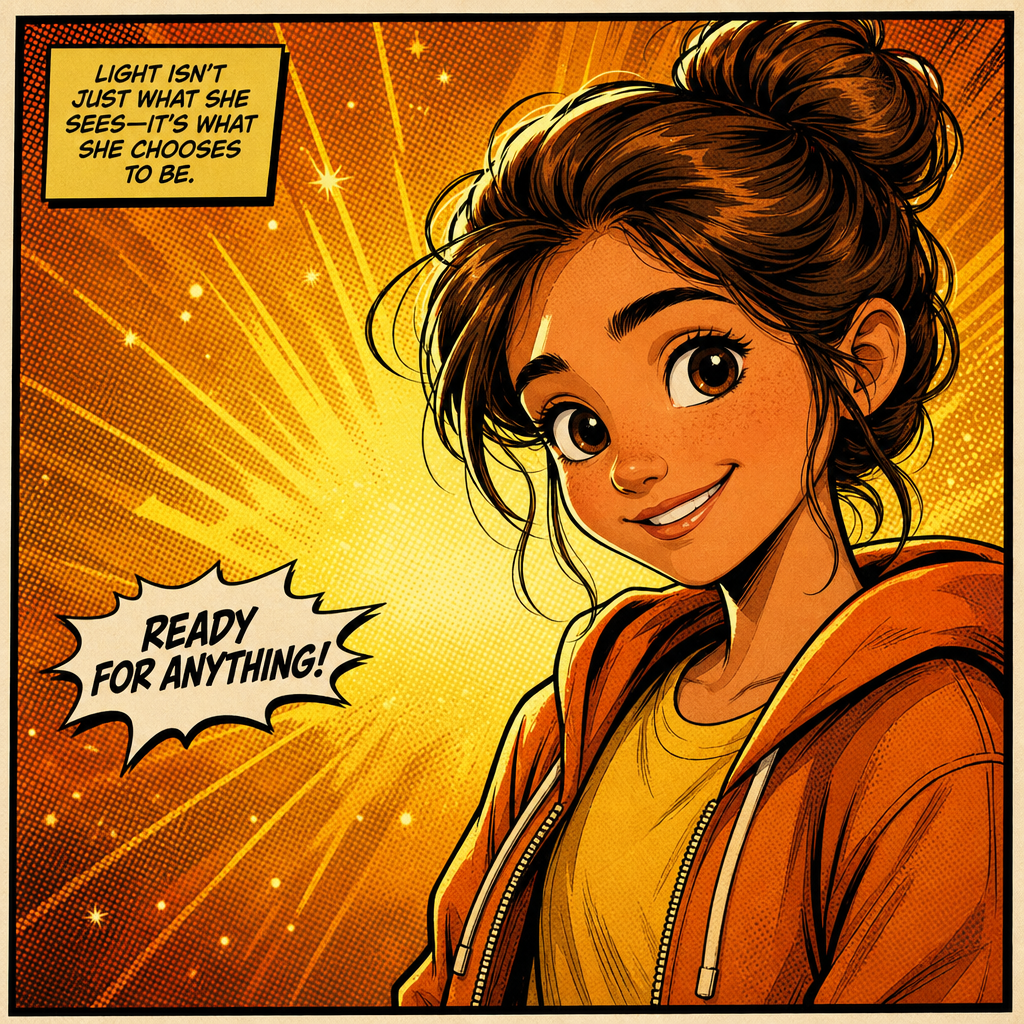
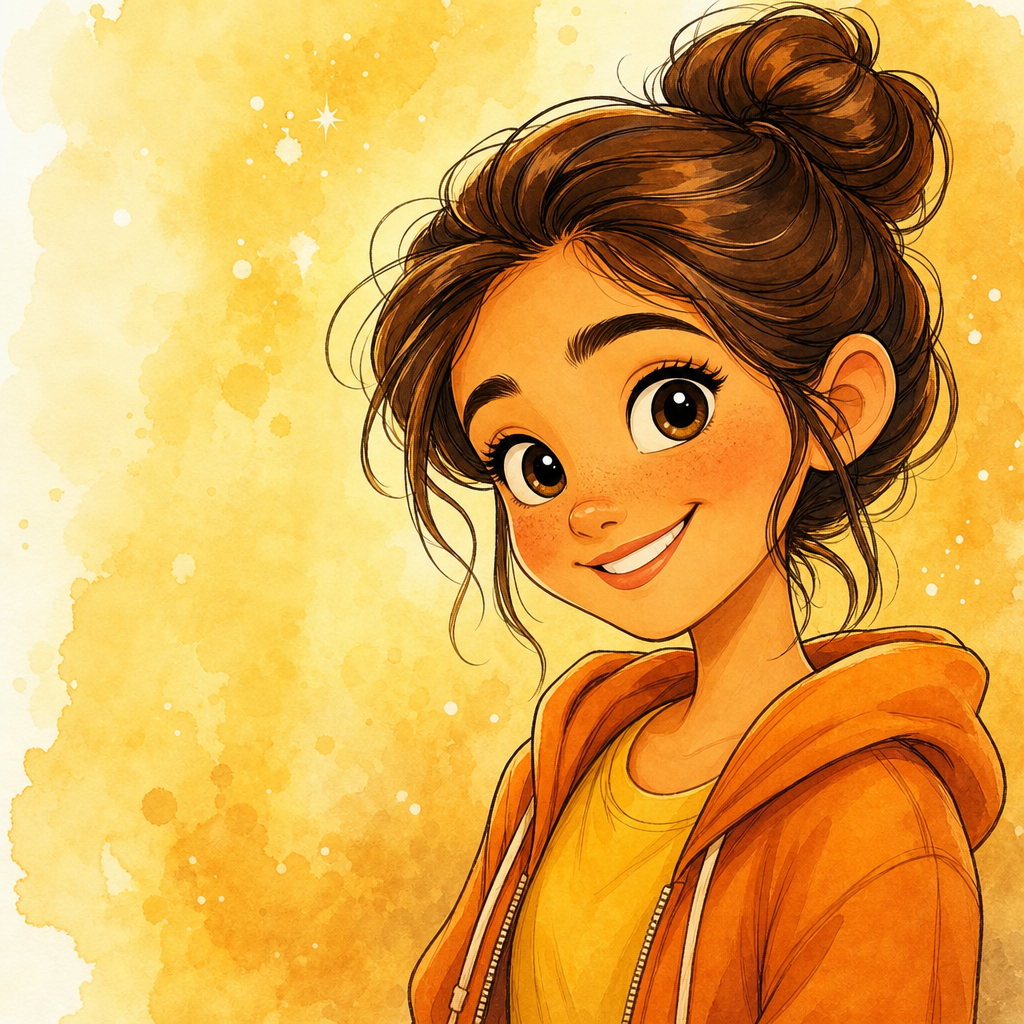

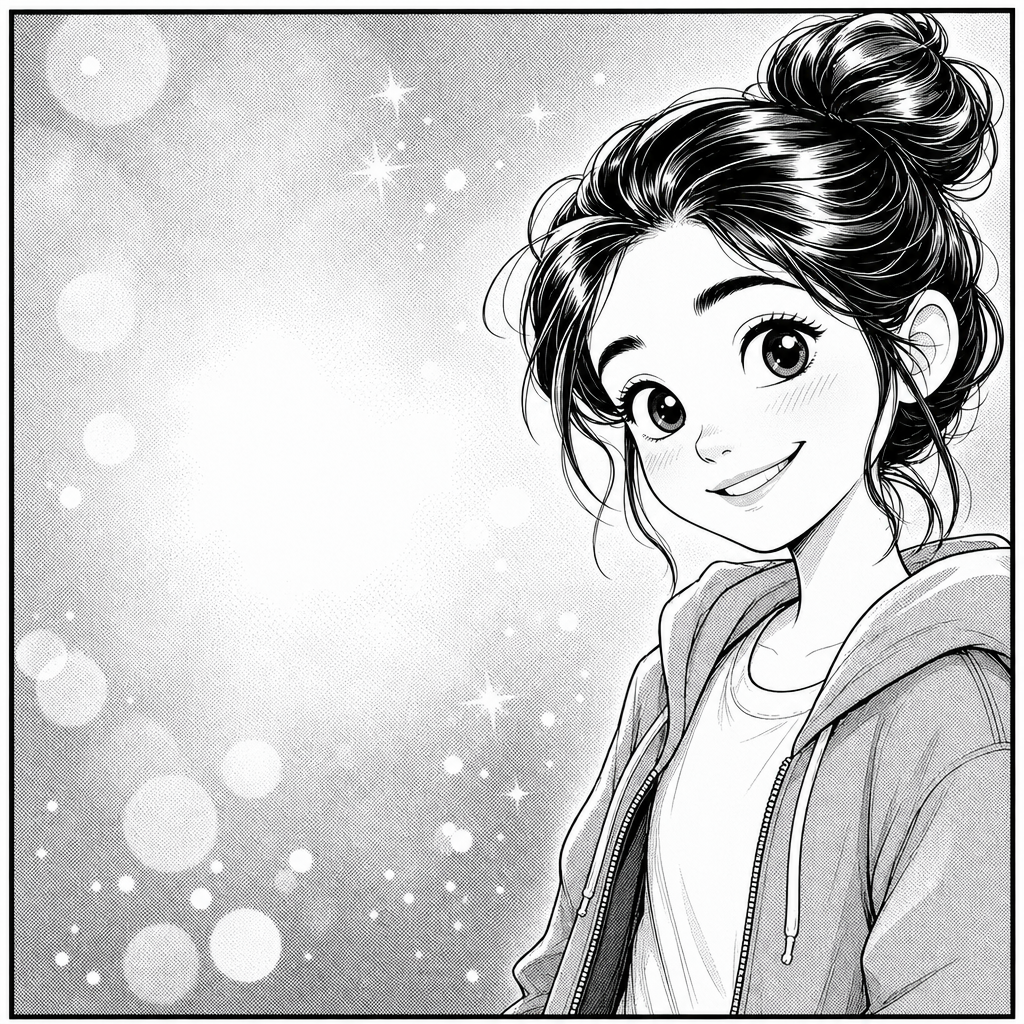
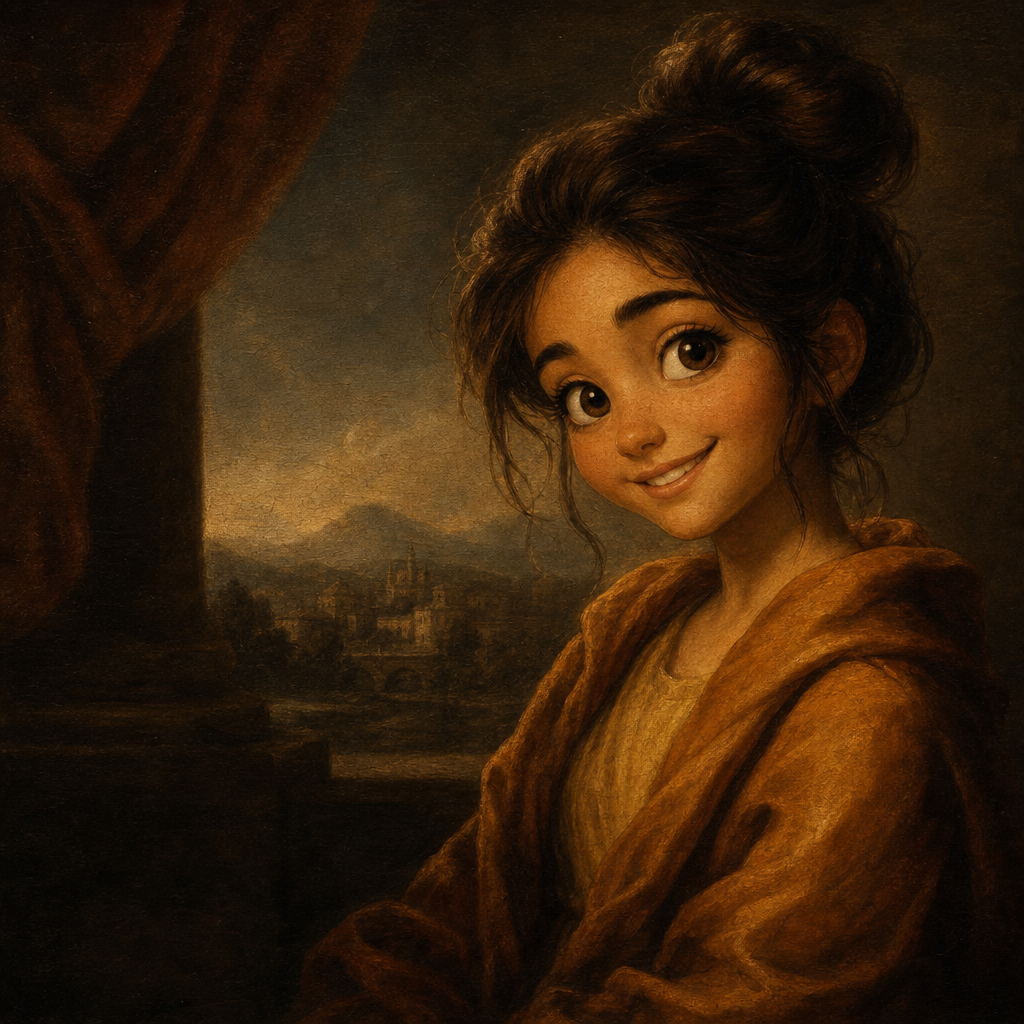
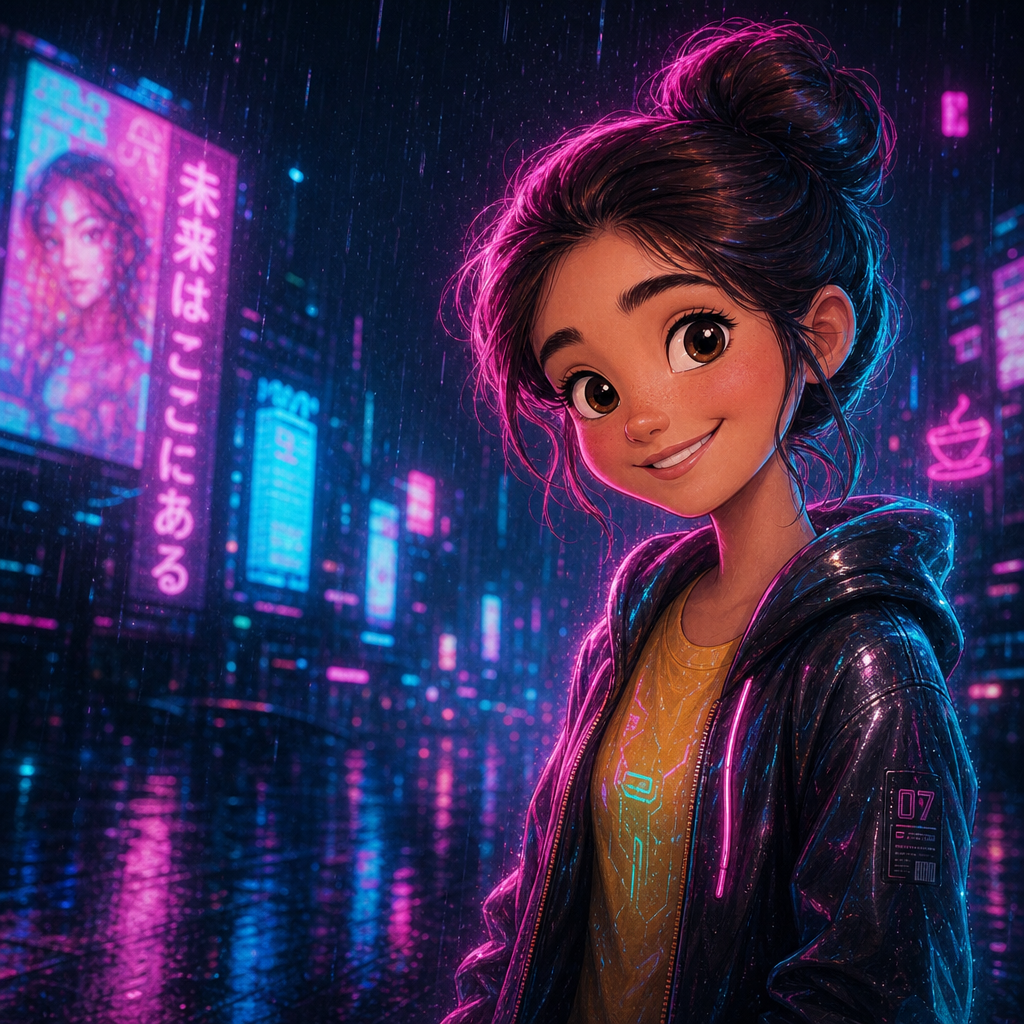
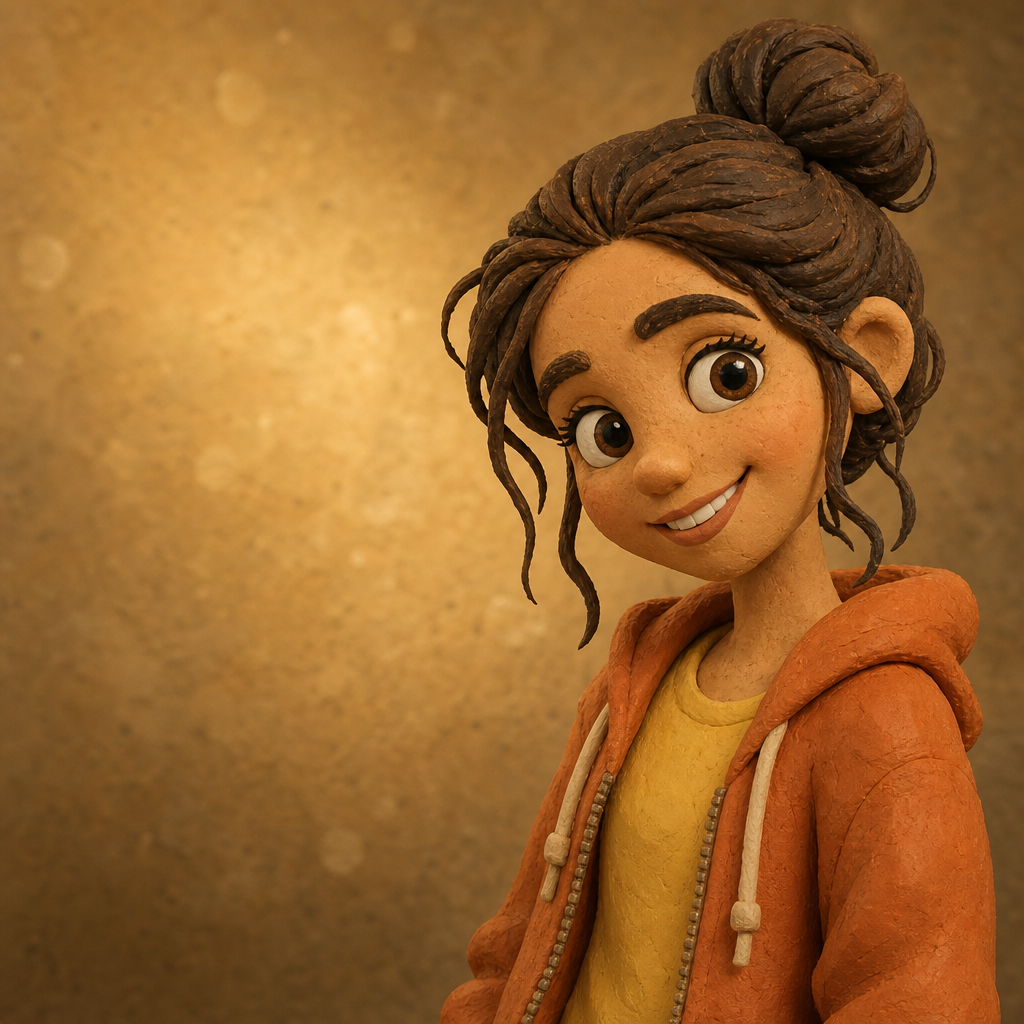

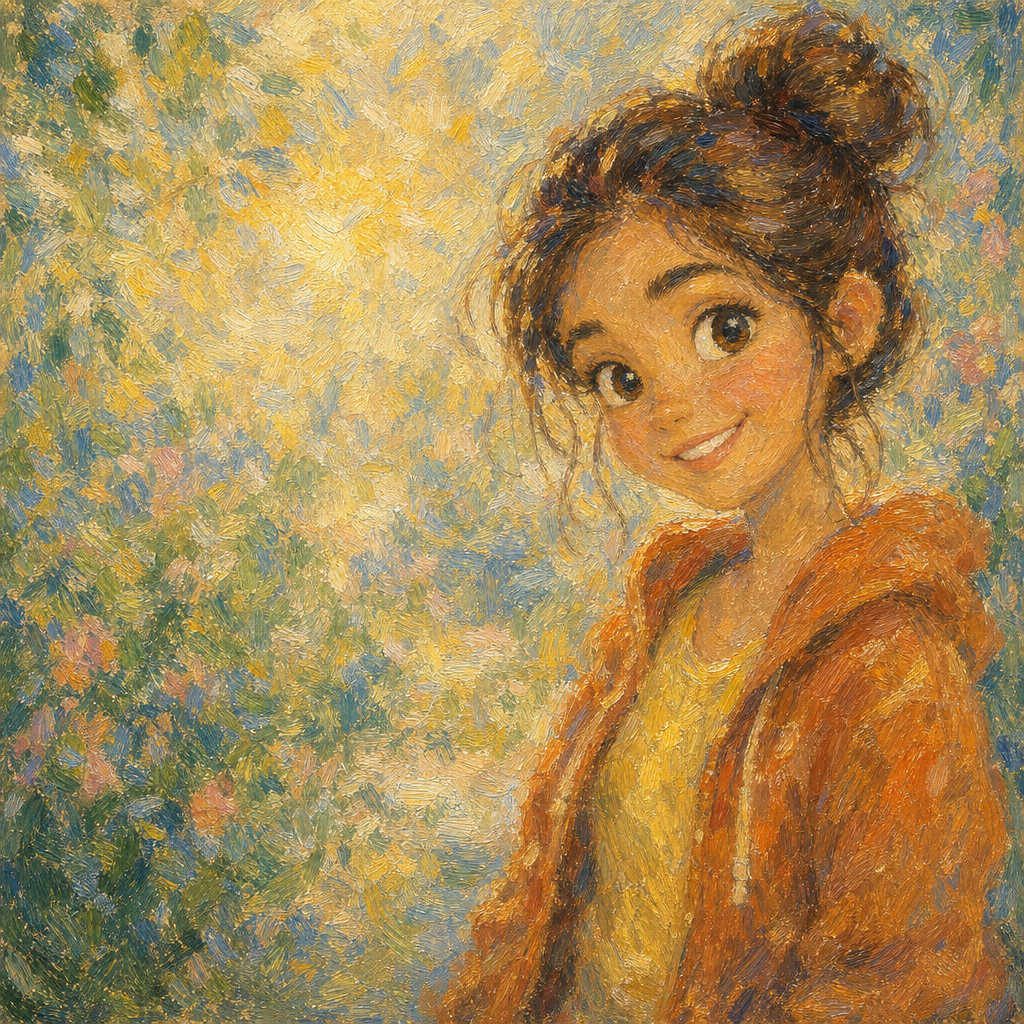
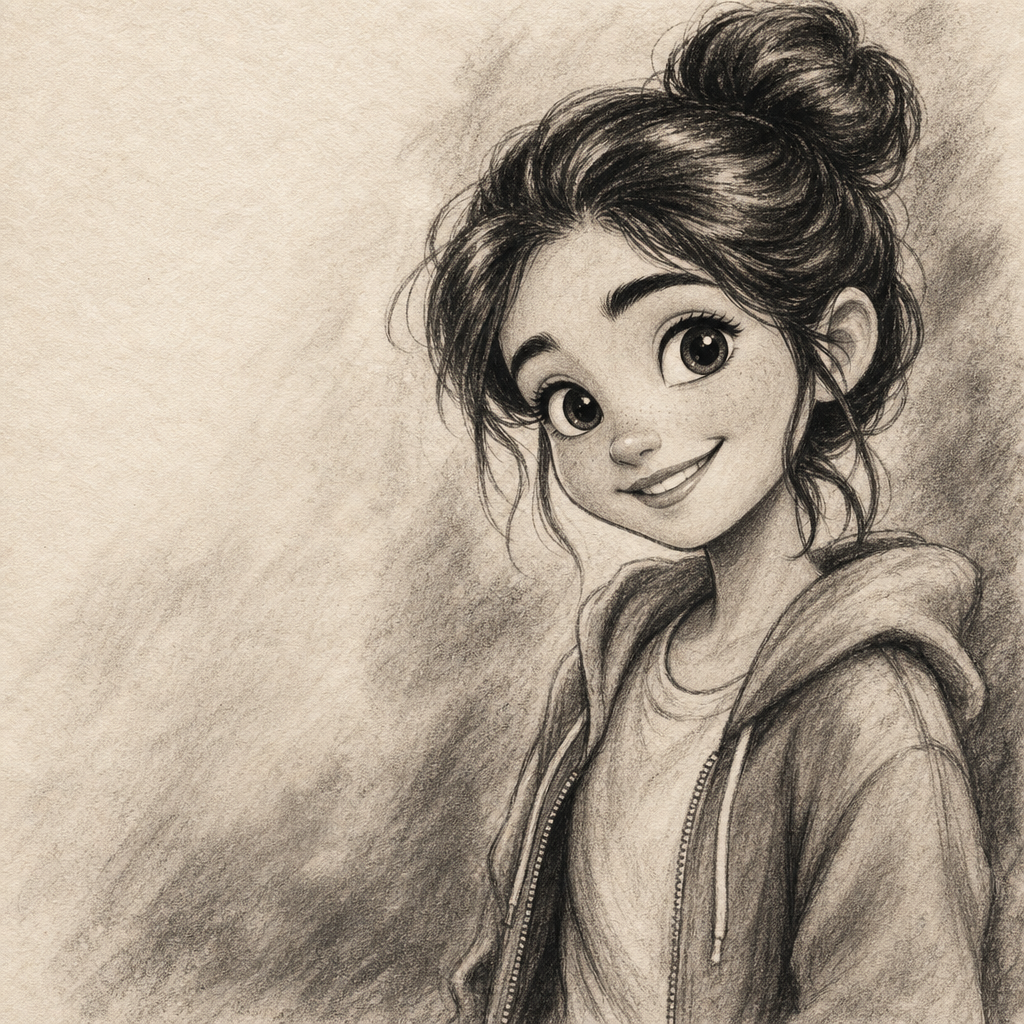
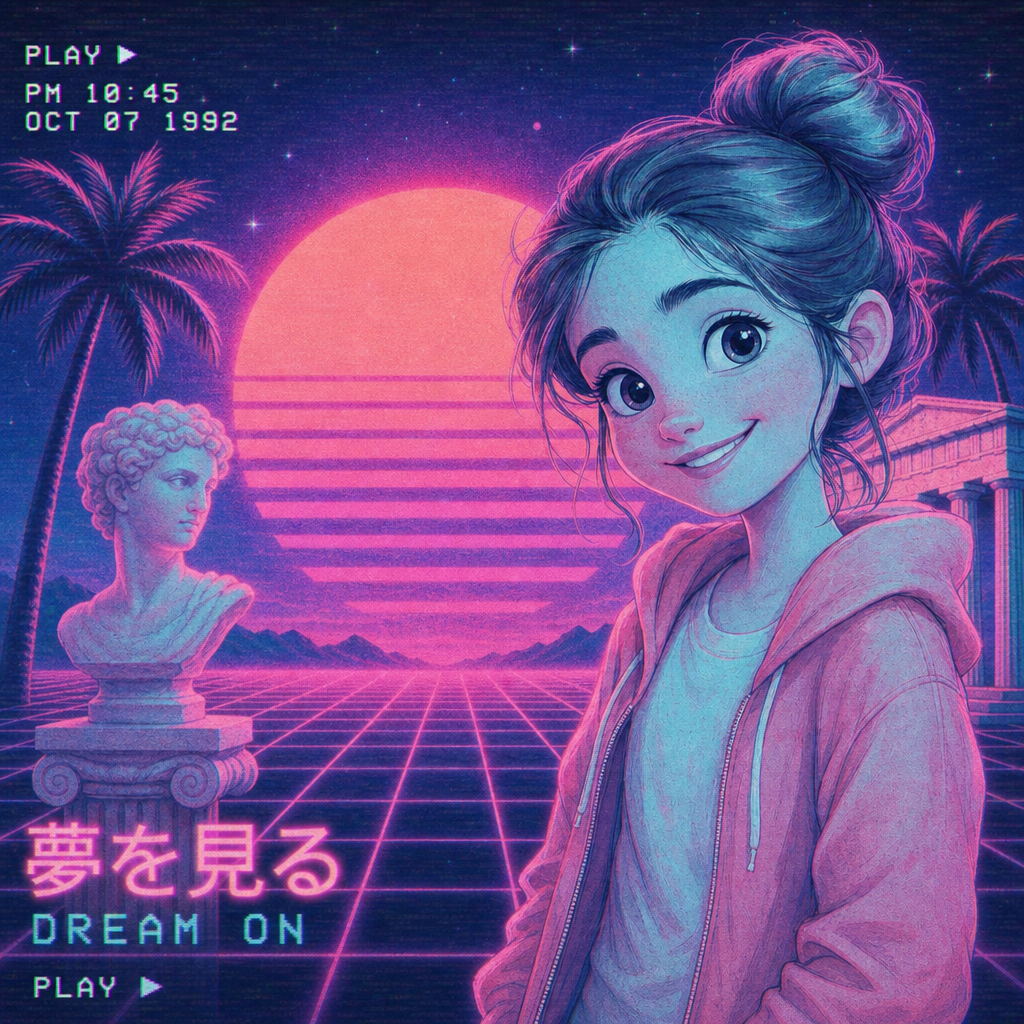
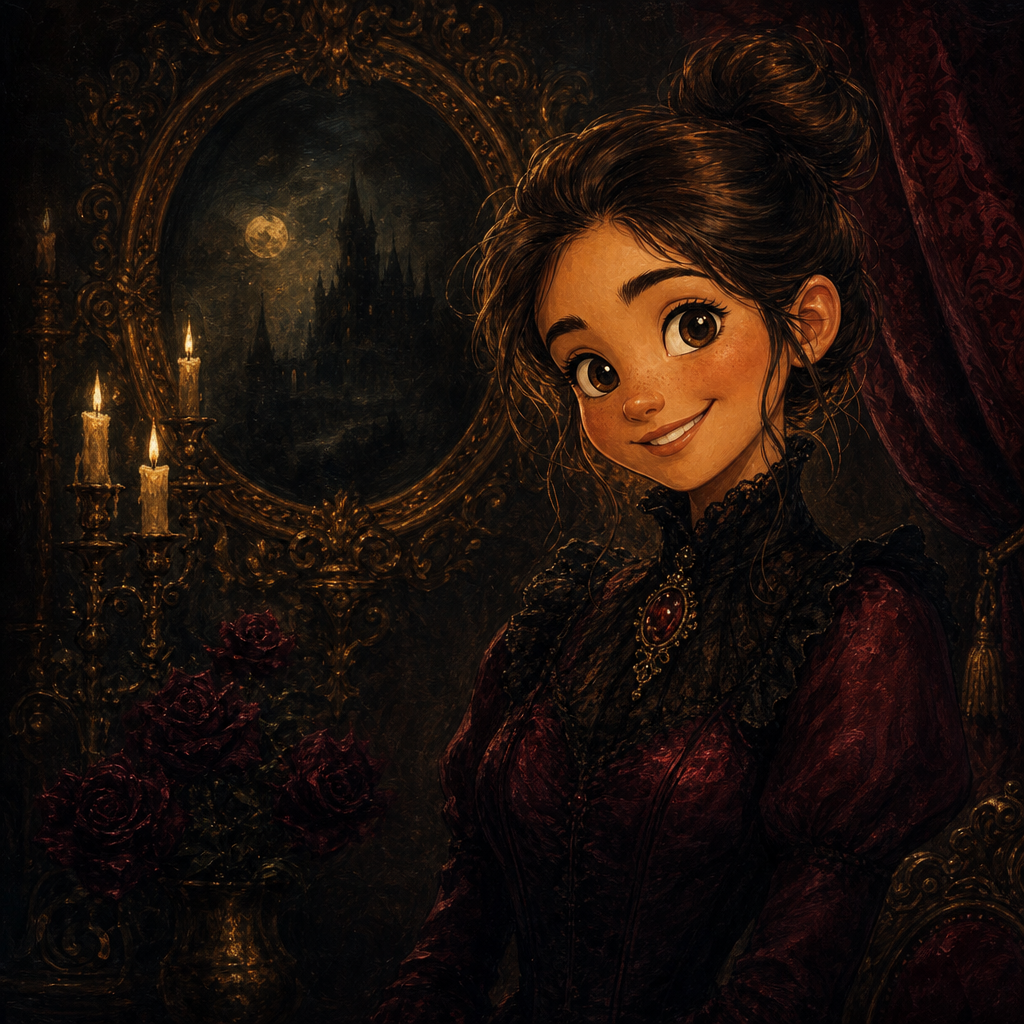
Watercolor Portrait from Photo
Watercolor portrait from photo, generated by AI in the style a commissioned artist would charge a few hundred dollars and a two-week wait for. PicCanvas reads the photo you already have — a wedding shot, a baby portrait, a candid from last summer — and renders it as a translucent watercolor with diffused edges, soft pigment bleeds, and the faint paper grain that makes hand-painted work feel alive. The output reads as a deliberate art piece rather than a filter.
The interaction stays out of the way. You upload a photo, you tap the Watercolor tile, and a preview lands in seconds. Watercolor is forgiving — small composition issues smooth out, awkward backgrounds soften into washes, busy clothing simplifies into shape and color. If the first take feels close but you want a slightly different rendering, hit Try again to advance through quality tiers. When the preview matches the gift or print you imagined, click Looks good and the HD file is yours.
Watercolor is the pick when warmth matters more than precision. It is the right choice for nursery prints, anniversary gifts, framed family portraits, and the kind of art-direction work that wants to feel personal rather than commercial. For sharper depth go with Oil Painting; for graphic boldness go with Pop Art; for cinematic feel go with Disney or Pixar. The Watercolor lane is the one to choose when you want the rendering to look gently dreamed rather than rendered.
How it works
- Upload your photo— Any JPG or PNG works. Watercolor renders especially well on portraits with soft natural light — backlit golden hour, window light, overcast outdoor. Heavy shadows still translate, but the soft-light originals look closest to a real watercolor painting.
- Pick Watercolor— Tap the Watercolor tile. The thumbnail shows a real watercolor-style output so the choice is visual, not abstract.
- Iterate to refine— Each preview takes a few seconds. Hit Try again to advance to a richer quality tier — useful when the first pass has the right color palette but you want slightly more brushwork detail.
- Download HD— Click Looks good and we render the final at print-friendly resolution. The HD file is sized for greeting cards, framed prints, gallery walls, and large social posts.
Use cases
Nursery portrait for a new baby
Run a portrait of the baby through watercolor and frame it above the crib. Soft palette and diffused edges make it feel like a deliberate art commission rather than a phone photo.
Anniversary or wedding-day keepsake
Pick a candid from the wedding album and convert it to watercolor. The hand-painted feel softens the moment into something timeless. Works as a paper anniversary gift or a printed-canvas anniversary present.
Memorial portraits
Watercolor is the most-requested style for memorial prints. The softness handles grief better than a sharp photograph and gives families a way to display the image without it feeling clinical.
Pet portrait art prints
Cats, dogs, horses, even pet birds render beautifully in watercolor. The medium handles fur and feathers more gracefully than most rendering styles.
Greeting card and stationery art
A watercolor portrait of the family makes a holiday card front that reads as art-directed rather than mass-printed. Stationers often charge a $50–$150 commission for exactly this.
Etsy or small-shop gift product
Pet watercolor portraits and family watercolor portraits are top-selling Etsy categories. Generate the artwork in seconds, sell the print or the digital file.
Frequently asked questions
- How does the watercolor portrait from photo generator handle likeness?
- The model preserves face shape, hairstyle, and expression while pushing the rendering toward soft watercolor washes. The output reads as a recognizably you, just gently painted — not a stranger.
- Does watercolor work on group photos?
- Yes for groups of two to five. Larger groups can lose facial detail because watercolor washes are inherently soft; for those, crop to the people you want highlighted before uploading.
- Can I print the watercolor output as wall art?
- Yes — that is the most common use. The HD download is delivered at a resolution that prints cleanly up to roughly 16 by 20 inches without obvious softness, which covers most framed-print sizes.
- Does it look like a real watercolor or like a Photoshop filter?
- Closer to a real watercolor. The model produces actual translucent pigment behavior — edges bleed, colors layer, dry-brush detail appears in tight spots. It is closer to a watercolor study than to a one-click filter pass.
- How long does generation take?
- The first preview lands within a few seconds. Each iteration takes a similar amount of time. The final HD render takes a little longer because it runs at full resolution.
- How is the watercolor lane different from the oil painting lane?
- Watercolor is soft, translucent, and works in washes — it favors atmosphere over detail. Oil painting is opaque, textured, and builds up brushstrokes — it favors depth over softness. Pick watercolor for warmth and gentle feel; pick oil for a gallery-grade finished look.
- Can I sell the watercolor output commercially?
- Yes. The license covers personal use, social posts, small-business marketing, and printed merchandise. See the terms page for the exact grant if you are using outputs on packaging or for resale.