
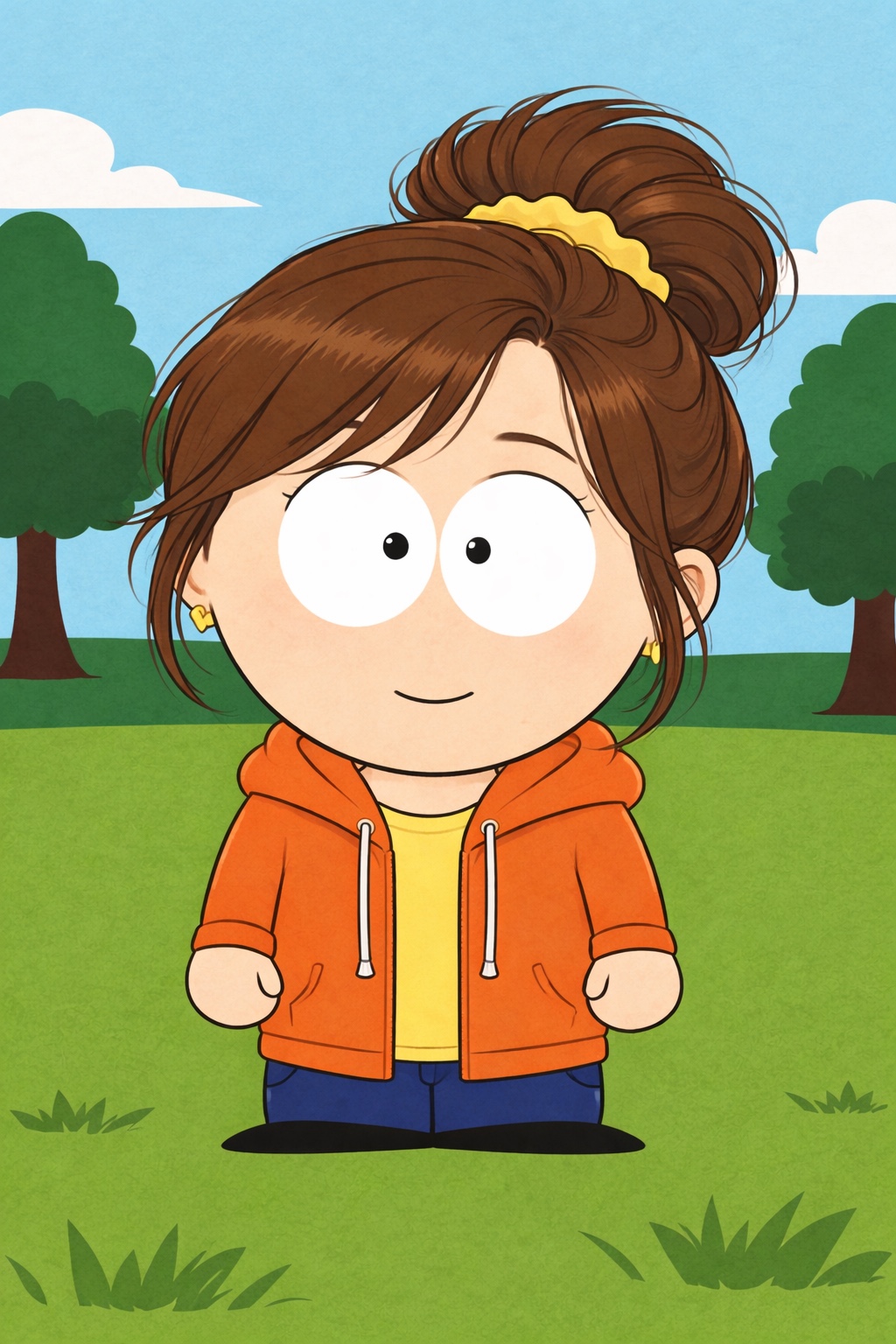
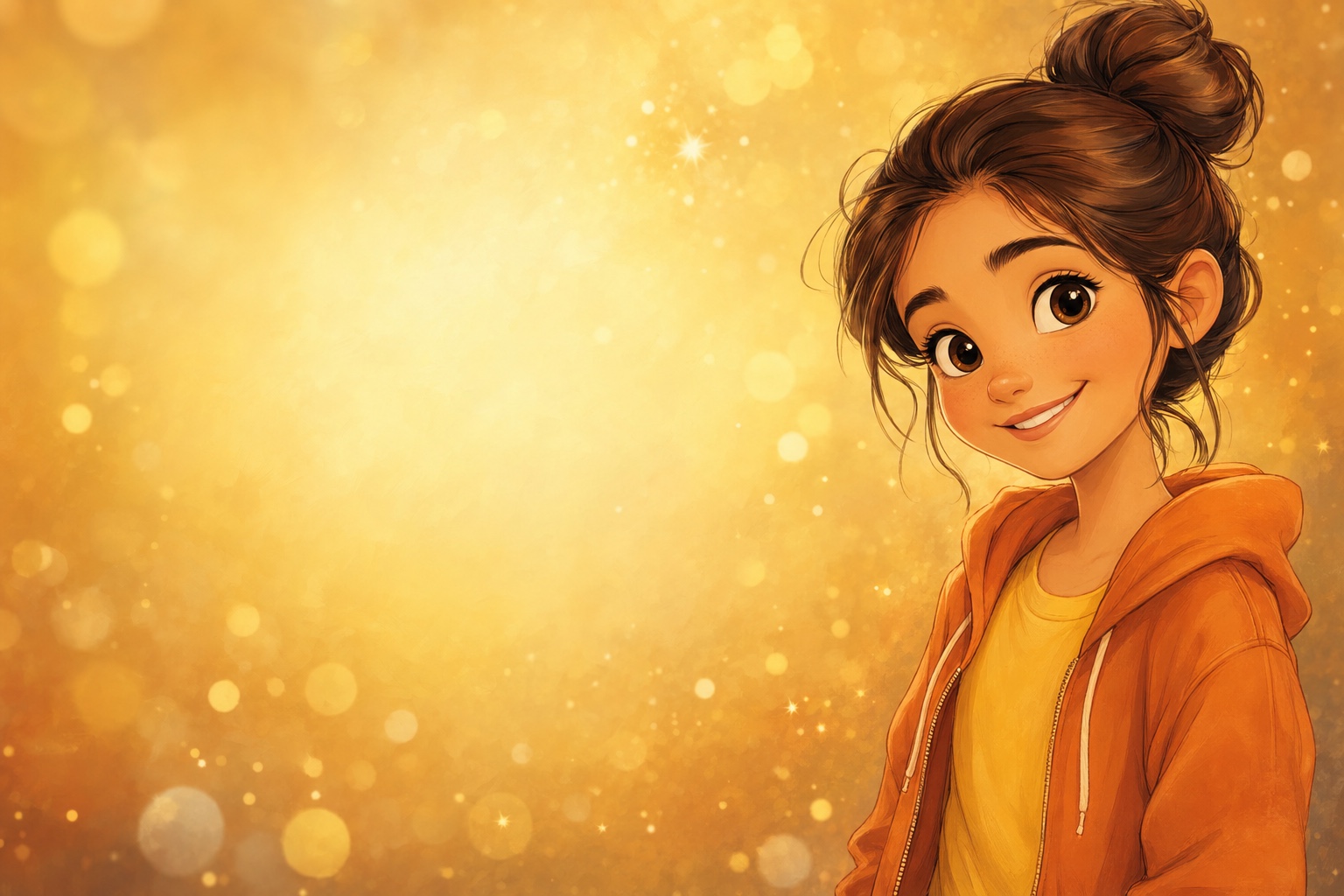
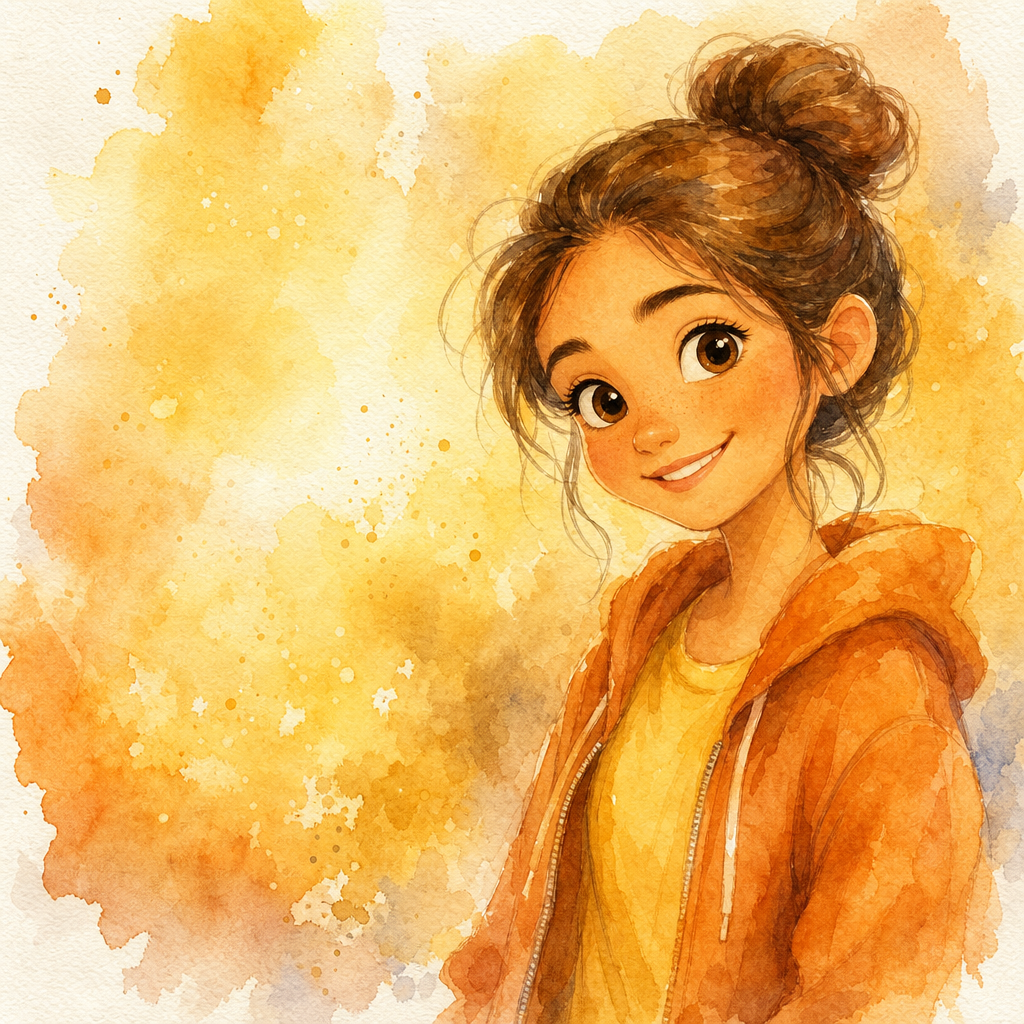
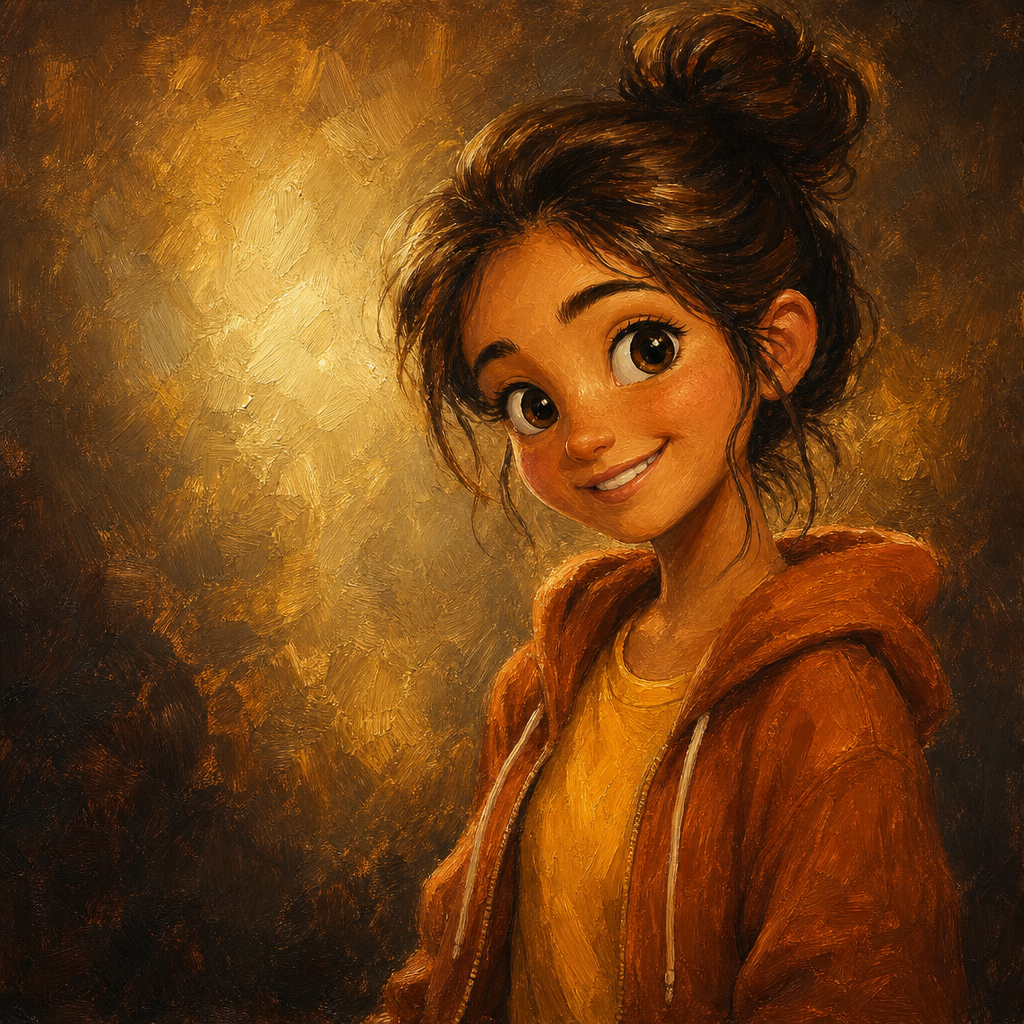
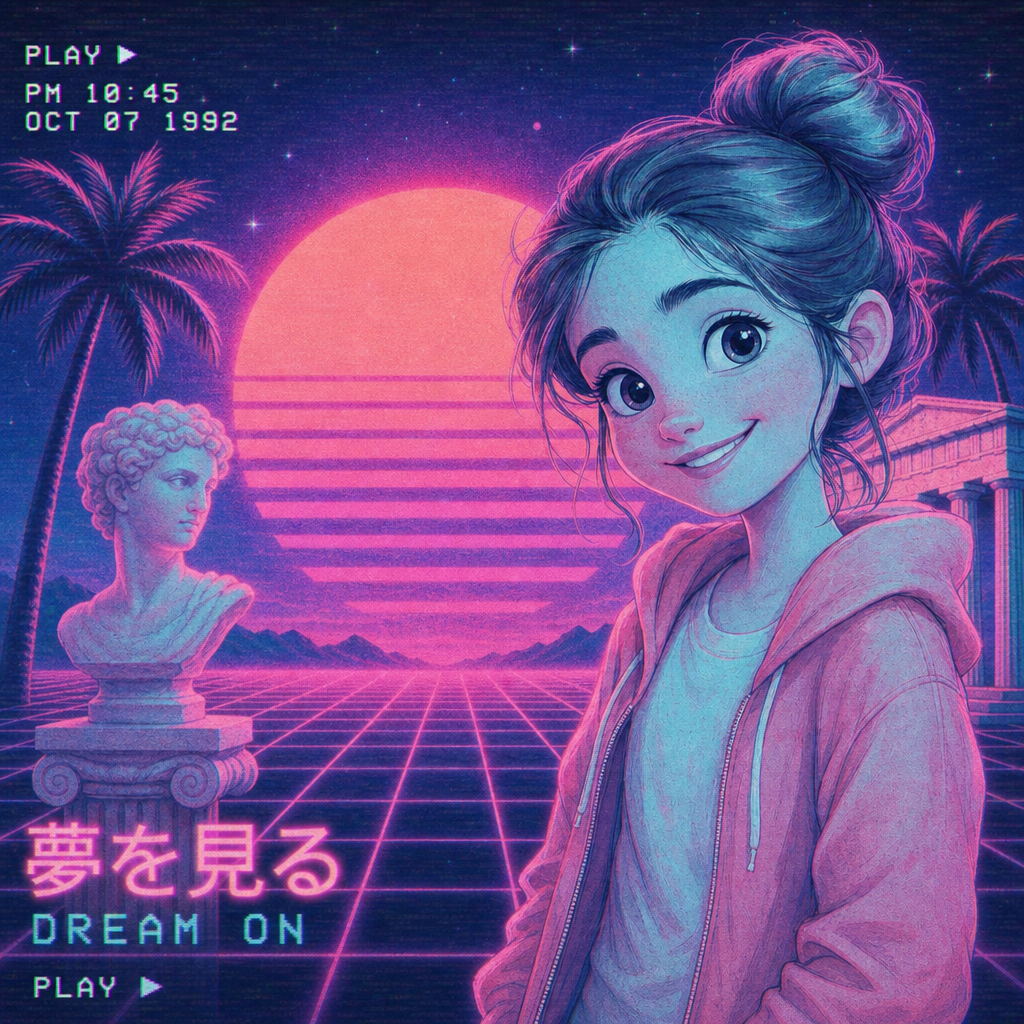
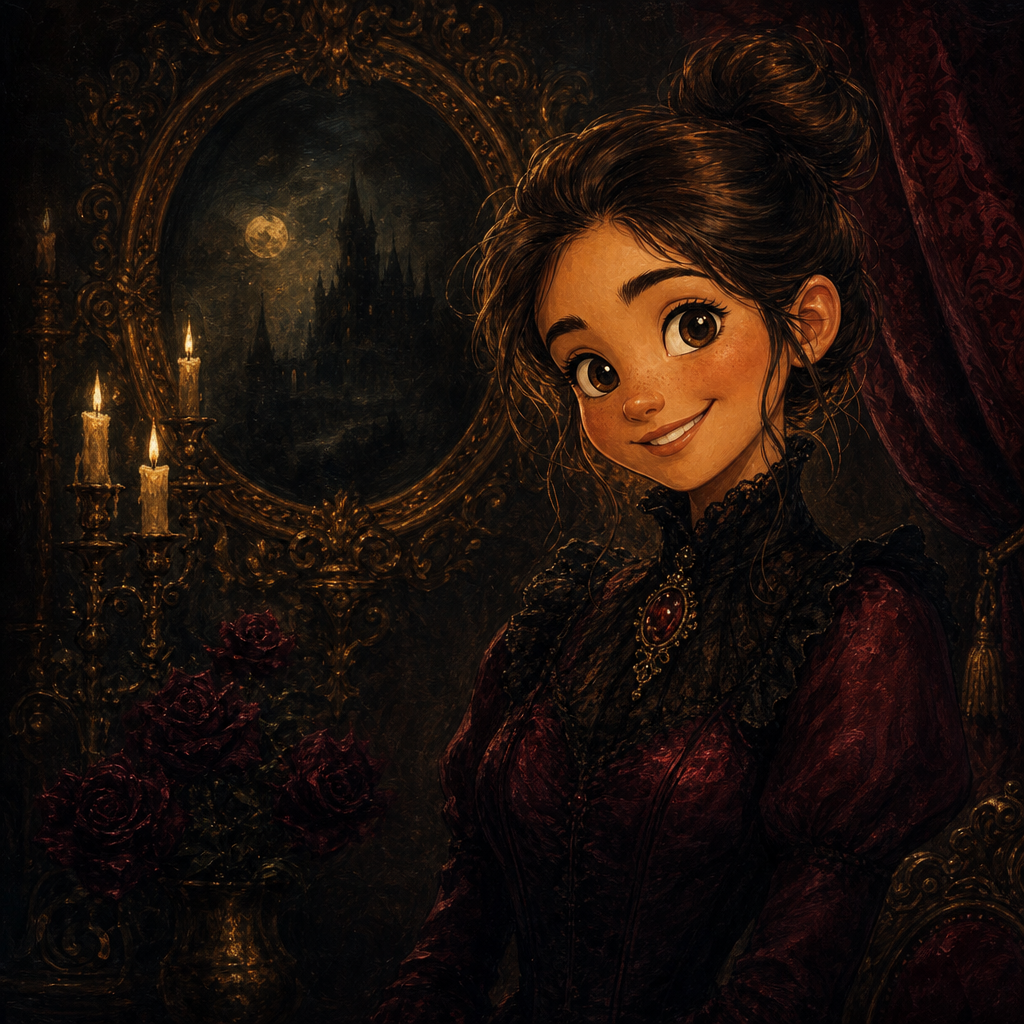
Pop Art Portrait from Photo
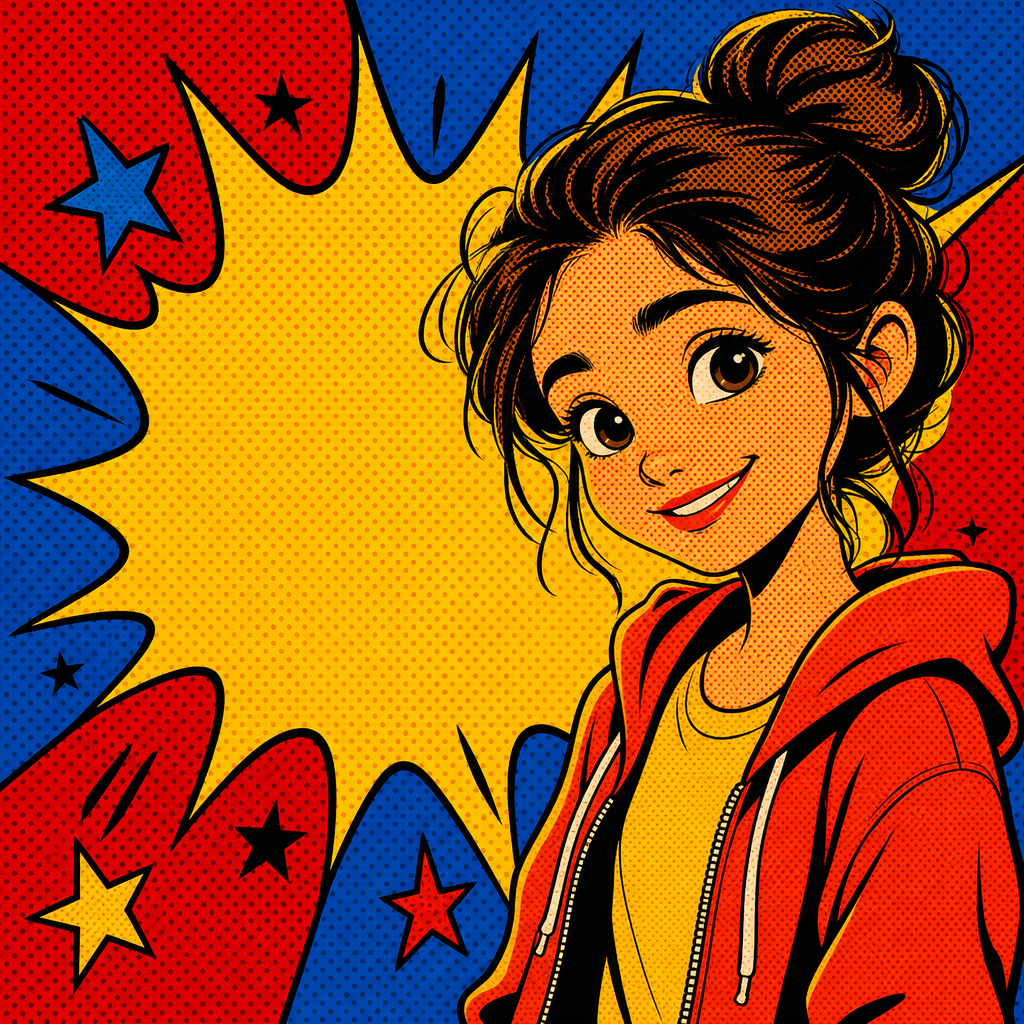
Pop art portrait from photo, generated in the 1960s screen-print tradition — bold flat color blocks, halftone dot patterns, thick black outlines, high-contrast primary palette. PicCanvas takes the photo you already have and renders it as the kind of poster-energy art that holds a wall and shows up across a room. The output reads as deliberate graphic design, not a recolored photo.
The interaction is intentionally tiny. You upload a photo, you tap the Pop Art tile, and a preview lands in seconds. Pop art is forgiving on input because the medium aggressively simplifies — backgrounds flatten, lighting becomes shape, color blocks replace gradient. If you want a slightly different take, hit Try again to advance to a higher quality tier. When the preview reads the way you want, click Looks good and the HD download is yours.
Pop art is the choice when you need energy, color, and graphic punch. Pick it for office wall art, music-room prints, statement gallery walls, bachelorette-party decor, birthday-poster art, or the kind of feed-stopping social post that lifts a profile picture out of the algorithm. For something painted and warm go with Watercolor or Oil Painting; for something cinematic go with Disney or Pixar; for something restrained go with Pencil Sketch. Pop Art is for loud.
How it works
- Upload your photo— Any JPG or PNG works. Pop art renders best on portraits with strong directional light and a clear face. Busy backgrounds get simplified into color blocks so you do not need to crop perfectly.
- Pick Pop Art— Tap the Pop Art tile. The thumbnail shows real pop-art output so the palette and graphic energy are visible before you commit.
- Iterate to refine— Each preview takes a few seconds. Hit Try again to advance through quality tiers — useful when the first pass has the right palette but you want slightly sharper halftones or stronger black outlines.
- Download HD— Click Looks good and we render the final at full resolution. Pop art holds its energy at large print sizes, so the output is sized for poster prints, framed wall art, and statement gallery pieces.
Use cases
Statement wall art that anchors a room
A large pop-art portrait of a family member, partner, or pet, printed on poster stock and framed, becomes the focal point of any room. The graphic energy reads across a 20-foot distance.
Music studio, garage, or office decor
Pop art reads especially well in spaces that already have personality — recording studios, garages, creative offices, agency lobbies. Pairs with neon, exposed brick, and vintage equipment.
Bachelorette and birthday party graphics
A pop-art portrait of the bride or birthday celebrant lands perfectly on party invitations, banners, and the wall behind the cake table. Loud, fun, immediately recognizable.
Social profile pictures and YouTube thumbnails
Pop-art versions of headshots stand out on Twitter, YouTube, podcast feeds, and any list of similar-looking thumbnails. The palette breaks pattern.
T-shirt and merch graphics
Pop art is one of the easiest styles to translate to apparel print. Pick a portrait, generate, drop on a tee — done.
Quirky office team portraits
Run every team member's headshot through pop art and hang a grid above the meeting room. Feels intentional, builds team culture, costs almost nothing.
Frequently asked questions
- How does the pop art portrait from photo generator handle likeness?
- Likeness is preserved at the silhouette and feature level — face shape, hairstyle, expression. The rendering pushes into flat color blocks and halftones rather than photographic detail. Reads as a recognizable pop-art version of the person.
- What does the palette look like?
- Bold primaries — saturated reds, magentas, cyans, yellows, with high-contrast black for outlines and pure white for highlights. The lane leans into 1960s screen-print energy rather than a muted modern palette.
- Can I print pop art large?
- Yes — that is one of the most common uses. Pop art is engineered to hold up at poster size because the geometry is graphic rather than photographic. The HD download prints cleanly up to roughly 24 by 36 inches.
- Does pop art work on group photos?
- Yes for tight groups of two or three. The flat-color simplification can lose facial distinction in larger groups; for those, prefer single-subject portraits or a tight crop.
- Will my photo look like an Andy Warhol piece specifically?
- It will lean into the same 1960s screen-print tradition Warhol and contemporaries worked in — flat color blocks, halftones, bold outlines. It will not look like a Warhol original; it will look like a pop-art interpretation of your photo.
- How long does generation take?
- The first preview lands within a few seconds. Each iteration takes a similar amount of time. The final HD render takes a little longer because it runs at full resolution.
- Can I sell pop art outputs commercially?
- Yes. The license covers personal use, social posts, small-business marketing, and printed merchandise. See the terms page for the full grant if you are putting outputs on packaging or apparel for resale.