
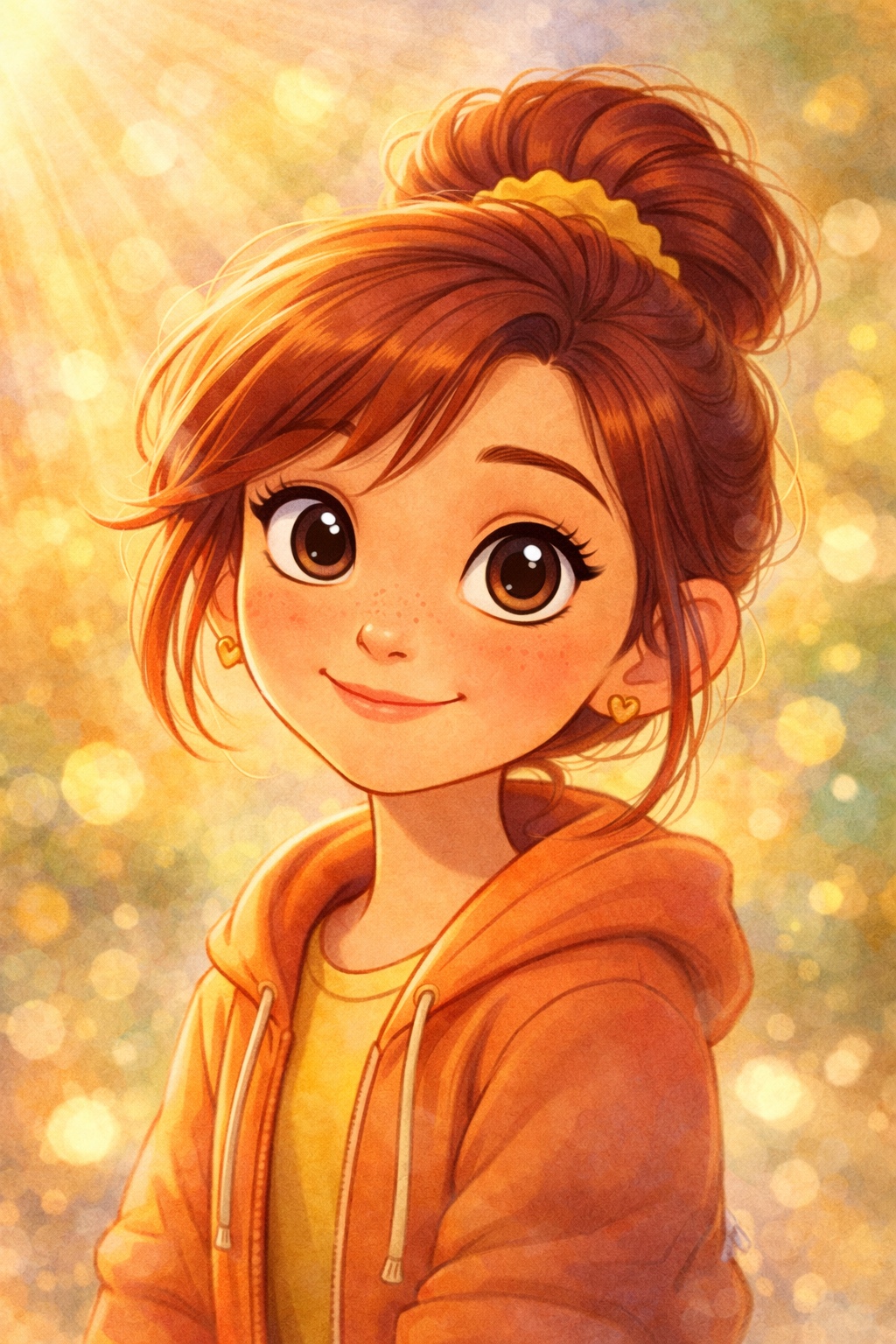

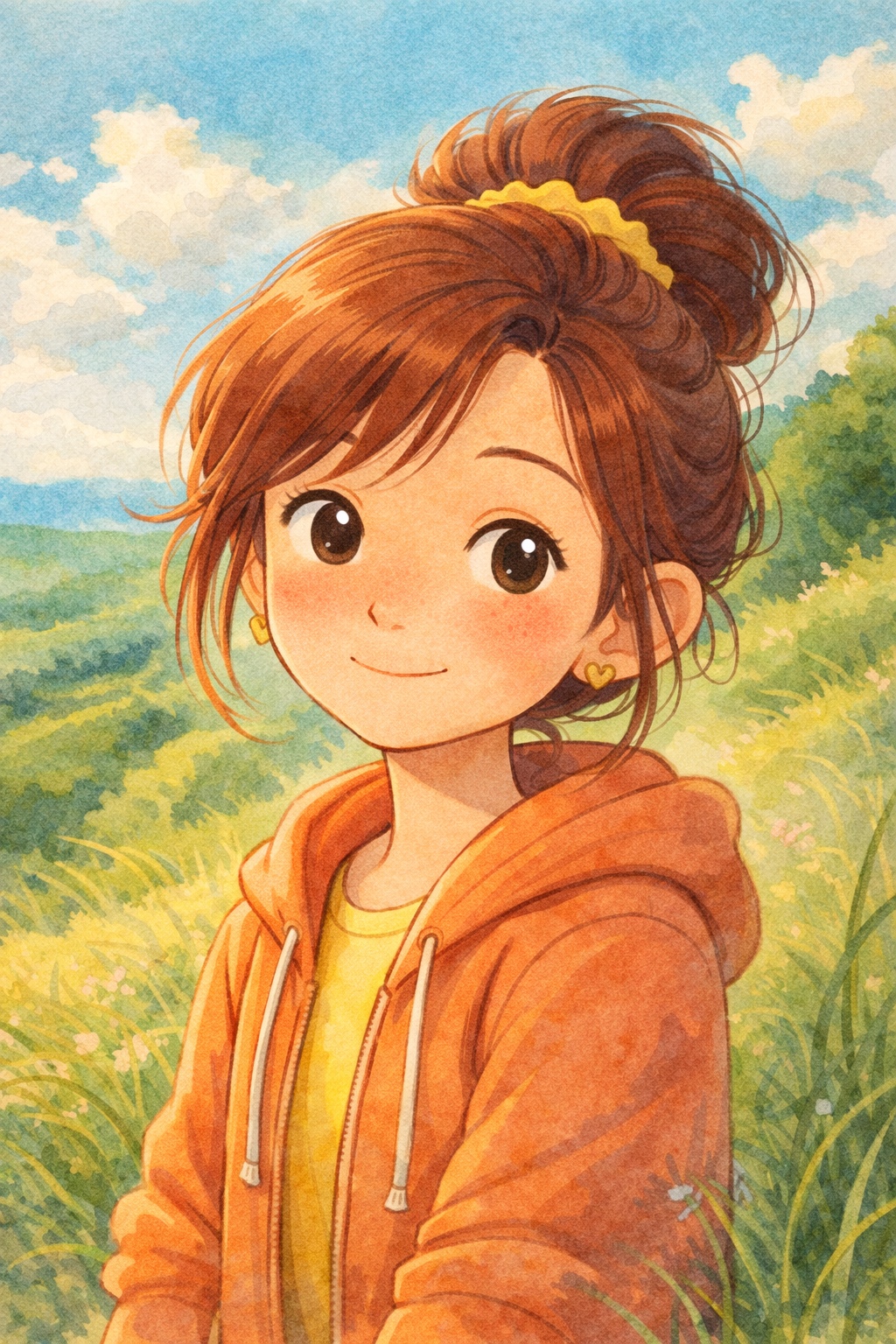
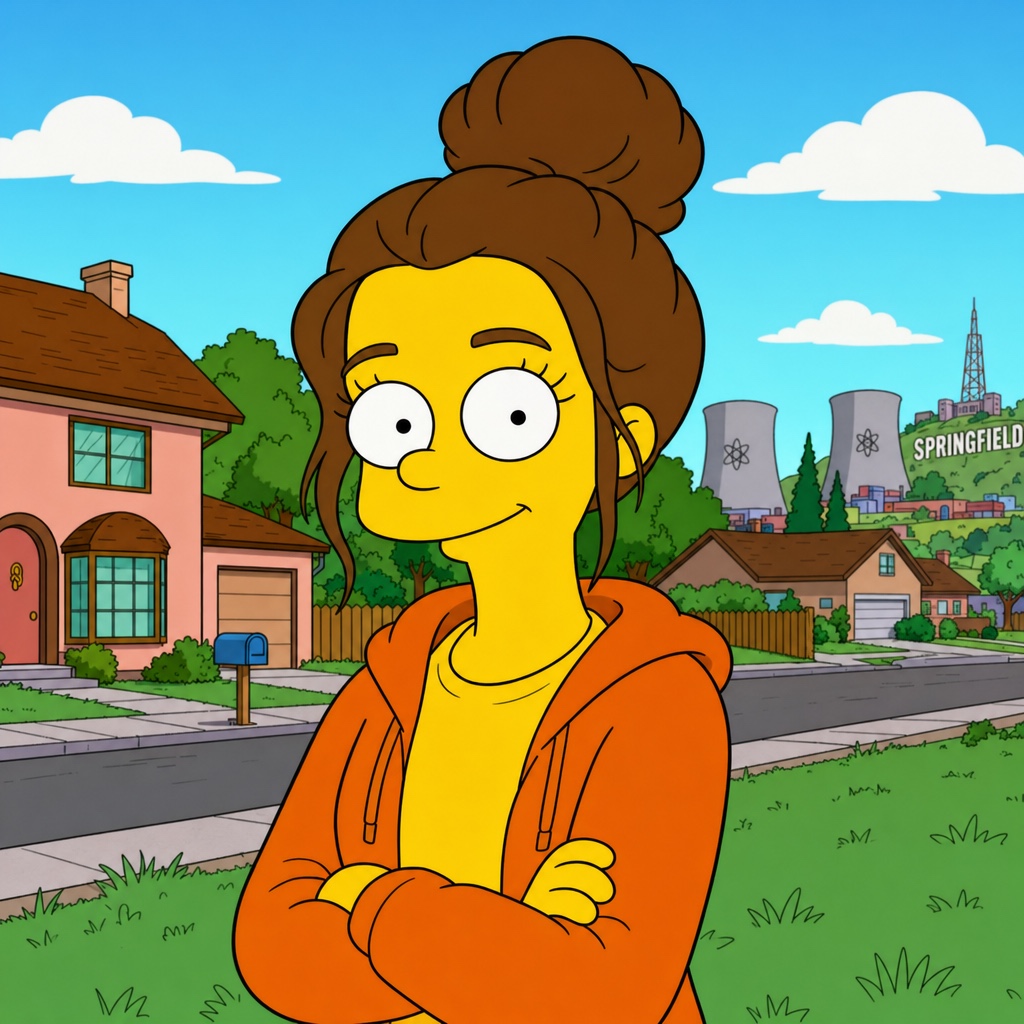


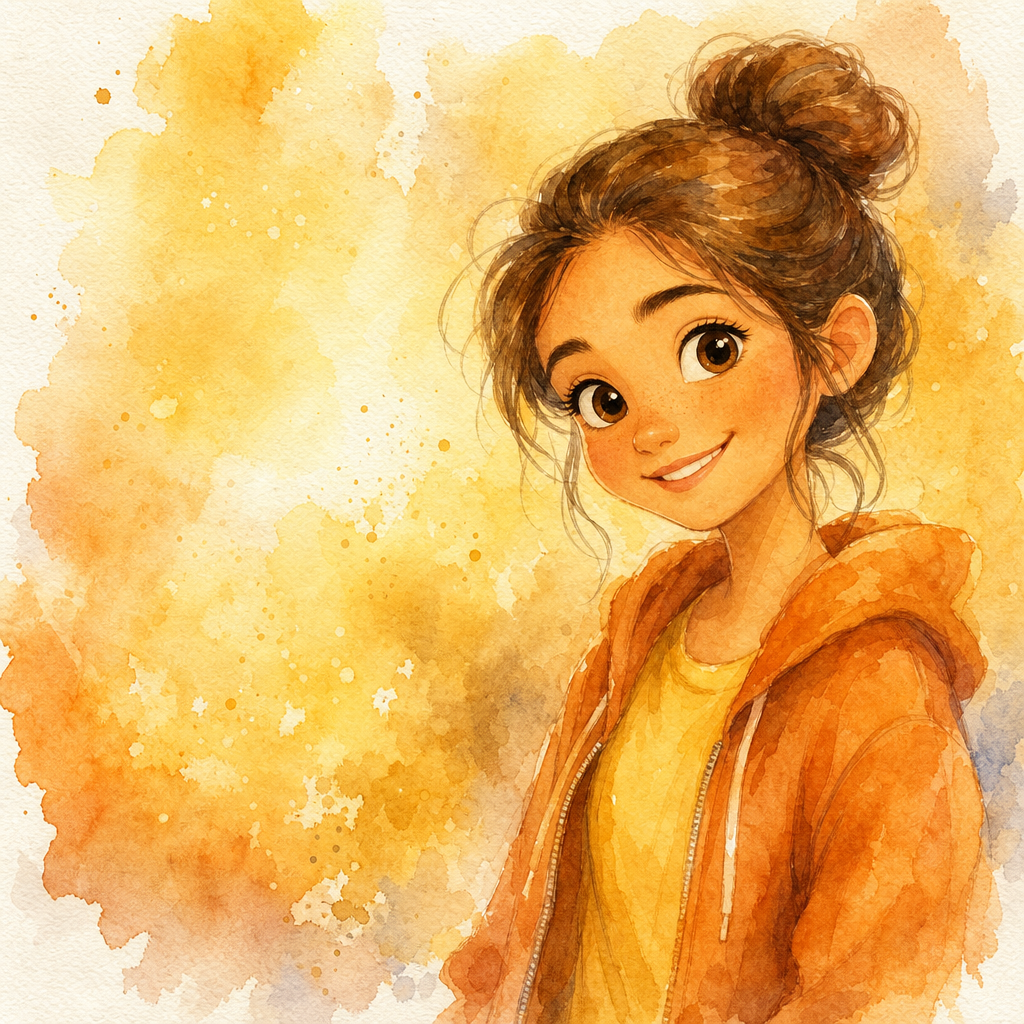

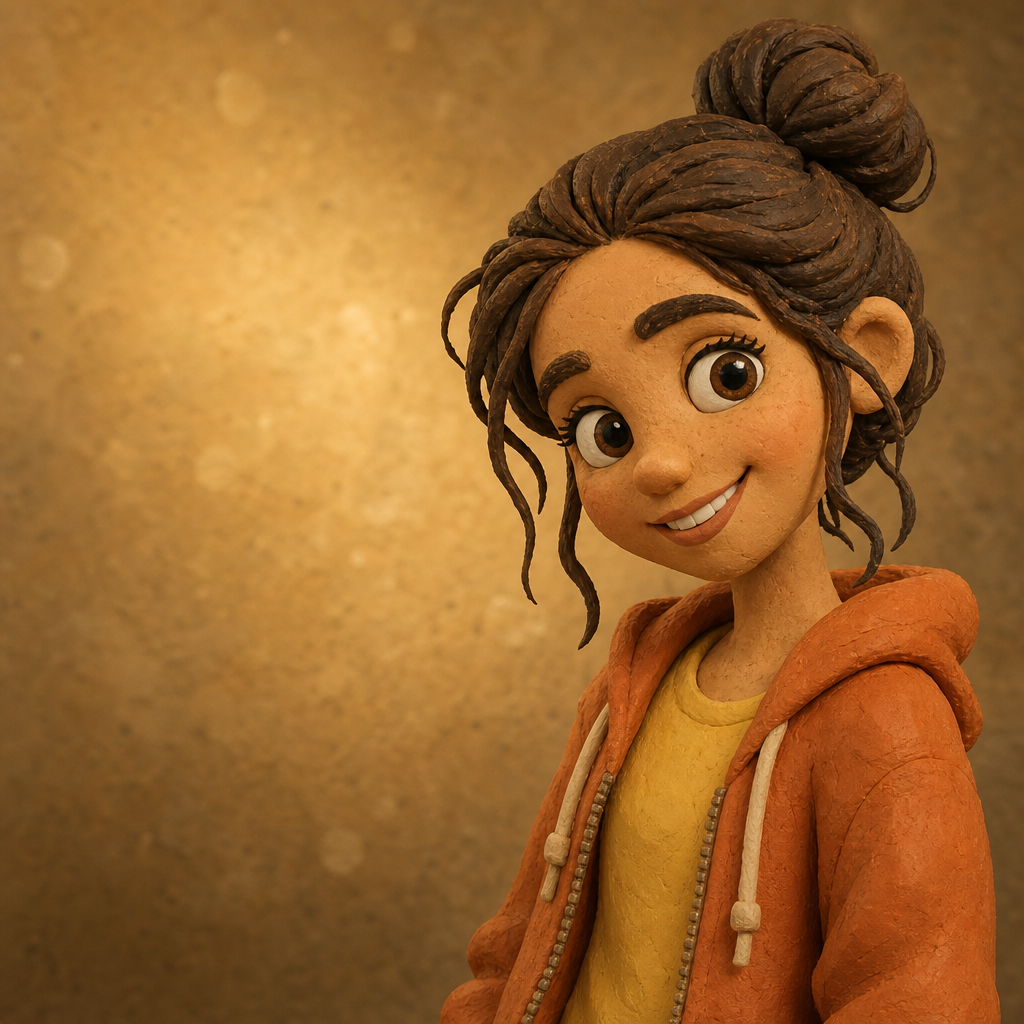

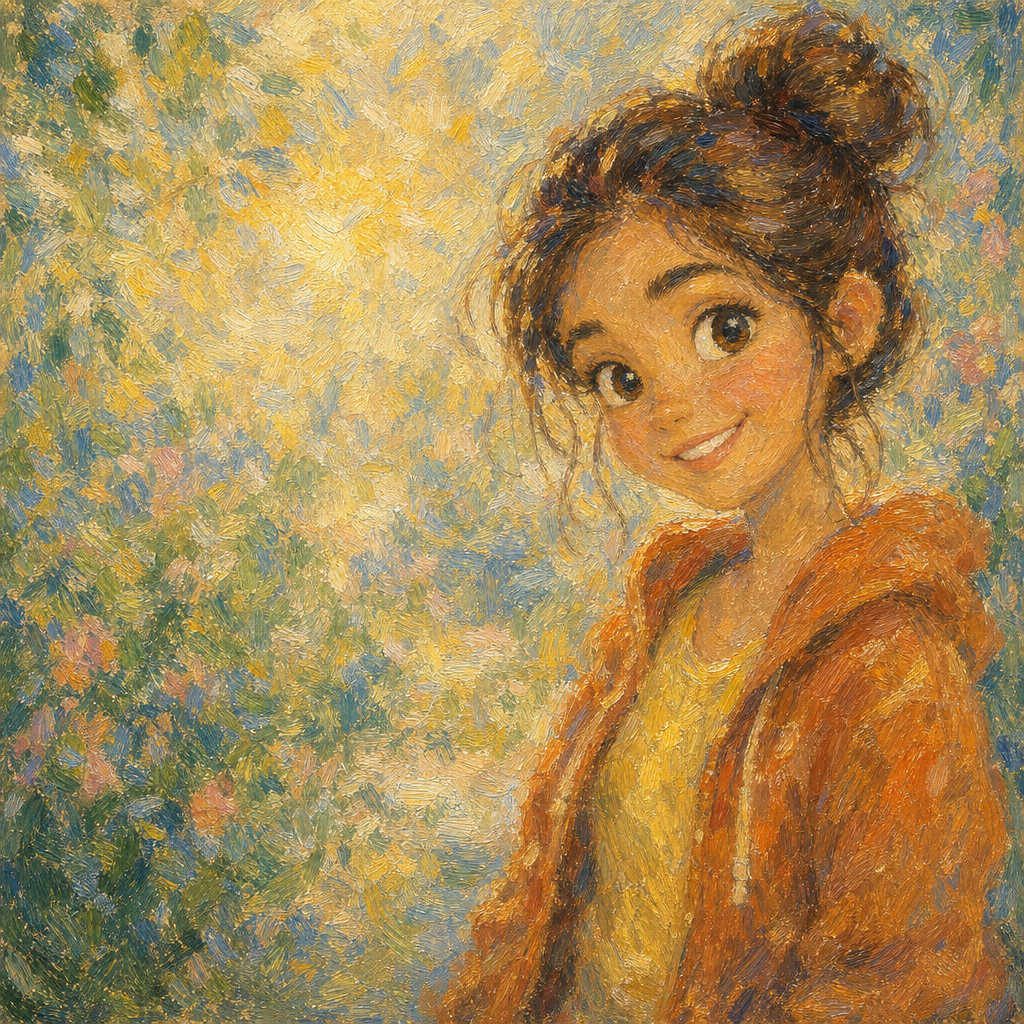
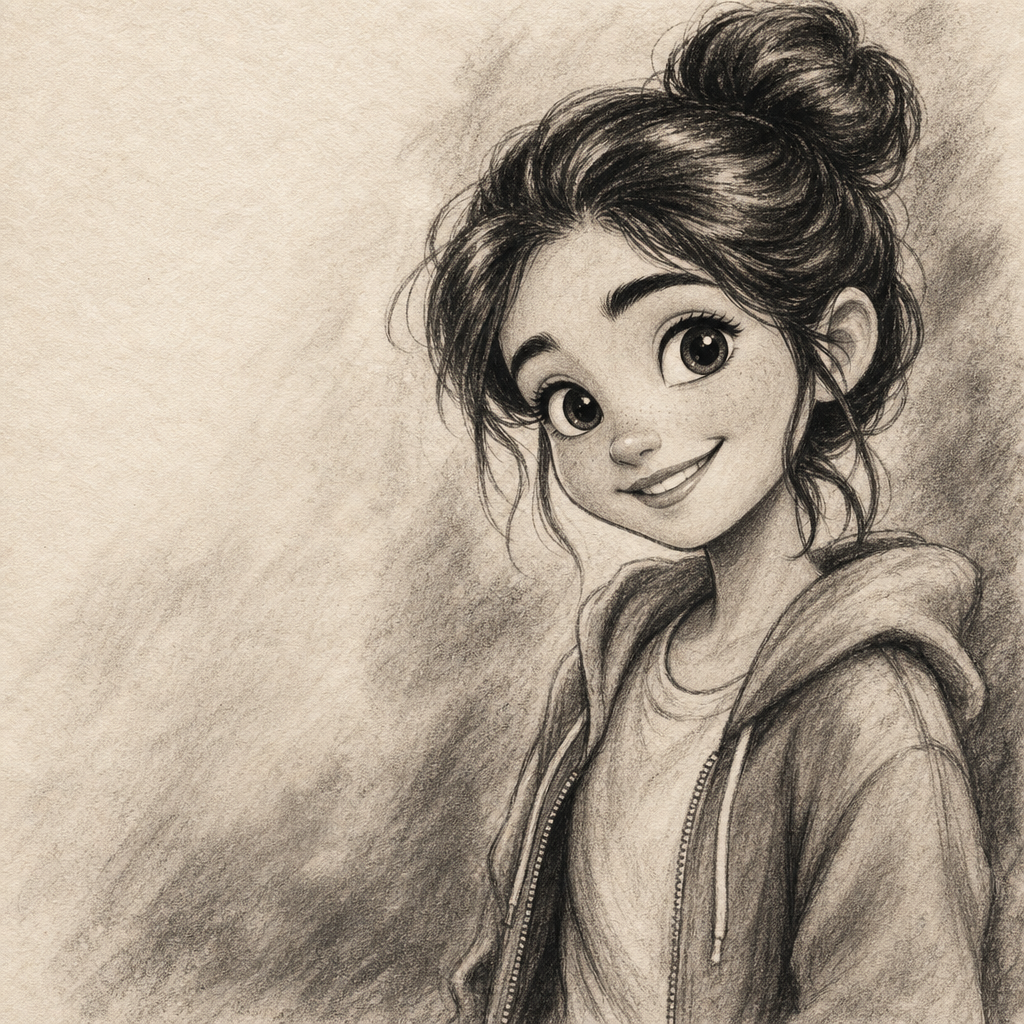
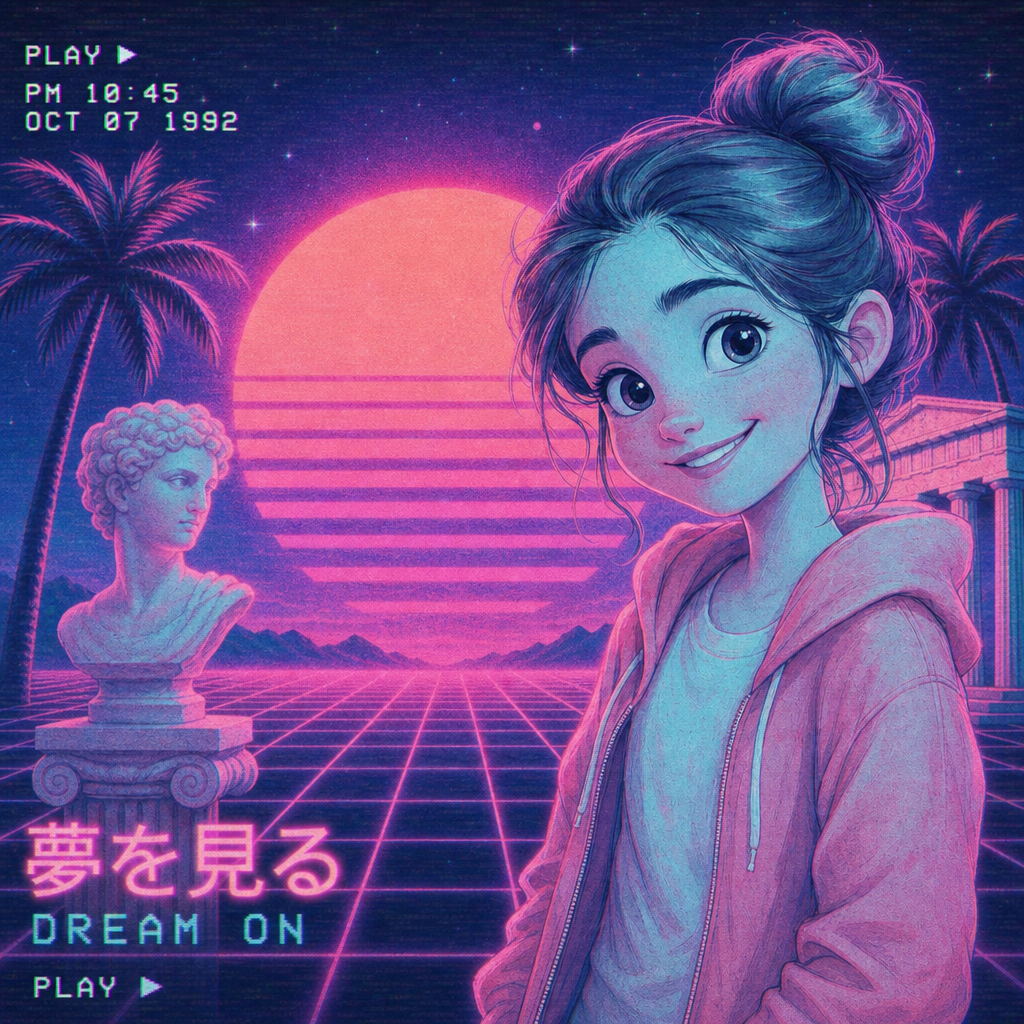
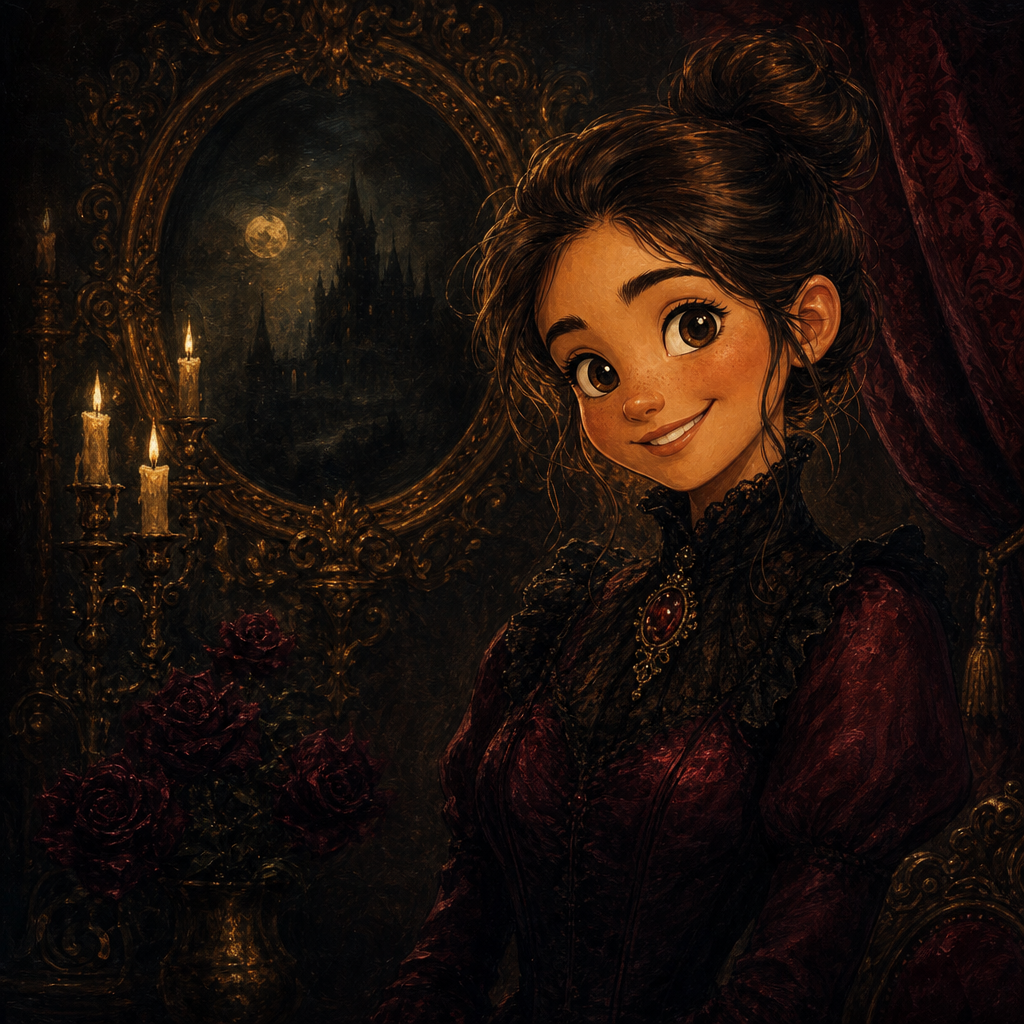
Renaissance Portrait from Photo
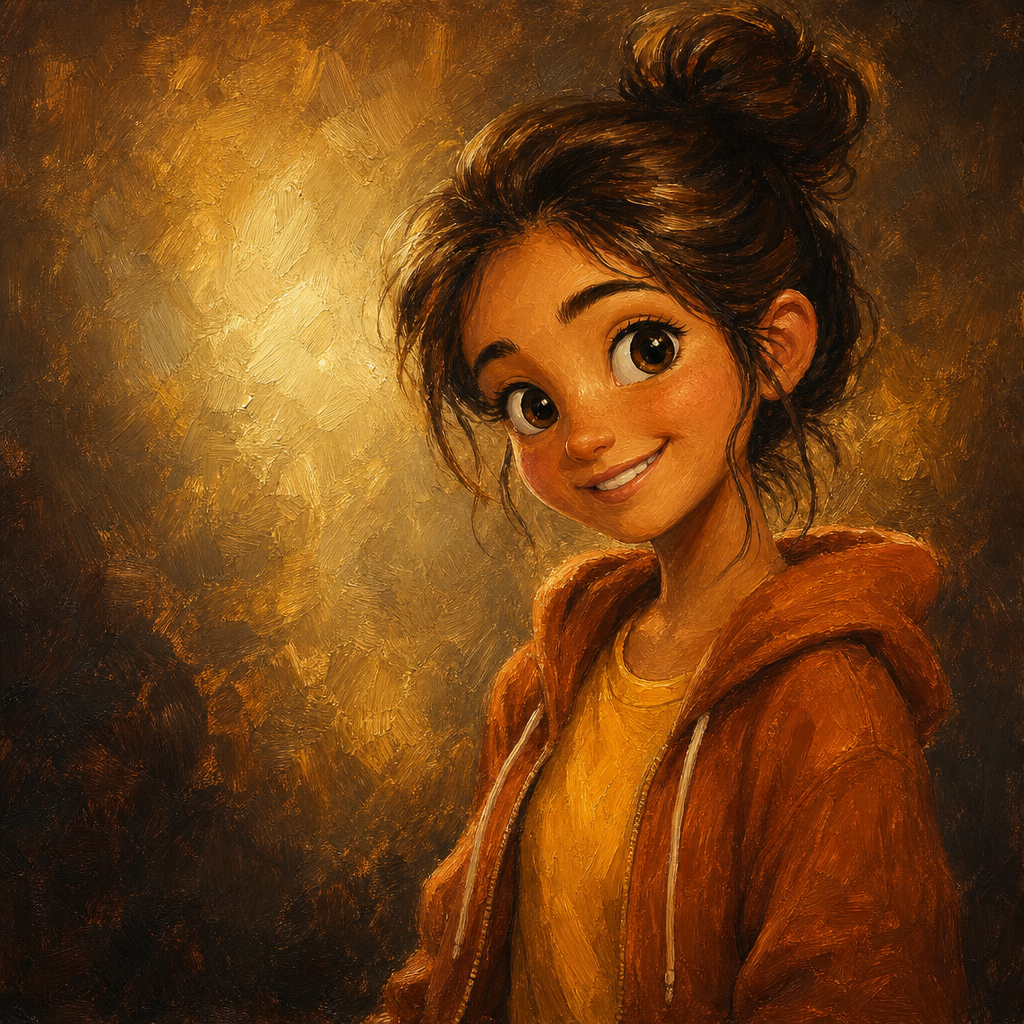
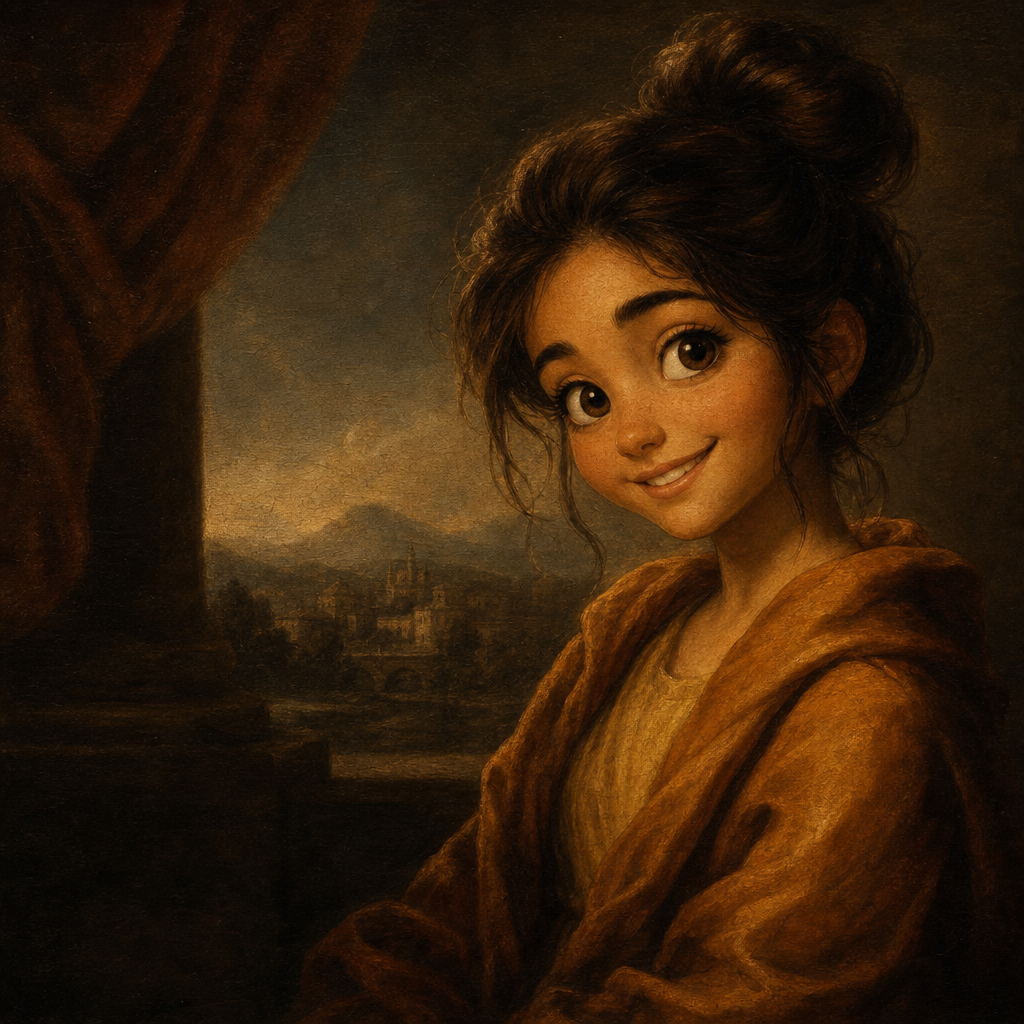
Renaissance portrait from photo, generated in the visual tradition of 15th- and 16th-century Italian masters — chiaroscuro lighting, sfumato edges, rich earth-tone palette, classical drapery, and the kind of museum-grade painted finish that makes the subject feel historically significant. PicCanvas takes the photo you already have and renders it as though it had been painted in Florence, Venice, or Bruges five hundred years ago.
The interaction is intentionally small. You upload a photo, you tap the Renaissance tile, and a preview lands in seconds. The medium loves portrait inputs with strong directional light, a clean composition, and a single subject — exactly the shape Renaissance painters worked from. If the first take is close but you want the lighting more dramatic or the palette warmer, hit Try again to advance to a higher quality tier. When the preview matches the museum-piece feel you had in your head, click Looks good and the HD download is yours.
Renaissance is the pick when you want gravitas and historical weight. Use it for office or library portraits, milestone gifts, wedding-anniversary commissions, generational family portraits, statement framed art that signals heritage, and the kind of internet meme art that lands the joke through contrast. For modern painted portraiture go with Oil Painting; for softer dreamlike feel go with Watercolor; for graphic boldness go with Pop Art. Renaissance is for the old-master register.
How it works
- Upload your photo— Any JPG or PNG works. Renaissance renders best on portraits with directional light and a single uncluttered background — indoor lamp light, studio portraits, or window-lit shots translate especially well.
- Pick Renaissance— Tap the Renaissance tile. The thumbnail shows a real Renaissance-style painted output so the palette and finish are visible before you commit.
- Iterate to refine— Each preview takes a few seconds. Hit Try again to advance through quality tiers — useful when you want richer chiaroscuro contrast or a warmer earth-tone palette.
- Download HD— Click Looks good and we render the final at full resolution. Sized for canvas printing, framed gallery wraps, and the kind of museum-feel display piece that anchors a wall.
Use cases
Office, library, or studio portrait
A Renaissance portrait of yourself or a founder, framed and hung in a personal office, lends the room a quiet historical weight that a modern photograph cannot.
Generational family portraits
Turn a grandparent's old photo into a Renaissance painting and add it to the family wall. Bridges generations in a way photo restoration alone never quite manages.
Anniversary and milestone gifts
A Renaissance painted portrait of the couple, printed on canvas and framed, makes an anniversary or retirement gift that reads as a real commissioned piece.
Meme-format internet portraits
Renaissance versions of pets, friends, or yourself land especially well as internet meme art — the contrast between the formal medium and the modern subject is the joke.
Statement living-room gallery art
A large Renaissance portrait of a family member, hung alone on a feature wall, anchors a room more like a museum piece than a family photo would.
Heritage-restaurant or speakeasy decor
Renaissance portraits of regulars, owners, or fictional characters add the kind of speakeasy-and-library decor energy that high-end hospitality spaces pay decorators to source.
Frequently asked questions
- How does the renaissance portrait from photo generator handle likeness?
- Face shape, hairstyle, and expression are preserved while the rendering shifts into 16th-century painted conventions — chiaroscuro lighting, sfumato edges, earth-tone palette. The output reads as the same person, painted in the old-master tradition.
- Does the output include the formal drapery and background typical of Renaissance portraits?
- Yes by default. The model adds period-appropriate background atmosphere, dark drapery cues, and the soft sfumato edge treatment that defines Renaissance portraiture. The subject stays the focus.
- Can I print Renaissance outputs on canvas?
- Yes — that is the most common use. The HD download prints cleanly on canvas up to roughly 24 by 36 inches and looks especially good in a heavy ornate frame.
- How is the renaissance lane different from the oil painting lane?
- Oil painting is contemporary classical — modern palette and composition, painted in oil. Renaissance leans into 15th- and 16th-century convention — earth-tone palette, sfumato edges, formal pose. Pick oil for a modern commissioned-portrait feel; pick renaissance for old-master gravitas.
- Does renaissance work on group photos?
- Yes for groups of two to four with clear faces. Larger groups lose detail in the period-appropriate composition; for those, prefer single-subject portraits.
- Will my portrait look like a specific painter's style?
- It will lean into the broad Renaissance tradition — Italian Renaissance and Northern Renaissance conventions blended. It will not look like a specific historical painting; it will look like a Renaissance-style portrait of your photo.
- How long does generation take?
- The first preview lands within a few seconds. Each iteration takes a similar amount of time. The final HD render takes a little longer because it runs at full resolution.