



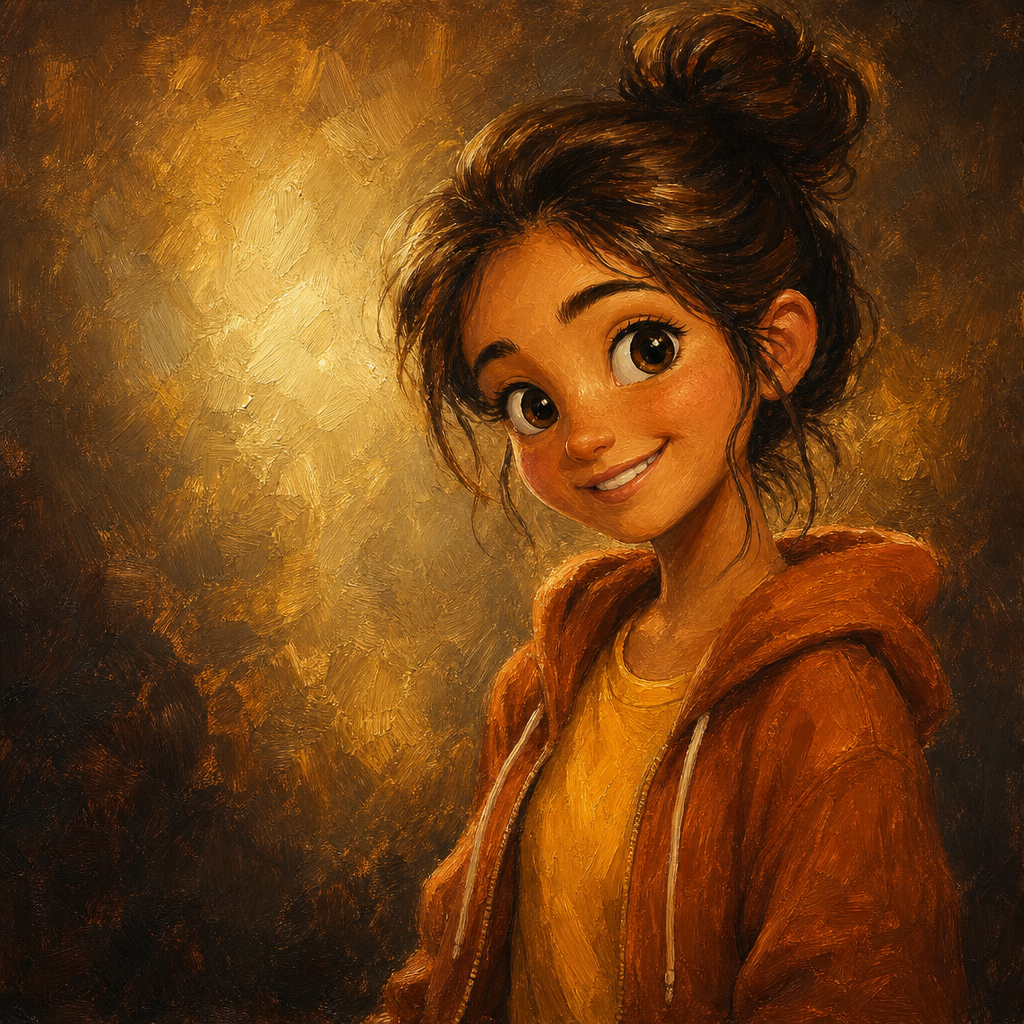
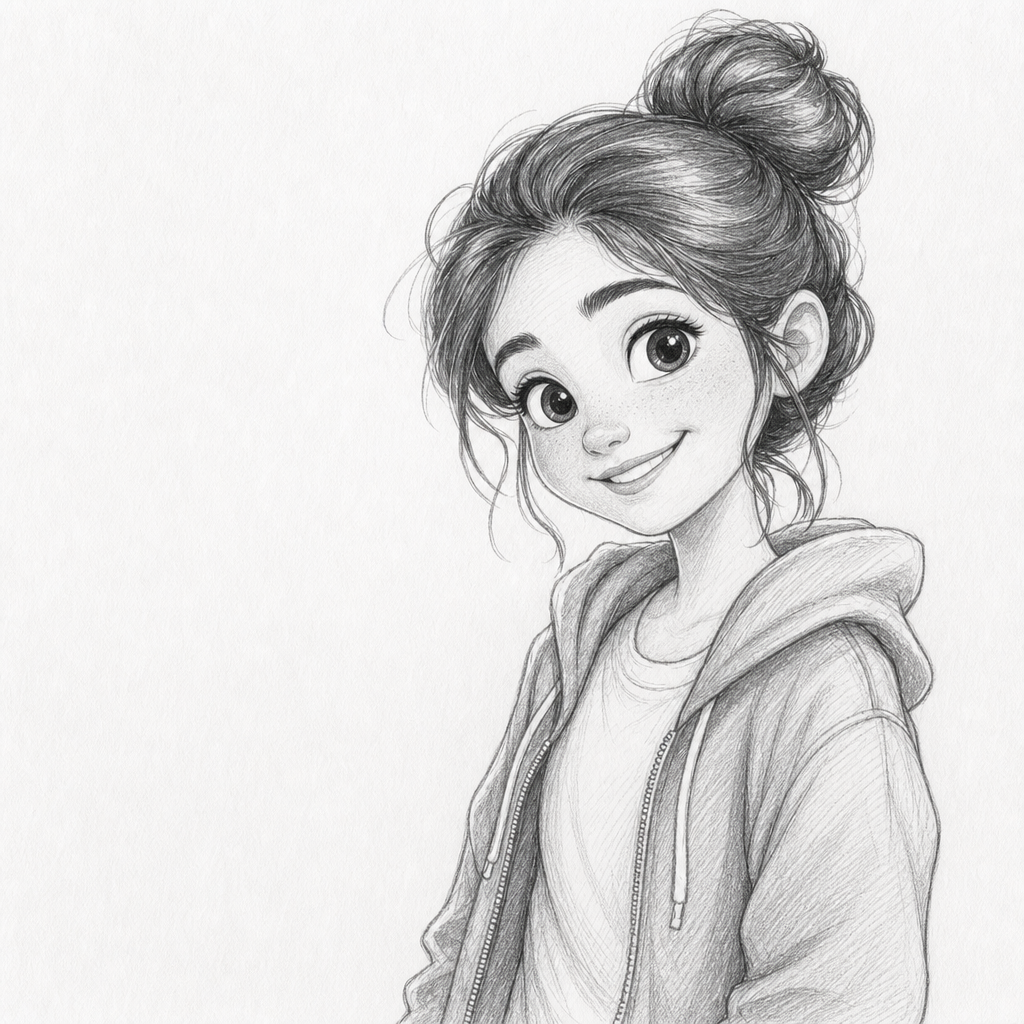
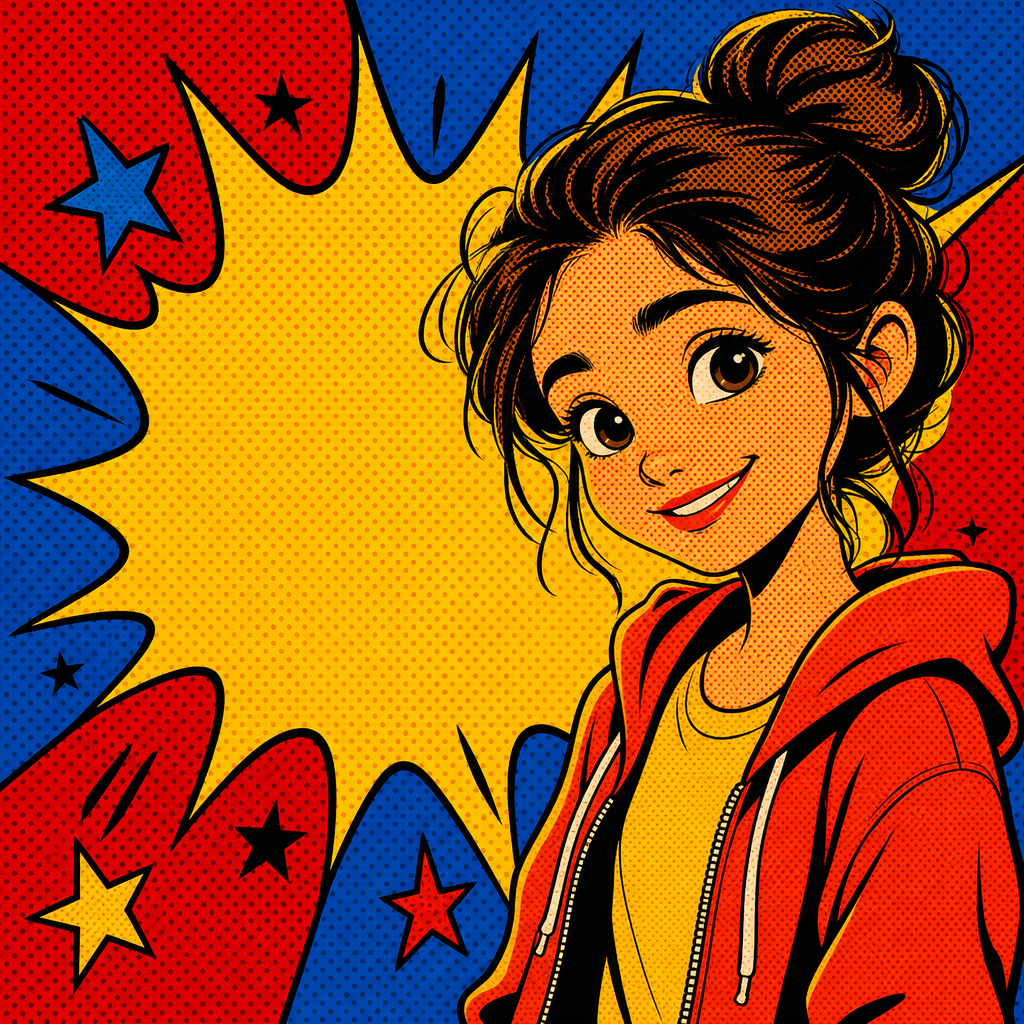
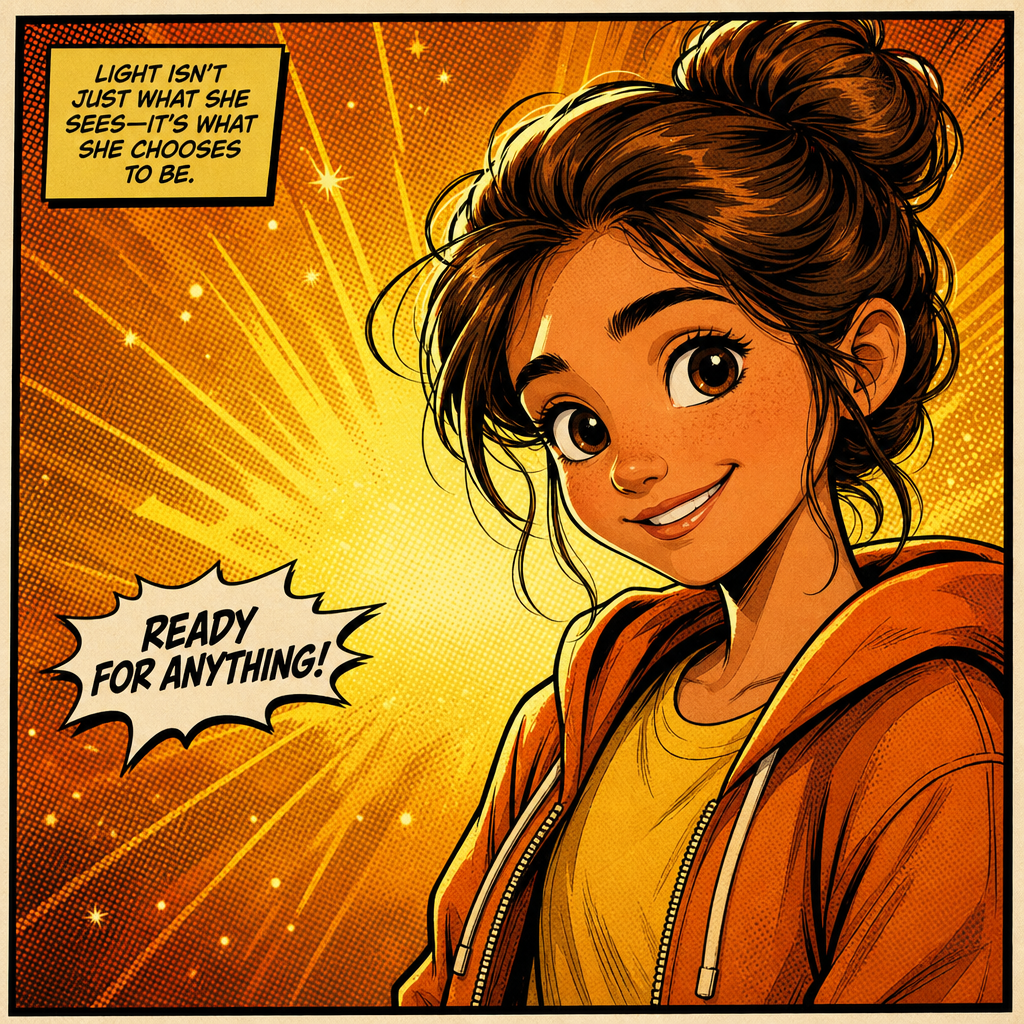
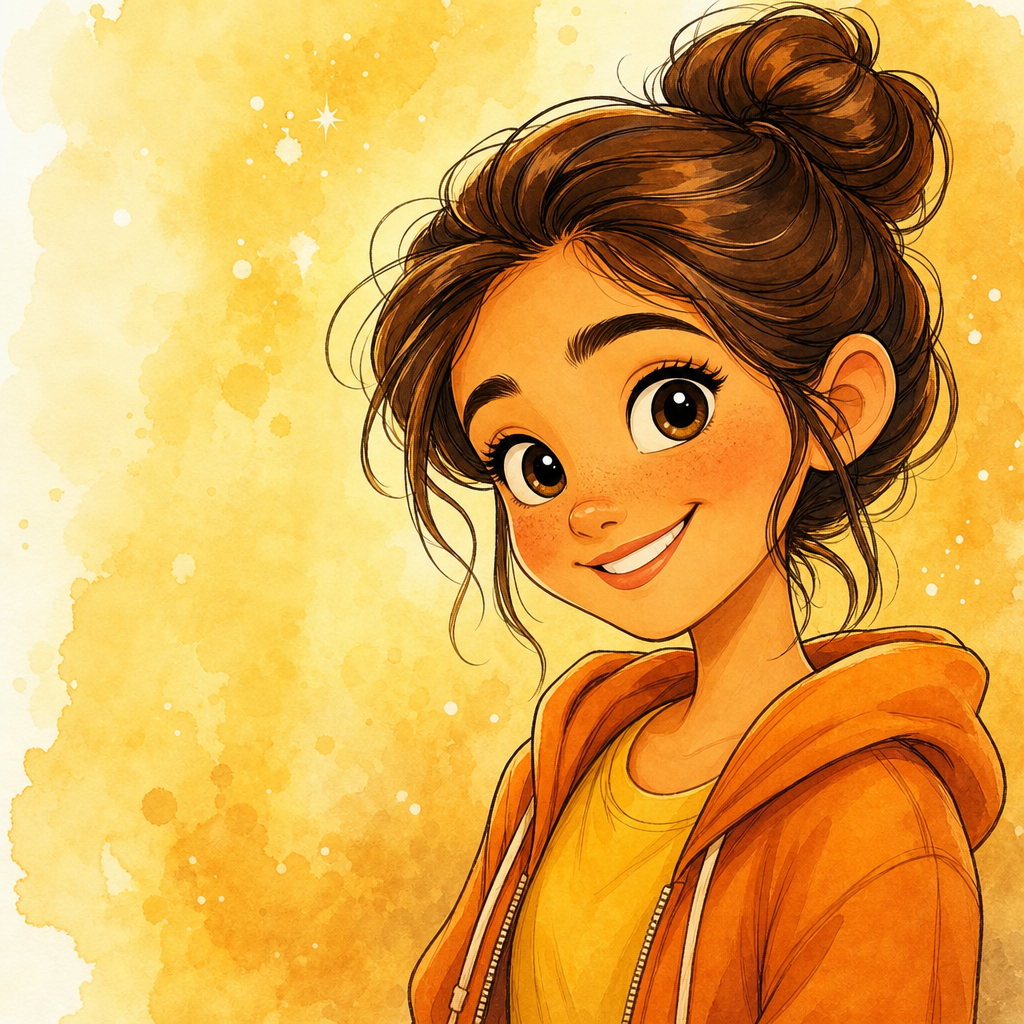

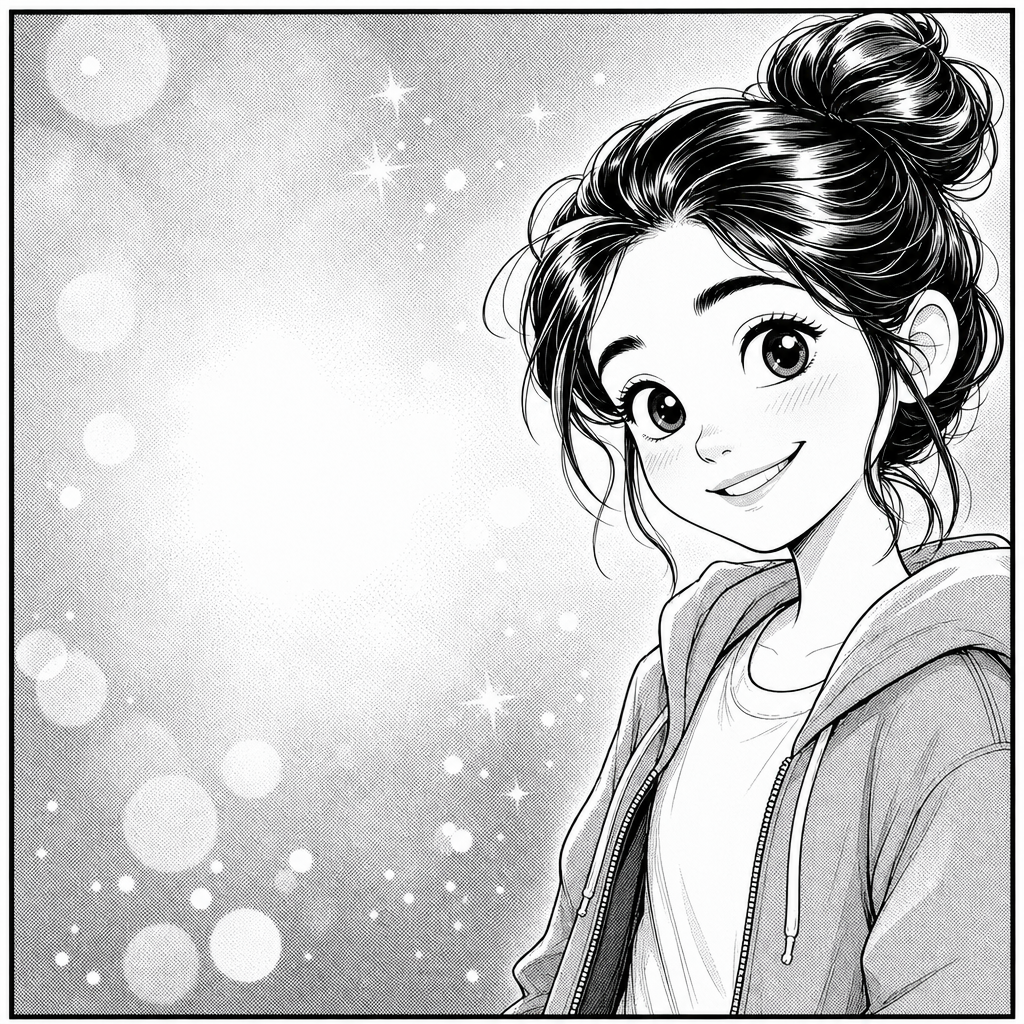
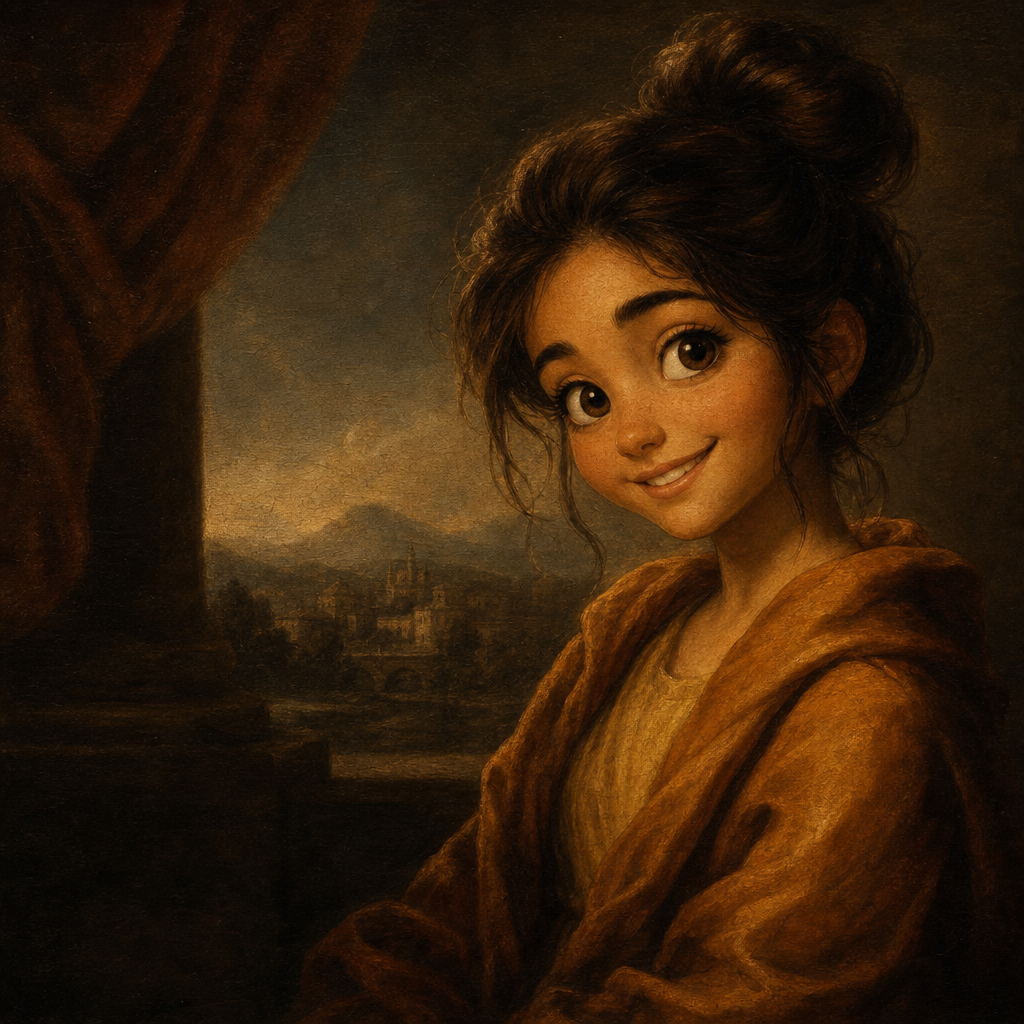
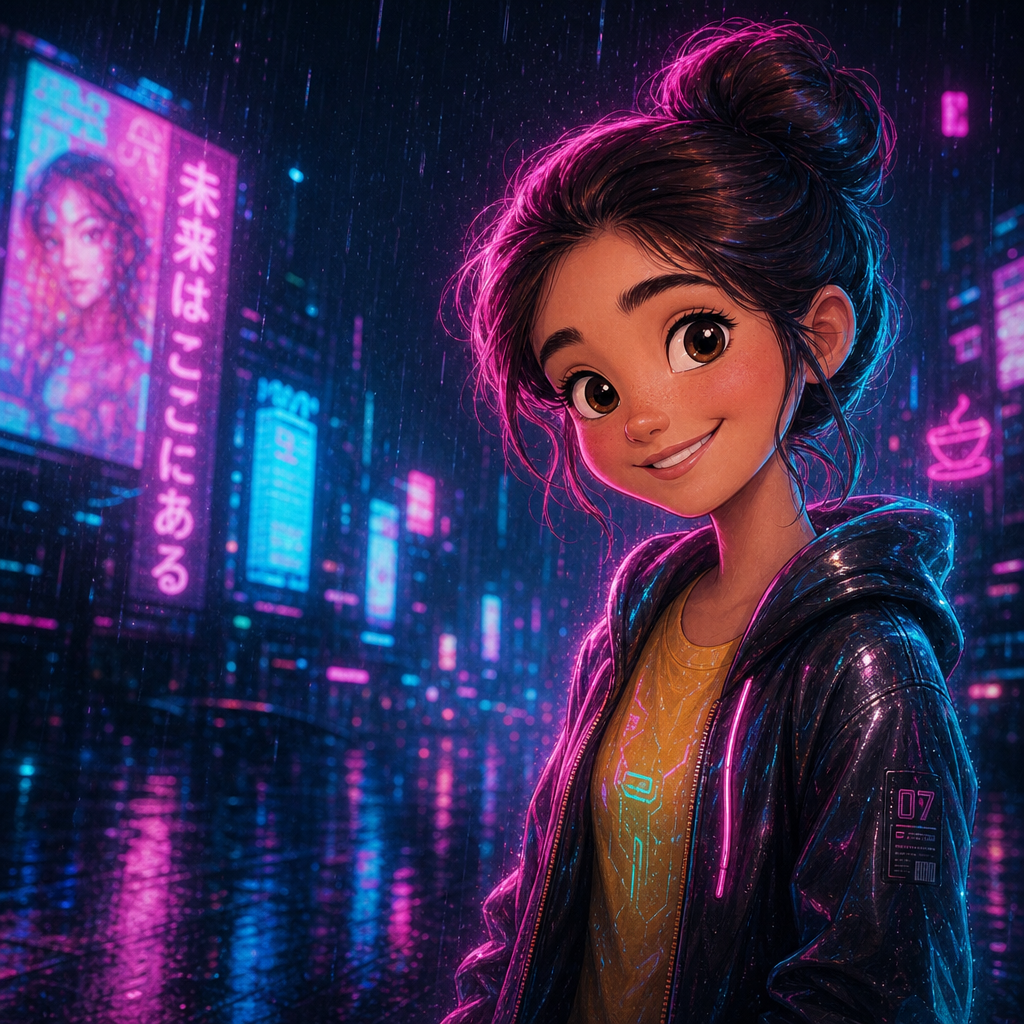
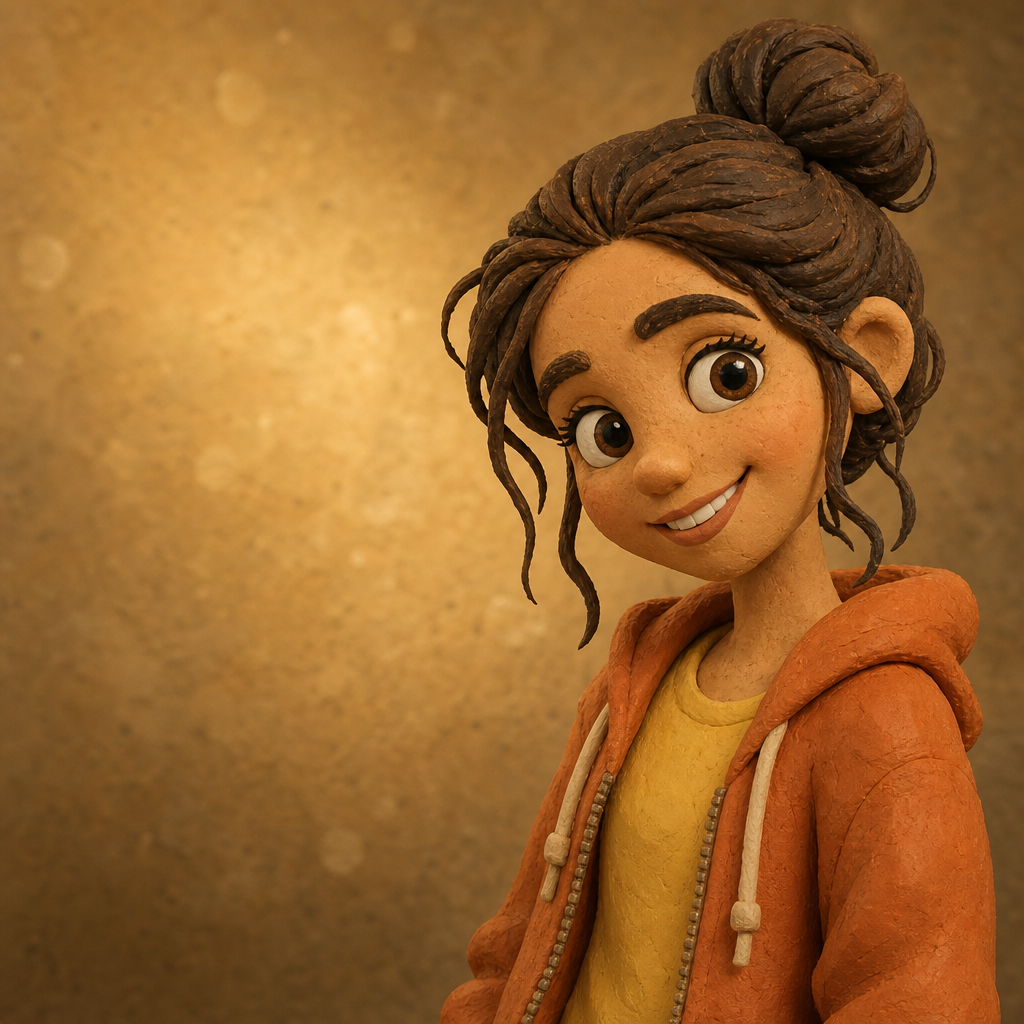
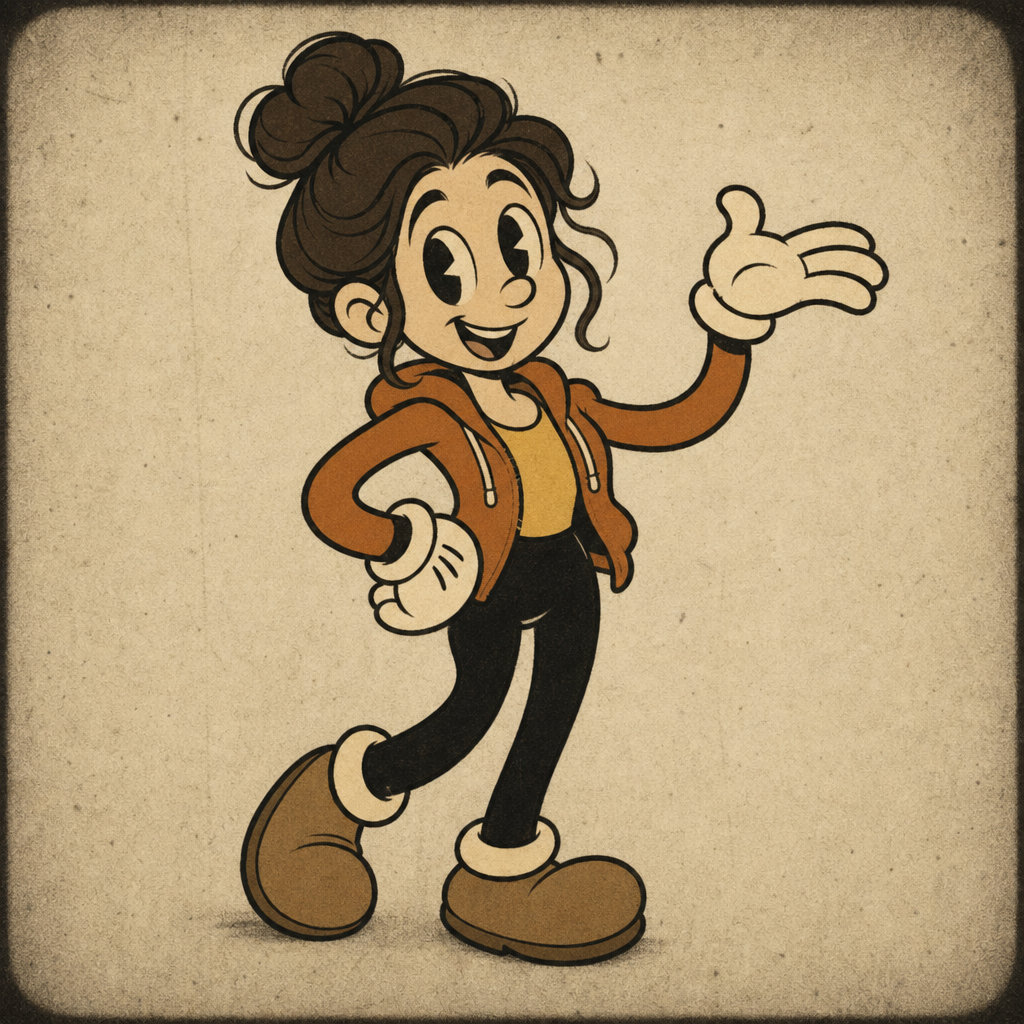
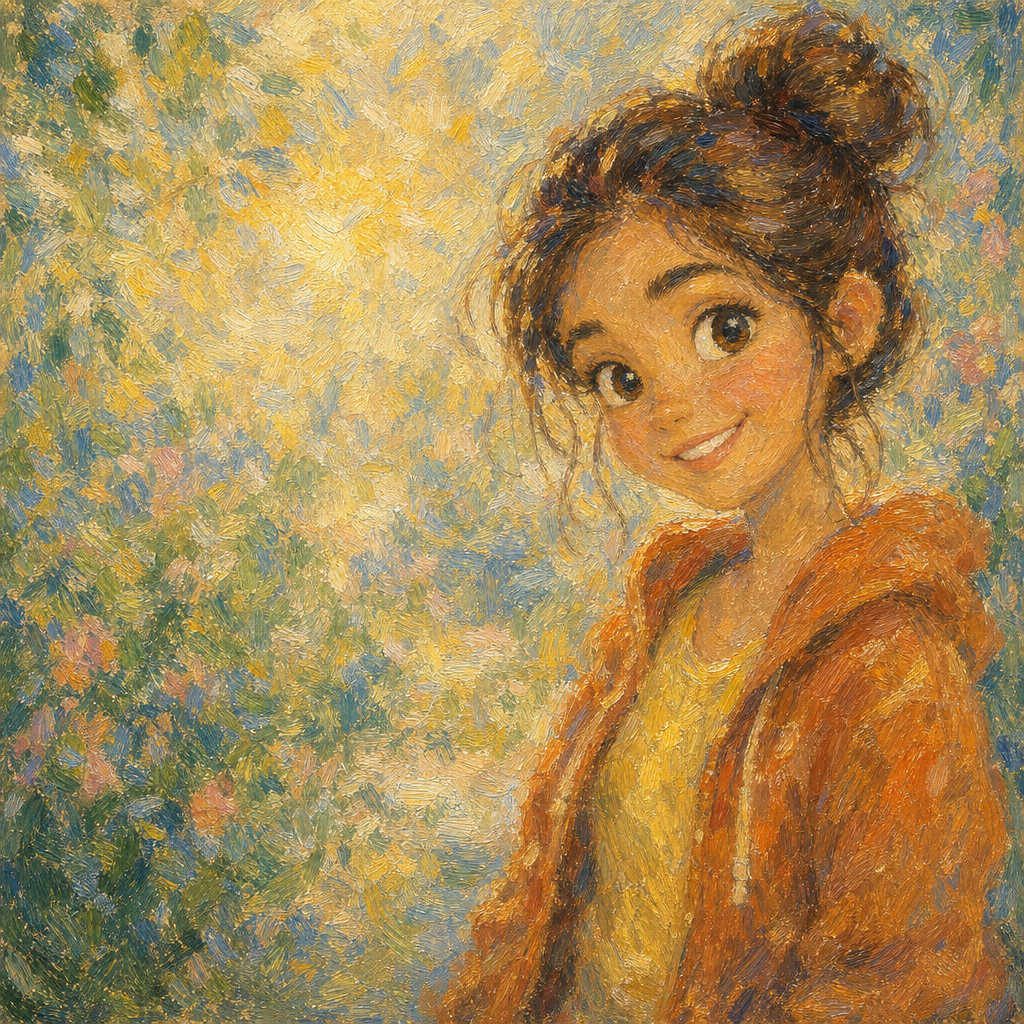
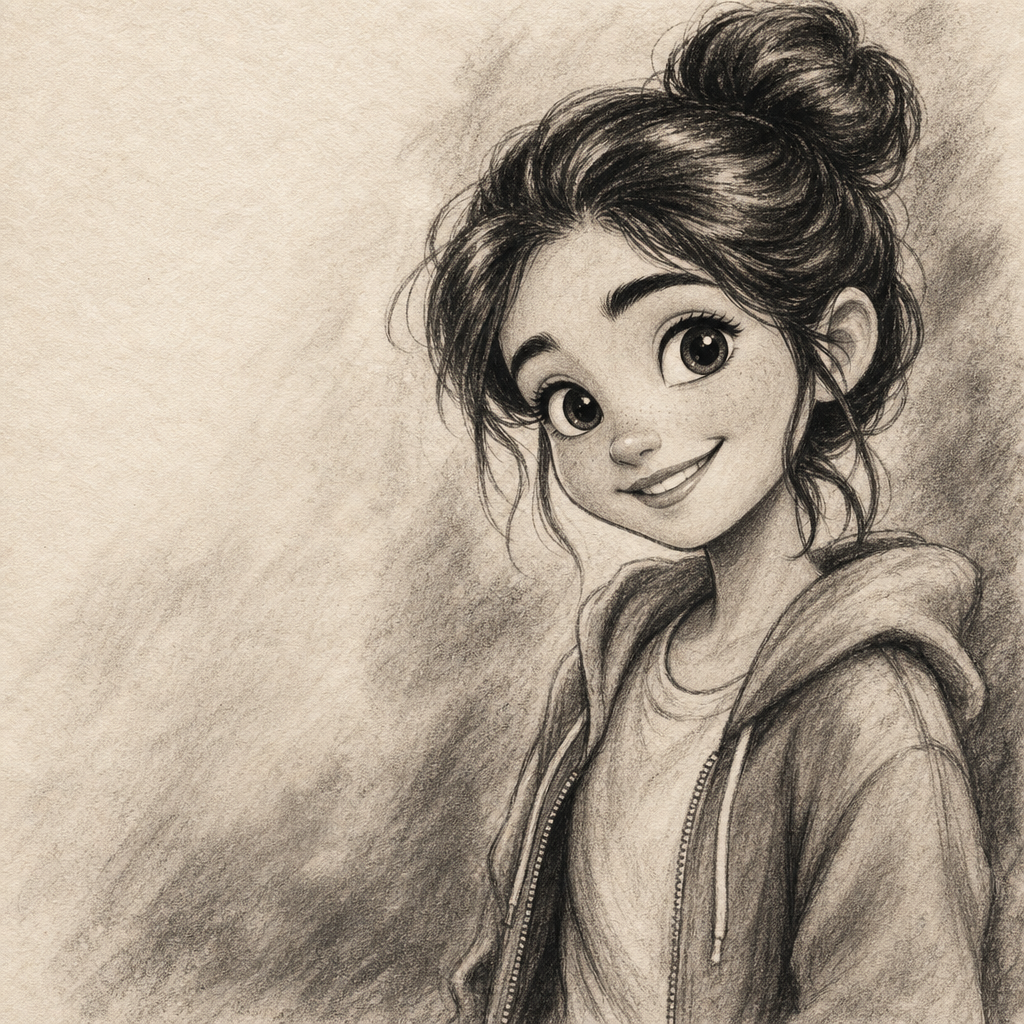
Gothic Portrait from Photo
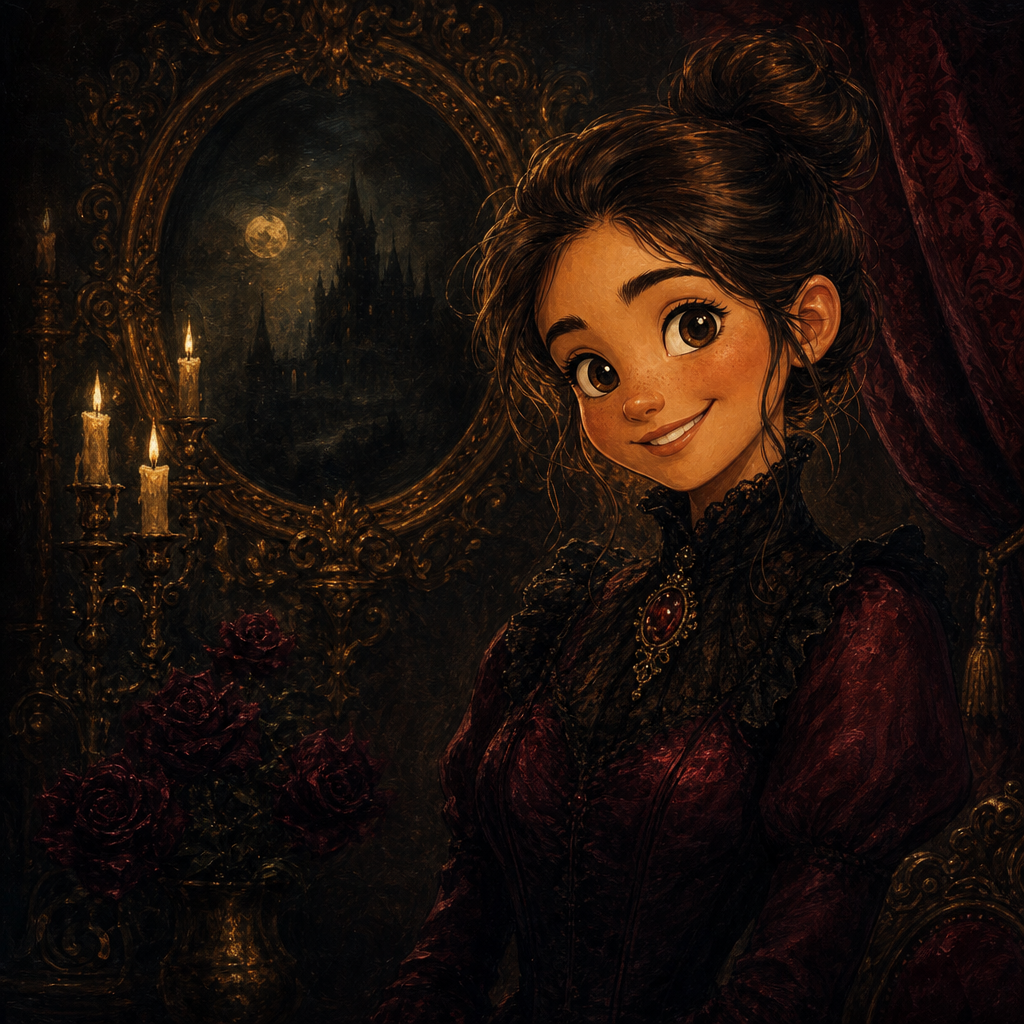
Gothic portrait from photo, rendered in the dark Victorian painting tradition — rich deep-jewel-tone palette, dramatic baroque chiaroscuro, ornate background atmosphere, and the kind of weighty oil-on-canvas finish that anchors a wall and rewards repeated looking. PicCanvas takes the photo you already have and turns it into the kind of statement portrait that lands as gallery art, occult-aesthetic decor, themed wedding gifts, and the type of distinctive print that signals deliberate taste.
The interaction is intentionally small. You upload a photo, you tap the Gothic tile, and a preview lands in seconds. The medium loves portrait inputs with strong directional light — indoor lamp light, dramatic shadow play, or the kind of moody atmosphere that's already there in the photo. If the first take is close but you want the lighting more dramatic or the palette darker, hit Try again to advance to a higher quality tier. When the preview matches the museum-grade dark portrait you imagined, click Looks good and the HD download is yours.
Gothic is the pick when you want weight, drama, and deliberate aesthetic. Use it for themed wedding portraits, occult-aesthetic merch, dark-academia profile pictures, statement gallery prints, themed restaurant and bar decor, music album covers, and the kind of art that signals a specific subcultural taste. For brighter classical painting go with Renaissance; for soft impressionism go with Impressionist; for cyberpunk-future-noir go with Cyberpunk. The Gothic lane is for Victorian darkness.
How it works
- Upload your photo— Any JPG or PNG works. Gothic renders best on portraits with directional light — indoor lamp light, dramatic single-source illumination, or the kind of moody atmosphere already present in the photo.
- Pick Gothic— Tap the Gothic tile. The thumbnail shows a real Gothic-style output so the palette and atmosphere are visible up front.
- Iterate to refine— Each preview takes a few seconds. Hit Try again to advance through quality tiers — useful when you want richer chiaroscuro contrast, denser baroque background, or a darker overall palette.
- Download HD— Click Looks good and we render the final at full resolution. Sized for canvas printing, framed wall art, music covers, and statement decor pieces.
Use cases
Dark-themed wedding and engagement portraits
Goth weddings, occult-aesthetic ceremonies, dark-romantic engagement shoots — Gothic-style portraits of the couple, printed on canvas and framed in heavy dark wood, land the right register without feeling costume.
Dark-academia profile pictures and brand work
Gothic portraits work especially well on dark-academia adjacent platforms — booktok creator profiles, dark-literary brands, niche academic-leaning publications and podcasts.
Music album and concert art
Metal, doom, dark-folk, gothic-rock, and dark-electronic releases benefit from Gothic-style cover art. Album, concert poster, merch — same aesthetic family.
Themed restaurant and bar wall portraits
Gothic portraits of owners, founders, fictional regulars, or themed characters, framed and hung in speakeasy bars, dark-cocktail lounges, or themed restaurants, lend the curated-dark-aesthetic decor energy that high-end hospitality designers source.
Halloween and seasonal art
Personalized Gothic portraits for Halloween cards, seasonal social posts, and themed party graphics. More distinctive than generic Halloween art, more wearable than costume photography.
Niche merch and convention art
Gothic portrait prints sell well at horror conventions, dark-arts markets, alternative-fashion meetups, and niche subcultural events. The aesthetic has a built-in audience.
Frequently asked questions
- How does the gothic portrait from photo generator handle likeness?
- Face structure, hairstyle, and expression are preserved while the lighting, atmosphere, and color palette shift to Gothic Victorian conventions. The output reads as the same person rendered in a dark-jewel-tone setting.
- What does the background look like?
- By default the model renders ornate baroque background atmosphere — dark drapery cues, period-appropriate texture, dramatic shadow falloff. The subject stays sharp in the foreground.
- How dark is the palette?
- Deep jewel tones — burgundy, forest green, midnight purple, gold accents — against dramatic shadow. The lane leans into Victorian-gothic-painting palette restraint rather than letting brightness creep in. If you want lighter painted work, use Renaissance or Oil Painting instead.
- Can I print Gothic outputs on canvas?
- Yes — that is one of the most common uses. The HD download prints cleanly on canvas up to roughly 24 by 36 inches and looks especially good in a heavy dark-wood or wrought-iron frame.
- Does Gothic work on group photos?
- Yes for groups of two to three with clear faces. The dramatic lighting and detailed background can lose facial detail in larger groups; for those, prefer single-subject portraits or tighter crops.
- How is Gothic different from Renaissance?
- Renaissance leans 15th- and 16th-century Italian painting — earth-tone palette, sfumato edges, formal Italian pose. Gothic leans 19th-century Victorian — darker jewel-tone palette, baroque ornament, more dramatic chiaroscuro. Pick Renaissance for old-master gravitas; pick Gothic for Victorian darkness.
- How long does generation take?
- The first preview lands within a few seconds. Each iteration takes a similar amount of time. The final HD render takes a little longer because it runs at full resolution.