






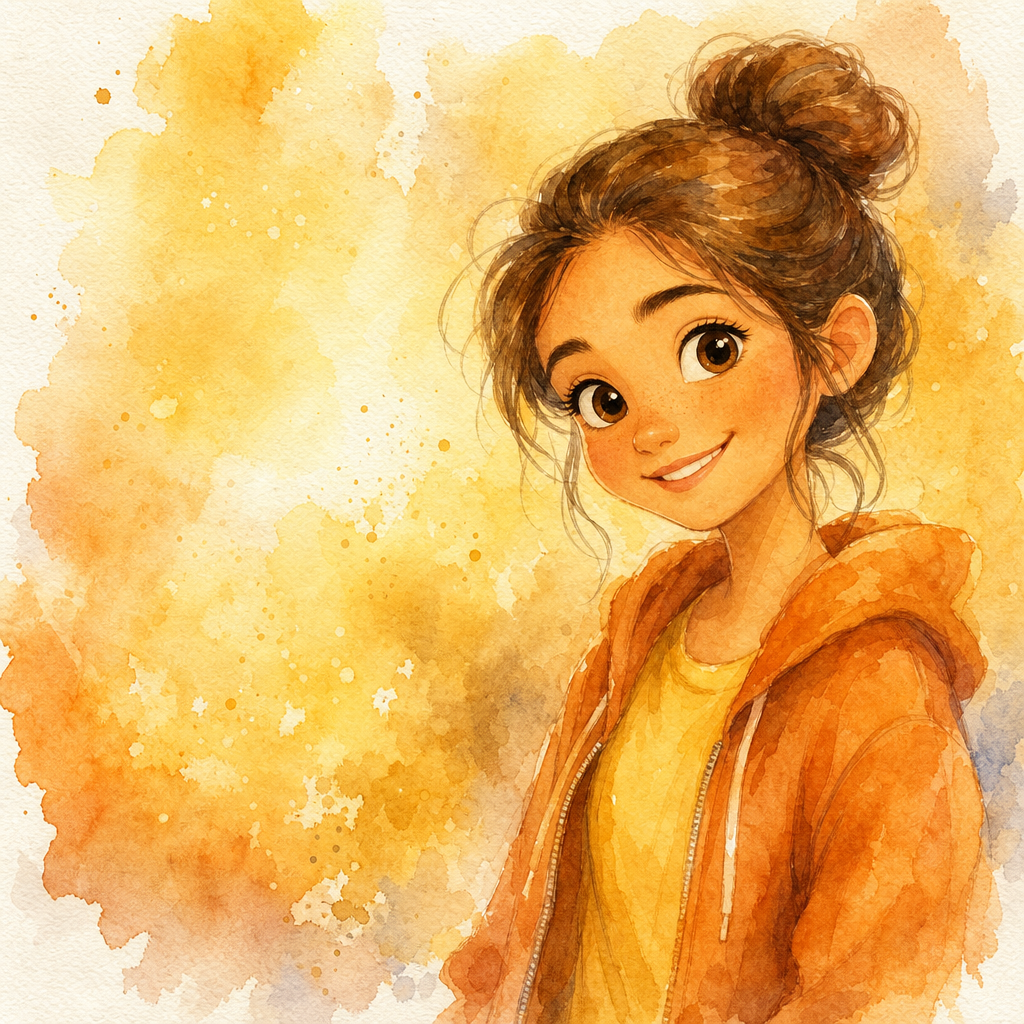











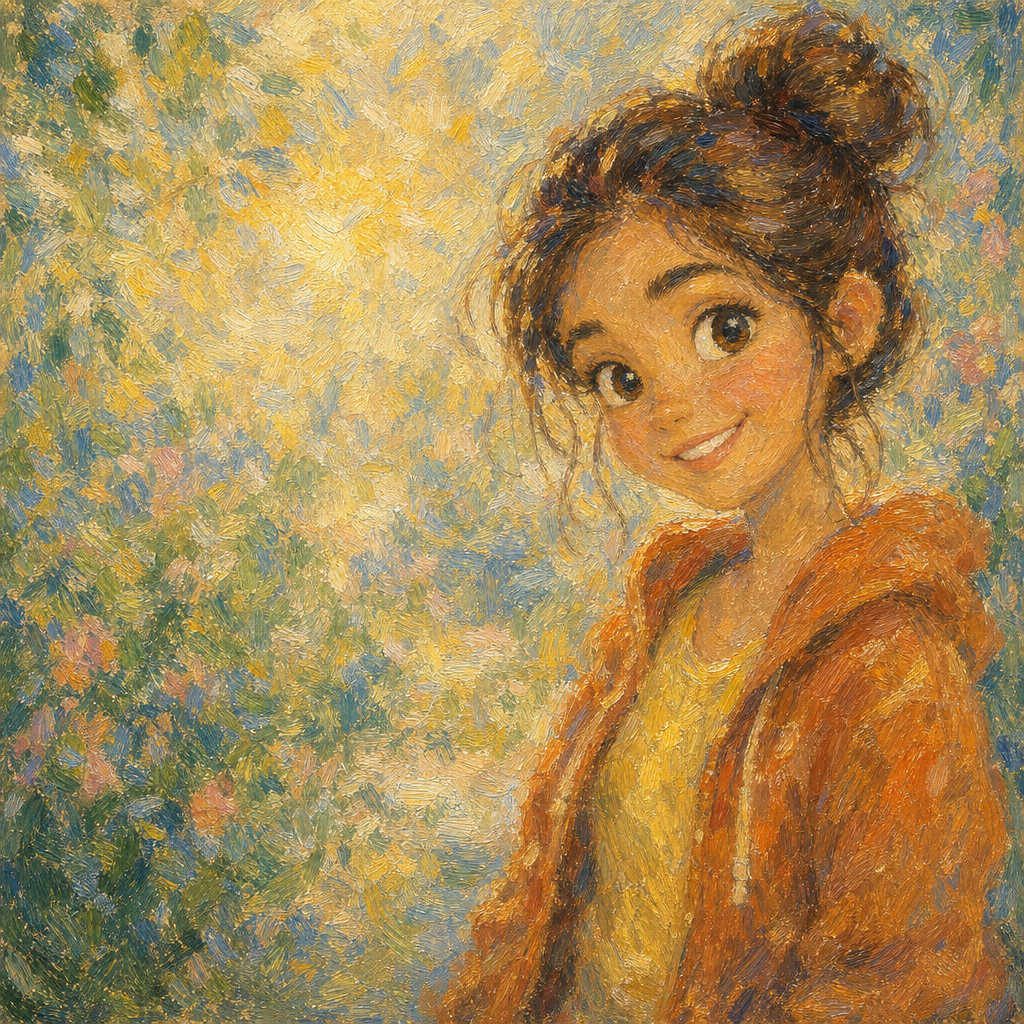
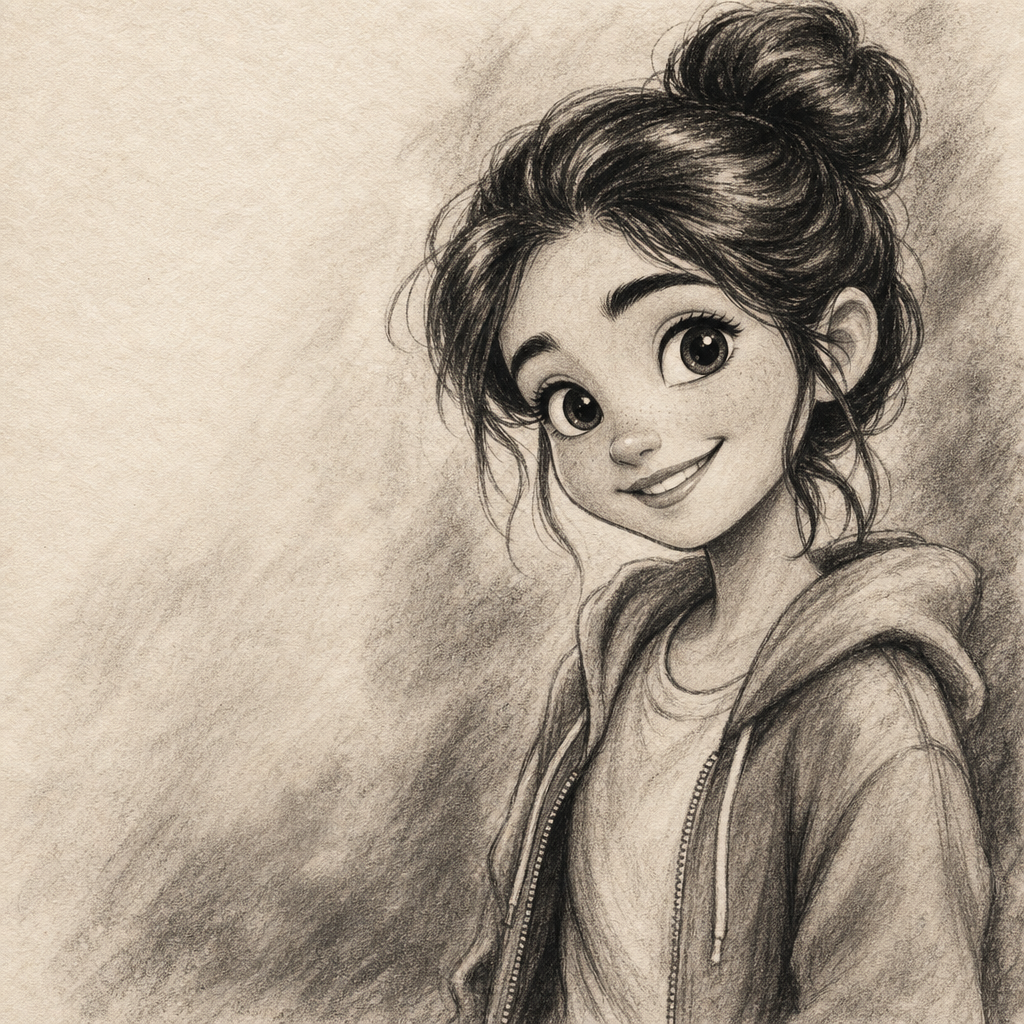
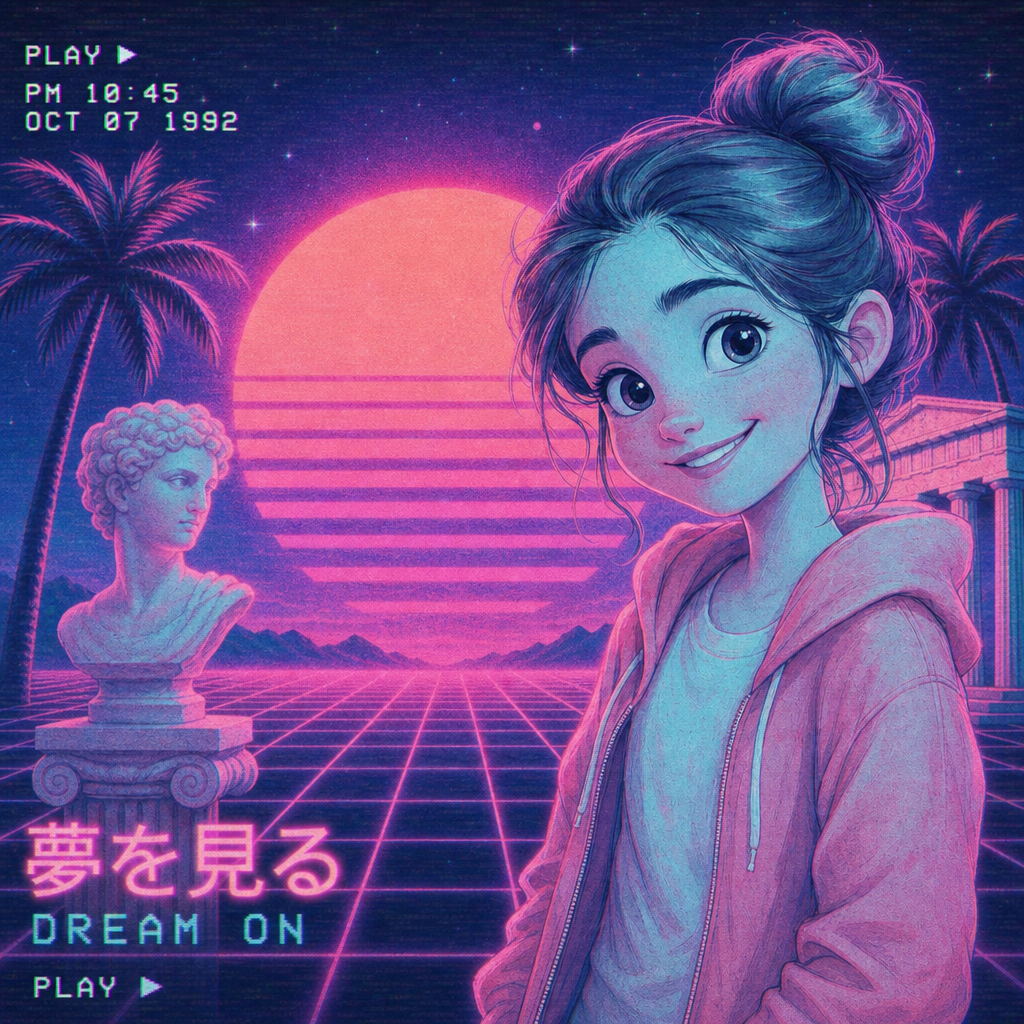
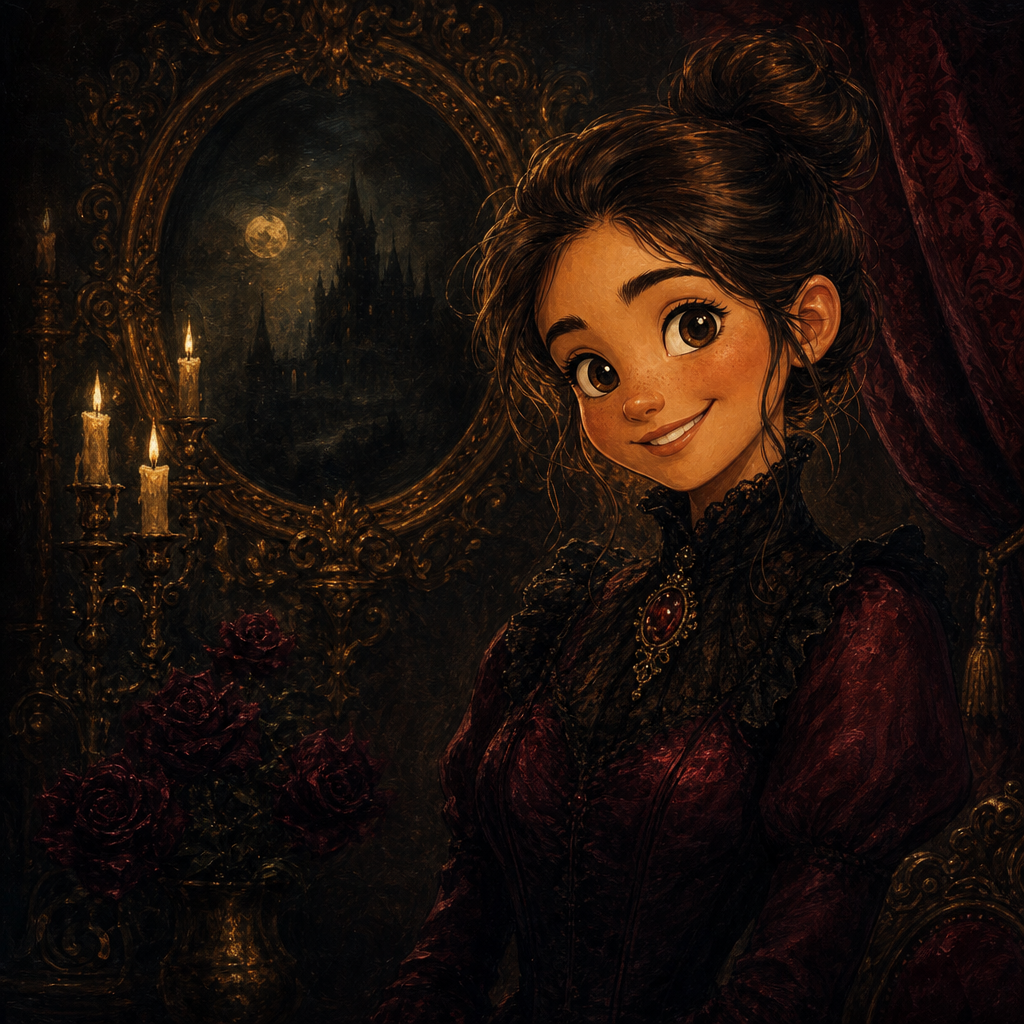
Impressionist Portrait from Photo
Impressionist portrait from photo, rendered in the broken-color brushwork tradition that Monet, Renoir, and the rest of the 1870s Paris movement built into the most-loved chapter in painting history. PicCanvas takes the photo you already have — a portrait, a candid, a family shot, a pet — and gives it the soft outdoor light, dabs of pure pigment, and impressionistic edges that define the movement. The output reads as a real painting study, not a heavy-handed filter.
The interaction stays out of the way. You upload a photo, you tap the Impressionist tile, and a preview lands in seconds. Impressionism is naturally forgiving on input because the brushwork breaks detail into colored marks — busy backgrounds dissolve into broken color, harsh lighting becomes painterly atmosphere, and most photographic flaws disappear into the medium. If you want a different take on the rendering, hit Try again to advance to a higher quality tier. When the preview matches the museum-piece feel you imagined, click Looks good and the HD download is yours.
Impressionist is the pick when you want soft, painterly, and quietly serious. Use it for living-room art that anchors a wall, milestone gifts that feel deliberate, anniversary keepsakes, framed portraits of pets, and the kind of art that quietly says someone thought about it. For sharper realism go with Oil Painting; for historical-painting weight go with Renaissance; for soft watercolor airiness go with Watercolor. The Impressionist lane is the choice when you want the brushwork to do the speaking.
How it works
- Upload your photo— Any JPG or PNG works. Impressionist style renders best on portraits with natural light — outdoor golden-hour, window light, or overcast garden settings translate especially well because they match the movement's outdoor-painting roots.
- Pick Impressionist— Tap the Impressionist tile. The thumbnail shows a real impressionist-style output so the brushwork and palette are visible before you commit.
- Iterate to refine— Each preview takes a few seconds. Hit Try again to advance through quality tiers — useful when the first pass has the right palette but you want more pronounced brushwork or a slightly softer atmosphere.
- Download HD— Click Looks good and we render the final at full resolution. Sized for canvas printing, framed gallery wraps, and the kind of museum-feel display piece that holds a wall.
Use cases
Living-room wall art that anchors the room
An impressionist portrait of a family member or pet, printed on canvas and framed in something simple, becomes the kind of art that quietly takes a wall. Reads as deliberate rather than printed.
Anniversary and milestone gifts
Impressionism translates anniversary moments with the right softness — neither too literal nor too abstract. A Monet-style canvas of a couple from a quiet shared moment lands as a real keepsake.
Pet portraits with garden light
Dogs in tall grass, cats by sunlit windows, horses in a paddock — impressionist style renders pet portraits with a softness that flat photography can never quite match.
Memorial portraits with painterly grace
Impressionist memorial portraits, framed simply, handle grief gracefully. The medium softens what could feel clinical and gives families something to display that feels honored.
Garden and outdoor-event keepsakes
A wedding-day garden moment, a vacation photo from a vineyard, a candid from a park afternoon — impressionism gives these scenes painted weight in a way a print never can.
Small-shop fine-art commissions
Impressionist portrait commissions go for $300-800 from boardwalk painters. PicCanvas delivers the same finish for the cost of a single pack, ready to print on canvas.
Frequently asked questions
- How does the impressionist portrait from photo generator handle likeness?
- Face shape, hairstyle, and expression are preserved while the rendering shifts to impressionist brushwork. The output reads as the same person painted in the 1870s Paris tradition — recognizable but softened into broken color.
- Does the output have visible brushwork or look like a smoothed filter?
- Visible brushwork. The model produces actual broken-color dabs, painterly edge treatment, and the dappled light handling that defines impressionism. It is not the over-saturated filter pass common to one-click apps.
- Will my portrait look like a Monet or a Renoir specifically?
- It leans into the same broad impressionist tradition — soft outdoor light, broken color, pastel-warm palette. It will not look like a specific historical painting; it will look like an impressionist interpretation of your photo.
- Can I print impressionist outputs on canvas?
- Yes — that is the most common use. The HD download prints cleanly on canvas up to roughly 24 by 36 inches and looks especially good in a thin gold or natural-wood frame.
- How is impressionist different from watercolor?
- Watercolor is translucent washes with soft pigment bleeds — the medium favors atmosphere over detail. Impressionism is opaque oil brushwork in broken color — the medium favors light and color over precise form. Pick watercolor for warmth and softness; pick impressionist for painted weight.
- Does impressionist work on group photos?
- Yes for groups of two to four with clear faces. Larger groups lose facial detail because the brushwork inherently softens features; for those, prefer tighter crops or single-subject portraits.
- How long does generation take?
- The first preview lands within a few seconds. Each iteration takes a similar amount of time. The final HD render takes a little longer because it runs at full resolution.