
Dating Photo Enhancer
Dating photo enhancer for the photo you already have. PicCanvas takes one real photo of you and refines the things that actually move the needle on a dating profile — lighting, background, outfit cohesion, framing, expression rendering — without altering who you are. Your face, facial structure, ethnicity, age, and gender are preserved exactly. The photo you upload is still you, just at its best.
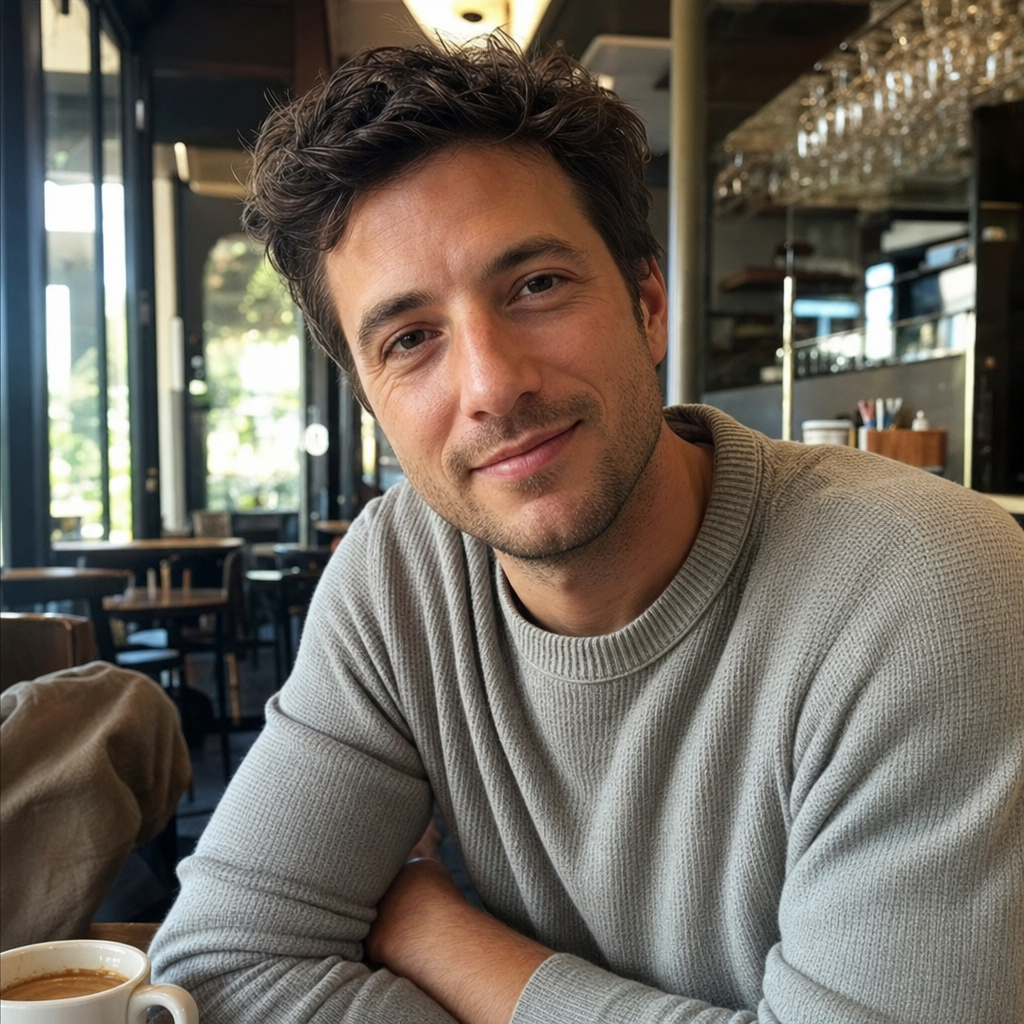
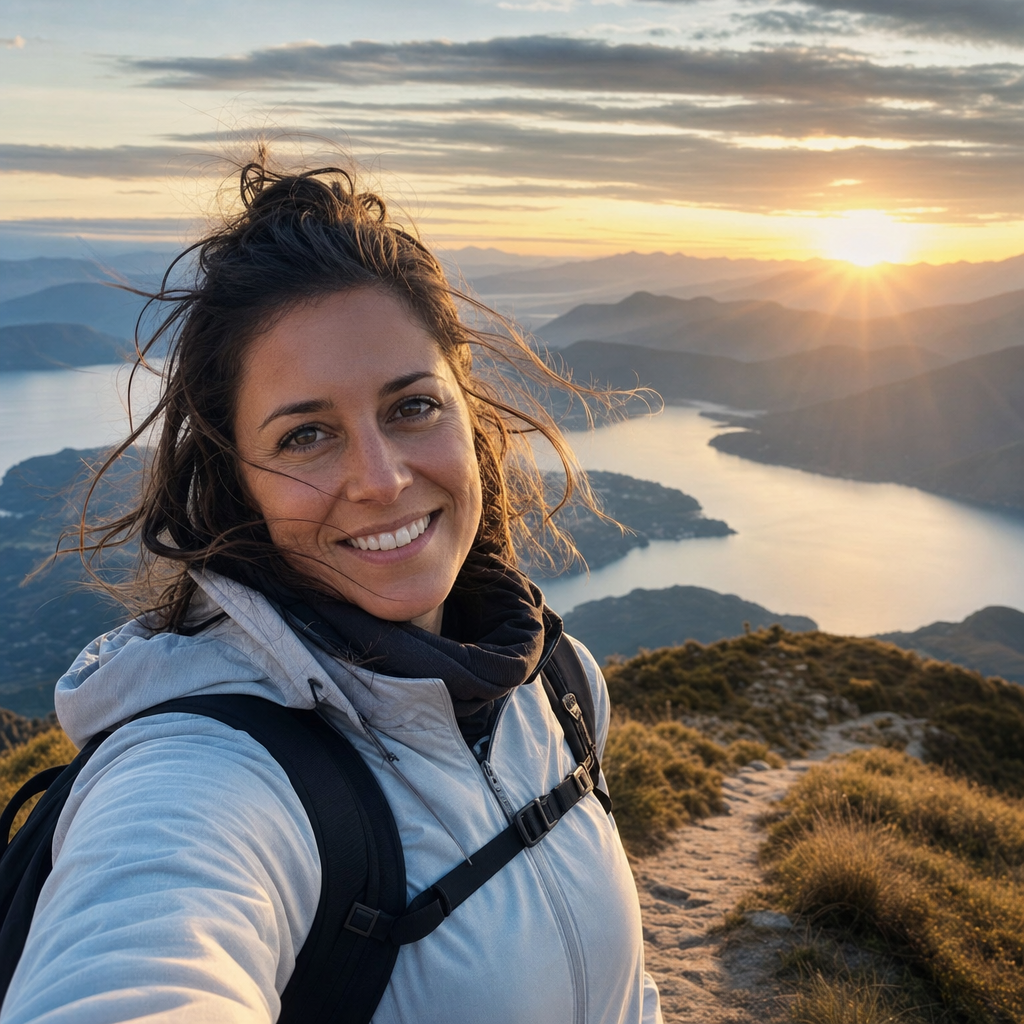
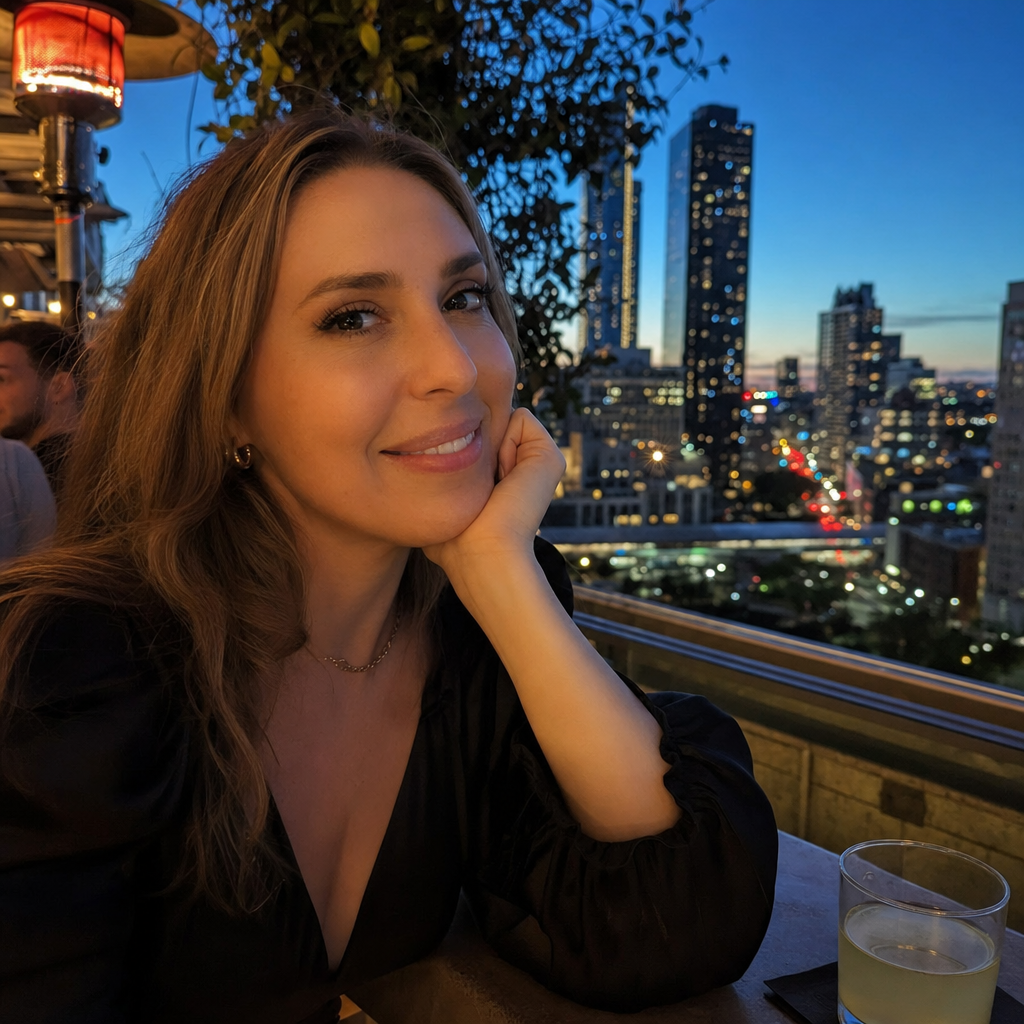
This lane is built around three variants tuned to the contexts where dating profiles are decided: Casual for indoor daytime warmth, Adventurous for outdoor active personality, Night Out for evening urban energy. Pick the one that matches the version of yourself you want the primary photo to convey. The interaction is the same across PicCanvas — upload, pick a variant, iterate, download HD.
The framing matters. This is photo enhancement, not photo generation. Bumble and Tinder both prohibit AI-generated photos and we agree with that — a profile photo that is not actually you sets up a worse first date for everyone involved. PicCanvas does the opposite: it amplifies the real photo you uploaded so the signal that already exists comes through cleaner. The lighting that was muddy gets evened out. The background that was distracting gets cleaned up. The outfit reads as more cohesive. The version of you in the photo is the same version that walks into the first coffee — just photographed under better conditions.
Three variants, no fluff. Pick Casual if you want the photo to feel everyday and warm. Pick Adventurous if you want the photo to communicate that you have hobbies and a life outdoors. Pick Night Out if you want the photo to read as someone who actually goes out. Most users end up running their best source photo through two or three variants for a profile lineup that does not feel one-note.
How it works
- Upload your photo— Any clear, well-lit photo of you facing roughly toward the camera. The enhancer needs the source to work from — your face, expression, and body shape come from your upload. Files stay private and auto-delete after 24 hours.
- Pick a variant— Three tiles. Casual for indoor daytime warmth, Adventurous for outdoor active backdrops, Night Out for urban evening energy. Each tile shows a real example. Pick whichever matches the photo's intended use on the profile.
- Iterate to refine— First preview drops in seconds. Hit Try again to see another take on the same variant — sometimes a slightly different background, sometimes a refined lighting balance, sometimes a tighter framing. Iteration is included in a single generation.
- Download HD— When the preview looks like a photo you would put on the profile, click Looks good. We render the final at full resolution and return a signed download link sized for upload to any dating app.
Use cases
Primary profile photo on Hinge, Bumble, or Tinder
The first photo carries most of the swipe weight. A version of your real photo with cleaner lighting and a less cluttered background performs measurably better than the same photo unedited.
Lineup variety across three or four photos
Profiles read better when the photos do not all look like they were taken on the same afternoon. Run one source through Casual, Adventurous, and Night Out for a lineup that signals range without faking different days.
The replacement for the bad bathroom-mirror selfie
Most profiles still have the bathroom-mirror selfie problem — bad fluorescent light, cluttered counter, terrible angle. The enhancer takes that photo and gives you back the version you wished you had taken to begin with.
Profile refresh without a new photo shoot
If you do not have time or money for a new photo shoot but the current profile is stale, refreshing the existing photos through different variants gives the profile a new look without anyone having to take a new picture.
First-impression photo for a paid dating service
Paid matchmaking and concierge dating services typically require a clean primary photo. The HD download from any variant works for those services as well as for app uploads.
Frequently asked questions
- Is this AI-generated photos for dating apps?
- No. This is photo enhancement, not generation. The enhancer starts from your real photo and refines lighting, background, outfit cohesion, and styling. Your face, facial structure, ethnicity, age, and gender are preserved exactly. Bumble and Tinder both prohibit AI-generated photos — that is not what this lane does.
- Will the enhanced photo still look like me?
- Yes. The whole point is that it looks like you. Identity is preserved completely; what changes is the lighting, the background, the wardrobe rendering, and the overall photographic quality. The person in the photo is unmistakably the person who uploaded it.
- Which variant should I pick first?
- Casual is the safest default for a primary photo because it reads as everyday and warm without trying too hard. Adventurous works well as a second or third photo to add personality. Night Out works well for the photo that signals you have a social life. Most users run two or three variants for a profile lineup.
- How is this different from a photo filter?
- A filter applies a global tonal change. This is full photographic re-rendering — the lighting, background, outfit cohesion, and framing are all re-generated based on your source photo. The output is a different photograph of you, not a tinted version of the original.
- Can I use the output on Hinge, Bumble, and Tinder?
- Yes — the output is an enhanced version of your real photo, not a synthetic image. As long as the source photo is genuinely you, the output respects each platform's terms. We deliberately built the lane this way.
- What kind of source photo works best?
- A clear, in-focus photo where your face is visible, you are looking roughly at the camera, and the lighting is at least decent. Good source quality leads to better enhancement; the model amplifies what is there rather than rebuilding from scratch.
- Does each pack include all three variants?
- A pack is a fixed number of images — 4 in Starter, 10 in Popular, 25 in Bulk. You can run any combination of variants within a pack. A common pattern is one source photo through all three variants for an instant three-photo lineup.
- Are my uploads private?
- Yes. Originals land in a private bucket with a 24-hour automatic delete. Outputs live behind a CDN during your session. We do not retain your photos beyond what is needed to enhance them.