

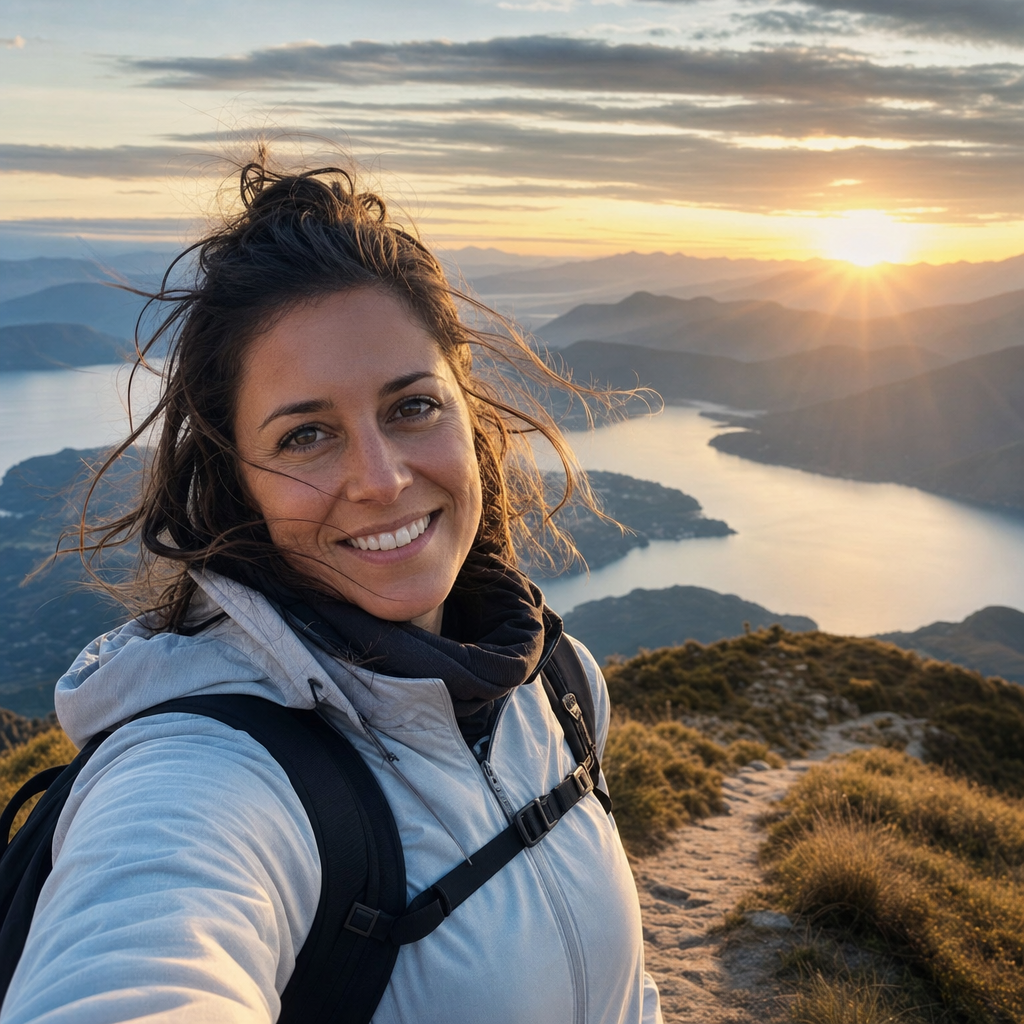
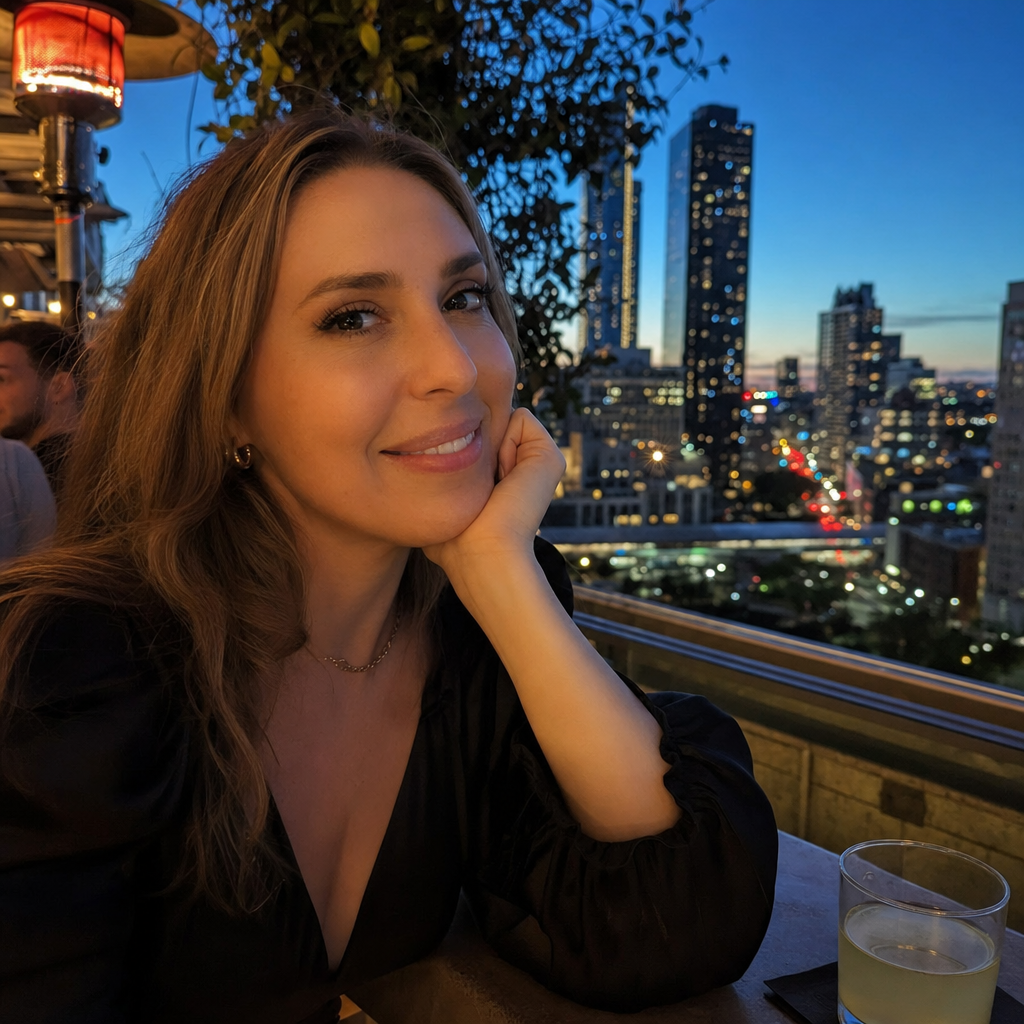
Casual Dating Profile Photo
Casual dating profile photo enhancer for the everyday version of you. The Casual variant takes one real photo you have already and re-renders it with the kind of soft natural window light, low-key indoor framing, and approachable wardrobe styling that reads as relaxed rather than staged. The setting renders as a coffee shop, a bookstore, a sunlit kitchen, a café table by a window — somewhere you would actually be on a Saturday morning. Your face, facial structure, ethnicity, age, and gender are preserved exactly. The point is that the photo finally looks like you on a good day.
This variant is the safest default for a primary profile photo. Profiles that try too hard tend to underperform — the polished studio shot reads as suspicious, the over-stylized outdoor shot reads as overcompensating. The Casual variant lands in the middle: it looks like you took a deliberate but not overproduced photo on a slow weekend afternoon. That is the photo that gets right swipes from people who actually want to meet someone real.
What the Casual variant produces, specifically: soft directional natural light from a window or open doorway, neutral warm color rendering (no heavy filters, no orange-and-teal grading), an indoor or near-indoor background that reads as casually inhabited rather than purpose-built, and a wardrobe rendered as something you would wear on a normal day — a clean t-shirt, a soft button-up, a sweater, a relaxed sweatshirt. Expression is kept close to whatever the source photo had, with light correction so it lands warmer rather than tense. The rendering preserves every detail of your face — pores, freckles, wrinkles, glasses, beard or no beard, hair texture — exactly as they appear in the source.
The Casual variant is the right pick if your goal is the primary photo on a profile. It is also a strong second photo when paired with Adventurous or Night Out, because the contrast between everyday-warm and either active-outdoor or evening-urban tells a more complete story than three variations of the same setting.
How it works
- Upload your photo— A clear photo of you with decent lighting works best — even a phone selfie taken near a window. The enhancer reads your face, expression, and body shape from the source, then re-renders the lighting, background, and outfit cohesion.
- Pick a variant— You are on Casual. The example tile shows the variant's natural-light indoor framing. Pick Adventurous instead for outdoor active backdrops, or Night Out for urban evening energy.
- Iterate to refine— First preview drops in seconds. Try again advances quality and explores a slightly different take — sometimes a different indoor backdrop within the casual range, sometimes a slightly warmer light, sometimes a different wardrobe color in the same relaxed register.
- Download HD— Click Looks good once the preview reads as the everyday version of you at its best. We render the final at full resolution and return a signed download link sized for any dating app upload.
Use cases
Primary photo on Hinge
Hinge rewards photos that look like the person actually lives a life rather than poses for a camera. The Casual variant is tuned exactly for that — the opening photo that makes the rest of the profile feel honest.
Replacing a too-stiff studio headshot on Bumble
If your current Bumble photos look like LinkedIn took a wrong turn, the Casual variant gives you the warm everyday alternative that converts better in the dating context.
Soft refresh of an old profile photo
An older photo where you like your face but the background is busy, the lighting is bad, or the outfit is dated can be refreshed through the Casual variant without anyone having to take a new picture.
Anchor photo for a multi-variant profile
Use Casual as the first photo, then alternate with one of the more dynamic variants. The contrast makes the profile feel more like a real person than a single-mood mood board.
Conversational follow-up photo in chat
An enhanced casual photo also works as the follow-up photo you send when a match asks for another picture. It looks like you, just photographed well.
Frequently asked questions
- Will my face look exactly the same?
- Yes. The Casual variant preserves your face, facial structure, ethnicity, age, and gender exactly — what changes is the lighting, the background, the outfit rendering, and the overall photographic quality. Your features stay yours.
- What kind of background should I expect?
- Indoor casual settings — a coffee shop interior, a sunlit kitchen, a café table by a window, a bookshelf-lined room, a relaxed living space. The variant draws from settings that read as somewhere you would actually be on a normal day.
- Does the wardrobe change from my original photo?
- The variant renders the wardrobe as a clean casual outfit appropriate to the setting — a soft button-up, a fitted t-shirt, a casual sweater. The exact item is determined by the variant tuning, not your source photo's clothing. Your face and body proportions stay the same.
- Is this still allowed on Hinge, Bumble, and Tinder?
- Yes. This is photo enhancement, not generation — the output is a refined version of the real photo of you that you uploaded. Bumble and Tinder prohibit AI-generated photos that are not actually you, which is not what this is.
- What does the enhancer fix that I cannot fix manually?
- Lighting balance, background distractions, outfit cohesion, and overall photographic quality — things that would normally require either a re-shoot or hours of professional retouching. The variant does in seconds what a retoucher does in an hour, while keeping your face untouched.
- Can I run multiple iterations on the same variant?
- Yes. Each generation includes up to four iterations on the same variant, and the credit only decrements once. Use the iterations to find the take of Casual that lands best for your particular source photo.
- How does Casual differ from Adventurous?
- Casual is indoor-warm and everyday — coffee shop, sunlit kitchen, relaxed home. Adventurous is outdoor-active — hiking trail, beach, golden-hour scenic backdrop. Different signals for different parts of a profile lineup. Most users want at least one of each.