
AI Influencer Photos
AI influencer photos for the people who already shoot themselves on a phone and want the result to land closer to a magazine page than a blurry mirror selfie. PicCanvas is a photo enhancer, not a face generator: you upload a real photo of yourself, pick a variant, and get a cleaner, social-media-ready version of the same photo back. Your face, your features, your ethnicity, your age, your gender — all preserved exactly. What changes is the lighting, the backdrop, the wardrobe rendering, and the overall edit grade.
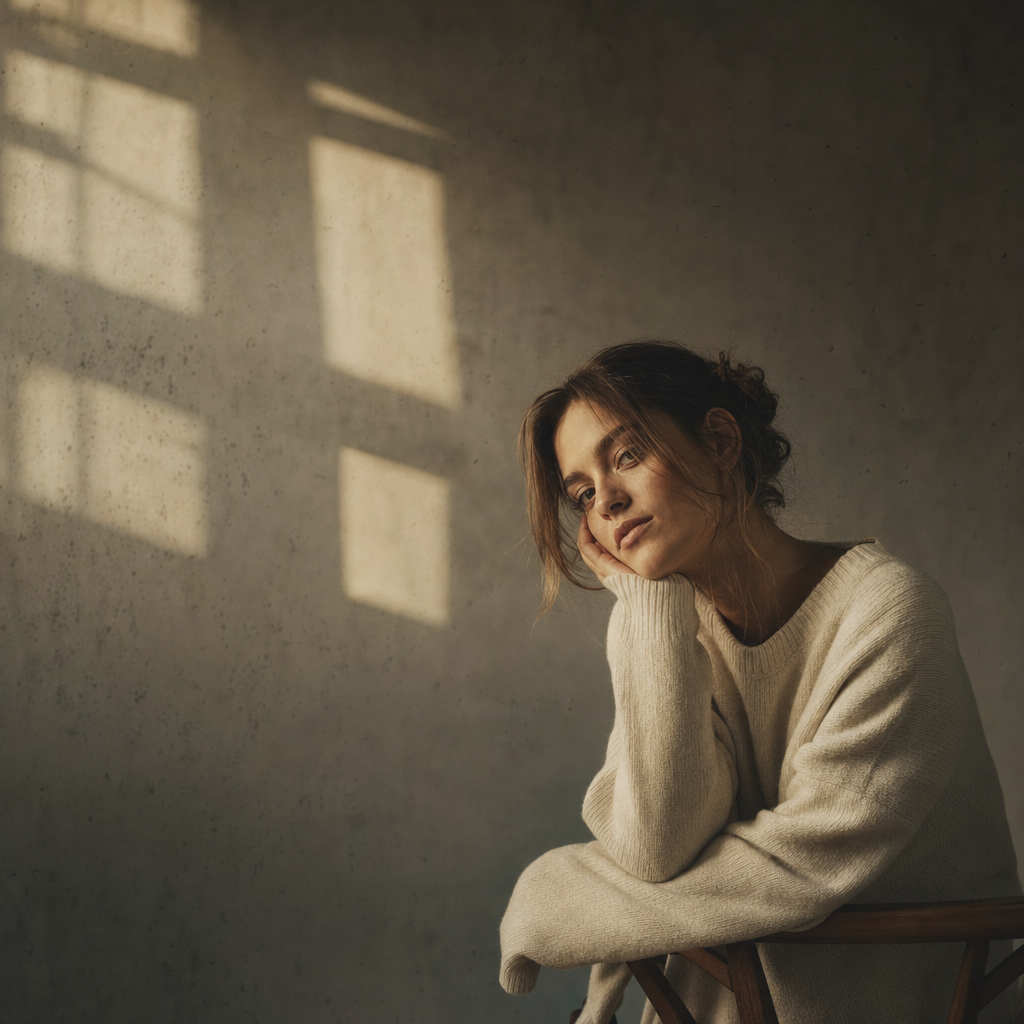
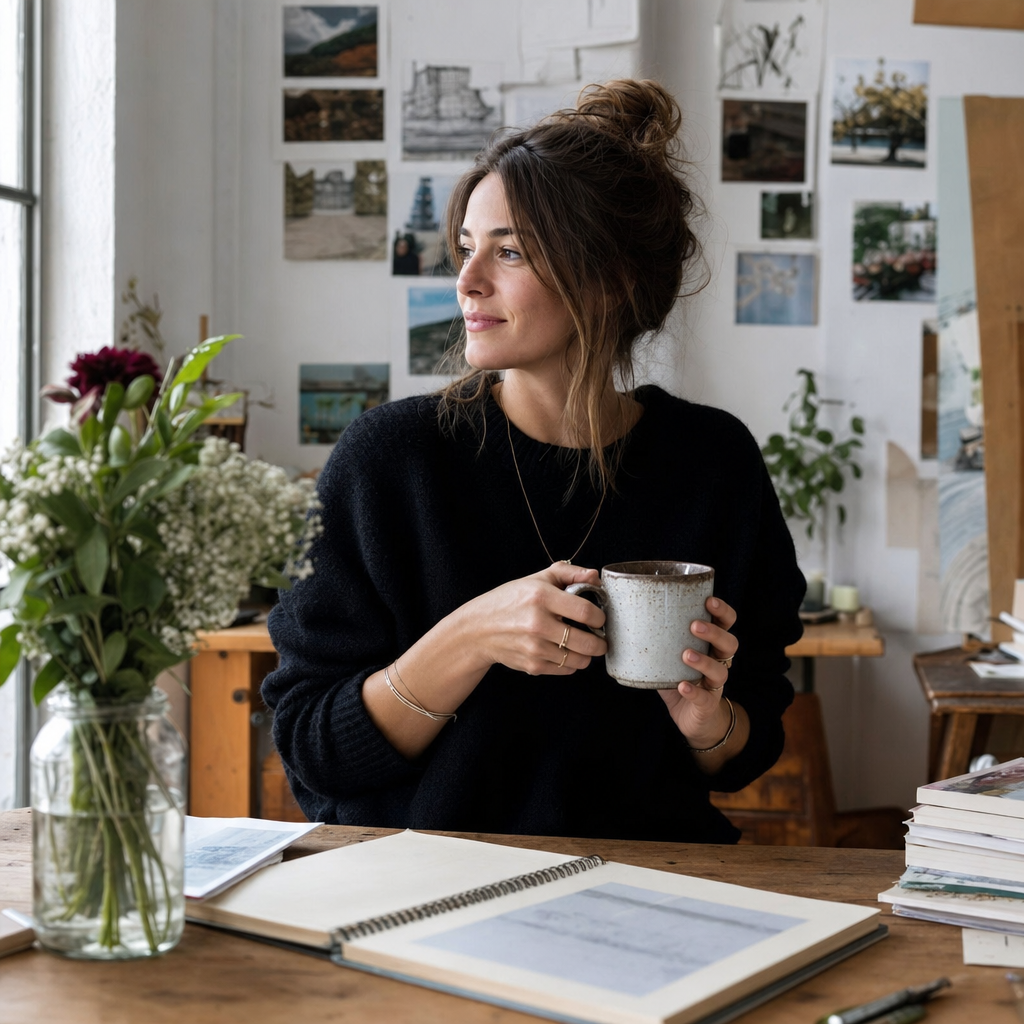
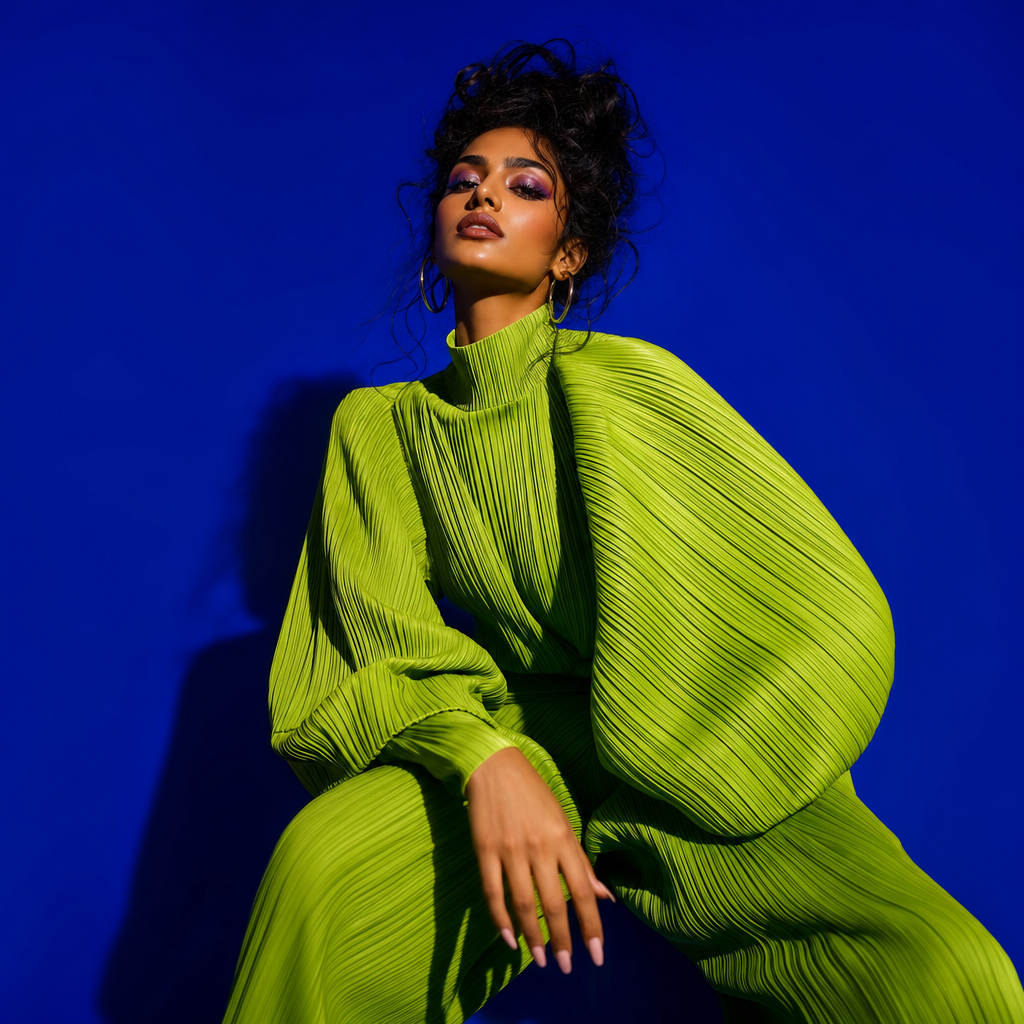
Three variants, each tuned for a specific corner of creator output. Aesthetic is the moody editorial look — golden window light, intentional negative space, neutral muted tones, a hint of film grain, the kind of frame that holds its own on a curated grid. Lifestyle is the relatable creator setting — your home studio, a coffee shop, a bookstore, a workspace, with everyday styling that reads as authentic without looking accidental. Bold is the statement look — vibrant backdrop, fashion-forward silhouette, dramatic editorial light, designed to stop a thumb mid-scroll.
The point of each variant is to take a photo you already have and make it work harder. If your camera roll already has a usable shot, you do not need a studio booking, a lighting kit, or a half-day with a photographer to turn it into something polished. Drop the photo, pick the variant, get a preview, iterate until it lands, and download the HD render. One credit per generation, unlimited iterations within that generation, and no prompt textarea to wrangle.
How it works
- Upload a real photo— Pick a photo from your camera roll where your face is clear and the framing is reasonable. Phone selfies work fine — the variant tuning does the heavy lifting. Originals stay private and auto-delete after 24 hours.
- Pick a variant— Three tiles, three creator looks. Aesthetic for moody editorial. Lifestyle for relatable creator settings. Bold for scroll-stopping statement frames. Each tile shows a real example output so you know what you are picking.
- Iterate to refine— First preview drops in seconds. Hit Try again to see another take inside the same variant — different light angle, different backdrop crop, slightly different wardrobe color. Iteration is free inside one generation, up to four passes.
- Download HD— When the preview matches the look you want for the grid, click Looks good. We render the final at full resolution sized for Instagram, TikTok stills, and creator portfolio sites.
Use cases
Refresh a tired Instagram grid
If half your last twelve posts are inconsistent in tone, run a few existing photos through one variant and you get a coherent visual run without reshooting anything.
Press kit and media one-pager
Brand deals and podcast bookings ask for a clean creator portrait. The Aesthetic or Lifestyle variant lands much closer to media-kit quality than a phone selfie crop.
TikTok and Reels still cover
Cover stills are the first frame people see — a polished, on-grid still wins more taps than a freeze-frame from the video itself.
Creator portfolio and link-in-bio
Your link-in-bio page is a portfolio. The hero photo on it should feel curated — Bold for fashion creators, Lifestyle for productivity creators, Aesthetic for visual creators.
Brand pitch deck portrait
When you pitch a brand, the deck needs a clean creator photo. Drop your favorite recent shot through PicCanvas and you have a portfolio-grade portrait without a studio.
Frequently asked questions
- Are these AI-generated faces?
- No. PicCanvas is a photo enhancer, not a face generator. You upload a real photo of yourself and the model returns a polished version of that same photo. Your face, ethnicity, age, gender, and features are preserved exactly. What gets changed is the lighting, the backdrop, the wardrobe rendering, and the overall edit grade.
- How is this different from a Lightroom preset or a phone filter?
- Filters change color and grain. PicCanvas can change the lighting setup, restyle the backdrop, and lift the wardrobe rendering toward editorial — closer to what a photographer plus a retoucher would do, but from a phone upload. The output is photo-grade, not filtered.
- Which variant should I pick?
- Aesthetic for moody editorial frames with negative space and neutral tones. Lifestyle for relatable creator settings — coffee shop, home workspace, bookstore. Bold for statement frames with vibrant color and fashion-forward styling. You can run the same upload through all three and pick the winner.
- Will the output still look like me?
- Yes. The model is locked to preserve your identity — face structure, ethnicity, age, gender, and personal features. Wardrobe gets rendered toward the variant style, but your face is yours. If a render does not look like you, hit Try again.
- Do I need a professional photo as input?
- No. Phone selfies work fine. The variant tuning is designed to lift everyday source material — what matters is that your face is clearly visible and the lighting is not extreme.
- What does it cost?
- Three packs, one-time only. Starter at $3 for 4 images, Popular at $5 for 10 images (the default for most creators), or Bulk at $10 for 25 images. No subscription, no credit-stack expiry, no upsells.
- Is the photo upload private?
- Yes. Originals land in a private bucket and auto-delete after 24 hours. Outputs live behind a CDN during your session. We do not retain photos beyond what is needed to generate.
- Can I commercially use the output?
- Yes. The output is a derivative of your own photo. You can use it on your social profiles, your portfolio, your link-in-bio, brand pitch decks, and press kits.