
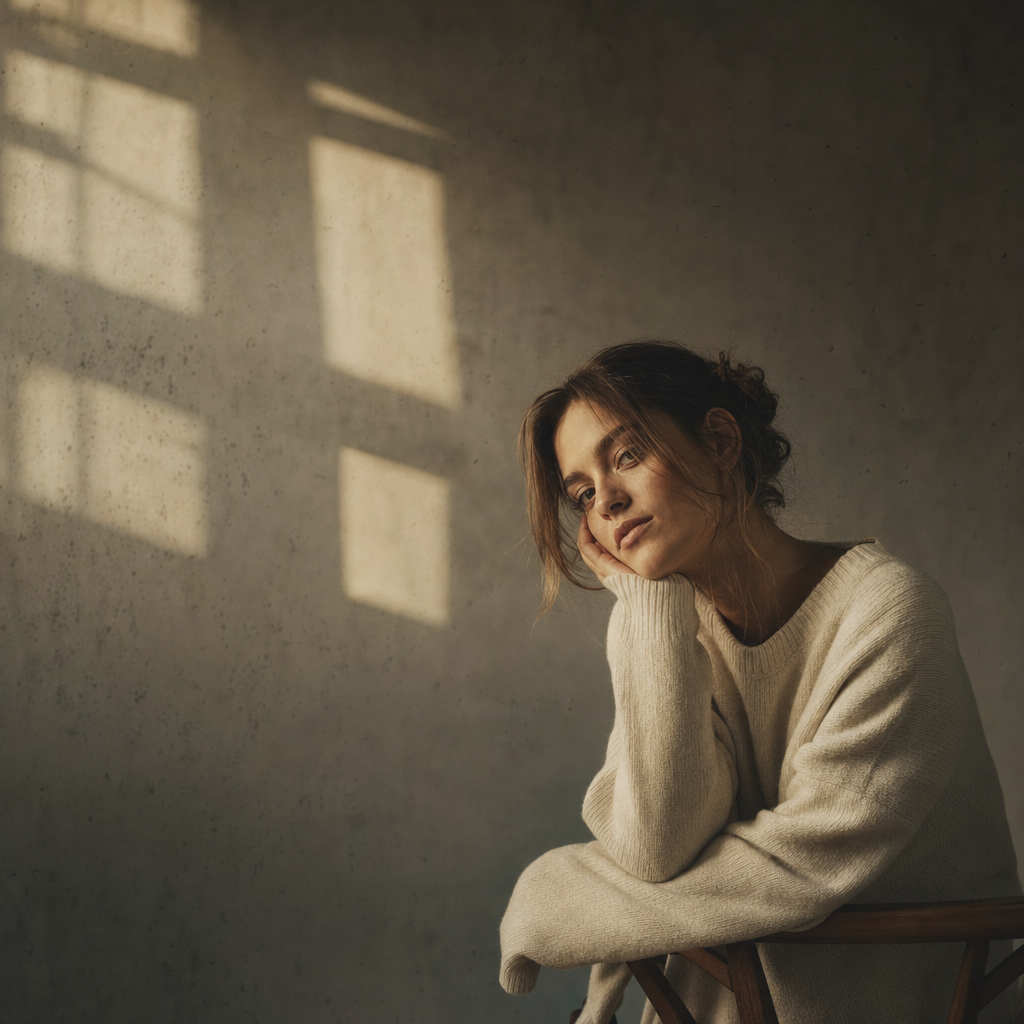
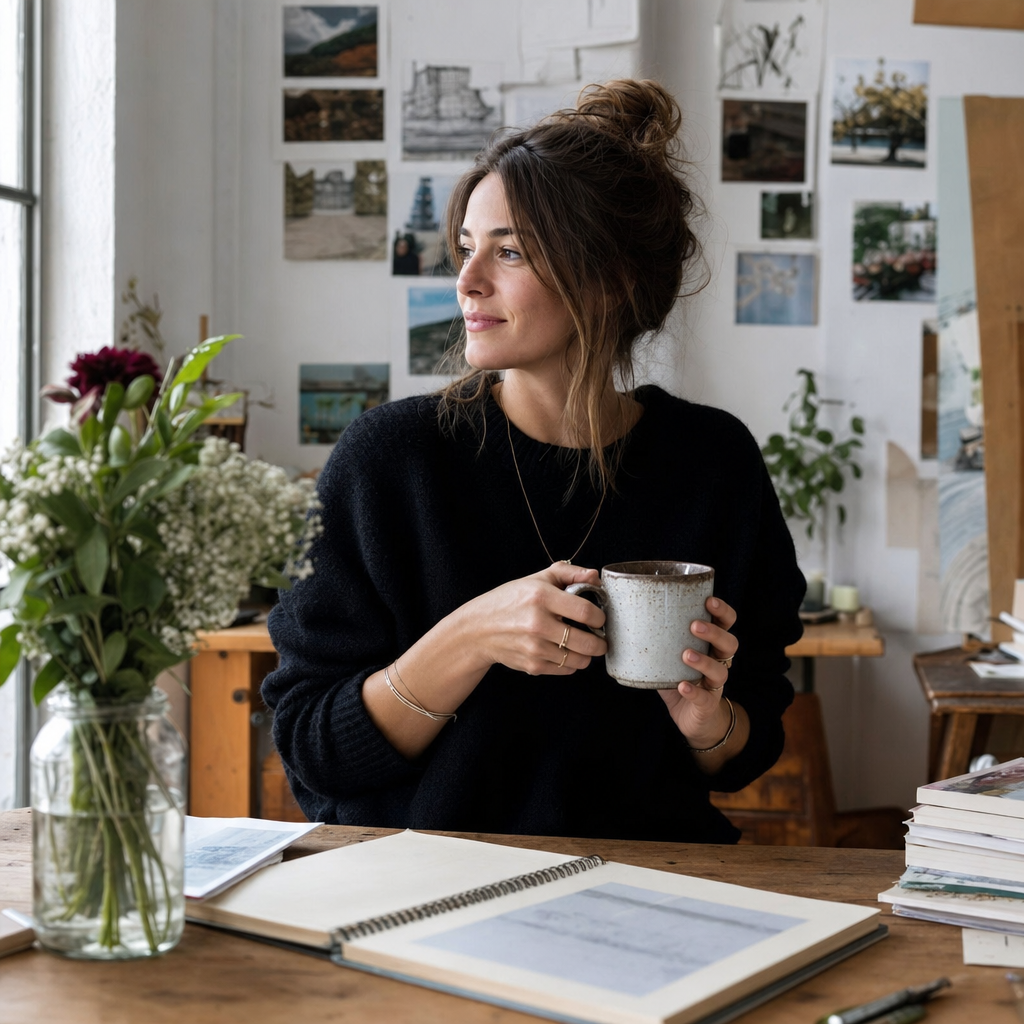
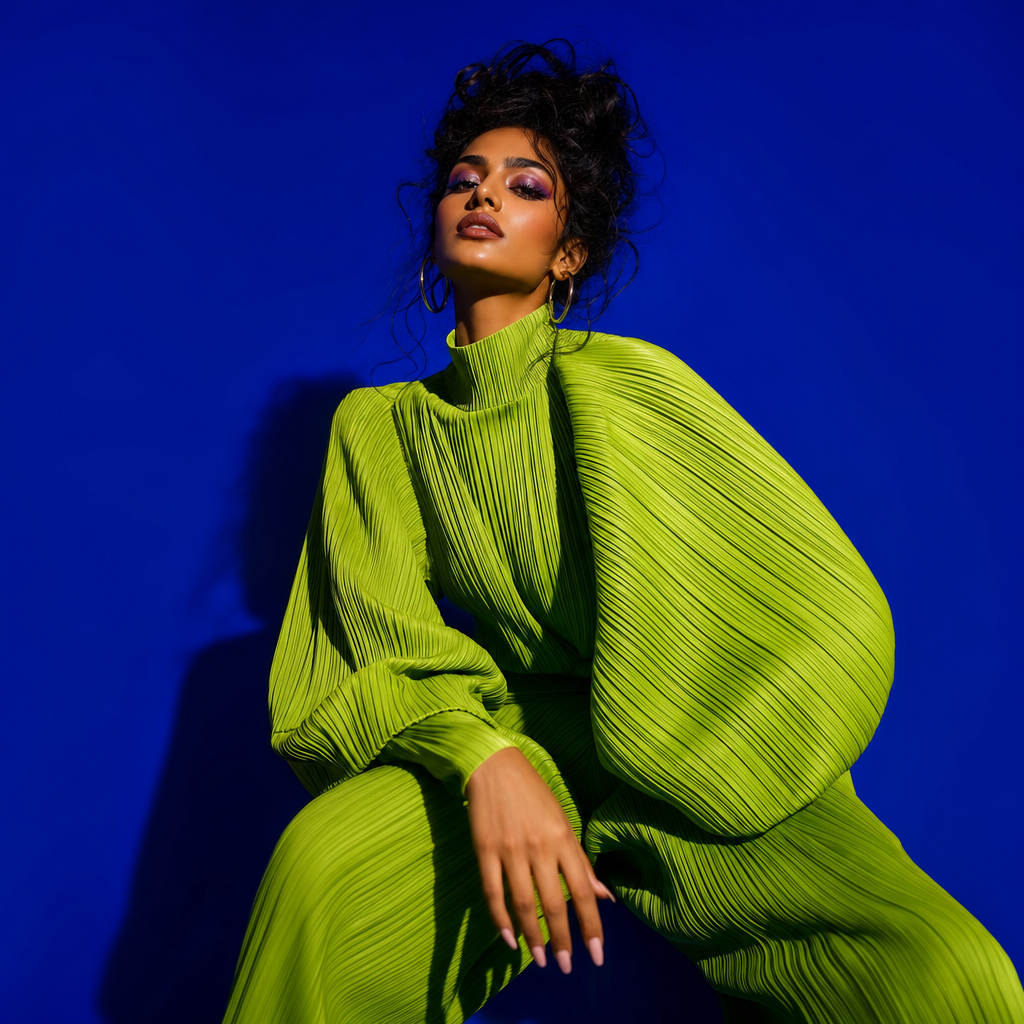
Lifestyle Instagram & TikTok Creator Photo
Lifestyle Instagram and TikTok creator photos for the people whose feed is built on relatability — the coffee on the desk, the bookshelf in the background, the soft window light at the workspace. PicCanvas is a photo enhancer, not a face generator. You upload a real photo of yourself and the Lifestyle variant returns a polished version where your face stays exactly your face. Features, ethnicity, age, gender — all preserved. What lifts is the setting, the styling, and the photographic register — closer to a brand-shot lifestyle frame than a casual selfie.
This is the variant tuned for productivity, study-with-me, books, food, slow-living, and remote-work creators on Instagram. It also doubles as a strong TikTok cover still for talking-head and lifestyle content where the thumbnail needs to feel inhabited rather than staged. Lifestyle creators on TikTok especially benefit from a polished cover frame that breaks up a row of video freeze-frames in the user's For You history.
What the Lifestyle variant produces, specifically: a portrait rendered inside a relatable creator environment — a home studio with a clean desk and natural window light, a coffee shop corner with warm ambient tone, a bookstore aisle with depth-of-field falloff behind you, a workspace with a laptop and a plant. The lighting is soft and ambient rather than studio strobe — daylight from a window, an overhead fixture rendered as flattering rather than harsh. The wardrobe is rendered toward elevated everyday — a quality fitted tee, a knit cardigan, a clean button-up, an overshirt — clothes that read as someone who got dressed but not someone who got dressed up. The backdrop sits in slight focus falloff so your face stays the anchor of the frame.
The whole point of this variant is the soft launch energy: it should read as a real moment in a curated life, not a staged shoot. If you do productivity content, lifestyle content, books, food, or remote-work content on Instagram or TikTok, this is the frame your audience expects. Drop a real photo in, pick the setting register that fits your brand, iterate until the backdrop and wardrobe sit right, and download HD. Three packs, one-time only — Starter $3 / 4, Popular $5 / 10, Bulk $10 / 25.
How it works
- Upload your photo— A relaxed, well-lit photo of you works best — even a casual selfie at a desk or in a chair. The Lifestyle variant uses the natural-light energy in the source to drive the rendering, so window-side and daylight uploads are ideal.
- Pick a variant— You are on Lifestyle. The example tile shows the relatable Instagram and TikTok setting and the elevated everyday wardrobe. Pick Aesthetic for a moody editorial register, or Bold for a TikTok and Instagram statement frame.
- Iterate to refine— First preview drops in seconds. Try again advances quality and shows another take — different setting backdrop, slightly different wardrobe layer, different ambient light direction. Iterate until the frame matches your brand world.
- Download HD— Click Looks good and the final renders at full resolution. The HD download fits cleanly into Instagram feed posts, TikTok cover stills, Substack hero sections, podcast guest cards, and creator portfolio pages.
Use cases
Productivity Instagram profile photo
Productivity, study-with-me, and notebook-content creators on Instagram need a portrait that signals the workspace. Lifestyle's home-studio rendering lands directly on that brand.
TikTok cover still for lifestyle and remote-work content
TikTok cover stills are the first frame people see in the For You history view. A Lifestyle cover with a clean desk or coffee-shop backdrop reads as inhabited and gets more taps than a freeze-frame from the video itself.
Substack and newsletter author hero
Newsletter authors do best with a portrait that feels human and lived-in. The Lifestyle variant's window-light bookstore or workspace settings outperform a posed studio frame for that medium.
Podcast guest card
Podcast booking sheets list guest photos at small sizes. The Lifestyle variant's clear face-against-soft-backdrop rendering reads better at thumbnail size than a tight-cropped studio shot.
Lifestyle and food creator brand pitch
Brand decks for Instagram and TikTok lifestyle, food, books, and home creators want a portrait that matches the content register. Lifestyle's everyday-but-elevated rendering is the natural fit.
Frequently asked questions
- Will the Lifestyle Instagram photo still look like me?
- Yes. PicCanvas preserves your face, hair, ethnicity, age, gender, and features exactly. The variant only changes the setting around you — the backdrop, the lighting, the wardrobe rendering, and the overall edit grade. If the first render does not look like you, hit Try again.
- Does this work as a TikTok cover still?
- Yes. TikTok cover stills are essentially Instagram-grid frames in a different aspect — Lifestyle's relatable-setting framing reads cleanly at the cover-still crop and stops the For You scroll harder than a video freeze-frame would.
- What kind of source photo works best?
- A clear, relaxed photo with reasonable natural light. Window-side selfies, daylight portraits, and casual workspace shots all work well. The Lifestyle variant pulls toward soft-light renderings, so a brightly lit phone selfie is fine input.
- Will the backdrop change my actual room?
- Yes. The variant renders a clean, branded creator setting — desk, bookshelf, coffee shop, workspace — regardless of what was behind you in the upload. The point is to give you a portfolio-grade backdrop without needing one in real life.
- Will the wardrobe match what I was wearing?
- Wardrobe is rendered toward elevated-everyday staples — fitted tee, knit cardigan, clean button-up — regardless of source. Your face and identity stay yours; the wardrobe is part of the variant tuning. Iterate if the first wardrobe pick is off-brand for you.
- How does Lifestyle differ from Aesthetic?
- Lifestyle puts you inside a relatable creator setting — coffee shop, workspace, bookstore — with elevated-everyday wardrobe and ambient natural light. Aesthetic strips that down to negative space and moody editorial lighting against neutral muted backdrops. Pick Lifestyle if your Instagram or TikTok content is environmental; pick Aesthetic if your grid is quiet and editorial.
- Can I use the same upload across all three variants?
- Yes. Each generation is its own pack draw, so you can run the same source photo through Lifestyle, Aesthetic, and Bold to compare which register fits the post. Many creators run all three and pick the winner.
- Is the output usable for brand partnerships?
- Yes. The output is a derivative of your own photo, so the same usage rights apply. Use it for Instagram and TikTok brand pitch decks, sponsored post anchors, press kits, and link-in-bio hero sections.