
Bold Portrait for Instagram AI
Bold portrait for Instagram AI for the creators whose work demands a frame that stops the thumb. PicCanvas is a photo enhancer — you upload a real photo of yourself and the Bold variant returns a statement-grade version of the same photo with your face, your features, your ethnicity, your age, and your gender preserved exactly. The variant amplifies everything around you: the backdrop, the wardrobe rendering, the lighting, the contrast.
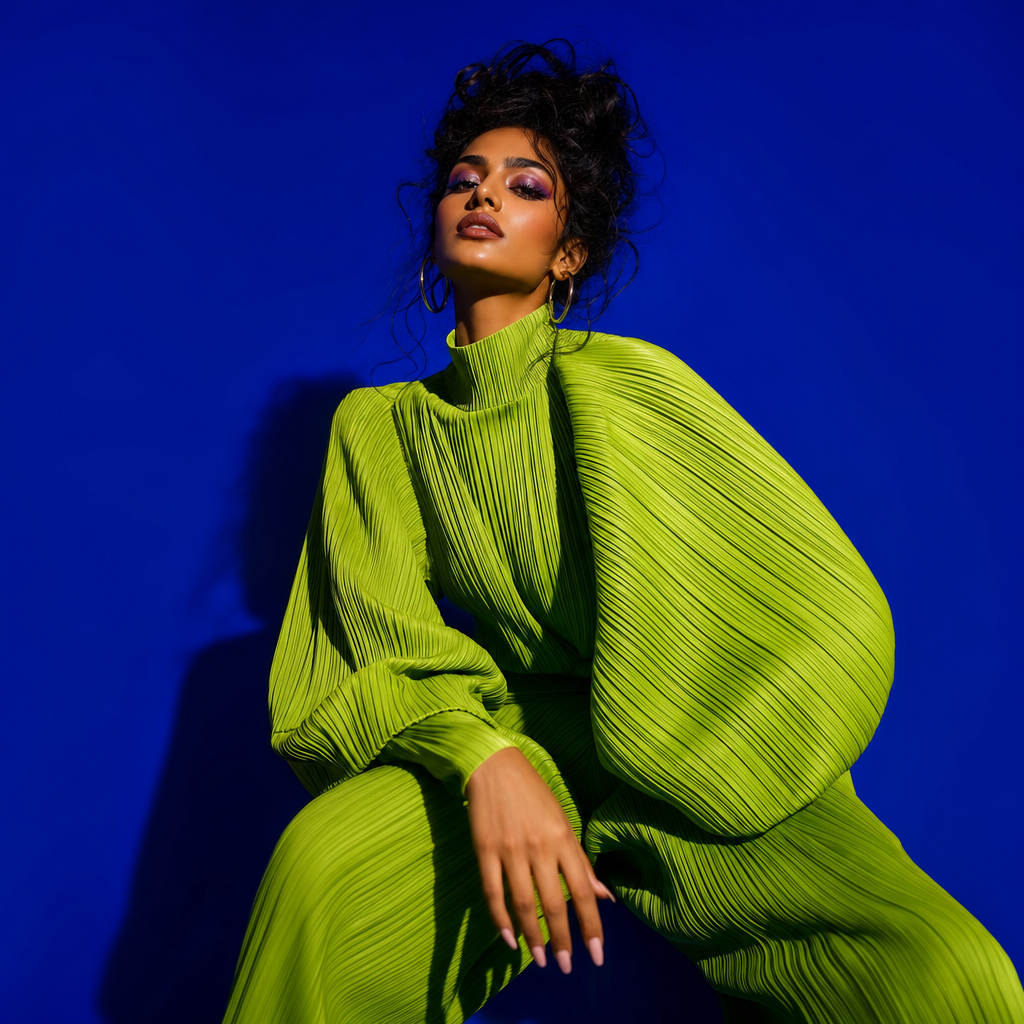
What the Bold variant produces, specifically: a portrait against a vibrant saturated backdrop — emerald, magenta, electric cobalt, ochre, ruby, or a strong gradient pull — chosen to push contrast against your skin tone and outfit. The wardrobe is rendered toward fashion-forward editorial — a strong silhouette, a defined shoulder line, a sharp lapel, a sculptural neckline, a structured leather or denim layer, depending on the source photo. The lighting is dramatic and directional: a hard rim, a colored gel kiss, a high-contrast key from one side. The framing is tight and confident, holding your face as the anchor while the color and styling do the scroll-stopping work.
This is the variant for creators in fashion, beauty, music, pop culture, and personal-brand-as-product spaces — the people whose audience expects each post to read as a deliberate visual choice. The Bold variant takes a real upload from your camera roll and pushes it into the editorial register without a studio booking, a stylist, or a photographer day rate. Identity stays locked: your face is your face, with the variant only escalating the photographic and styling context around you. Three packs, one-time — Starter at $3 for 4, Popular at $5 for 10 (most creators), Bulk at $10 for 25.
How it works
- Upload your photo— A clear, well-lit photo of your face. Even a flat phone selfie works as input — the Bold variant rebuilds the lighting and backdrop from the ground up, so the source mostly carries your identity rather than the photographic style.
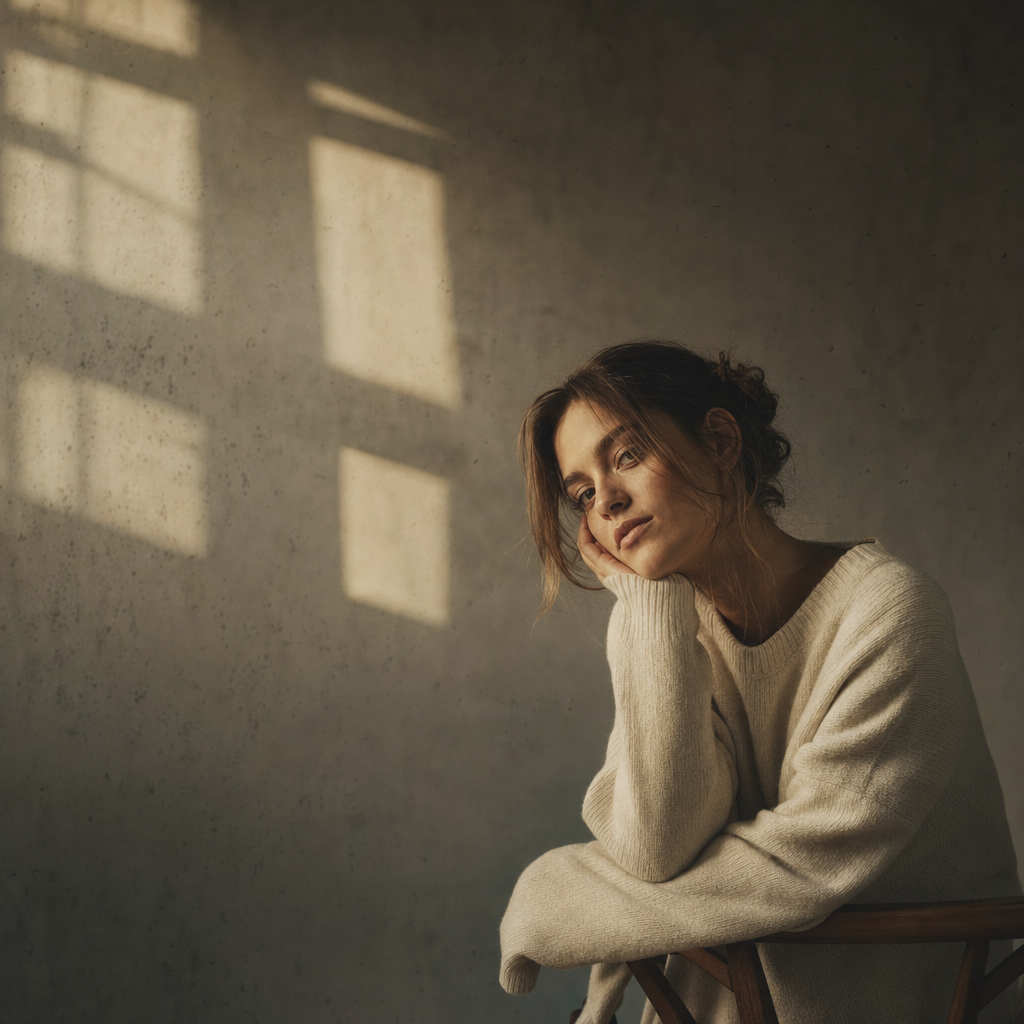
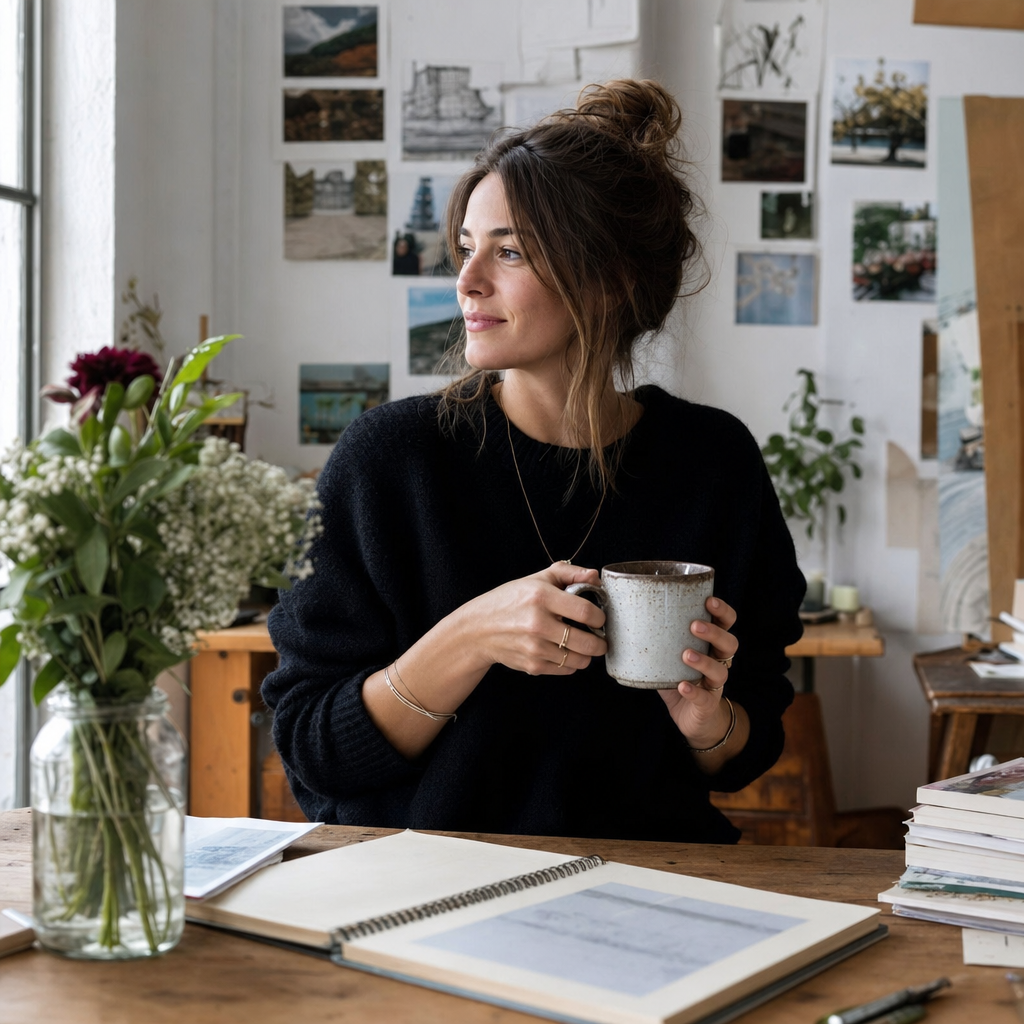
- Pick a variant— You are on Bold. The example tile shows the saturated backdrop, the dramatic editorial lighting, and the fashion-forward styling. Pick Aesthetic instead for a quiet moody editorial frame, or Lifestyle for a relatable everyday setting.
- Iterate to refine— First preview drops in seconds. Try again advances quality and rotates the variant — different backdrop color, different wardrobe silhouette, different rim-light direction. Iterate until the frame lands.
- Download HD— Click Looks good and the final renders at full resolution. The HD download is sized for Instagram, TikTok cover stills, fashion lookbook one-pagers, and music or pop-culture press kits.
Use cases
Fashion creator lookbook frame
Fashion creators need portraits that hold up against the brand and runway content they post alongside. The Bold variant lands directly in that register — saturated backdrop, sculptural wardrobe rendering, editorial light.
Beauty brand pitch portrait
Beauty pitch decks favor high-contrast color portraits because they sell color story. The Bold variant produces a frame that reads as on-pitch for a beauty brand without needing a studio shoot.
Music and pop-culture press still
Press shots for musicians, podcasters, and pop-culture creators benefit from a saturated, statement-leaning portrait. Bold delivers that scroll-stopping register from a phone upload.
Album or single cover concept frame
When you need a fast cover concept — single art, podcast cover, mixtape — the Bold variant gives you a tight, color-forward portrait you can crop into the artwork without further retouch.
Personal brand reposition with a louder voice
If you are repositioning a personal brand into a louder content lane, the Bold variant flags the change visually — a clear break from a previous quiet grid, in one frame.
Frequently asked questions
- Is this still my real face?
- Yes. The Bold variant changes the backdrop, the lighting, and the wardrobe rendering, but your face, hair, ethnicity, age, gender, and features stay yours. PicCanvas does not generate new faces — it enhances real photos. If a render drifts off your identity, hit Try again.
- Does Bold over-stylize the face itself?
- No. The variant escalates the context around you — backdrop color, wardrobe silhouette, rim light — not your face. Skin texture, expression, and feature detail are kept truthful. The drama lives in the styling, not in over-retouching.
- Will the saturated backdrop clash with my skin tone?
- The variant picks backdrop colors that push contrast against your skin tone rather than fighting it. If a specific render lands wrong on your tone, iterate and the next pull samples a different color from the variant range.
- Can I use the Bold output for a music release cover?
- Yes. The output is a derivative of your own photo, so you retain the same usage rights. Many creators crop the Bold render directly into single artwork, mixtape covers, and podcast covers without further editing.
- How does Bold differ from Aesthetic?
- Bold is high-saturation, high-contrast, and statement-leaning — vibrant backdrop, fashion-forward silhouette, dramatic light. Aesthetic is muted, atmospheric, and quiet — neutral palette, negative space, soft window light. Pick Bold if you want maximum thumb-stopping power; pick Aesthetic if you want editorial restraint.
- Will the wardrobe match what I uploaded?
- Wardrobe is rendered toward fashion-forward statement pieces — strong shoulder lines, sculptural necklines, structured layers — regardless of source. Your face and features stay yours; the wardrobe is variant-driven. Iterate if the first silhouette is off-brand for your work.
- Is one pack enough to land a usable frame?
- For most creators, the Popular pack ($5 for 10) is the right starting point — gives you four full generations with iteration and several extra attempts to compare backdrop colors. Bulk ($10 for 25) is the call if you are working a campaign with multiple frames.